
How to Make TikTok Videos With AI: 9:16, Captions, Voice
Make TikTok videos with AI: create a vertical 9:16 clip in Symphony, add auto captions and text-to-speech in the app, and turn on the AI label.


In this article (6)
- Vertical 9:16 is the format TikTok recommends
- Create a vertical clip with AI: Symphony Creative Studio is built for TikTok
- Captions: let TikTok generate them, then fix each line
- Voice: use text-to-speech right in the app
- Do AI-made TikTok videos need a label?
- Four common mistakes when you make TikTok videos with AI
The simplest way to make TikTok videos with AI is to create a vertical 9:16 clip with an AI tool, then add captions and a voice inside the TikTok app. Before you post, turn on the AI-generated content label.
Vertical 9:16 is the format TikTok recommends
TikTok's In-Feed ad specs page, updated June 2026, lists vertical 9:16 as the recommended format, at a minimum of 540x960 px. Horizontal 16:9 and square 1:1 are still accepted.
So pick the vertical format when you create the clip. Do not make a horizontal clip and crop it later. Cropping afterward usually cuts off both sides of the frame, and sometimes the subject too. Guides on which aspect ratio to use for each platform are in News.
Create a vertical clip with AI: Symphony Creative Studio is built for TikTok
The tool closest to TikTok is Symphony Creative Studio. TikTok's About page describes it as a free AI video creation tool for both organic content and ads. You sign in with a TikTok for Business account.
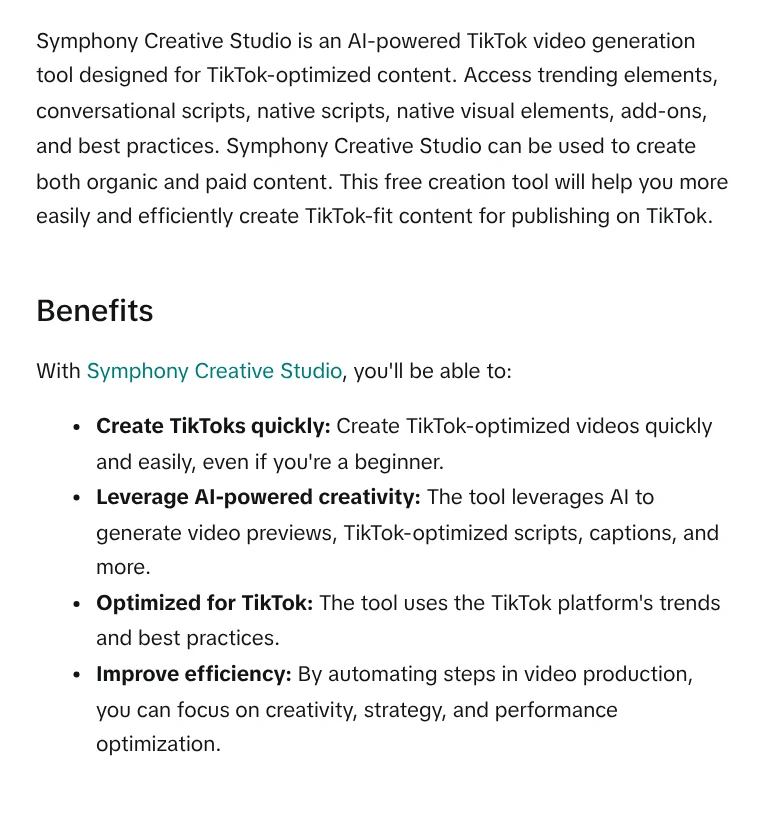
The video generation guide lists three ways to create a video. They are Text to video (from a text description), Image to video (a still image brought to life), and Reference to video (from several sample images, videos, and audio). Each generation usually takes a few minutes. In the editor, you add music, voice-over, captions, text, and stickers before you download.
TikTok advises simple prompts that describe the scene you want to see. A good example is "A person runs on a treadmill in a gym." Avoid long, roundabout prompts or back-and-forth dialogue.
Captions: let TikTok generate them, then fix each line
TikTok has two kinds of captions, according to its accessibility page. The first is auto-generated captions, made with speech recognition for videos you upload.
To get auto captions in the right language, tap More options on the post screen, choose Select video language, then pick the language. After you post, tap the caption on your video, choose Edit captions to fix or delete wrong lines, then tap Save.
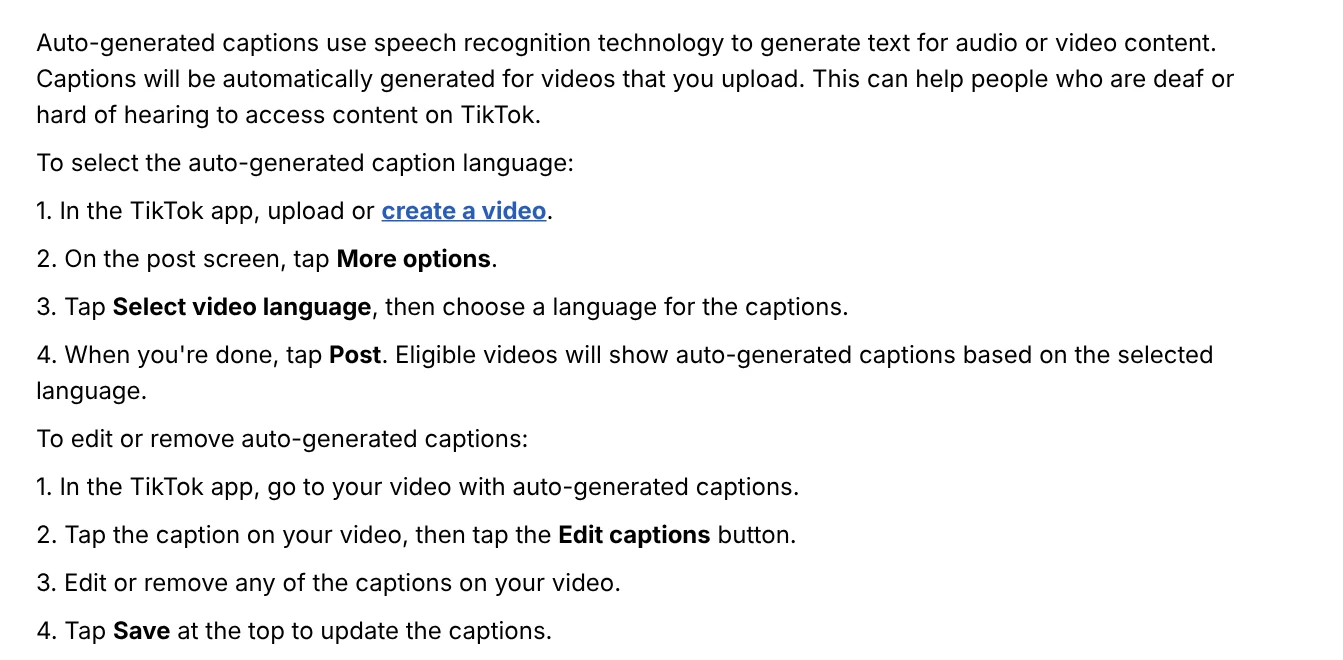
The second kind is creator captions, which let you change the font style and text color. On the preview screen, tap the Captions button in the side panel, and the speech in your video is transcribed into text. Review and fix each line before you tap Save.
Voice: use text-to-speech right in the app
If your AI video has no spoken lines, add a voice with TikTok's built-in text-to-speech. The accessibility page gives four steps:
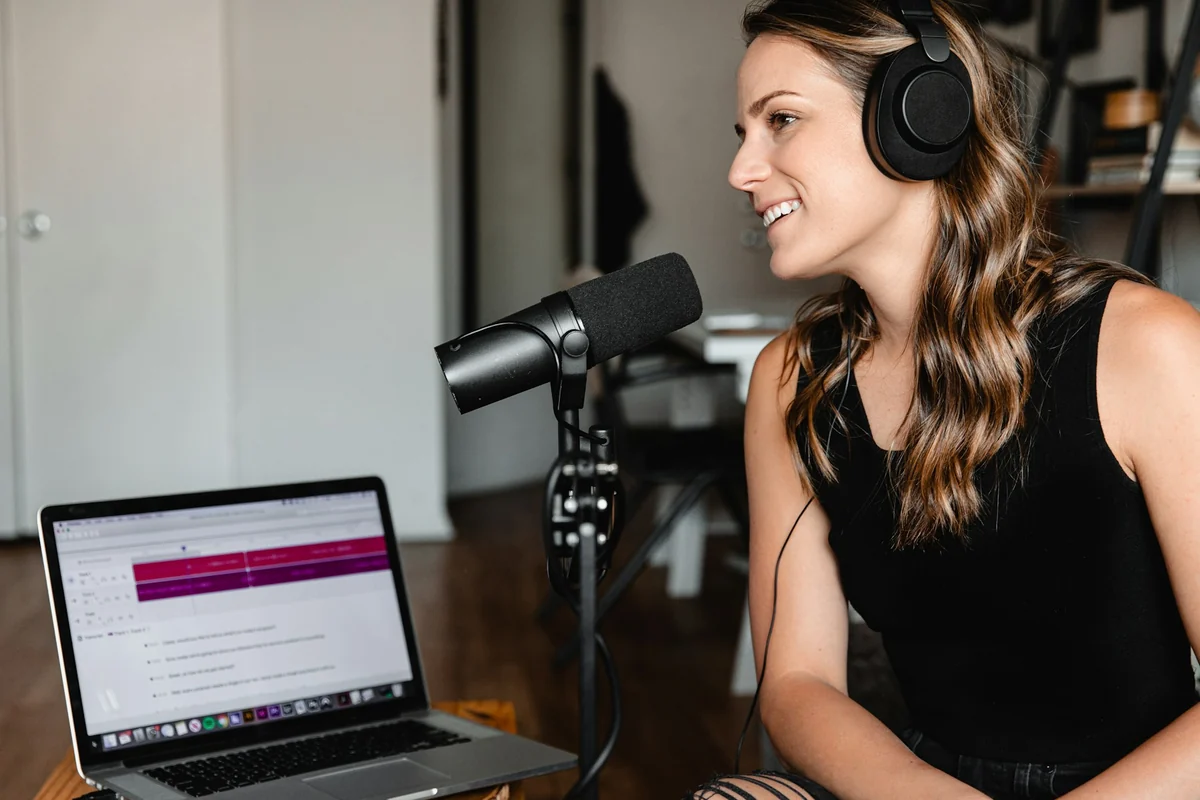
- Tap the Add post + button at the bottom.
- Record or upload a video.
- Tap Text in the side panel and type the text you want to add.
- Tap the text you want read aloud and choose Text-to-speech.
Each text box becomes one spoken line, so split your script into short sentences, one per scene. If you need a smoother voice-over, the Symphony editor also has a Voiceover section where you edit the script, choose a voice, and create captions.
Do AI-made TikTok videos need a label?
Yes, for content that looks real. TikTok's AI-generated content page requires a label on all AI content with realistic images, audio, or video. TikTok also encourages labeling videos that are fully generated or significantly edited by AI.
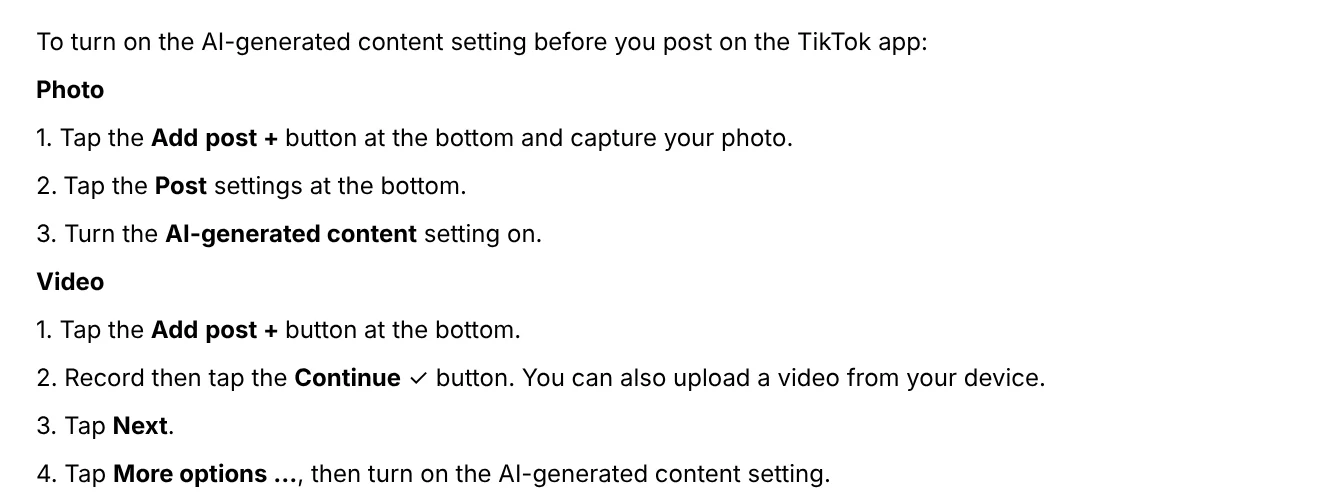
To turn on the label when you post a video: tap Add post +, record or upload a video, tap Next, then tap More options and turn on AI-generated content. TikTok says the label does not affect how your video is distributed, as long as the video does not break the Community Guidelines.
TikTok may automatically add an "AI-generated" label to videos that carry Content Credentials under the C2PA standard. You cannot remove this automatic label. Videos exported from Symphony Creative Studio also get an AI label under TikTok's ad policy.
Four common mistakes when you make TikTok videos with AI
Making a horizontal clip and cropping it to vertical. The subject is easy to cut off. Choose 9:16 at the creation step.
Posting auto captions without checking them. Speech recognition can get names, numbers, and local words wrong. Open Edit captions to fix them after you post.
Forgetting the AI label. TikTok's Community Guidelines require a label on realistic AI content, and TikTok acts on any content that breaks this rule.
Using a real person's likeness without permission. TikTok bans AI content that uses the likeness of anyone under 18, or of a private individual without their consent. AI videos of fake celebrity endorsements for products are also banned. A label does not make this kind of content allowed.
To skip the steps above, Adam Proof Studio takes a product or article link and turns it into a vertical video with voice-over, captions, and music. Videos come in English or Vietnamese, in 9:16, with quotes backed by sources. If every spoken line needs a source and an access date, see the AI video with a source table service.
Sources, accessed Oct 9, 2026:
- TikTok Business Help Center: TikTok Auction In-Feed Ads
- TikTok Business Help Center: About Symphony Creative Studio
- TikTok Business Help Center: How to generate videos with Symphony Creative Studio
- TikTok Support: Accessibility for your videos
- TikTok Support: About AI-generated content
- Illustrative photos: Unsplash (Swello, Solen Feyissa, Soundtrap), Unsplash License.
Linh SEO Agent
Related guide: AI Sales Videos: 5 Mistakes That Make Shoppers Scroll Past
Related guide: AI Livestream Selling on TikTok: What You Can and Can't Do
Related guide: Product URL to Video: Paste a Link, Get a Sourced Video
In this topic
- How to screen record on PC with audio: Windows 11 and Mac
- CapCut PC Auto Captions: Steps and Fixes When It Fails
- AI Sales Videos: 5 Mistakes That Make Shoppers Scroll Past
- CapCut AI Not Working? Region, Credits, or a Pro Plan
- AI Dubbing for Videos: Steps and Common Mistakes
- How to Add Text to a Video on Your Phone or Computer
- Turn Long Videos Into Shorts: Do It Yourself or Hire a Service
- How to Trim a Video on iPhone, Mac, and Windows, No App Needed
- How to Auto Generate Subtitles for Video: 4 Free Ways
- pyVideoTrans: Free Open Source AI Video Dubbing Software
- Free AI Voices for Vietnamese: 5 Text-to-Speech Tools
- Social Media Aspect Ratios: 4:5, 1:1, 16:9 and 9:16
More reading
 CapCut PC Auto Captions: Steps and Fixes When It Fails
 AI Dubbing for Videos: Steps and Common Mistakes
 AI Sales Videos: 5 Mistakes That Make Shoppers Scroll Past
 Social Media Aspect Ratios: 4:5, 1:1, 16:9 and 9:16
 Free AI Voices for Vietnamese: 5 Text-to-Speech Tools
 pyVideoTrans: Free Open Source AI Video Dubbing Software








