
pyVideoTrans: Free Open Source AI Video Dubbing Software
pyVideoTrans is free video translation and AI dubbing software: speech recognition, subtitle translation, multi-voice dubbing. Setup and limits.

In this article (7)
- pyVideoTrans is free, open source video translation and dubbing software
- One click runs four stages: speech recognition, translation, dubbing, video merge
- Can pyVideoTrans translate videos into English, Vietnamese and other languages?
- AI dubbing with multiple speakers gives each person their own voice
- Install on Windows with a 2.7 GB package, or from source on macOS and Linux
- Know the limits and your copyright duties before you start
- Choose pyVideoTrans if you do it yourself, a service if you need a finished video now
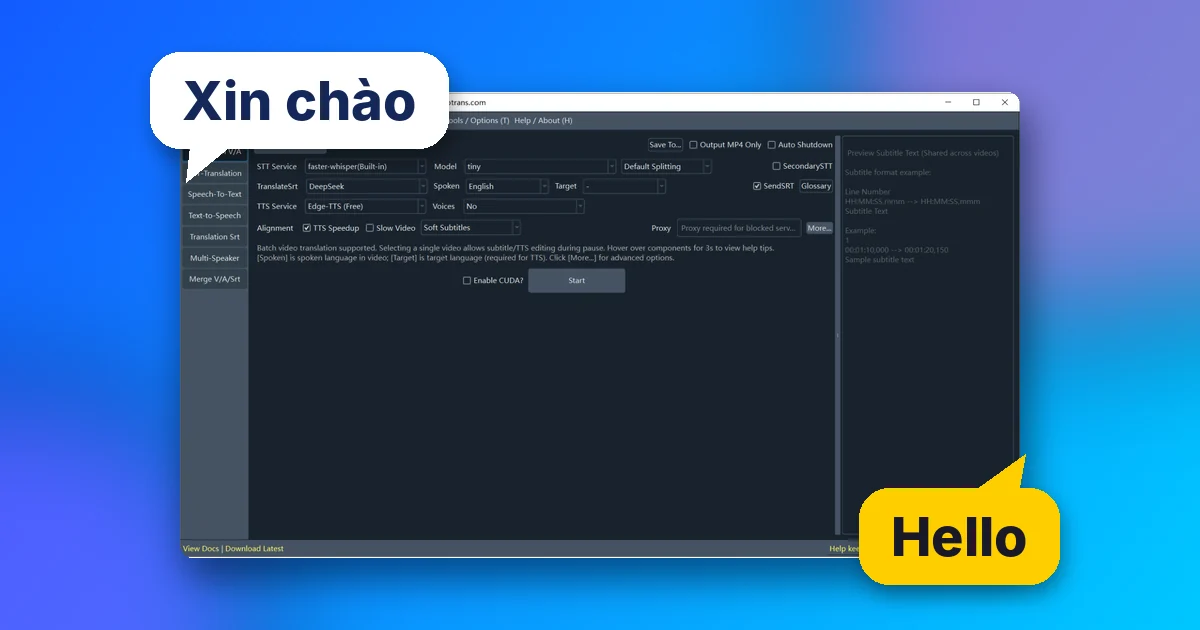
pyVideoTrans is free AI video dubbing software that runs on your own computer. It transcribes speech, translates the subtitles, reads them back with an AI voice and builds a new video, in dozens of languages.
pyVideoTrans is free, open source video translation and dubbing software
On Oct 4, 2026, the project released windows-v4.15, still the latest version as of Oct 11, 2026. That day, the jianchang512/pyvideotrans GitHub repo had about 19.3k stars and 2.4k forks and used the GPL-3.0 license.
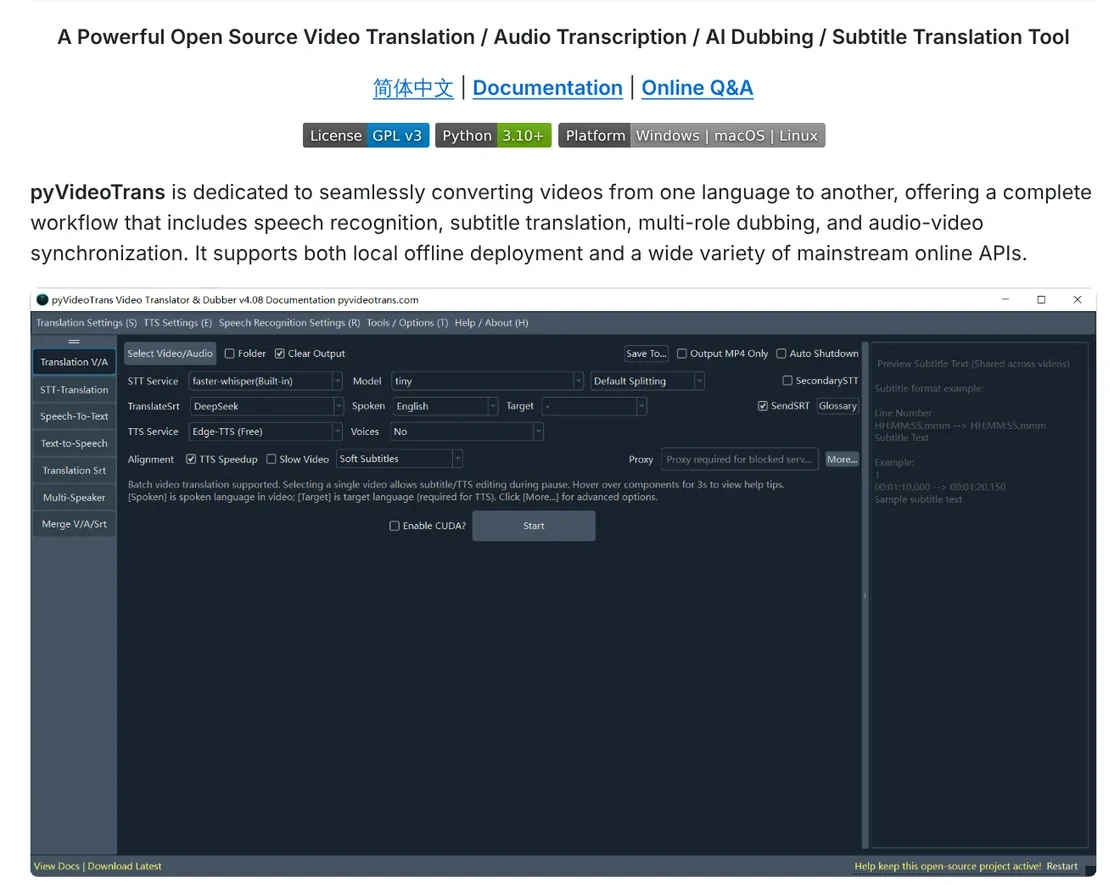
The README describes it as a tool for video translation, transcription, AI dubbing and subtitle translation. It runs offline on your computer or calls online APIs. The project home page says the software is free, needs no account, and has been maintained since October 2023.
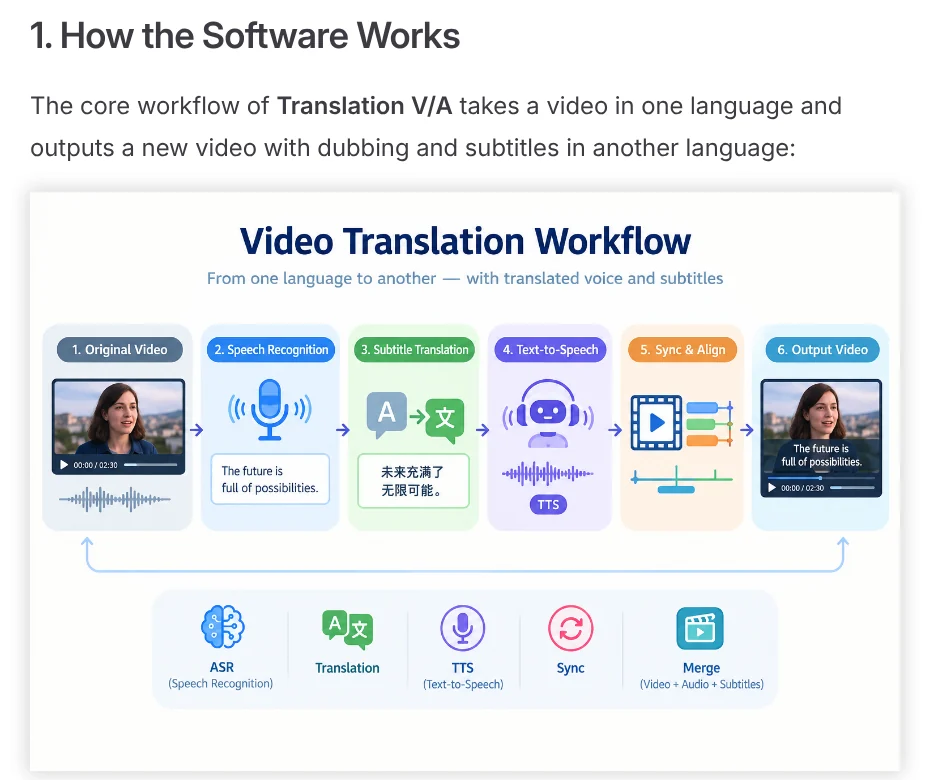
One click runs four stages: speech recognition, translation, dubbing, video merge
The user guide describes a pipeline. The Speech-To-Text stage listens to the original video and writes timestamped subtitles. The subtitles are translated into the target language. The TTS (text to speech) stage reads the translation aloud. Finally, the software aligns audio, text and picture and exports a new video.
The defaults suit beginners: speech recognition with faster-whisper on your computer, translation with Google Translate and dubbing with Edge-TTS, both of which are free. The Quick Start page says that if Google cannot connect, the software switches to Microsoft Translate on its own.
When you translate one video at a time, a subtitle review window opens so you can edit by hand and re-dub each segment.
Can pyVideoTrans translate videos into English, Vietnamese and other languages?
Yes. The language codes in the source code's language list include "vi" (Vietnamese) alongside English. The language menu currently offers about 80 languages.
For speech recognition, the Whisper family covers up to 99 languages, and NVIDIA's Nemotron model explicitly lists Vietnamese. For dubbing, Edge-TTS supports every language built into the software. So you can translate a video from Vietnamese into English, or the other way around.
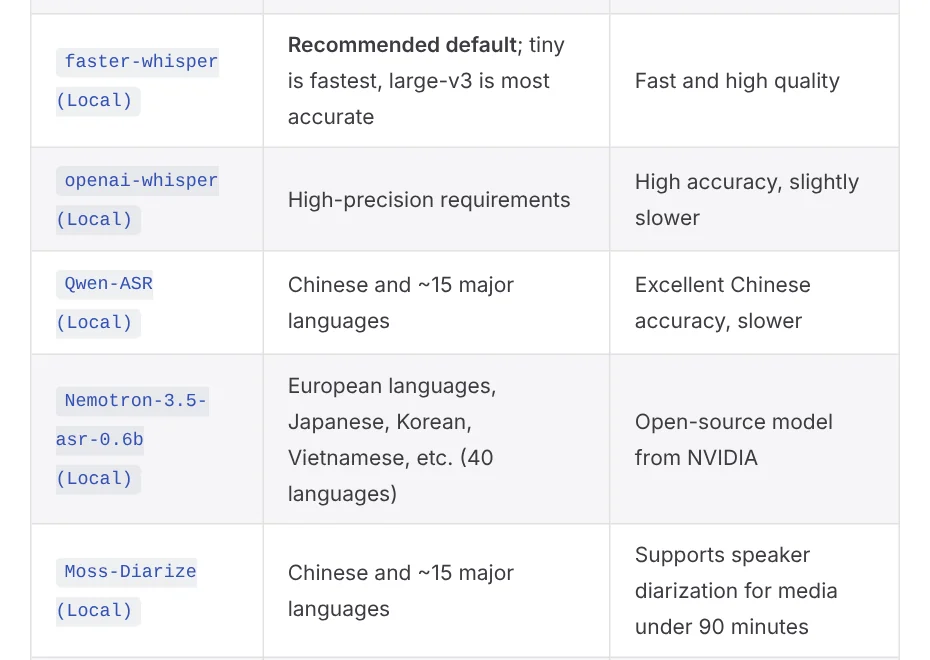
For a more natural translation, the user guide recommends translating with DeepSeek and adding a glossary.
AI dubbing with multiple speakers gives each person their own voice
For videos with several speakers, the multi-speaker dubbing page offers two methods. Method 1: pick a video, click More Settings, check Identify Speakers and set the number of speakers. After translation, you assign a voice to each person in the window that appears.
Method 2: open Multi-Speaker Dubbing, load the subtitles, then assign a speaker to each line. The speaker recognition page admits this feature is not highly accurate yet, so review the result.
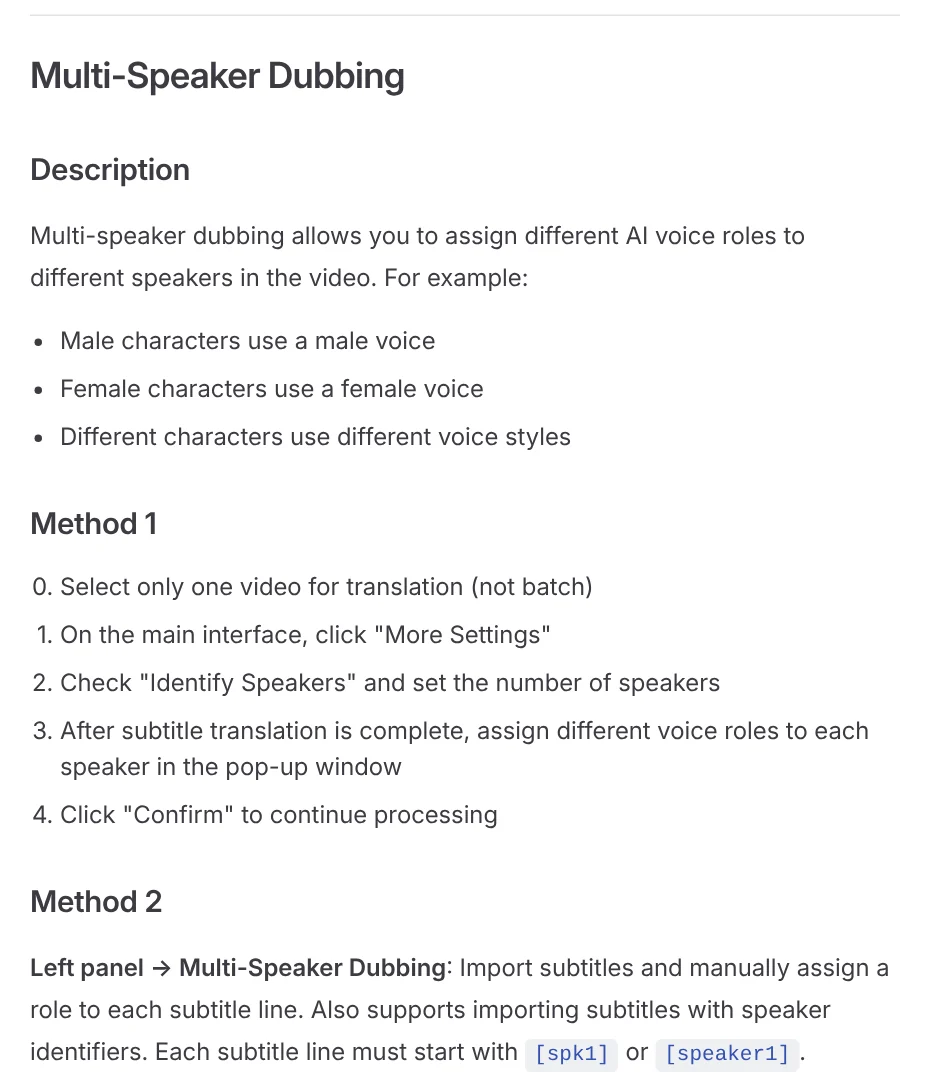
The software also has Voice Cloning through F5-TTS, CosyVoice and GPT-SoVITS. Only clone the voice of someone who has agreed to let you use it.
Install on Windows with a 2.7 GB package, or from source on macOS and Linux
The Windows download page offers a full 2.7 GB v4.15 package for Windows 10/11 that needs no Python install. Extract the 7z file to a short path with no spaces, such as D:\pyVideoTrans, not the desktop or Program Files. Then double-click sp.exe, and do not run it from inside the archive.
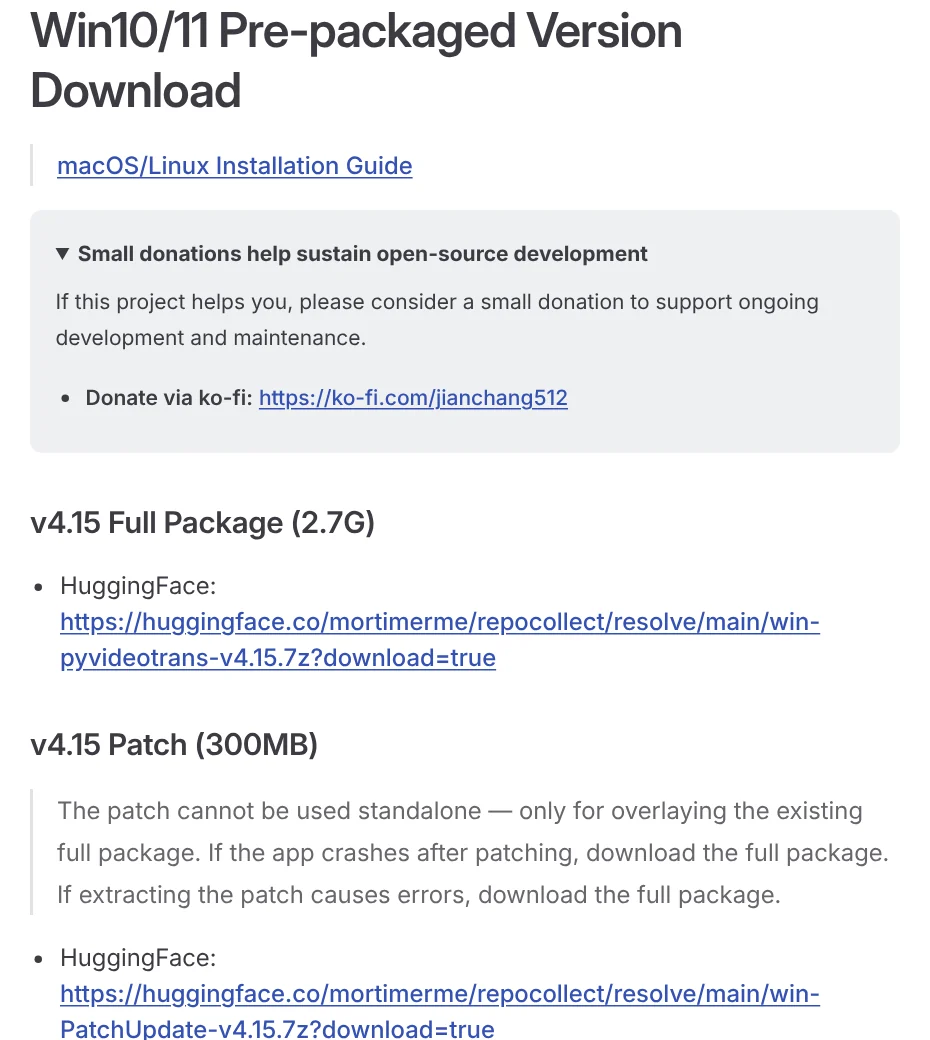
On macOS and Linux, the README has you install from source with Python 3.10, FFmpeg and the uv package manager:
``bash git clone https://github.com/jianchang512/pyvideotrans.git cd pyvideotrans uv sync uv run sp.py ``
The project also has a command line interface (CLI), a web interface (WebUI) and Docker.
Know the limits and your copyright duties before you start
The home page says the software has no minimum hardware requirement and runs without an NVIDIA card. For GPU acceleration, you need an NVIDIA card with CUDA 12.8 and cuDNN 9. The software cannot remove hard-coded subtitles already in a video, and it does not handle videos that only have background music.
The software is free, but third-party APIs such as ChatGPT or DeepSeek charge separately. The developer does not allow anyone to sell this software, so only download it from GitHub or the project site.
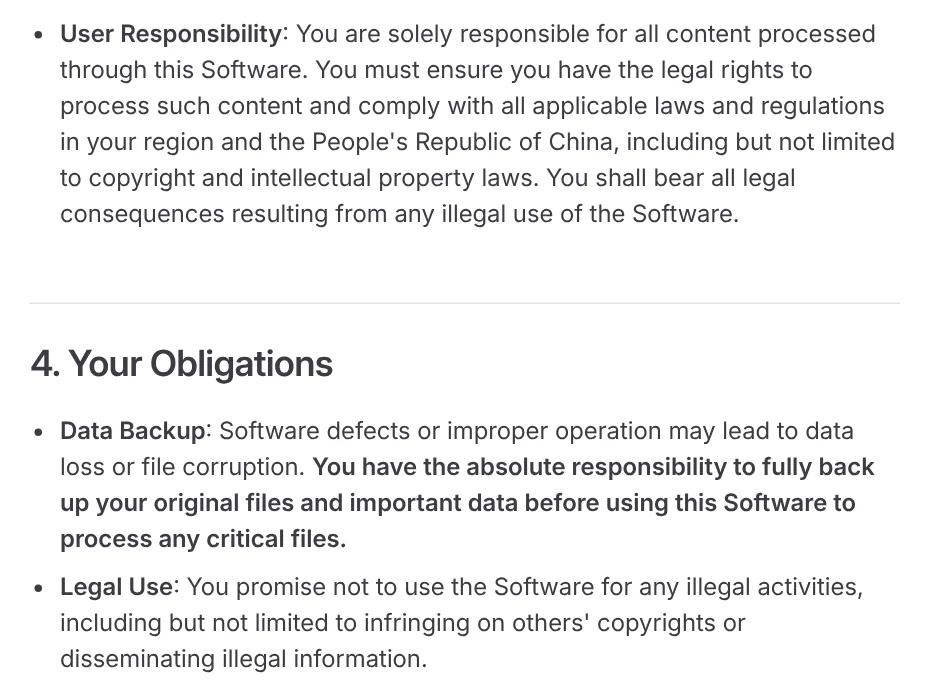
Most important, the license agreement makes you responsible for having legal rights to the content you put in. Only translate and dub videos you filmed yourself, client videos you have permission for, or videos licensed for translation. Translating someone else's video and reposting it is copyright infringement.
Choose pyVideoTrans if you do it yourself, a service if you need a finished video now
Choose pyVideoTrans if you have your own videos, want free AI video dubbing software and do not mind adjusting settings. Choose a done-for-you service if you need a video in the right format to post right away and do not want to check every stage yourself. Which language will you translate your videos into first?
Have a product link or an article? Adam Proof Studio turns it into a vertical video with a Vietnamese or English voice-over, in the right aspect ratio for each platform (the News section explains which ratio to use where). If every spoken line needs a source, see AI video with a source table. More new AI tools are on the Adam dùng AI YouTube channel.
Sources, accessed Oct 11, 2026:
- GitHub: pyvideotrans README
- GitHub: Releases
- GitHub: _languages_dict.py
- pyVideoTrans: Home page
- pyVideoTrans: User Guide
- pyVideoTrans: Quick Start
- pyVideoTrans: Multi-Speaker Dubbing
- pyVideoTrans: Speaker Recognition
- pyVideoTrans: Windows Download
- pyVideoTrans: License Agreement
Linh SEO Agent
Related guide: English translation apps: 5 official apps compared
Related guide: How to Open PSD Files on Mac Without Photoshop
Related guide: AI Dubbing for Videos: Steps and Common Mistakes
The complete guide for this topic: How to Make TikTok Videos With AI: 9:16, Captions, Voice
More reading
 AI Dubbing for Videos: Steps and Common Mistakes
 Free AI Voices for Vietnamese: 5 Text-to-Speech Tools
 How to Auto Generate Subtitles for Video: 4 Free Ways
 How to Add Text to a Video on Your Phone or Computer
 How to Trim a Video on iPhone, Mac, and Windows, No App Needed
 How to screen record on PC with audio: Windows 11 and Mac








