AI Livestream Selling on TikTok: What You Can and Can't Do
AI livestream selling on TikTok: using AI to prepare, caption and translate is fine. Letting AI or a recorded video host the LIVE can cost monetization.

In this article (4)
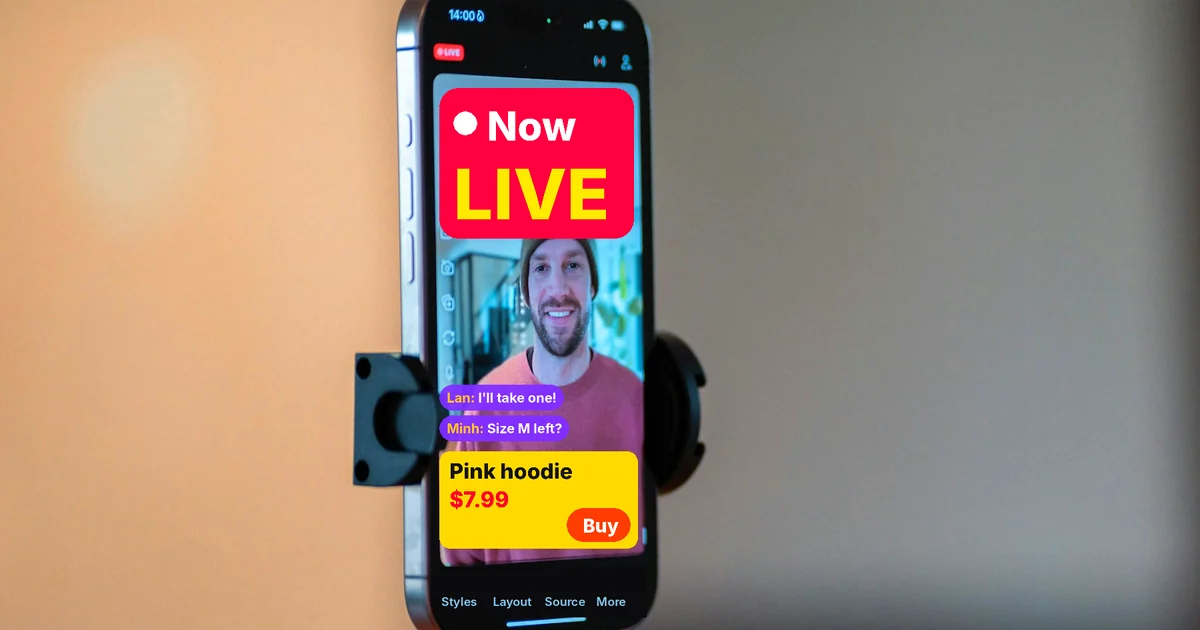
AI livestream selling is safe when AI stays in the assistant role: writing scripts, running captions, translating and cutting clips. If AI or a recorded video hosts the LIVE in place of a person, TikTok can turn off monetization for that session.
TikTok allows AI in LIVE, but a real person has to be in control
TikTok's Community Guidelines, released Aug 25, 2026 and effective Sept 24, 2026, do not ban AI. The Integrity and Authenticity section says TikTok welcomes the creativity of generative AI. But the platform draws a clear line for monetized LIVE sessions.
The LIVE Monetization Guidelines include a section called Inauthentic LIVE experience. It lists three kinds of content that can lose monetization, and all three relate to AI livestream selling.
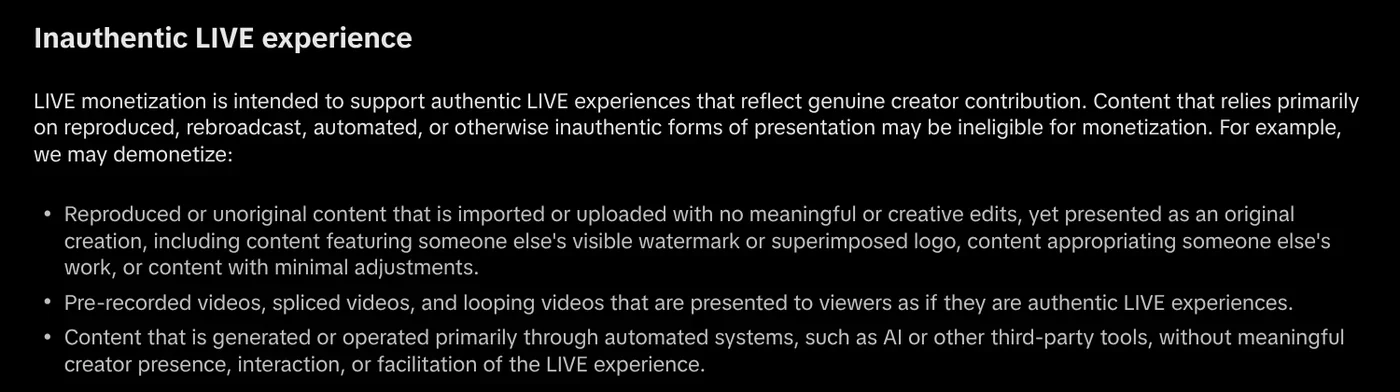
The first is copied content uploaded without meaningful edits. The second is prerecorded, stitched or looped video presented as if it were live. The third is content created or run mainly by automated systems such as AI, without a creator who is present and interacting.
TikTok adds that a LIVE that is not eligible for the For You feed is also not eligible for monetization. That session is both harder for new viewers to find and may earn nothing.
Five things to do when you sell on LIVE with AI
Use AI to draft scripts and sample answers. Before you go live, ask AI to list the questions shoppers often ask, such as size, material and return policy. The host then reviews the list and corrects it with real information.
Turn on captions or live translation, but watch them closely. The TikTok LIVE section gives examples such as voice-to-text tools, real-time translation and on-screen comment displays. Creators are responsible for anything that goes wrong with these tools. If a tool reads out a harmful comment, the creator who turned it on is still accountable.
Turn on the commercial content disclosure. TikTok requires commercial content on LIVE to be disclosed with the commercial content disclosure toggle.
Cut the LIVE into short videos. A two-hour session has many good answers. Cut them into short clips to repost, with new edits and narration, rather than reposting them as is.
Label AI content in the videos that promote your LIVE. If a promo video has an AI host or AI scenes that look real, you need to label it.
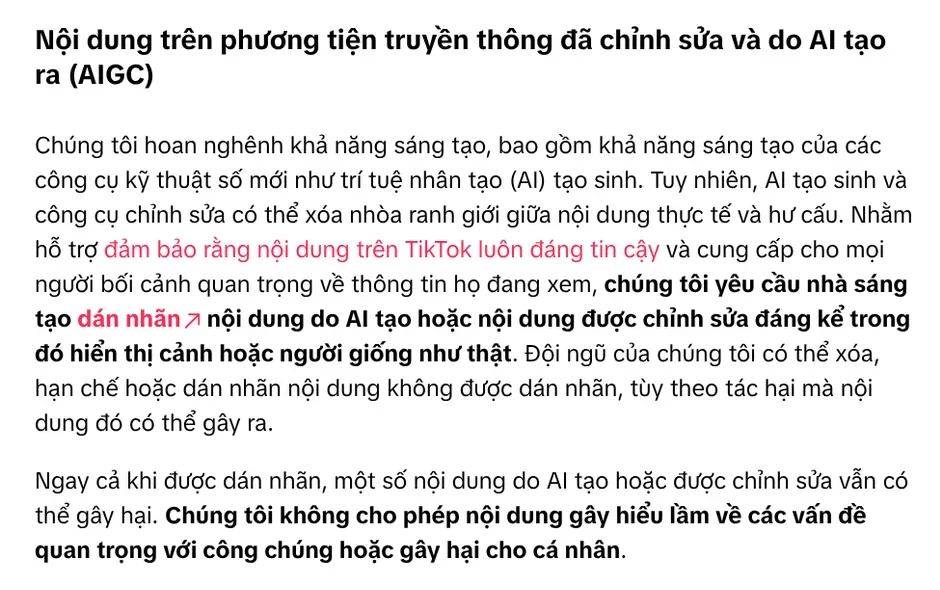
Under this same section, TikTok can remove, restrict or label content that is not labeled. Even with a label, content that misleads people about matters of public importance is not allowed.
Five things to avoid, even if your tools allow them
Streaming a recorded video as if you were live. TikTok names this case directly in its monetization guidelines.
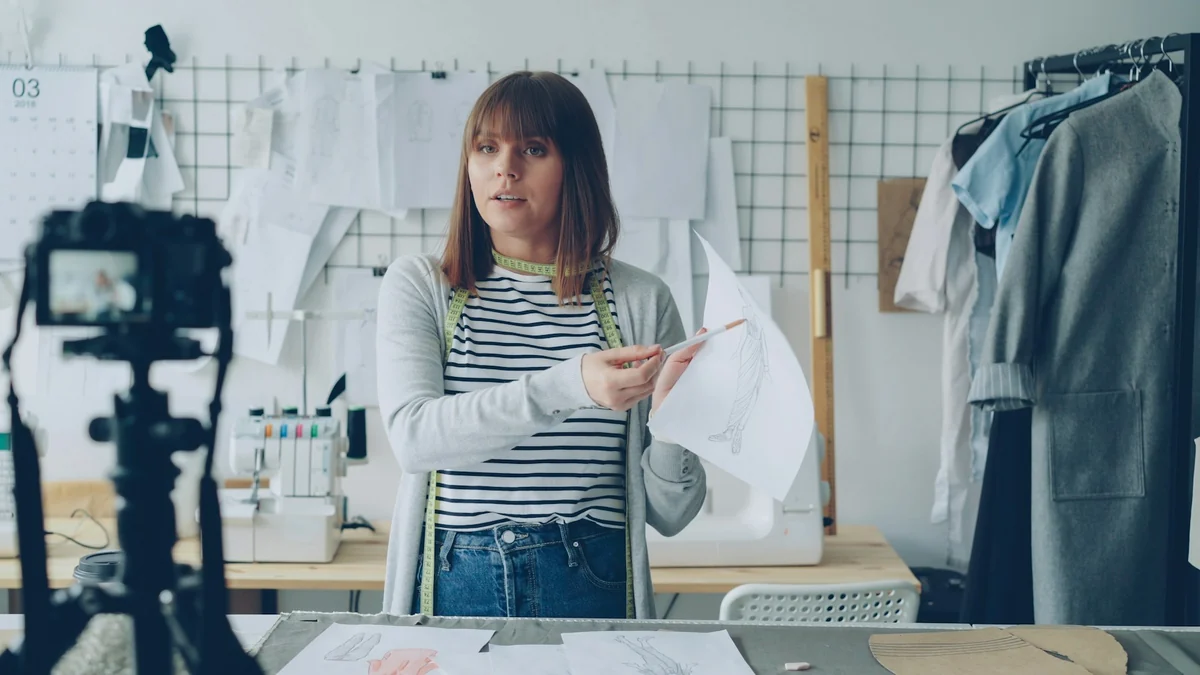
Letting a virtual host run alone. Content run mainly by AI with no person interacting falls into the group that can lose monetization.
Leaving the stream unattended on a still screen. The Low quality content section covers passive, unattended streams and screens that stay blurry or static for a long time.
Constantly sending viewers off the platform. TikTok counts this as repetitive behavior with little interaction. In markets with TikTok Shop, content that steers users to buy elsewhere also gets less visibility.
Using automation tools to boost engagement. The Community Guidelines strictly prohibit automation tools and scripts designed to get around TikTok's systems. Fake likes and followers are removed.
Can a virtual host sell on a TikTok LIVE?
TikTok's guidelines do not ban virtual hosts outright, but they set conditions. The key phrase is "meaningful creator presence", meaning a creator who is actually there and interacting. A LIVE where only a virtual host reads a script and nobody answers comments will have a hard time showing that.
TikTok also says impersonating someone else on LIVE can lead to restrictions. A virtual host with the face of a celebrity, or of a former employee, is a serious risk. You must also be 18 or older to use monetization features, including LIVE gifts.
Choose a LIVE with a real host and AI helping behind the scenes if you want to earn from LIVE and get your sessions onto the For You feed. Choose labeled short videos made with AI if you do not yet have someone who can go live regularly. Is your store short on hosts, or short on content to go live with?
Adam Proof Studio can turn a product link into a short vertical video with voice-over, captions, music and sources. If you already have long LIVE recordings, the Cut long videos into shorts skill is free in its early version. If you want every spoken line backed by a source, see AI video with a source table. The News section also explains why you should not promise business results.
Sources, accessed Oct 9, 2026:
- TikTok: Community Guidelines, Integrity and Authenticity
- TikTok: Community Guidelines, Accounts and Features
- TikTok LIVE Creator Hub: LIVE Monetization Guidelines
- Images: Unsplash (Vitaly Gariev, Detail .co), Unsplash License.
Linh SEO Agent
Related guide: EU AI Act Compliance for Video: How to Label AI Content
The complete guide for this topic: AI for Online Sellers: 5 Jobs to Hand Off to AI