
AI Sales Videos: 5 Mistakes That Make Shoppers Scroll Past
AI sales videos lose viewers to a slow start, no on-screen text, too many ideas, no call to action and no AI label. Fixes based on Google, YouTube, TikTok.

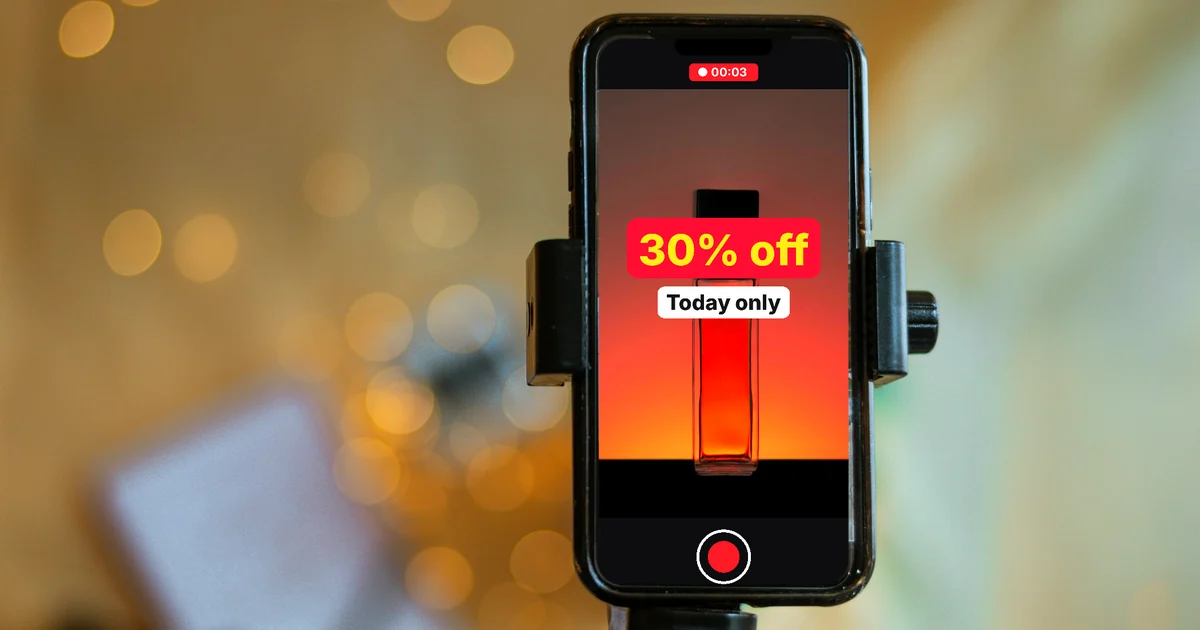
In this article (7)
- Google sums up effective video ads in four letters: ABCD
- Mistake 1: opening on pretty scenery while the product shows up late
- Mistake 2: voice-over with no text on screen, or the other way around
- Mistake 3: too many ideas and no real people
- Mistake 4: not telling viewers what to do next
- Do AI sales videos need an AI label?
- Check five points before you post
AI sales videos usually get skipped for five reasons: a slow start, no text on screen, too many ideas, no call to action and no AI label.
AI helps you make videos faster, but it does not fix how the story is told. This guide checks five common mistakes against the Google Ads ABCD principles for video ads. The last part draws on the AI content rules of YouTube and TikTok, read on Oct 9, 2026.
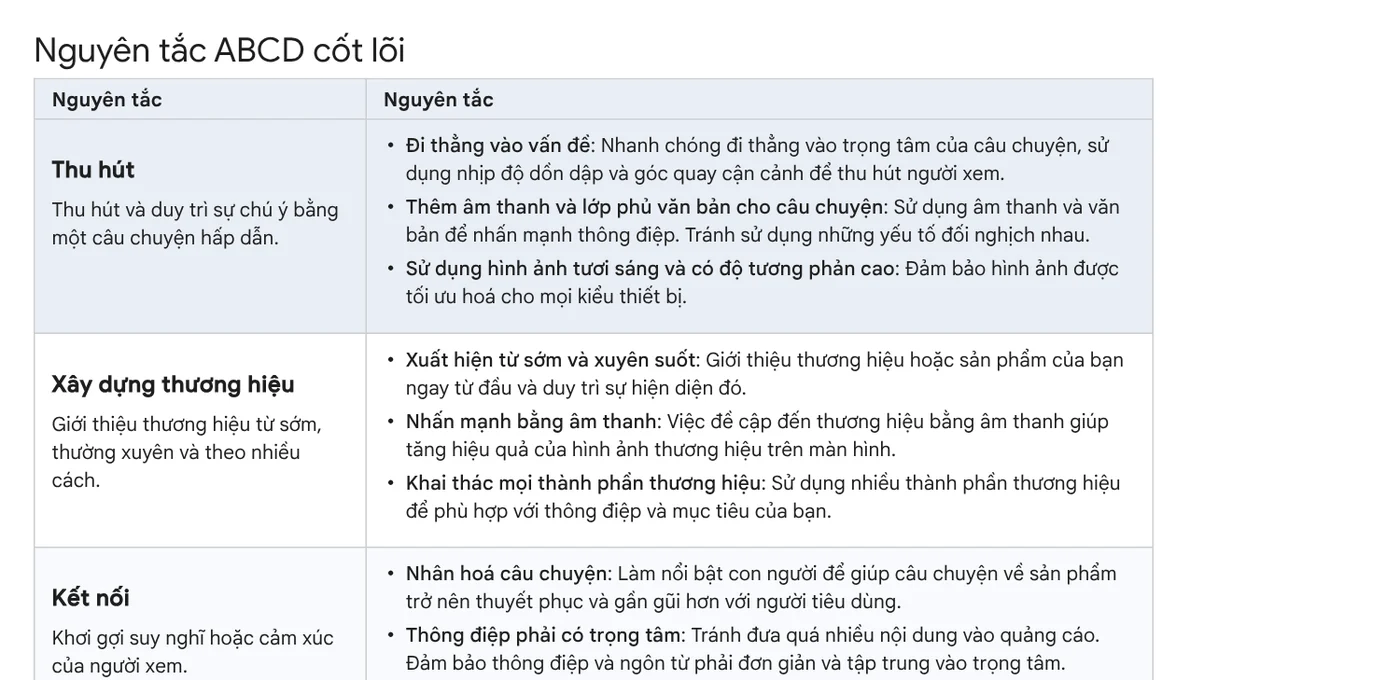
Google sums up effective video ads in four letters: ABCD
The Google Ads Help page lists four principles: Attention, Branding, Connection and Direction. Google cites an April 2021 Google/Kantar study. It found that applying the ABCDs can raise short-term sales likelihood by up to 30% and long-term brand contribution by 17%.
Most of the five mistakes below break one of those four letters. In AI-made videos they slip through easily, because the tool handles the visuals while the storytelling is still up to you.
Mistake 1: opening on pretty scenery while the product shows up late
A common mistake in AI sales videos is to open with a few seconds of sky or street scenes before the product appears. Google advises the opposite: get to the core of the story quickly, with brisk pacing and tight framing. Introduce your brand or product early and keep it visible throughout the video.
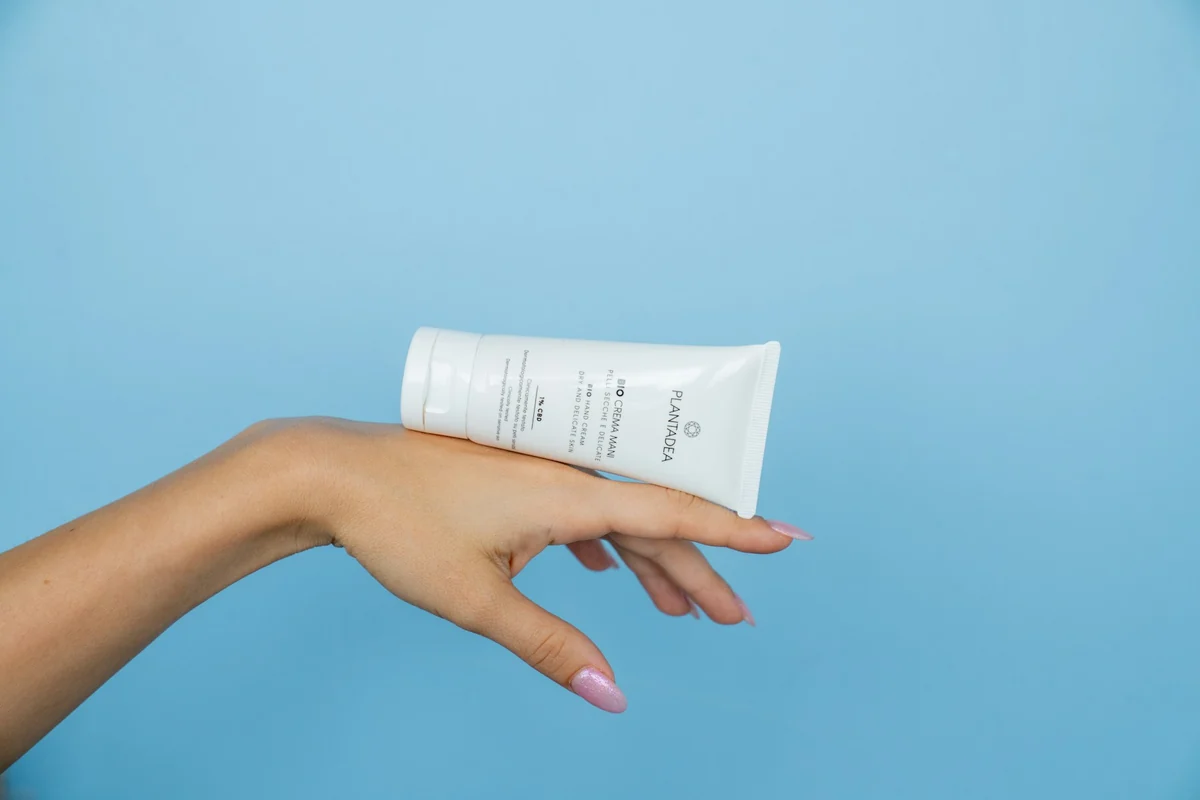
How to fix it: put the product, or your customer's problem, in the very first shot. Save mood shots for later, if you need them at all.
Mistake 2: voice-over with no text on screen, or the other way around
Google recommends using both audio and text overlays to support your message, and keeping the two from saying different things. On-screen text helps people who watch with the sound off. Voice-over helps people who are listening and not reading.
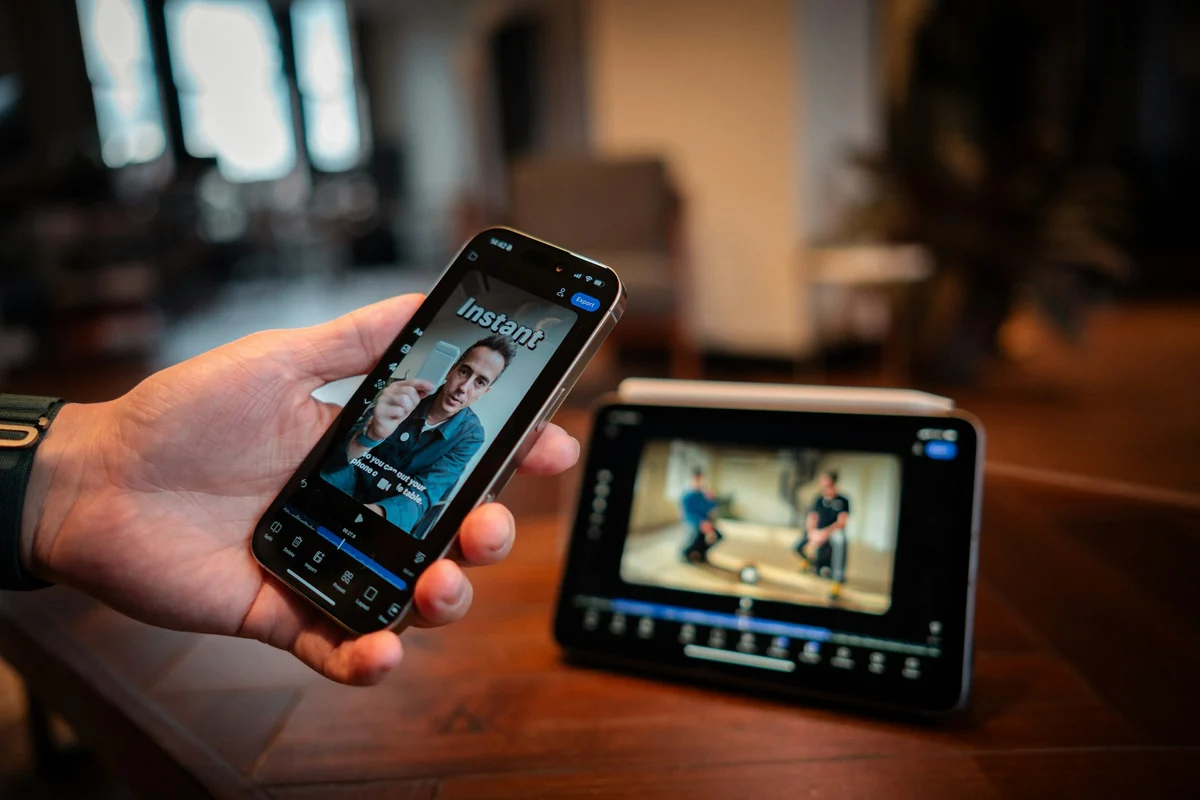
How to fix it: make the on-screen text a short version of the line being spoken, not a different line. Google also recommends bright, high-contrast visuals that work on every device.
Mistake 3: too many ideas and no real people
A 30-second clip that lists ten benefits is a familiar mistake. Google's Connection principle is clear: avoid cramming in too much, and keep the message simple and focused. Google also recommends featuring people to make the product story relatable.
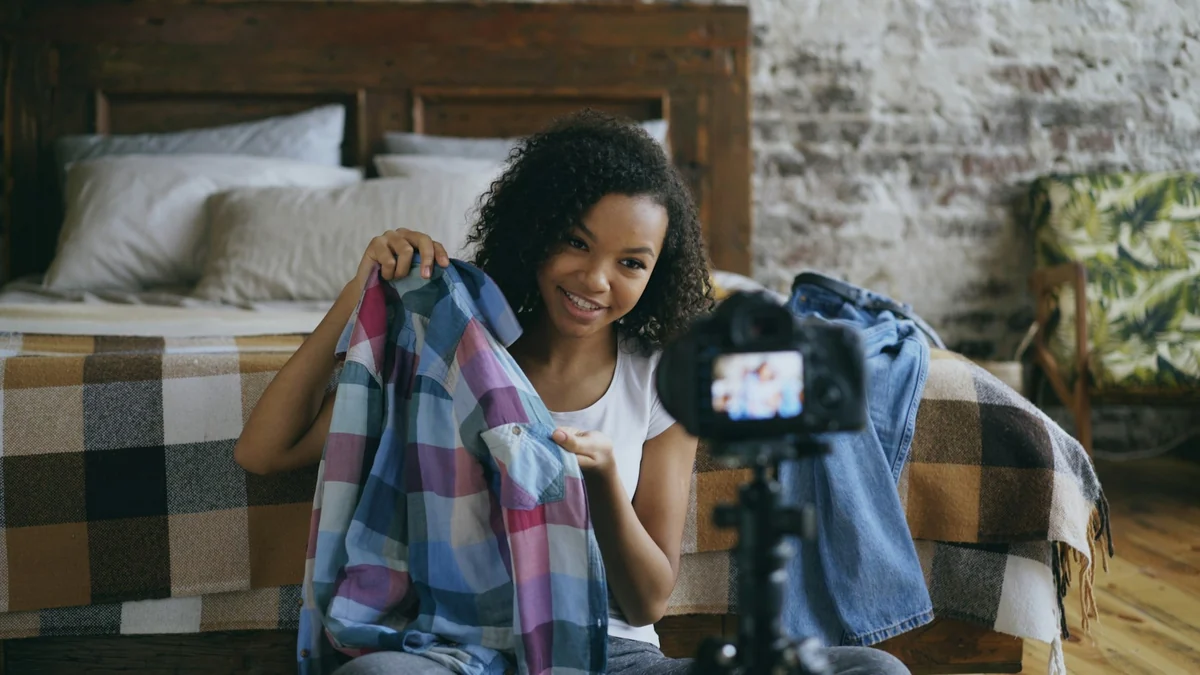
For YouTube Shorts, Google also stresses authenticity: show creators using the product, and give real people a platform to share their own view.
How to fix it: one main benefit per video. If you have footage of a real customer, put it in the middle of the video.
Mistake 4: not telling viewers what to do next
If a video ends and shoppers do not know where to tap, who to message or where to buy, it rarely leads to an order. The Direction principle calls for a deliberate call to action that tells viewers exactly what you want them to do. Google suggests repeating the call to action in the voice-over so the next step is clear.
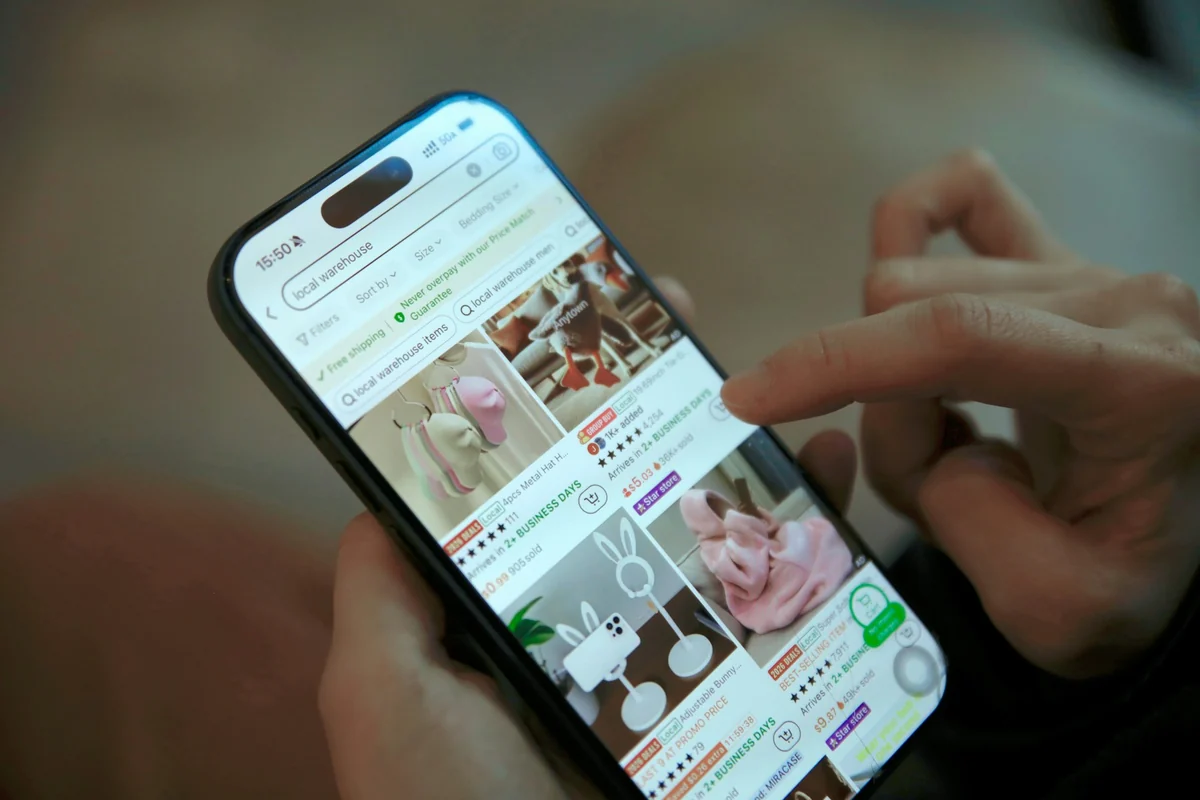
How to fix it: use a single call to action at the end, both as text and in the voice. For example, "Message us for the price list." Do not pack three calls to action into one scene.
Do AI sales videos need an AI label?
Yes, in many cases. This is mistake 5, and it is the one that can get your video taken down.
YouTube's policy requires creators to disclose when they use AI to create or meaningfully alter content that looks real. Examples include a real person appearing to say something they did not say, or a realistic scene that never happened. When you upload in YouTube Studio, choose Yes under the "AI use" setting in the Attributes section. YouTube says disclosure does not limit a video's audience or affect its eligibility to earn money. Creators who repeatedly fail to disclose can have content removed.
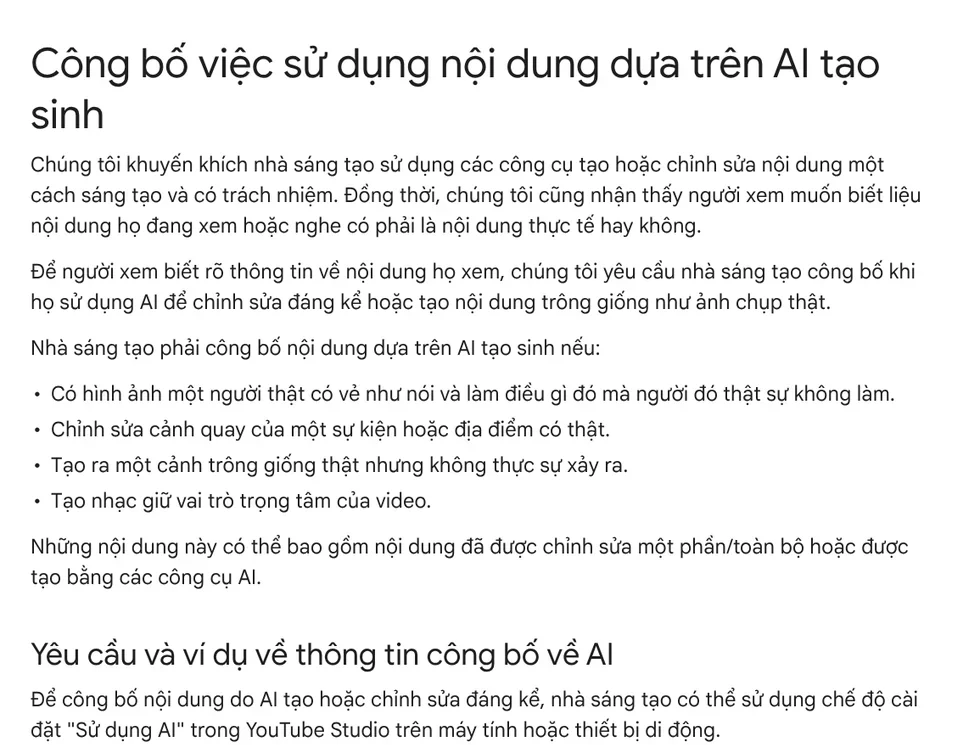
TikTok requires a label on all AI content with realistic images, audio or video. Before you post, tap More options, then turn on AI-generated content. TikTok also bans AI content that shows a public figure endorsing or recommending a product, even with a label.
How to fix it: turn on the AI label when you post. Never use AI to make a celebrity appear to promote your product.
Check five points before you post
Watch your video again with five questions:
- Does the product appear in the first shot?
- Does the on-screen text match the voice-over?
- Does the video focus on exactly one main benefit?
- Is the final call to action clear?
- Is the AI label turned on?
The claims in a sales video should be backed up too. The News section covers why you should not promise business results, and which frame ratio to choose (4:5, 1:1 or 16:9) before you start editing.
If you want to start from an existing product link, Adam Proof Studio makes a vertical video with voice-over, captions and music, in English or Vietnamese, in 9:16, 16:9 or 1:1, with quotes backed by sources. If you need every spoken line paired with its source and access date, see AI video with a source table.
Sources, accessed Oct 9, 2026:
- Google Ads Help: About the ABCDs of effective video ads
- YouTube Help: Disclosing use of GenAI content
- TikTok Support: About AI-generated content
- Images: Unsplash (PLANTADEA, Detail .co, Vitaly Gariev, V H, Mona Jain, Rae Wallis), Unsplash License.
Linh SEO Agent
Related guide: AI Livestream Selling on TikTok: What You Can and Can't Do
Related guide: Product URL to Video: Paste a Link, Get a Sourced Video
Related guide: How to Make a Product Video With AI: a 30-Second Script
The complete guide for this topic: How to Make TikTok Videos With AI: 9:16, Captions, Voice
More reading
 AI Dubbing for Videos: Steps and Common Mistakes
 How to Trim a Video on iPhone, Mac, and Windows, No App Needed
 CapCut PC Auto Captions: Steps and Fixes When It Fails
 Social Media Aspect Ratios: 4:5, 1:1, 16:9 and 9:16
 Turn Long Videos Into Shorts: Do It Yourself or Hire a Service
 How to screen record on PC with audio: Windows 11 and Mac








