
Product URL to Video: Paste a Link, Get a Sourced Video
URL to video tools read a product page, write the script and add visuals and voice. How to check every line against the source and label AI on YouTube.

In this article (5)
- A URL to video tool reads the product page and writes the script for you
- The tool repeats whatever it reads, so check the voice-over against the original page
- Do videos made from a link need an AI label?
- Product promo videos must also disclose paid promotion
- Common mistakes when you make a video from a product link
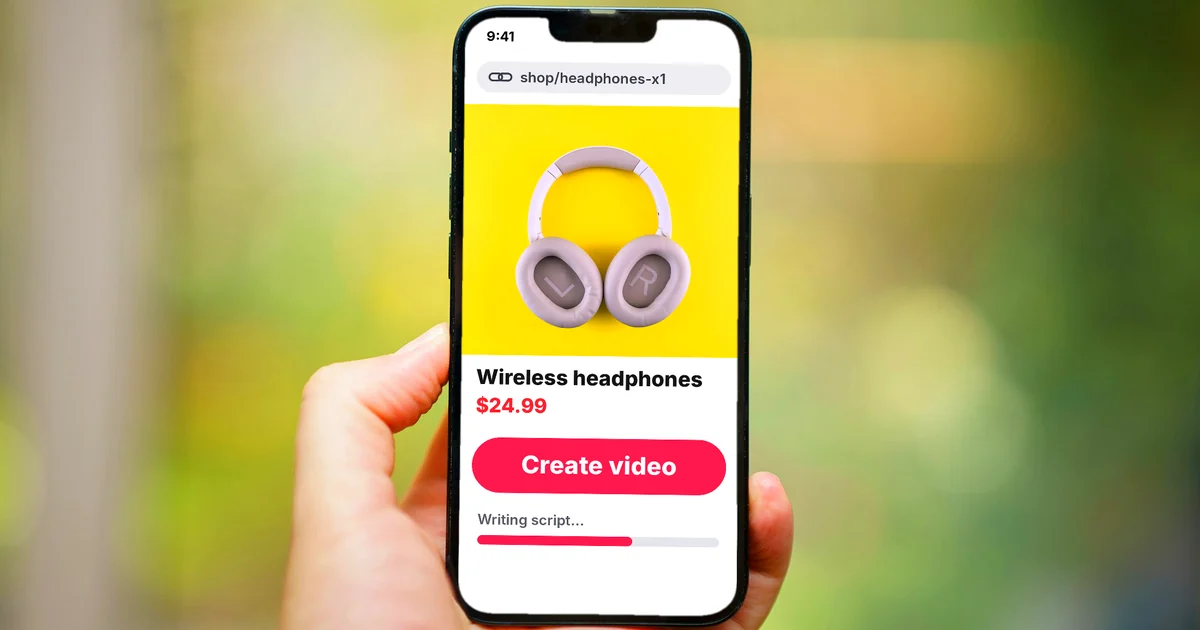
A URL to video tool takes the link to a product page, reads the page, writes the voice-over and puts visuals and voice together. Your job is to check that every line in the video matches the original page.
A URL to video tool reads the product page and writes the script for you
One easy example is Pippit's URL to Video page, a tool that says it is Powered by CapCut, read on Oct 9, 2026. The page says you paste a link to a website, product or business page, describe the video you want, and the AI creates short video clips.
According to the page, the tool records the page you paste, including its layout, text, images and product details. The AI reads what it captured to pick the key points, such as features, price and brand message, then writes the script. You can also choose a virtual presenter (avatar), the aspect ratio and the length.
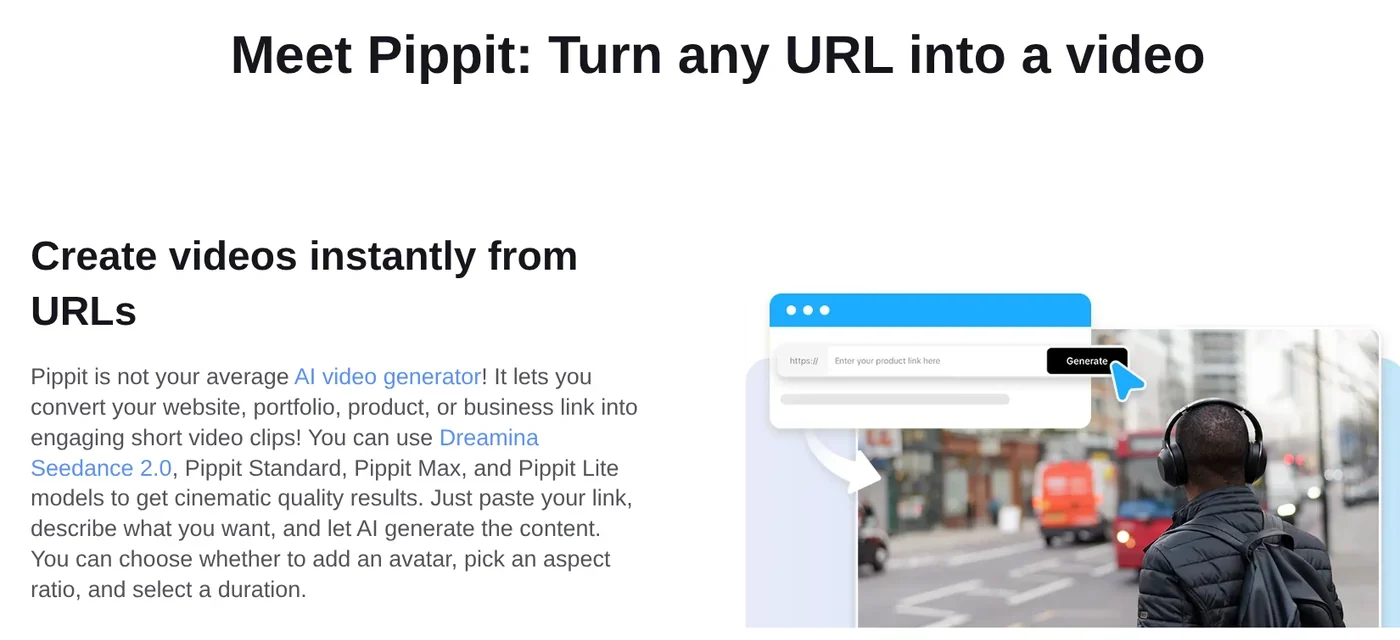
The page lists three steps. Paste the link into the prompt box or choose Upload from Link, edit the video or click Regenerate if you are not happy, then export it. After the video is made, you can edit the visuals, text and audio.
The tool repeats whatever it reads, so check the voice-over against the original page
The strength of this approach is speed. The weakness is that the script is only right when the tool reads the page right. Sales pages often have daily promo prices, several color versions and a customer review section. The tool can pick up the wrong number or turn a customer's praise into a claim from the shop.

A simple way to check is to put the script next to the product page and go line by line:
- Any line with a number (price, capacity, warranty period) must match the number on the page on the day the video goes live.
- Any comparison ("lighter", "lasts longer") needs a specific source for the comparison. If there is none, cut it.
- Any claim about results must come from the manufacturer's information, not from reviews.
"Sourced" means every line can answer three questions: where it came from, which link and which date. When a customer asks, you can point to the exact spot.
Do videos made from a link need an AI label?
Yes, if the video looks real. YouTube's page on disclosing AI content requires creators to disclose when they use AI to create or meaningfully alter content that looks realistic. Examples include a real person appearing to say something they did not say, or a realistic scene that never happened.
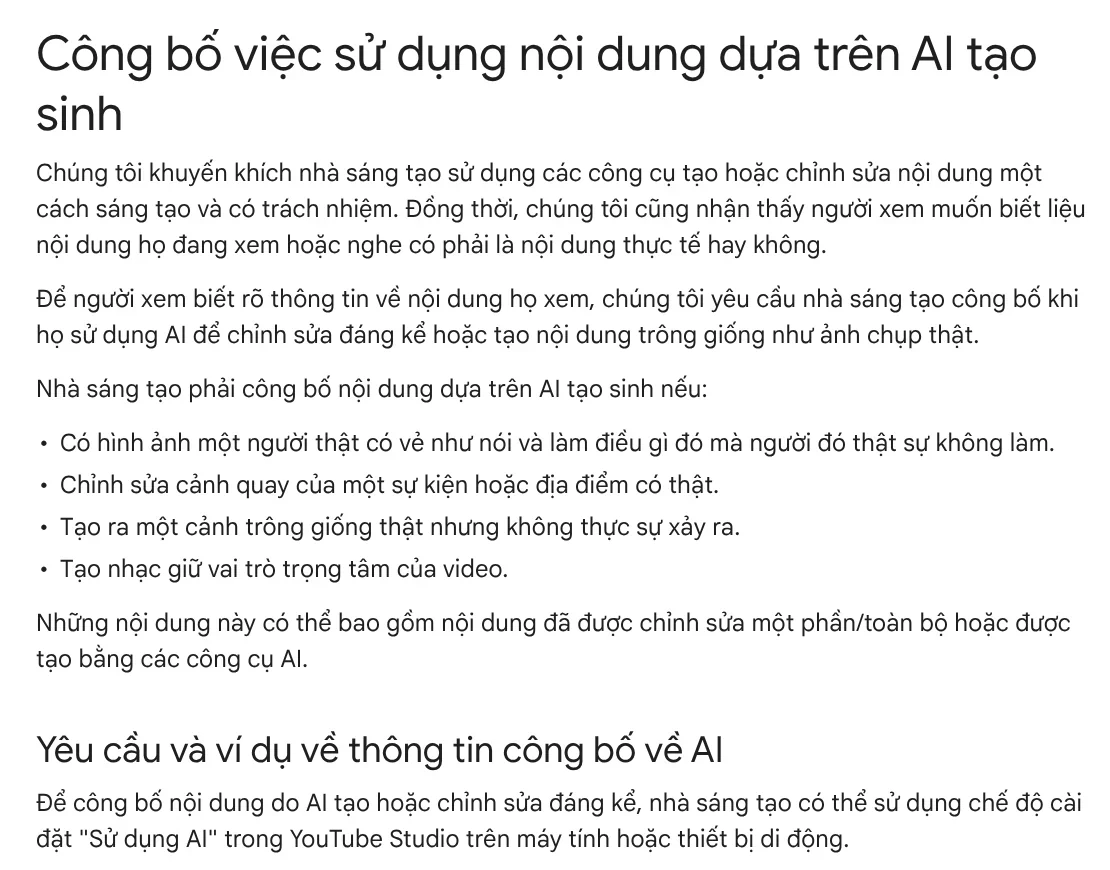
When you upload, go to the Attributes section, find AI use and select Yes. YouTube then adds a label to the video, and disclosing does not limit the audience or the video's eligibility to earn money. Creators who consistently fail to disclose may have content removed or be suspended from the YouTube Partner Program.
TikTok has its own rules. Its page on AI-generated content requires a label on all AI content with realistic images, audio or video. Even with a label, TikTok bans AI content that shows a public figure endorsing a product. TikTok also bans using the likeness of anyone under 18, or of a private individual without their permission. That is why the virtual presenter in a sales video should be a fictional character who does not look like any real person.
Product promo videos must also disclose paid promotion
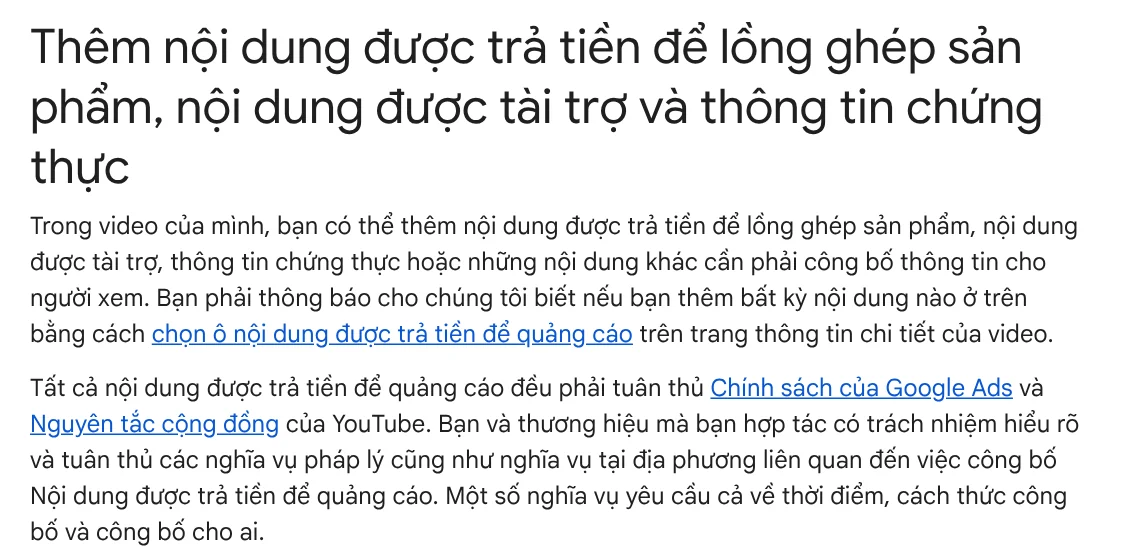
If your video includes a paid product placement, sponsorship or endorsement, YouTube requires you to say so when you upload. This content must follow Google Ads policies and the Community Guidelines.
For format, the Shorts upload page says a file can be up to 3 minutes, with a square or vertical aspect ratio. YouTube also reminds you that if you made the video on another platform, you must have the rights to all copyrighted material in it before you post it on YouTube.
Common mistakes when you make a video from a product link
The price in the video does not match the price on the page. The promo price expired, but the video is still up. Write the date you took the price right in the video description.
Treating customer reviews as claims. "Cleared my acne in a week" is one person's experience, not product information.
Forgetting the AI label. A video with a realistic virtual presenter needs AI use: Yes on YouTube and a label on TikTok.
Using images or music you have no rights to. The Shorts upload page says videos with copyrighted material can get a Content ID claim, and may even be removed and earn a copyright strike.
Promising results. A video that promises sales or guaranteed results loses trust fast once the customer gets the product. The News section explains why results are never promised.
Adam Proof Studio lets you paste a product or article link and get a vertical video with voice-over, captions, music and quotes backed by sources. Videos come in Vietnamese or English, in each platform's format (9:16, 16:9, 1:1), with sources. If you want the video made for you, the AI video with a source table service attaches the source, link and date to every line of the voice-over. See the service page for current pricing. The News section also explains why the demo is a real screen recording.
Sources, accessed Oct 9, 2026:
- Pippit: URL to Video Converter
- YouTube Help: Disclosing use of GenAI content
- TikTok Support: About AI-generated content
- YouTube Help: Add branded content restrictions & disclosure labels
- YouTube Help: Upload YouTube Shorts
- Images: Unsplash (Shoper, Jakub Żerdzicki, Andrey Matveev), Unsplash License.
Linh SEO Agent
Related guide: AI Video With Sources: Why You Need a Source Table
Related guide: How to Make TikTok Videos With AI: 9:16, Captions, Voice
Related guide: AI Dubbing for Videos: Steps and Common Mistakes









