
What Is Nano Banana? Where to Use It and What It Costs
Nano Banana is Gemini's image model family. It is free in the Gemini app, and Nano Banana Pro starts at $4.99 a month in the US. See API prices.

In this article (6)
Nano Banana is Google's name for the Gemini family of models that create and edit images. You can use it free in the Gemini app. In the US, the Google AI Plus plan at $4.99 a month adds Nano Banana Pro.
Nano Banana is a family of image models, not a separate app
On Oct 9, 2026, the Gemini API image generation docs described Nano Banana as the name for Gemini's native image generation. You create and edit images by chatting, using text, images or a mix of both as input.
The page lists five models with the Nano Banana name:
- Nano Banana 2.1: the update to Nano Banana 2, and the main model Google recommends for new projects.
- Nano Banana 2 Lite (Gemini 3.1 Flash Lite Image): the fastest and cheapest.
- Nano Banana 2 (Gemini 3.1 Flash Image): the previous generation, able to make 4K images.
- Nano Banana Pro (Gemini 3 Pro Image): the premium model for complex work that needs to keep brand identity consistent.
- Nano Banana (Gemini 2.5 Flash Image): the first model in the family.
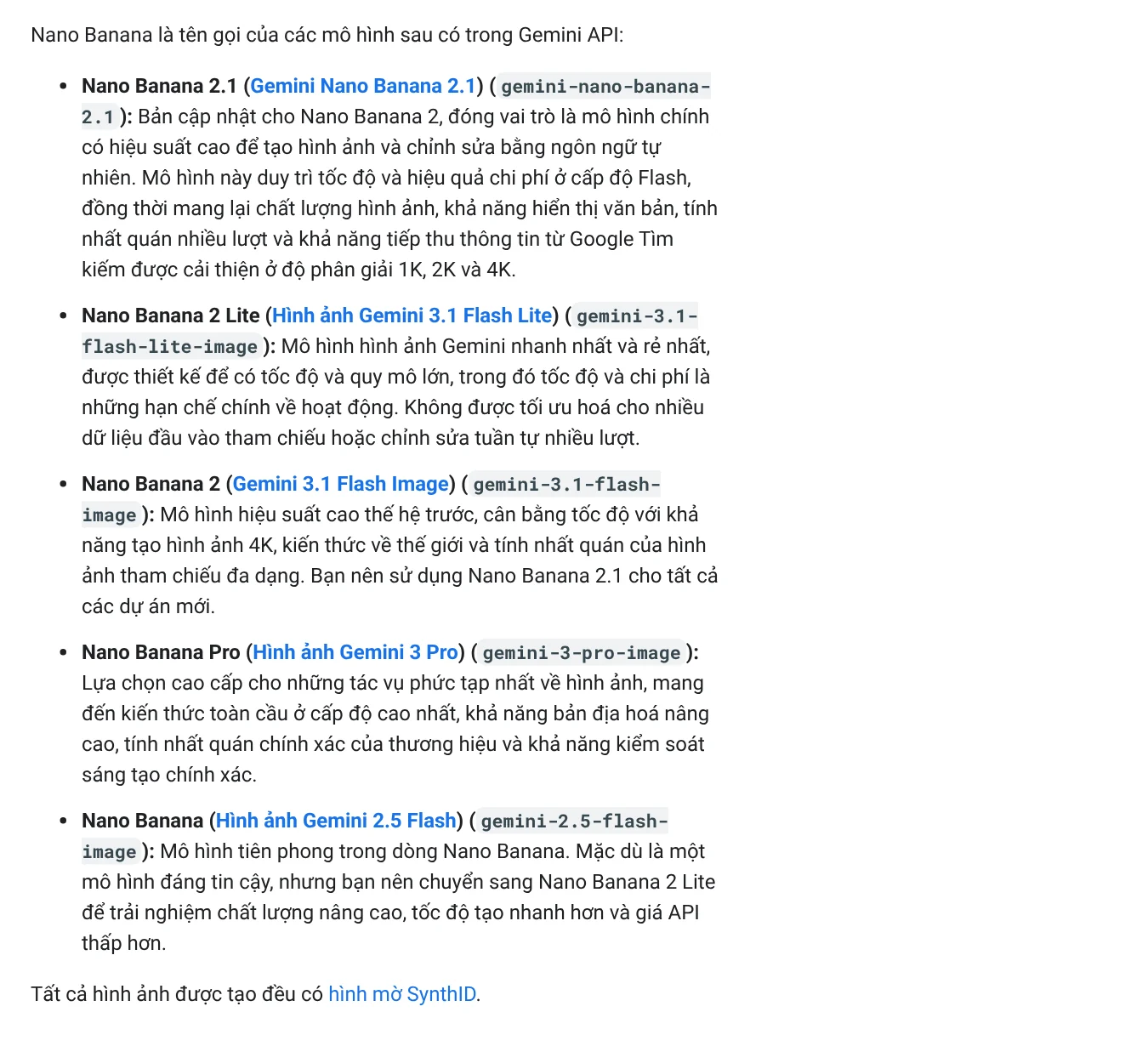
The Gemini API pricing page says the first Nano Banana model (gemini-2.5-flash-image) is deprecated, with an API shutdown date of Oct 2, 2026. Google recommends moving to Gemini 3.1 Flash Image or Gemini 3.1 Flash Lite Image. The Google DeepMind overview page describes the whole family: it understands everyday language, lets you keep refining an image over several turns, and uses real-world knowledge when it draws.
You can use Nano Banana in the Gemini app, Flow and Google AI Studio
For most people, the easiest place is the Gemini app on the web, your phone or your computer. Type a description, upload a photo if you want to edit one, then keep chatting to adjust each detail.
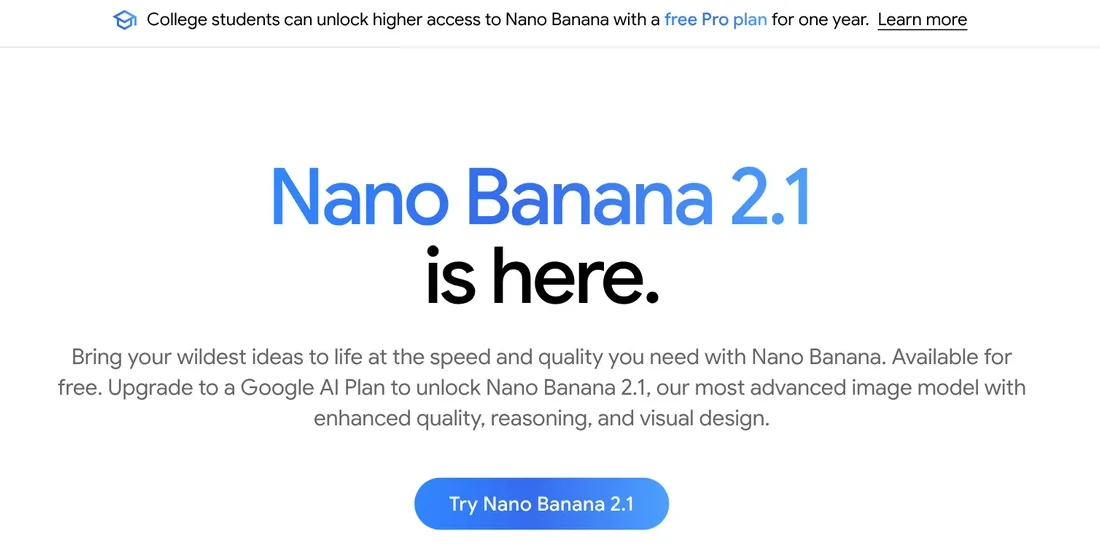
The Nano Banana page on gemini.google shows what you can do: change a scene from day to night, change the camera angle, borrow the style of a reference photo, or combine two photos into one. The model can also resize an image for different post formats without cutting off details, and render clear text on logos, cards and posters in many languages.
The Google AI plans page for Vietnam (Vietnamese page) says Nano Banana 2 works "in Gemini and Flow." Flow is Google's AI video tool, and it is also part of the Google AI plans.
Developers call Nano Banana through the Gemini API or try it in Google AI Studio. The API docs say you can mix up to 14 reference images and get 1K, 2K or 4K output. Nano Banana 2 Lite supports 1K only, with aspect ratios such as 1:1, 4:5, 9:16 and 16:9 among others.
Is Nano Banana free?
Yes, at a basic level. The Gemini app usage limits page has a feature table by plan. The row "Image generation with Nano Banana 2" has a check mark in the "No Google AI plan" column, so a free account can create images.
The row "Redo images with Nano Banana Pro" starts at Google AI Plus. The international Gemini page also says you need a Google AI plan for Nano Banana 2.1, with higher generation limits. The model names you see in the app can differ by region.
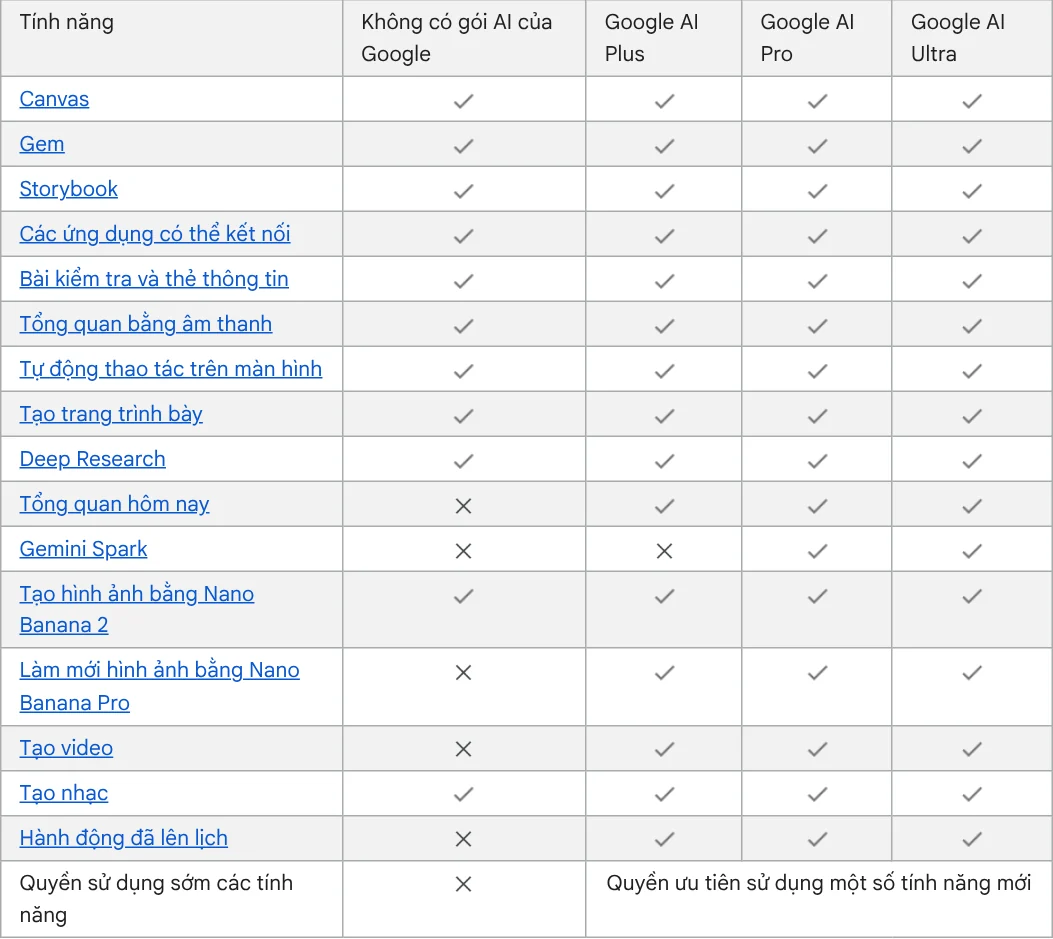
The usage limits page does not give a fixed number of images per day. Limits are based on compute and depend on how complex your prompt is and which model you pick. Media generation uses up your limit faster than text chat.
Users pay a monthly plan, developers pay per image
On Google's Gemini subscriptions page for the United States, read on Oct 11, 2026, the prices are:
| Plan | US price per month | Gemini usage limit |
|---|---|---|
| No plan | $0 | Standard |
| Google AI Plus | $4.99 | 2x standard |
| Google AI Pro | $19.99 | 4x standard |
| Google AI Ultra | From $99.99 | 5x or 20x the Pro limits |
The limit column comes from the Gemini usage limits page. The higher Ultra tier costs $199.99 a month. According to the US Google AI plans page, Plus includes 400 GB of storage and Pro includes 5 TB, and you can share either plan with up to five others in your family.
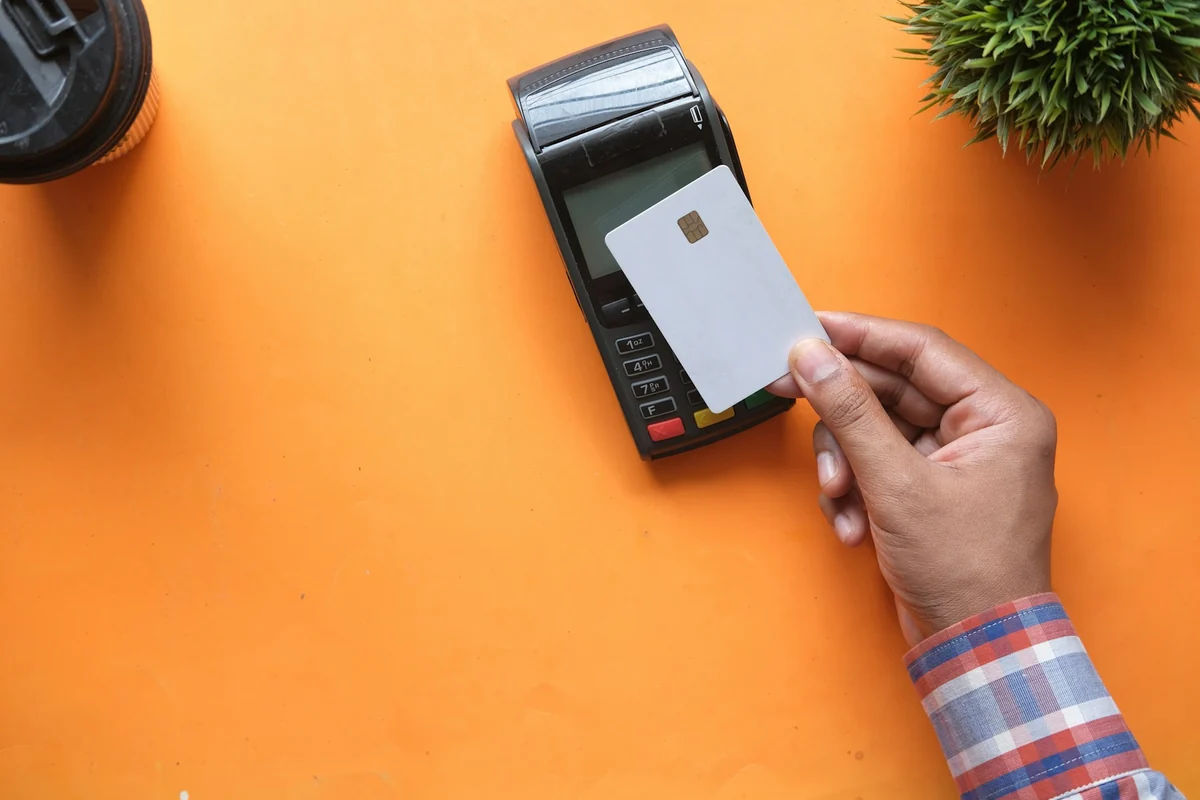
If you use the API, you pay per image. The Gemini Developer API pricing page converts token prices into a price per image:
| Model | 1K image | 2K image | 4K image |
|---|---|---|---|
| Nano Banana 2.1 | $0.0336 | $0.0504 | $0.113 |
| Nano Banana 2 | $0.067 | $0.101 | $0.151 |
| Nano Banana 2 Lite | $0.0336 | not listed | not listed |
| Nano Banana Pro | $0.134 | $0.134 | $0.24 |
Nano Banana 2.1 has a Batch price (jobs run in bulk, with slower results) at half the standard token price. The pricing page lists prices in USD only.
Every Nano Banana image carries a SynthID watermark
The API docs state that every generated image includes Google's SynthID watermark. The Gemini page also has a FAQ on how to check whether an image was made by Google AI.
When you post product images, say clearly which illustrations were made with AI. Buyers trust you more when they know which photos show the real product. The News section has more on how to label AI sample images on a product page.
The prices, dates and official pages to keep
Creating images with Nano Banana 2 in Gemini costs nothing. In the US, Google AI Plus at $4.99 a month is the cheapest plan that adds Nano Banana Pro. Through the API, the cheapest 1K image is $0.0336. Limits and model names change often, so check the Gemini usage limits page again before you buy a plan.
Once your image is done, the next job is usually adding a headline, a price and a store badge. The Add headline text and brand badges to photos skill costs $5 and does this for a whole folder of images in one pass, in three frames: 4:5, 1:1 and 16:9. For guides on getting started with image skills and on when to use each aspect ratio, browse the News section.
Sources, accessed Oct 9, 2026:
- Google AI for Developers: Image generation with the Gemini API (Nano Banana)
- Google AI for Developers: Gemini Developer API pricing
- Gemini Apps Help: Upgrades and usage limits
- Google One: Google AI plans in Vietnam (Vietnamese page)
- Gemini: Nano Banana image generation
- Google DeepMind: Gemini Image, Nano Banana
- Google: Gemini subscriptions, United States (US prices, accessed Oct 11, 2026)
- Google One: Google AI plans, United States (storage and family sharing, accessed Oct 11, 2026)
- Illustrative photos: Unsplash (John Matychuk, Towfiqu barbhuiya), Unsplash License.
Linh SEO Agent
Related guide: Gemini Omni Pricing: How Much It Costs and Which Plan
Related guide: How to Make AI Images Look Realistic: 6 Mistakes to Fix
Related guide: AI Image Generator for Beginners: Pick a Tool, Write a Prompt
More reading
 Gemini Omni Pricing: How Much It Costs and Which Plan
 Text to Image AI: How to Write Prompts That Get It Right
 How to Create a Consistent AI Character Across Images and Videos
 What Is Gemini Omni Flash, and How Is It Different From Veo?
 What Is Google Flow? How to Use It and What It Costs
 AI Poster Prompts: Templates and How to Fix Text Errors








