
AI images
AI images are pictures made or edited by an AI tool from a written description, and this page helps you get the result you had in mind. It is for creators who need quick illustrations, small business owners who want posters or ad visuals, and anyone new to AI who wants to know where to start. You do not need to draw. You do need to describe what you want clearly.
The guides here are grouped by what you are trying to do. Some explain what a tool is, where to use it and what it costs, starting with Nano Banana, with Midjourney, Ideogram and image generation in ChatGPT on the way. Others are step by step: writing prompts that turn text into the picture you meant, poster prompt templates and how to fix them when they go wrong, and keeping one character looking the same across many images and videos. There is also a guide to the mistakes that make AI pictures look fake, from waxy skin to lighting that does not match the scene.
If you are starting out, read the beginner's guide to choosing an AI image generator and writing your first prompt. Then move on to the guide on writing prompts from text, and after that pick whatever matches your project, whether that is a poster, a realistic shot or a recurring character. Each article cites the official source from the tool's maker and records the date it was read. Prices, free credits and plan limits for these tools change often, which is why every article is dated, so you can tell whether the details are still current.
6 posts
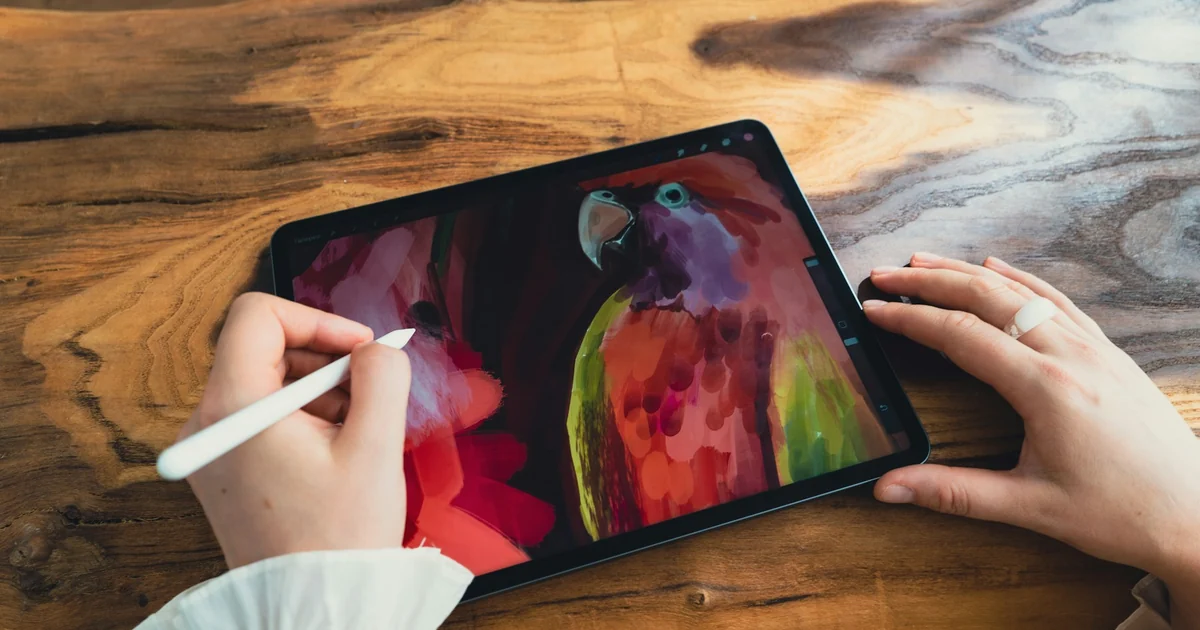
AI Image Generator for Beginners: Pick a Tool, Write a Prompt
Make AI images as a beginner: how to use Gemini, ChatGPT, and Adobe Firefly, a prompt formula based on Google's guidance, and five common mistakes.
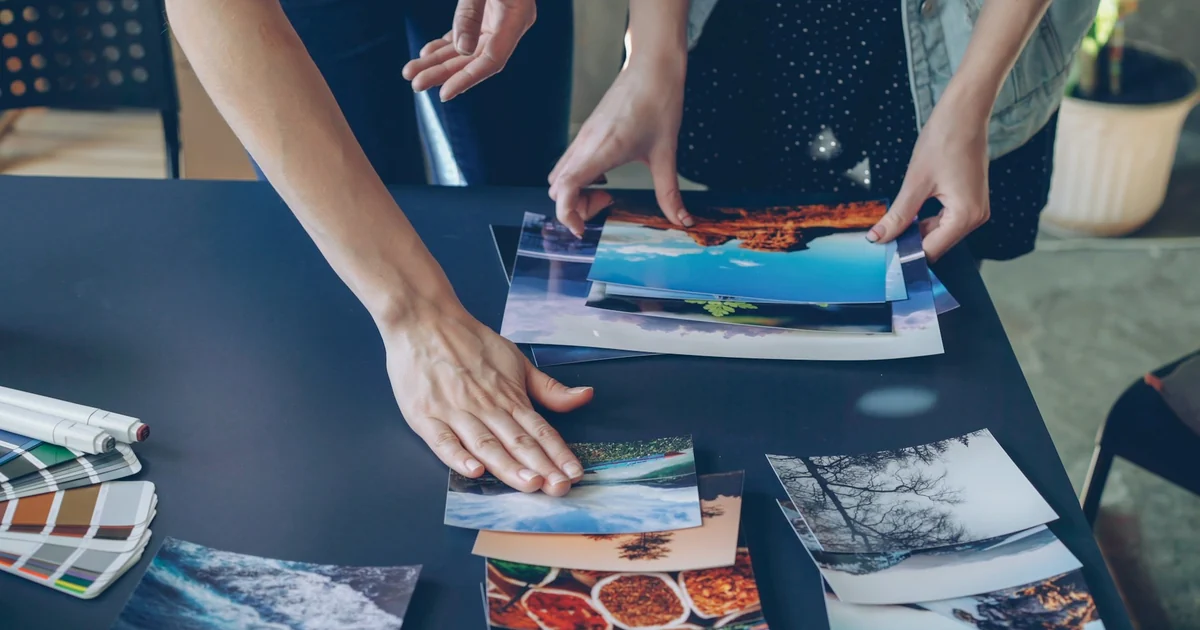
Text to Image AI: How to Write Prompts That Get It Right
Get text to image AI right by naming the subject, setting, light, camera angle and purpose. Prompt templates, how to refine, and 4 common mistakes.
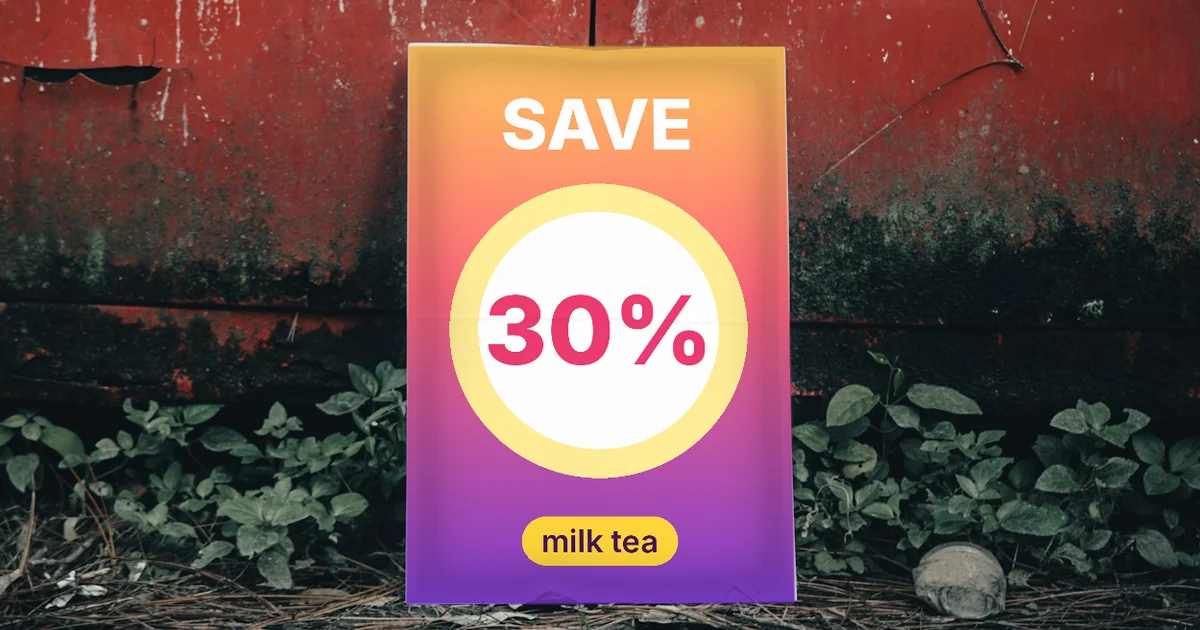
AI Poster Prompts: Templates and How to Fix Text Errors
An AI poster prompt needs 5 parts: purpose, text in quotes, font style, layout, and color palette. Plus 3 templates and how to fix misspelled text.
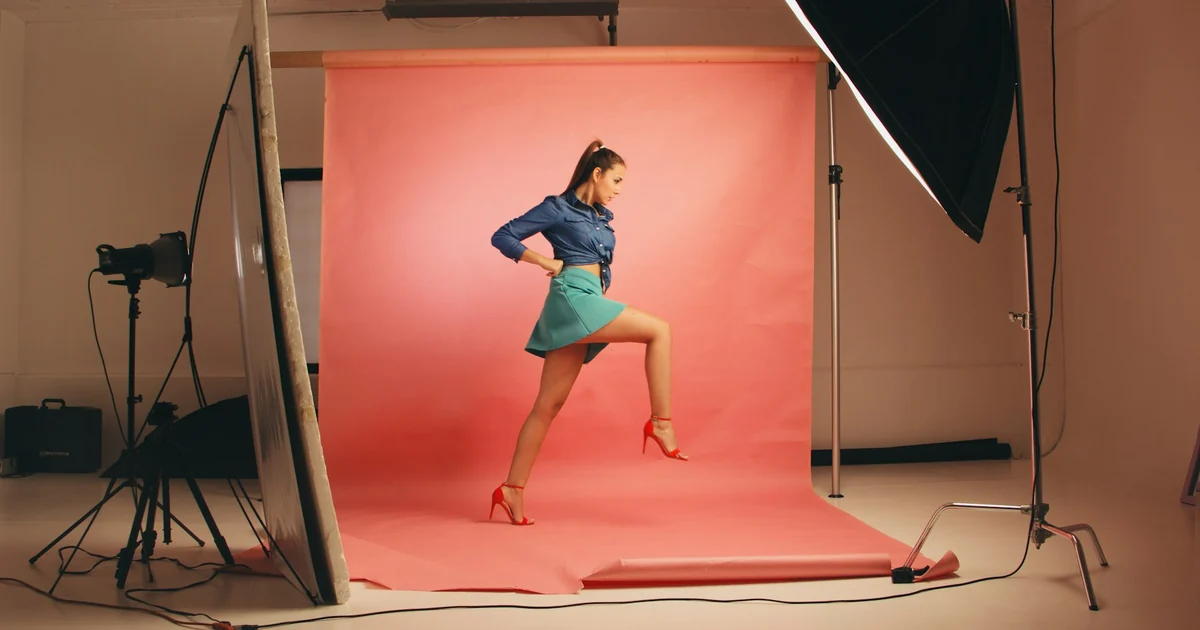
How to Make AI Images Look Realistic: 6 Mistakes to Fix
Realistic AI images start with the prompt. Six mistakes that make images look fake and how to fix them, from Google's and OpenAI's official guides.
What Is Nano Banana? Where to Use It and What It Costs
Nano Banana is Gemini's image model family. It is free in the Gemini app, and Nano Banana Pro starts at $4.99 a month in the US. See API prices.
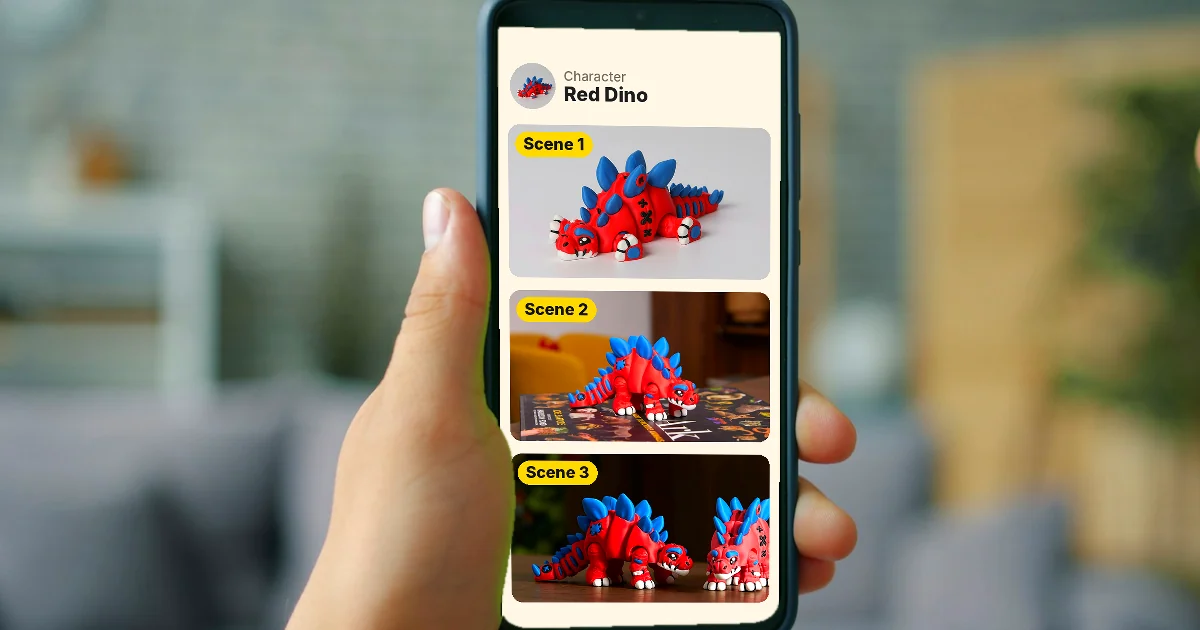
How to Create a Consistent AI Character Across Images and Videos
Keep one AI character's face and outfit the same across images and videos with Characters in Google Flow, Midjourney's Edit Model, and Runway References.