
Google AI tools
The Google AI tools tag collects guides to Gemini, Veo, Google Flow, NotebookLM and Nano Banana for everyday work. These are independent guides, not pages published by Google. You will find explainers on what each tool does, walkthroughs for turning photos or scripts into video, prompt guides for images and clips, and product photo tips for online sellers. Office tasks are covered too, from meeting summaries and spreadsheets to slides and résumés, and developers get a setup guide for Gemini CLI.
If you are new, start with the overview of free Google AI tools, then pick one task and go deeper. For video, move on to the one-person workflow that runs from a rough idea to a published clip. Each guide cites official sources with the date they were checked, because features, product names and prices can change, especially when a product is merged or renamed.
35 posts · page 1 of 3

What Is Gemini CLI? Install, Sign In and Daily Use
Gemini CLI is Google's open-source AI agent for the terminal. Who can still use it after June 18, 2026, how to install it, GEMINI.md, skills and fixes.
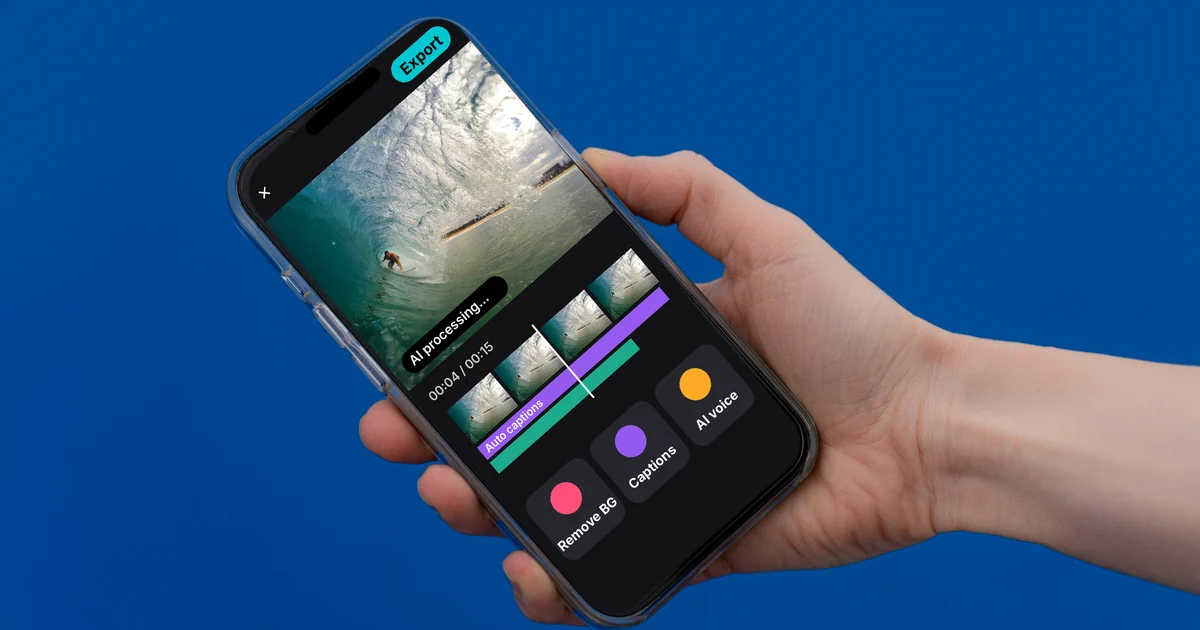
CapCut AI Not Working? Region, Credits, or a Pro Plan
CapCut AI can be blocked by your region, by running out of credits, or by needing Pro. The AI tool groups CapCut lists, and a 2-minute check you can run.

Text to Image AI: How to Write Prompts That Get It Right
Get text to image AI right by naming the subject, setting, light, camera angle and purpose. Prompt templates, how to refine, and 4 common mistakes.

How to Edit Video With Gemini Omni: Steps, Limits, Cost
Gemini Omni edits video from a text prompt: change the scene or camera angle, add or remove objects. How it works in Gemini and Google Flow, limits, cost.
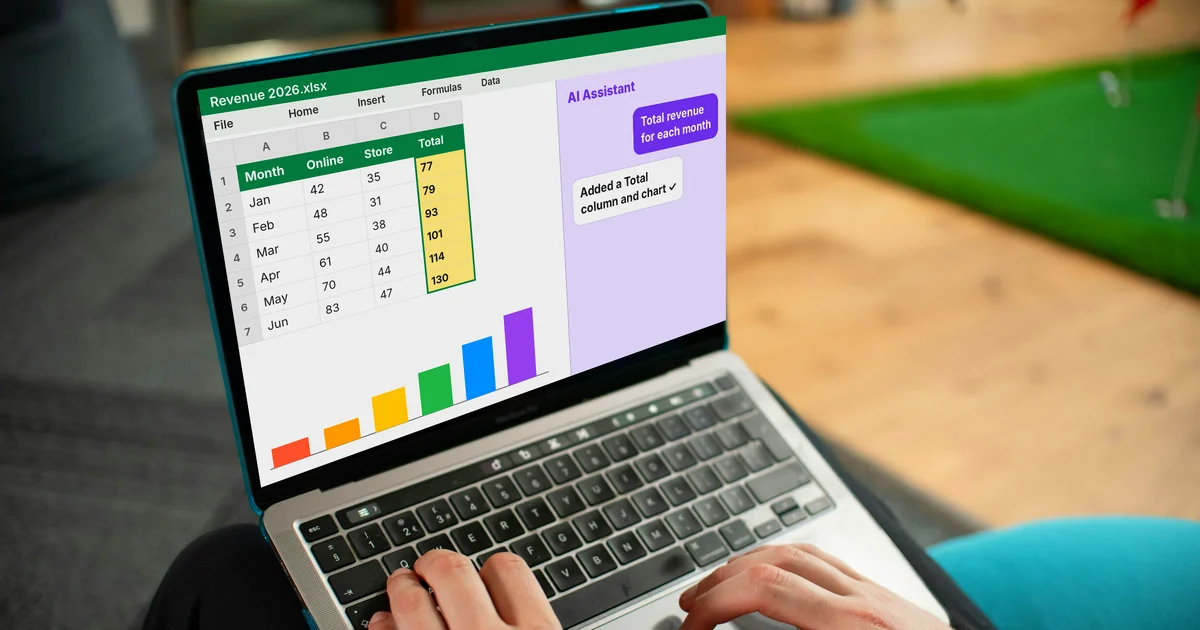
AI for Excel: Copilot, Claude for Excel and Gemini in Sheets
AI for Excel in 2026 means Copilot in Excel, the Claude for Excel add-in or Gemini in Google Sheets. Which plan you need, what each does, where it slips.
AI Video With Sources: Why You Need a Source Table
An AI video with sources links every fact back to the original page. Why you need a source table, which columns it has, and 3 signs a video lacks sources.

AI for Online Sellers: 5 Jobs to Hand Off to AI
AI helps online sellers most with the right jobs: product descriptions, reply drafts, product photos, short videos, sales reports. Google tools for each.
Free Google AI Tools Worth Knowing in 2026
Four free Google AI tools in October 2026: Gemini, AI Mode, Gemini Notebook, and AI Studio. What each free version does, and what it leaves out.

AI Fashion Model Prompts: Put Your Product on a Model
AI fashion model prompts based on Google's composition template: one product photo, one model photo, logos and patterns kept intact. Templates inside.
Veo 3.1 vs Veo 3: What's New and Where You Can Still Use It
Veo 3.1 adds reference images, first and last frames, scene extension, 9:16 video and 4K over Veo 3. Compare features and the Lite, Fast, Quality models.
Free AI Presentation Makers: Which One to Use in 2026
Free AI presentation makers compared: Gemini Notebook works from your files, Gemini Canvas from a prompt, Gamma 10 slides a time, Copilot needs a plan.

AI Product Photo Background: Put Products in New Scenes
Place a product in a new scene with Gemini or Google Product Studio, write a scene prompt, and follow the AI image rules for Google Shopping.