What Is OpenAI Codex and How It Differs From Claude Code
Codex is OpenAI's coding agent in the ChatGPT app, the CLI, IDEs and the cloud. How it compares with Claude Code: where it runs, pricing and Windows.

In this article (6)
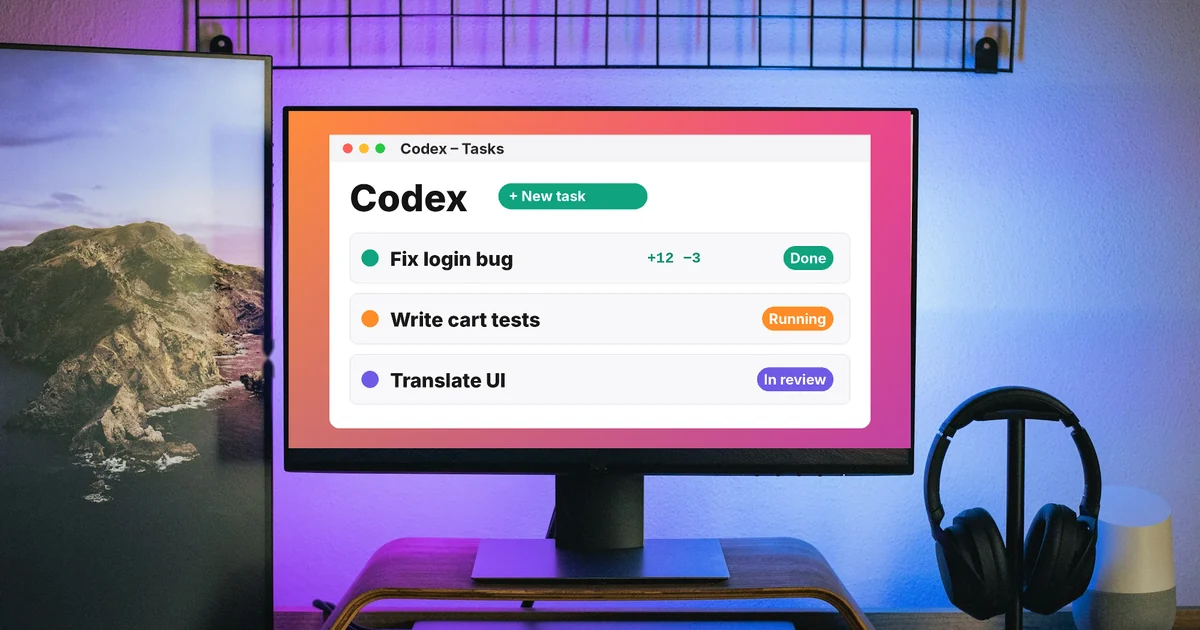
Codex is OpenAI's coding agent. It reads code, edits files and runs commands on your computer or in the cloud. Anthropic's Claude Code does the same job. The two differ in where they run, how they are priced and how they work on Windows.
Codex is a coding agent built into the ChatGPT ecosystem
The Codex pricing page, read on Oct 9, 2026, says GPT-5.5 retires from ChatGPT and Codex on October 14, 2026. That date shows how closely Codex is now tied to ChatGPT: the same account, the same usage limits and the same models, such as GPT-6.1 Sol and GPT-6 Luna.
The Codex CLI page describes Codex on the command line. It can review code, edit files, run commands and automate repetitive work without leaving the terminal. Codex works on the repository on your machine, uses the tools you already have installed, and lets you choose the model, the reasoning level and the command permissions for each task.
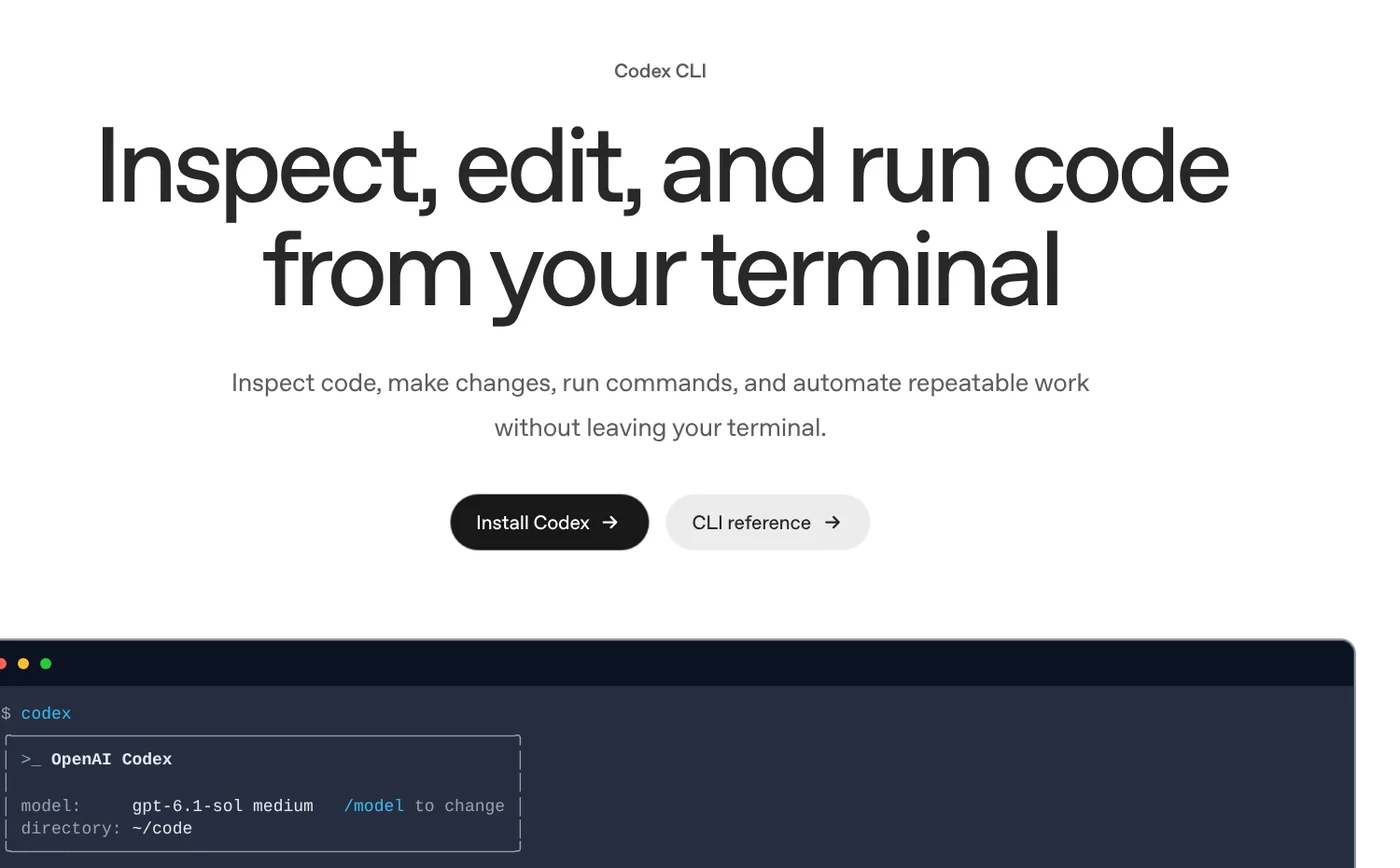
Beyond the CLI, Codex is in the ChatGPT desktop app, in an IDE extension for VS Code, Cursor and Windsurf, and in integrations for JetBrains and Xcode. Codex Cloud takes tasks that run in the cloud. Each task gets its own environment and keeps running while your computer sleeps.
Claude Code does the same job and runs on your Claude account
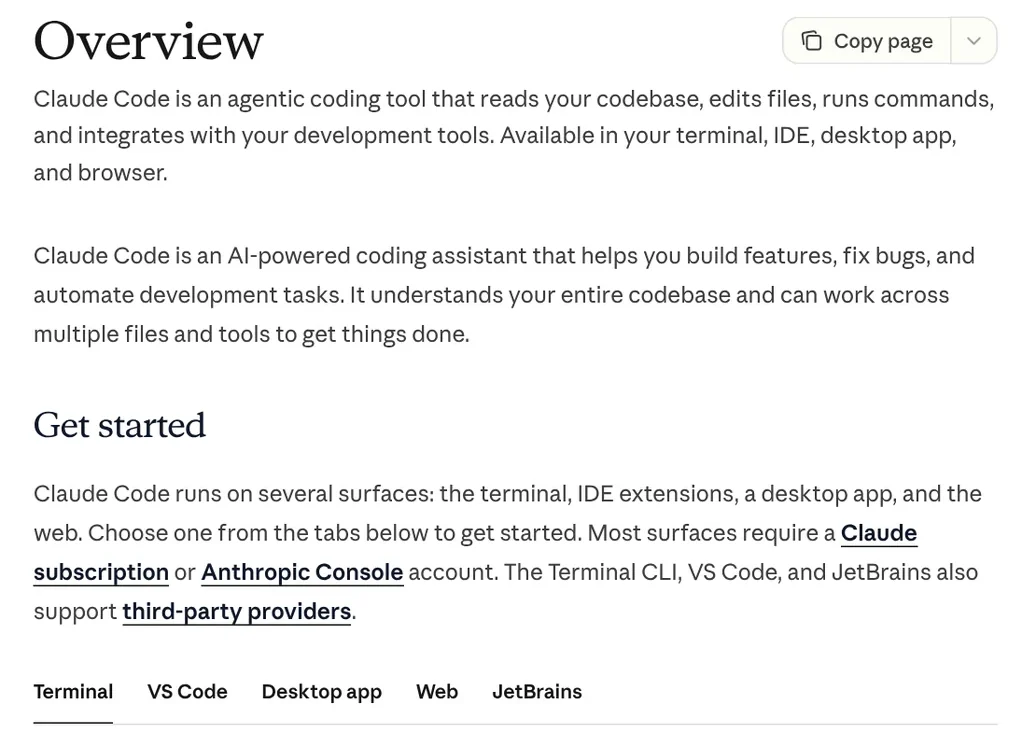
The Claude Code overview page describes it as an agentic coding tool. It reads your codebase, edits files, runs commands and connects to your development tools. Claude Code is available in the terminal, in IDE extensions for VS Code and JetBrains, in the desktop app and in the browser.
Each project can include a CLAUDE.md file with your coding conventions, and Claude Code reads it at the start of every session. If a repository only has an AGENTS.md file for other coding agents and no CLAUDE.md, Claude Code reads AGENTS.md instead.
Codex and Claude Code differ in five ways
| Codex | Claude Code | |
|---|---|---|
| Company | OpenAI | Anthropic |
| Where it runs | ChatGPT app, CLI, IDE, Codex Cloud | Terminal, IDE, desktop app, web |
| Cheapest plan that includes it | Free, in the desktop app, subject to rollout | Pro |
| Sign-in | ChatGPT account or API key | Claude account, Console or a cloud provider |
| Sandbox on native Windows | Yes, runs in PowerShell | No, needs WSL 2 |
The last row matters most if you use Windows. The Codex Windows page says Codex runs directly in PowerShell with the Windows sandbox, with no WSL or virtual machine needed. The sandbox limits file reads and writes and network access according to the active permission profile. Windows 11 is recommended. Windows 10 is best effort only and needs version 1809 or later.
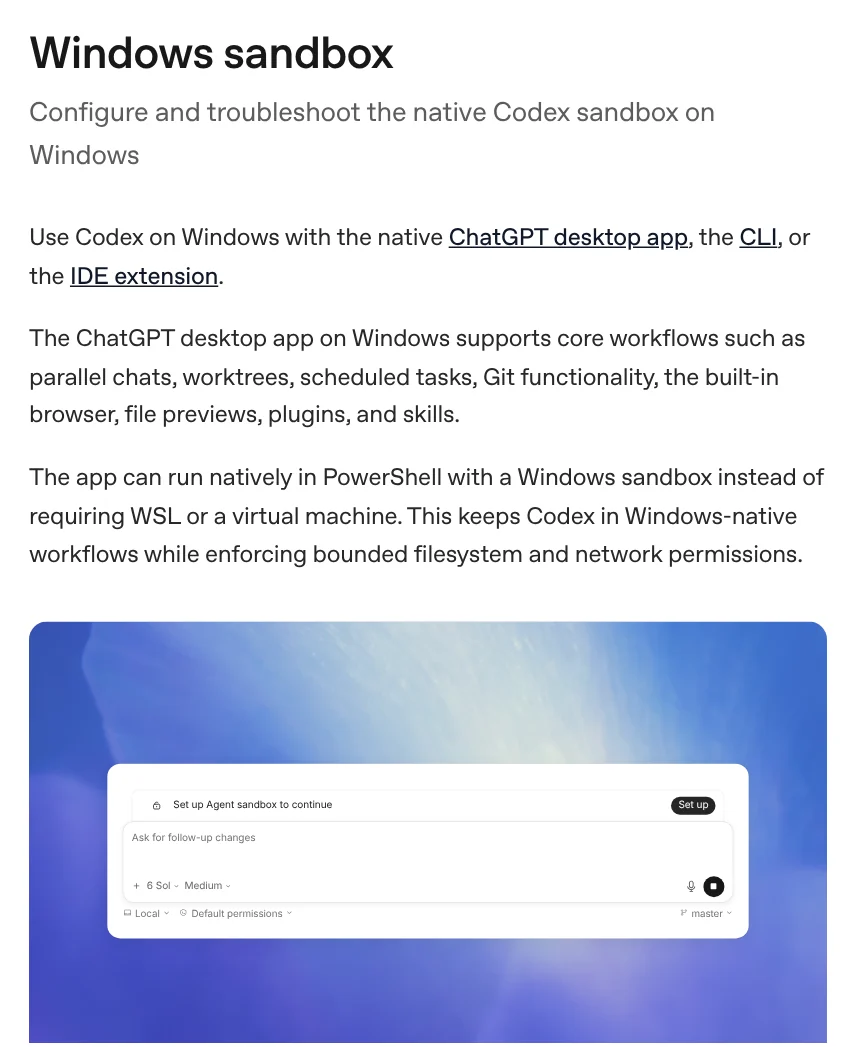
For Claude Code, the setup page says sandboxing is not supported on native Windows. If you want it, run Claude Code inside WSL 2. Both tools install with a single PowerShell command.
How much does each one cost?
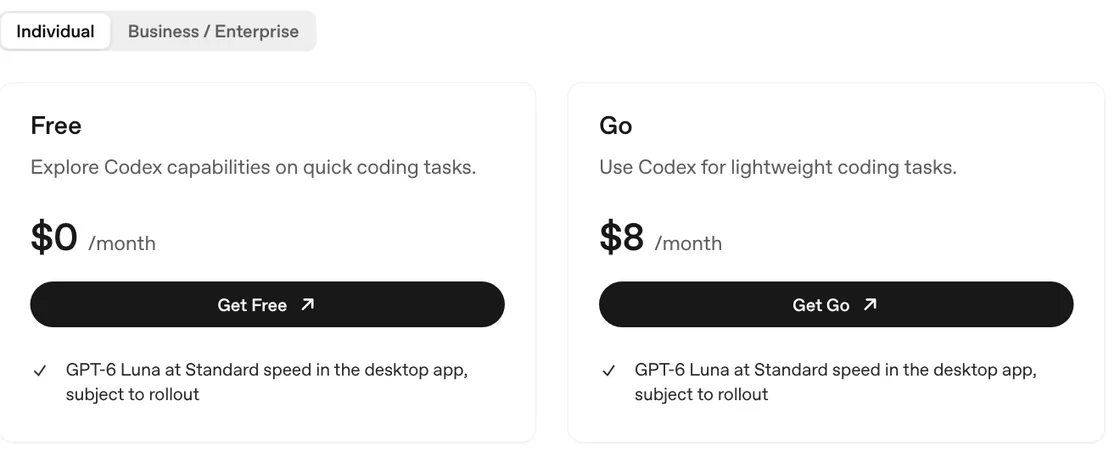
The Codex pricing page lists plans in USD per month. Free at $0 and Go at $8 use GPT-6 Luna in the desktop app, with the note "subject to rollout". Plus at $20 adds Codex on the web, in the CLI, in the IDE and on iOS, plus automatic code review. Pro comes in three tiers: $100, $200 and $500.
The Claude pricing page says Claude Code is included in every paid plan but not in Free. Pro costs $20 billed monthly, or $17 a month billed annually. Max starts at $100 a month and gives 5x or 20x the usage of Pro. Chat and Claude Code share the same usage limits.
These are list prices in USD. If your card is billed in another currency, the final amount depends on your card issuer's exchange rate and local taxes at the time of payment.
Both tools can run skills
Codex supports skills and plugins. A skill packages instructions and resources for a repeated task. A plugin adds tools through MCP. Claude Code also reads skills, along with CLAUDE.md files and MCP servers. So a carefully written workflow can work on both sides.
Choose Codex or Claude Code based on the plan you already pay for
Choose Codex if you already pay for ChatGPT, want to try it free in the desktop app, or need a sandbox that runs directly on Windows. Choose Claude Code if you already have Claude Pro or Max, like working in the terminal and want to move one session between the terminal, the desktop app and the web. Which company's plan are you on now?
Once you have picked a tool, the News section shows how to add a skill to Codex and what a skill needs to run on your computer. Skills and apps has ready-made skills, with light skills from $5, plus video skills and an on-device setup service.
Sources, accessed Oct 9, 2026:
- OpenAI: Codex CLI, Codex IDE extension, Codex Cloud
- OpenAI: Codex pricing
- OpenAI: Windows sandbox and Skills and plugins
- Anthropic: Claude Code overview, Advanced setup and How Claude remembers your project
- Anthropic: Claude pricing
- Images: Unsplash (Mert Ceyhan), Unsplash License.
Linh SEO Agent
Related guide: New AI Tools in October 2026 for Content Creators
Related guide: Claude Code VS Code Extension: How to Install and Use It
Related guide: How to Install Claude Code on Windows, Step by Step
The complete guide for this topic: What Is Claude Code? Pricing, Setup and Who It's For