What Is Claude Code? Pricing, Setup and Who It's For
Claude Code is Anthropic's AI coding tool that reads code, edits files and runs commands. Included with Claude Pro from $17 a month. Setup and safety.

In this article (6)
- Claude Code works across your whole project, not just one line at a time
- Every task goes through three phases: gather context, act, then verify
- Is it safe to let Claude Code edit files and run commands?
- Claude Code pricing: included with paid Claude plans from $17 a month
- Installing Claude Code takes a few minutes if your machine meets the requirements
- Claude Code suits people who work on real code, not people who only chat
Claude Code is Anthropic's AI coding tool. It reads your code, edits files and runs commands right on your computer. It comes with paid Claude plans, and the cheapest is Pro from $17 a month.
Claude Code works across your whole project, not just one line at a time
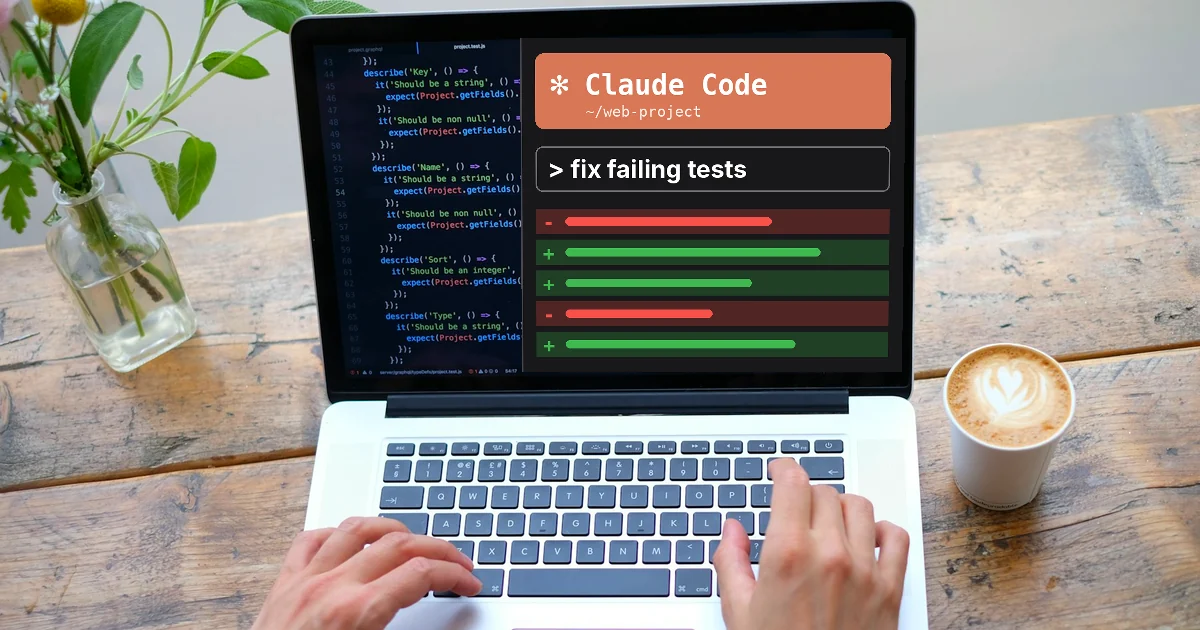
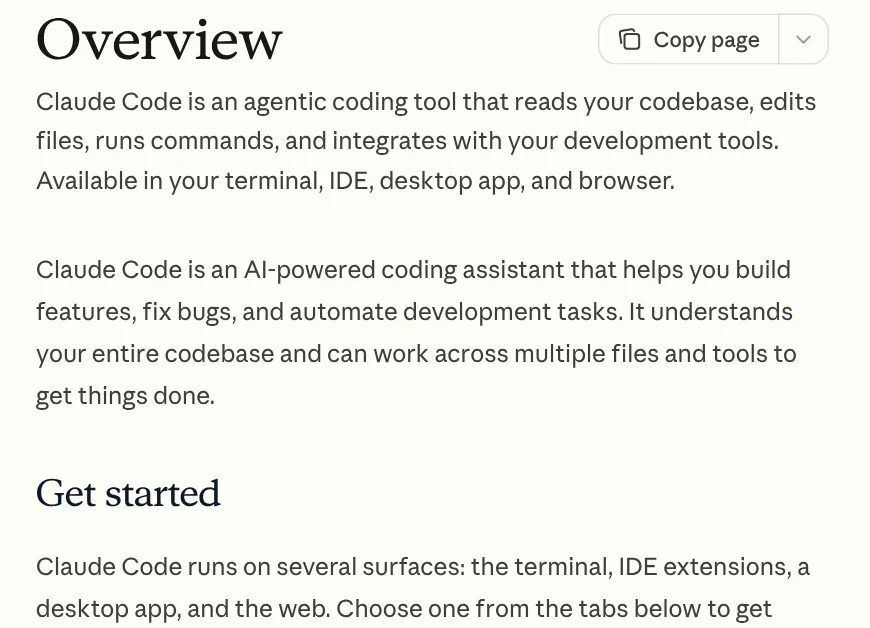
As of October 2026, the Claude Code overview page describes it as an agentic coding tool, meaning it takes action on its own across many steps. It reads your whole codebase, edits files, runs commands and connects to the development tools you already use.
You can use Claude Code in four main places: the terminal, an IDE extension, the desktop app and the browser. All of them run the same engine, so your CLAUDE.md instruction file, your settings and your project's MCP servers carry over from one place to another.
Every task goes through three phases: gather context, act, then verify
The How Claude Code works page splits each task into three phases: gathering context, taking action and verifying results. Type "fix the failing tests" and it can run the tests, read the errors, find the related files, make the fix, then run the tests again.
Its built-in tools fall into five groups: file operations, search, running commands, web lookup and code understanding. When you type claude in a folder, it can see your project files, the terminal, your git status and the CLAUDE.md file that holds your own conventions.
You can extend it with skills (instruction packs for one task) and MCP (connections to outside services). There are also hooks (commands that run automatically on events) and subagents (helper agents with their own context). Claude Code does more than write code. It can handle most of what you do on the command line, such as writing docs, running builds or finding files.
Is it safe to let Claude Code edit files and run commands?
Claude Code has two layers of protection. The first is checkpoints. Before it edits a file, it saves a snapshot of the content. Press Esc twice to go back to the earlier state. Checkpoints cannot undo actions on outside systems such as databases, APIs or deployments.
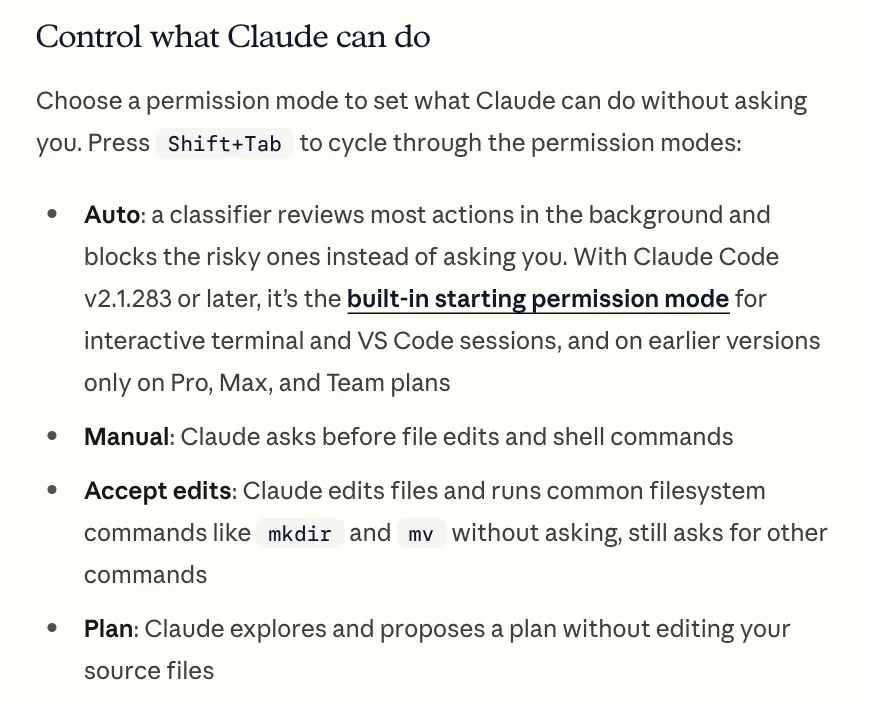
The second layer is permission modes, which you switch with Shift+Tab. There are four modes:
- Auto: a classifier reviews actions in the background and blocks risky ones. Since v2.1.283, this is the starting mode for terminal and VS Code sessions.
- Manual: asks you before every file edit and every shell command.
- Accept edits: edits files and runs common file commands on its own, but still asks before other commands.
- Plan: only reads and proposes a plan. It does not change your source code.
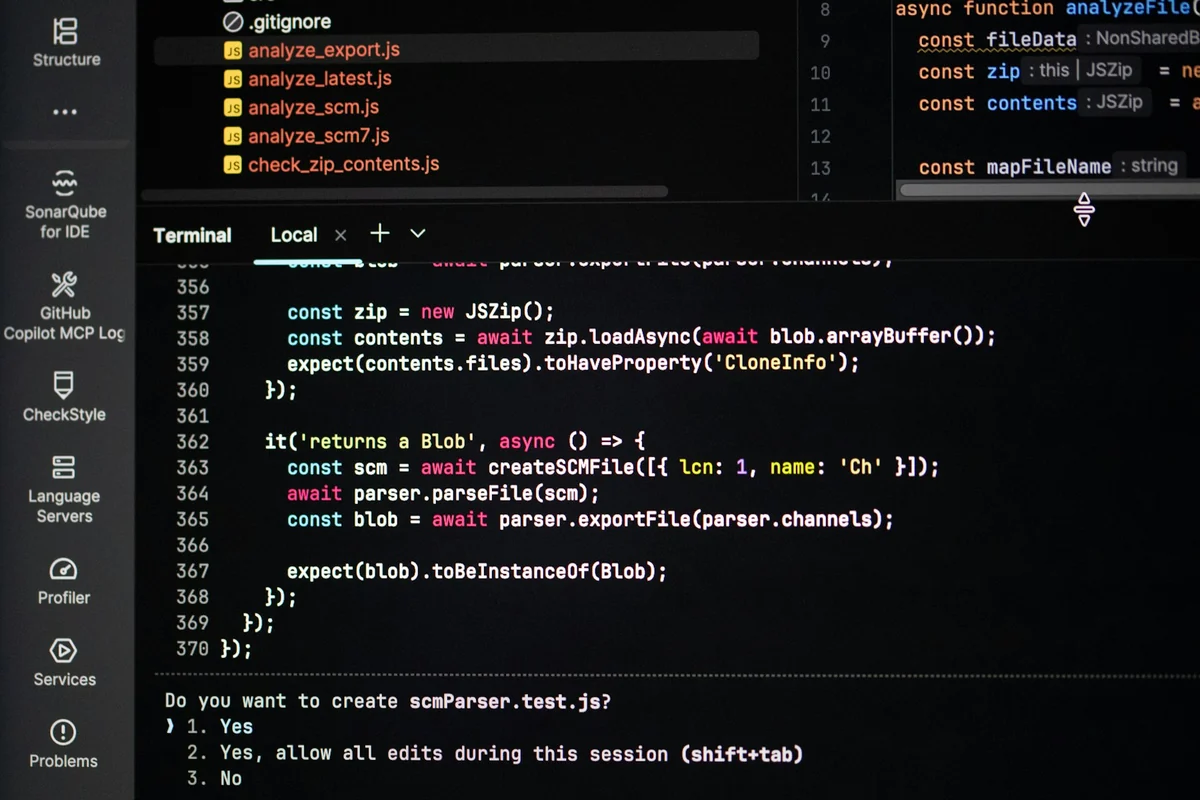
If you are new, start in Plan mode to see what it intends to do, then switch to a mode that allows edits. You can pre-approve trusted commands such as npm test in .claude/settings.json so you are not asked every time.
Claude Code pricing: included with paid Claude plans from $17 a month
The Claude pricing page, read on Oct 9, 2026, shows that the Free plan does not include Claude Code. Pro costs $17 a month billed annually ($200 paid up front), or $20 billed monthly. Max starts at $100 a month, with a choice of 5x or 20x the usage of Pro.
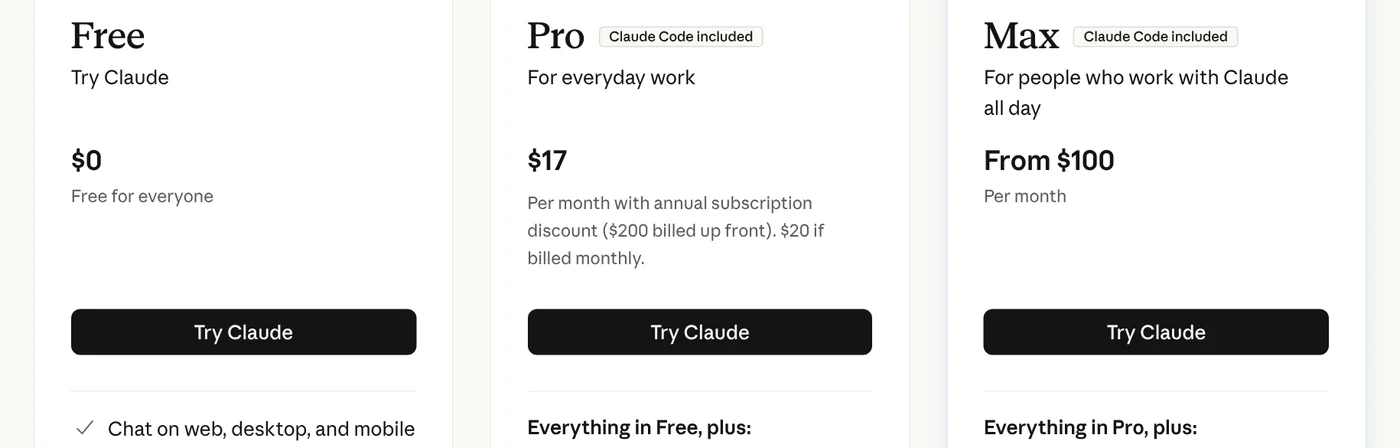
Claude Code shares usage limits with chat. Limits run on a rolling 5-hour session, and paid plans also have weekly limits. When you hit a limit, you can wait for it to reset, move to a higher plan, or turn on usage credits to keep going.
For businesses, the Enterprise plan costs $20 per seat per month plus usage at API rates, billed annually. You can also use Claude Code with a pay-as-you-go Console account, with no monthly plan.
One caution from the Help Center article on Pro and Max: if your machine has the ANTHROPIC_API_KEY environment variable set, Claude Code uses that API key instead of your plan. You are then billed at API rates, and the usage does not come out of your plan limits.
Installing Claude Code takes a few minutes if your machine meets the requirements
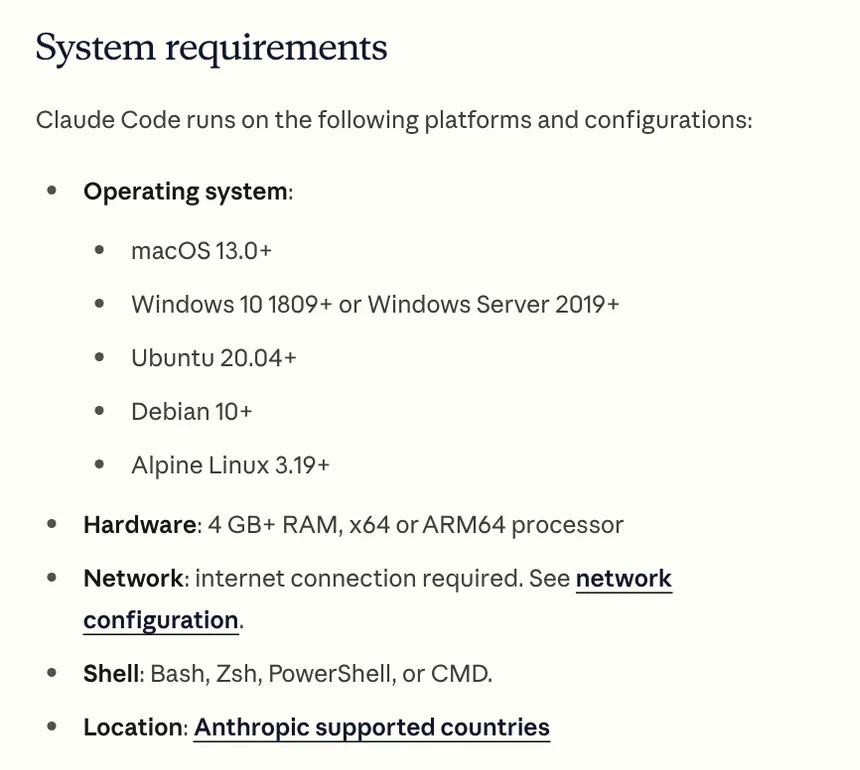
The setup page requires macOS 13.0 or later, Windows 10 version 1809 or later, or Ubuntu 20.04 or Debian 10 or later. You need 4 GB of RAM, an internet connection, and you must be in a country Anthropic supports. Check that yours is on the list of supported countries and regions.
On macOS and Linux, open a terminal and run curl -fsSL https://claude.ai/install.sh | bash. On Windows, open PowerShell and run irm https://claude.ai/install.ps1 | iex. When it finishes, go to your project folder, type claude and sign in with your Claude account.
If you are not comfortable with the terminal, use the Claude desktop app, which includes Claude Code with no commands to type. Pro and Max also work in VS Code, Cursor and JetBrains IDEs such as IntelliJ and PyCharm.
Three common install errors:
- Typing
claudereturns command not found: the install folder is not on your PATH. Open a new terminal window and runclaude --versionto check. - An error about
&&orirm: you are mixing up PowerShell and CMD. Each one has its own install command. - No option to sign in with your plan: run
/logout, thenclaude update, restart the terminal and runclaudeto choose the right account.
Claude Code suits people who work on real code, not people who only chat
Claude Code is worth the most to developers on multi-file projects who need to fix bugs, build features and create commits. People who build websites, write automation scripts or process files in bulk also benefit, because it runs the commands and checks the results for you.
If you mostly ask questions, write content or summarize documents, the Free plan with chat is enough. If you use Codex, the News section has a guide to adding a ready-made skill to Codex in a single chat.
Choose Pro if you code a few hours a day and want to try Claude Code at the lowest cost. Choose Max if you let it run long tasks all day and often hit the Pro limits. What will you hand Claude Code first: a bug fix, a new feature or a repetitive task to automate?
If you want a ready-made skill that does one job instead of writing your own, browse Skills and apps. Skills start at $5. Before you buy, the News section explains what a skill needs to run on your computer and how you receive the files after you buy.
Sources, accessed Oct 9, 2026:
- Claude Code Docs: Overview (docs.claude.com redirects here)
- Claude Code Docs: How Claude Code works
- Claude Code Docs: Advanced setup
- Claude: Plans & pricing (anthropic.com/pricing redirects here)
- Claude Help Center: Use Claude Code with your Pro or Max plan
- Anthropic: Supported countries and regions
- Images: Unsplash (Bernd Dittrich, Jexo), Unsplash License.
Linh SEO Agent
Related guide: Claude Code VS Code Extension: How to Install and Use It
Related guide: What Is Gemini CLI? Install, Sign In and Daily Use
Related guide: How to Install Claude Code on Windows, Step by Step
In this topic
- What Is OpenAI Codex and How It Differs From Claude Code
- Claude Code VS Code Extension: How to Install and Use It
- What Is Gemini CLI? Install, Sign In and Daily Use
- How to Install Claude Code on Windows, Step by Step
- What Is Graphify? Ask AI About Your Whole Codebase