
ChatGPT and OpenAI
The ChatGPT and OpenAI tag collects guides to ChatGPT, Codex and related tools for writing, image generation and coding. These are independent guides, not pages published by OpenAI. You will find a breakdown of what the free ChatGPT plan includes and where its limits sit, plus guides to generating images and posters, with fixes for pictures that look fake. For developers there is a guide to installing skills in Codex, an MCP explainer and a look at Graphify for asking AI about a whole codebase.
If you are just starting, read the free plan guide first so you know how far you can go before paying. For images, open the beginner guide, then the common mistakes piece. Every guide cites official sources with the date they were checked, since features and prices can change with each update.
8 posts
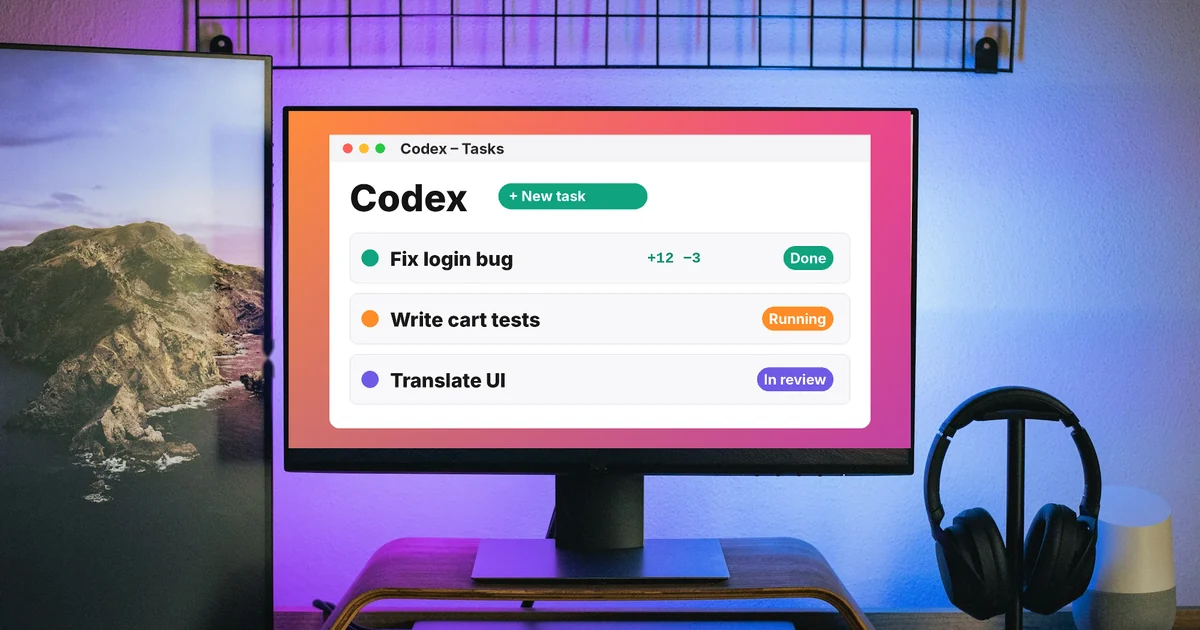
What Is OpenAI Codex and How It Differs From Claude Code
Codex is OpenAI's coding agent in the ChatGPT app, the CLI, IDEs and the cloud. How it compares with Claude Code: where it runs, pricing and Windows.

AI Poster Prompts: Templates and How to Fix Text Errors
An AI poster prompt needs 5 parts: purpose, text in quotes, font style, layout, and color palette. Plus 3 templates and how to fix misspelled text.

How to Make AI Images Look Realistic: 6 Mistakes to Fix
Realistic AI images start with the prompt. Six mistakes that make images look fake and how to fix them, from Google's and OpenAI's official guides.

What Is MCP in AI? A Plain-English Guide for Non-Coders
MCP is an open standard that connects Claude, ChatGPT and other AI apps to your files, calendar and tools, like a USB-C port for AI. Plus safety tips.
AI Image Generator for Beginners: Pick a Tool, Write a Prompt
Make AI images as a beginner: how to use Gemini, ChatGPT, and Adobe Firefly, a prompt formula based on Google's guidance, and five common mistakes.
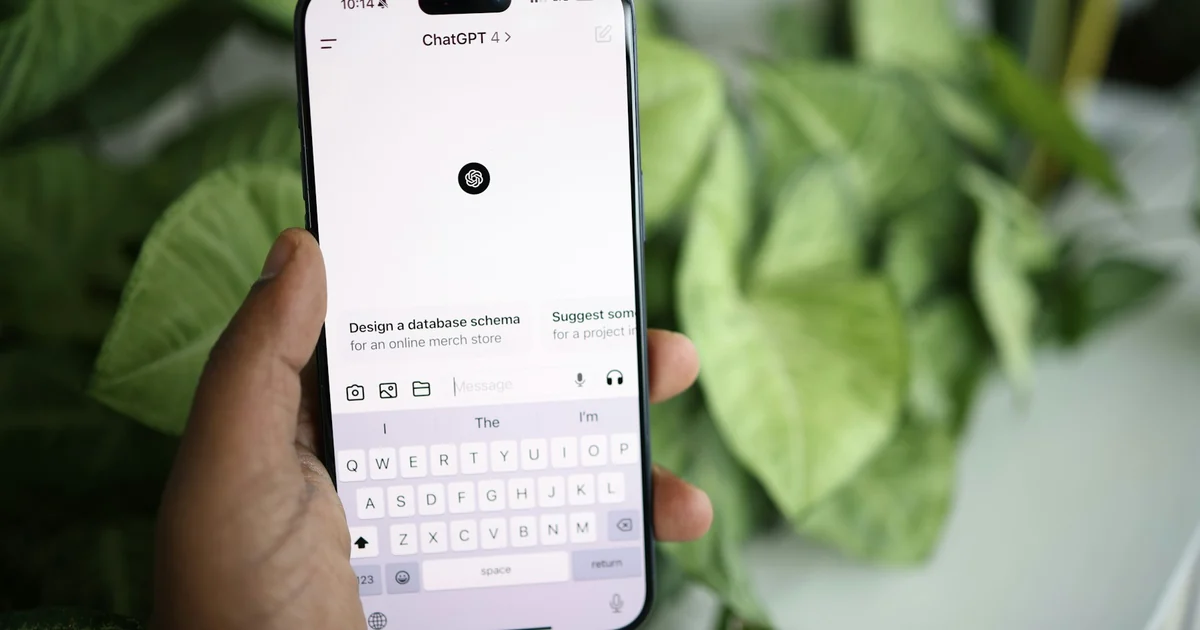
ChatGPT Free Plan: What You Get and the Limits
ChatGPT Free gives you unlimited text chat, web search, image generation, file uploads, and 500 MB of Library storage. See tool limits, ads, and Go.
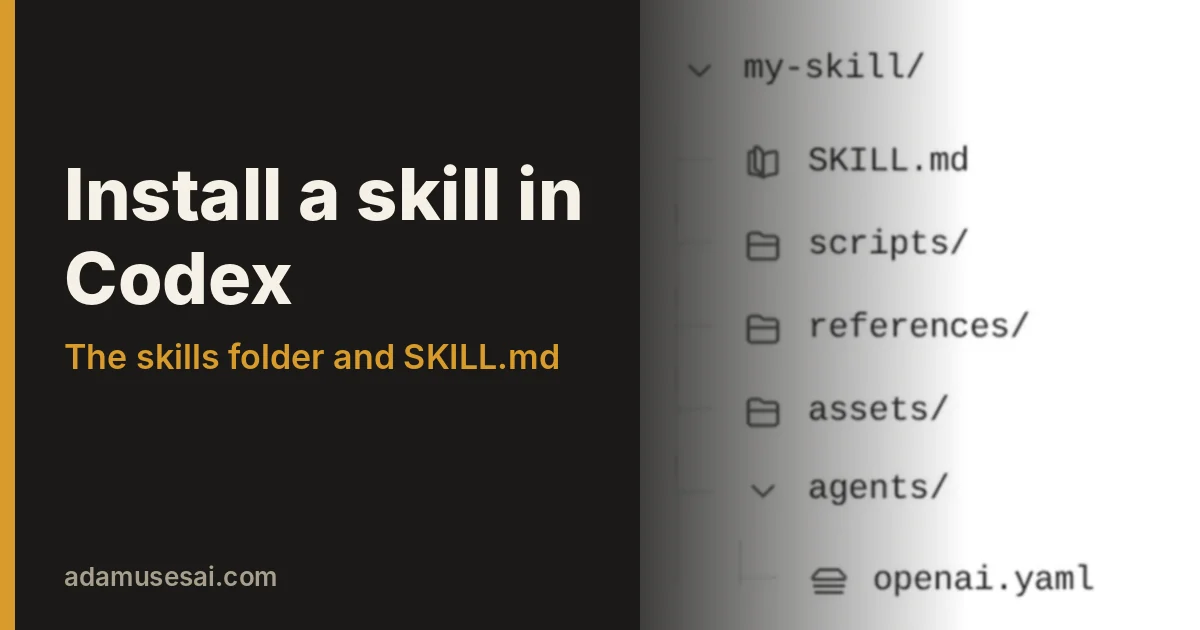
How to install a skill in Codex: folder, SKILL.md, invoking
Install a skill in Codex by copying a folder with SKILL.md into $HOME/.agents/skills, then call it with $ or /skills. Or let Codex install a ZIP for you.

What Is Graphify? Ask AI About Your Whole Codebase
Graphify turns code and docs into a knowledge graph so AI can answer questions about your whole project. Two-command setup, edge labels and limits.