
AI coding
AI coding means describing what you want in plain language and letting an AI assistant write, fix and explain the code for you. This topic is for beginners learning to program, creators who want to build a small site on their own, small business owners who need a simple internal tool, and developers who want to move faster. You do not need to master syntax, but you still need to know what you are asking for and check what comes back before you ship it.
The articles here fall into a few groups. Explainers cover what Claude Code, Gemini CLI and Graphify are, with vibe coding, Antigravity, Cursor and Windsurf on the way. Step-by-step guides walk through installing Claude Code on Windows, using its VS Code extension, setting up Gemini CLI, and building a knowledge graph so an assistant can answer questions about a whole codebase. App builders that need little hand-written code, such as Lovable, v0, Bolt and Replit, are getting their own pages too, each focused on the kind of project it suits. For people who already write code,
If you are new to AI coding, start with the guide to what Claude Code is, who it suits, what it costs and how to install it. It gives you a clear picture of a coding assistant that runs in your terminal, which makes the other tools easier to place. Then pick the setup guide that matches your machine and branch out from there. Every article cites official sources and records the date they were read. Pricing and plan limits change often, so each page carries a date that tells you how fresh the details are.
6 posts
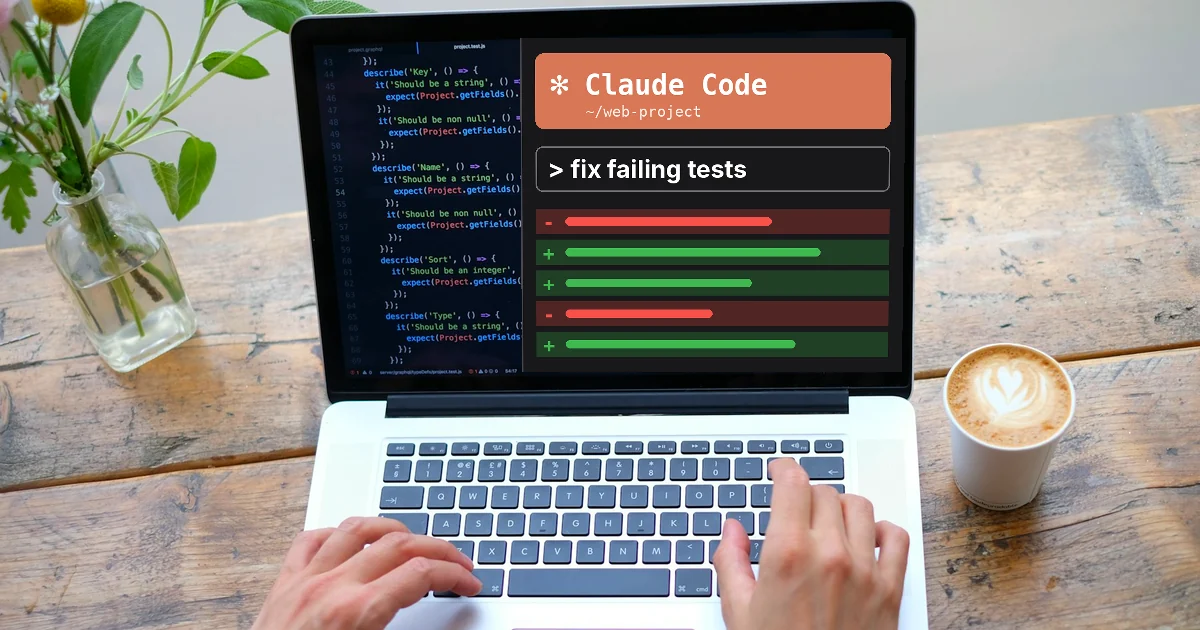
What Is Claude Code? Pricing, Setup and Who It's For
Claude Code is Anthropic's AI coding tool that reads code, edits files and runs commands. Included with Claude Pro from $17 a month. Setup and safety.
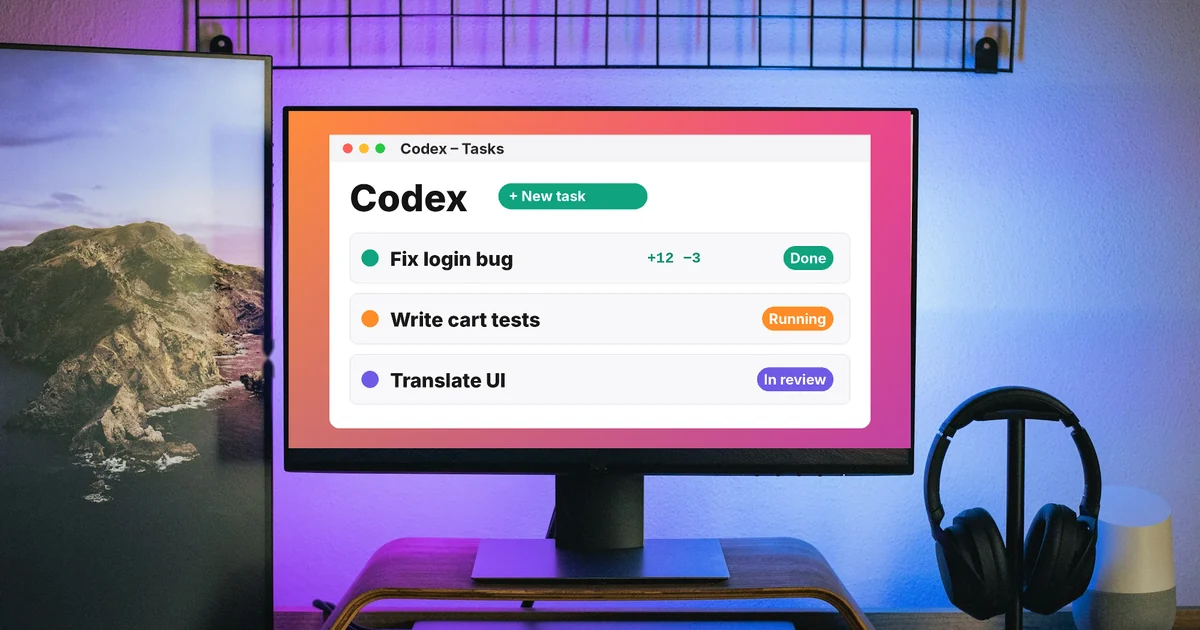
What Is OpenAI Codex and How It Differs From Claude Code
Codex is OpenAI's coding agent in the ChatGPT app, the CLI, IDEs and the cloud. How it compares with Claude Code: where it runs, pricing and Windows.
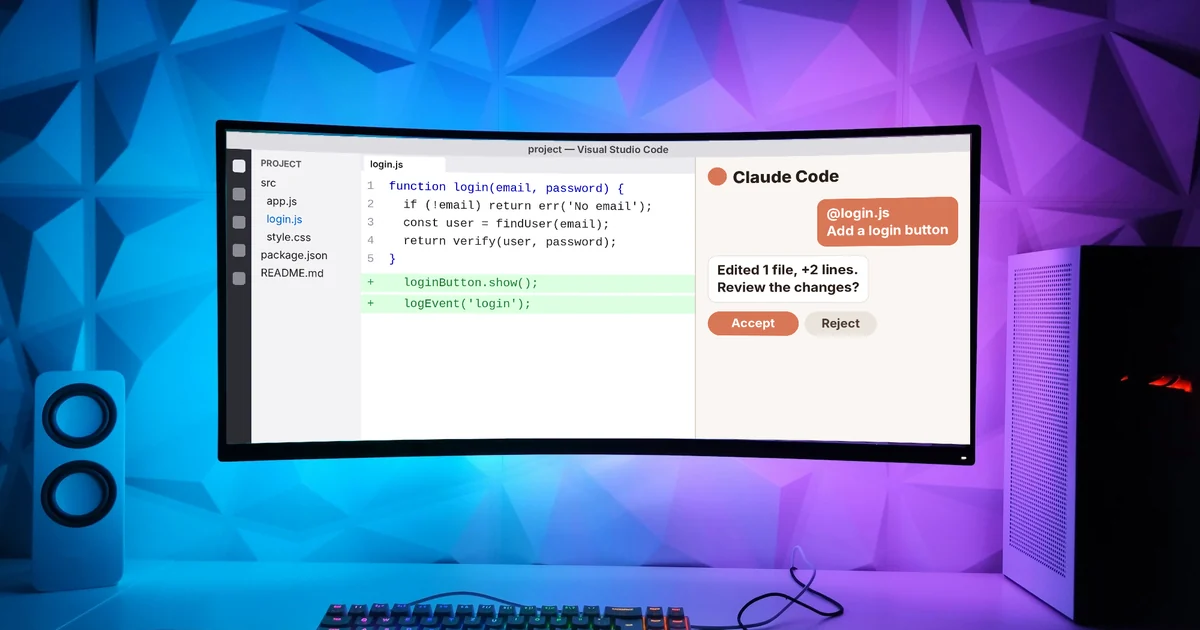
Claude Code VS Code Extension: How to Install and Use It
Install the Claude Code VS Code extension: account needs, install steps, opening the chat panel, permission modes, @-mentions, skills and common fixes.

What Is Gemini CLI? Install, Sign In and Daily Use
Gemini CLI is Google's open-source AI agent for the terminal. Who can still use it after June 18, 2026, how to install it, GEMINI.md, skills and fixes.
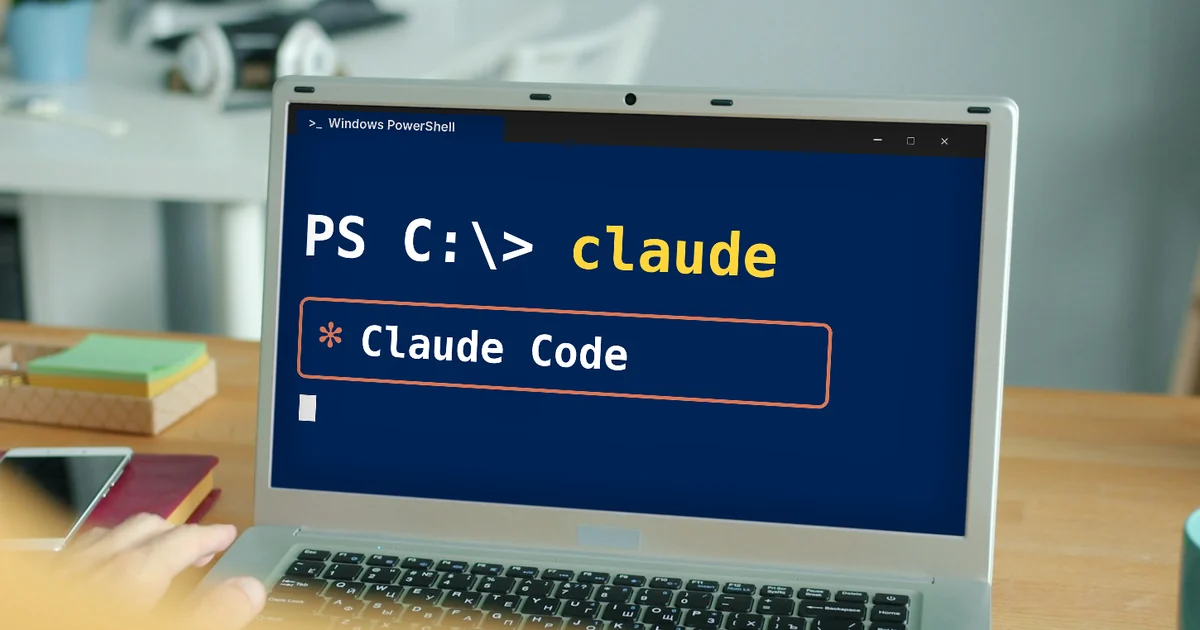
How to Install Claude Code on Windows, Step by Step
Install Claude Code on Windows with one PowerShell command and no admin rights. System requirements, native vs WSL, first login and common errors.

What Is Graphify? Ask AI About Your Whole Codebase
Graphify turns code and docs into a knowledge graph so AI can answer questions about your whole project. Two-command setup, edge labels and limits.