
How to Open PSD Files on Mac Without Photoshop
Compositor is a free, open source photo editor for Mac that opens PSD and PSB files with layers and masks intact. How to install it and its limits.

In this article (5)
- Compositor is a free photo editor for Mac that works the Photoshop way
- Open PSD files on Mac without Photoshop and keep layers and masks editable
- Install Compositor from a DMG file or with one Homebrew command
- Who is Compositor for, and when should you keep Photoshop?
- Four common problems when you open a PSD in Compositor
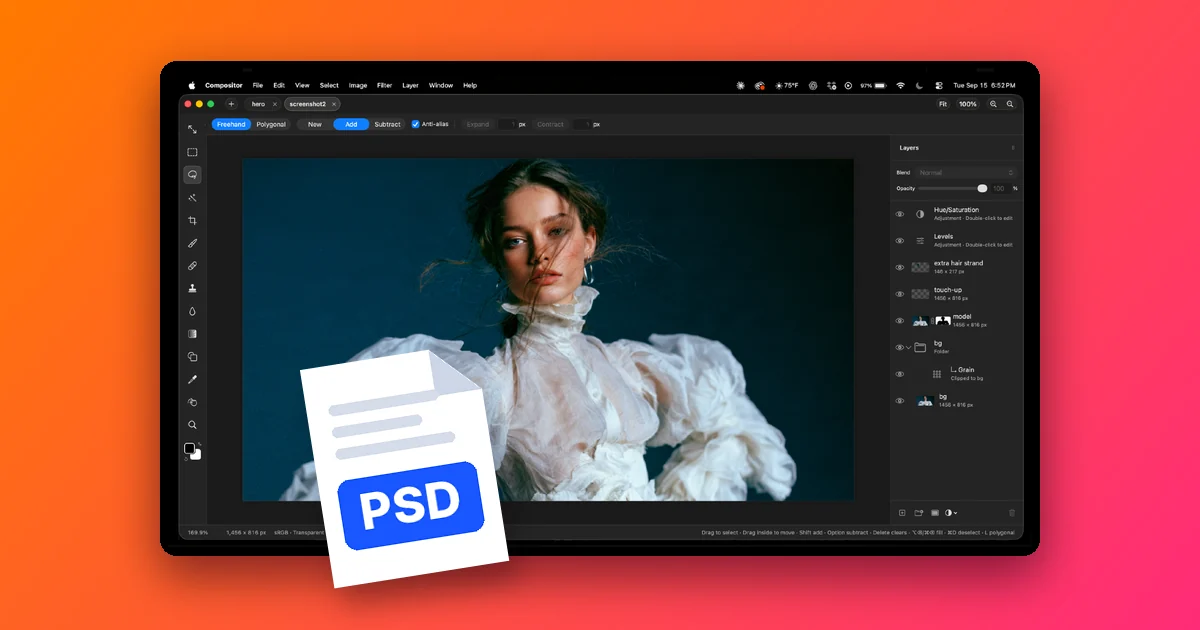
To open PSD files on Mac without Photoshop, you can use Compositor: a free, open source photo editor that keeps the layers and masks of a PSD file when it opens it.
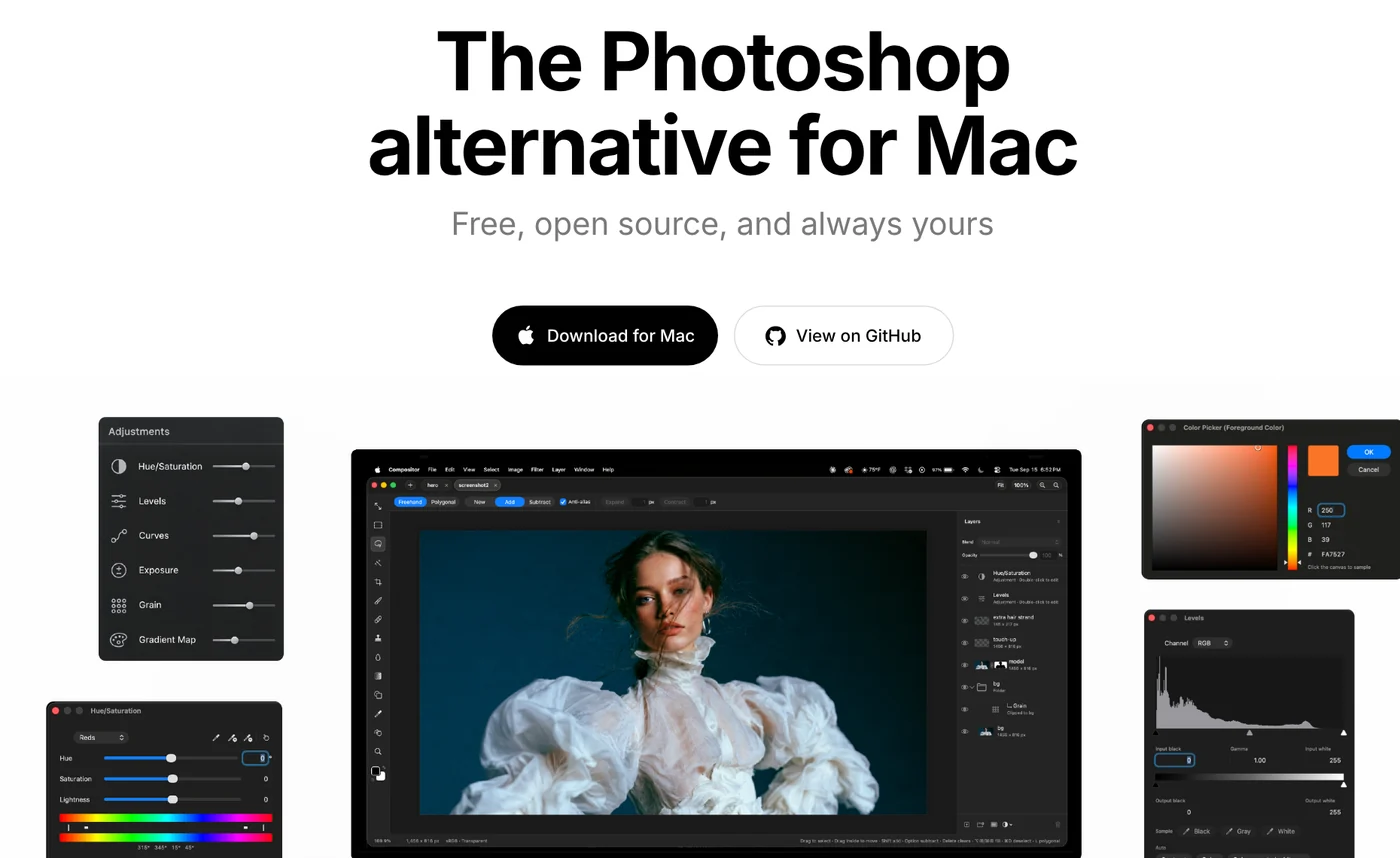
Compositor is a free photo editor for Mac that works the Photoshop way
As of Oct 11, 2026, the robbietilton/Compositor repo on GitHub has about 15.6k stars and uses the MIT license. The latest version is 1.4.9, released on Oct 10, 2026 on the Releases page, and the Compositor.dmg installer is 7.78 MB.
The author writes that Photoshop costs too much and GIMP is hard to get used to, so he built a full photo editor that is still free. The Compositor project page calls it "The Photoshop alternative for Mac." The app centers on compositing and retouching.
The toolset will feel familiar if you have used Photoshop: Layers and layer folders, layer masks, clipping masks, adjustment layers, Clone Stamp and Spot Healing Brush. Keyboard shortcuts also follow Photoshop, and you can change them in Edit > Keyboard Shortcuts.
Open PSD files on Mac without Photoshop and keep layers and masks editable
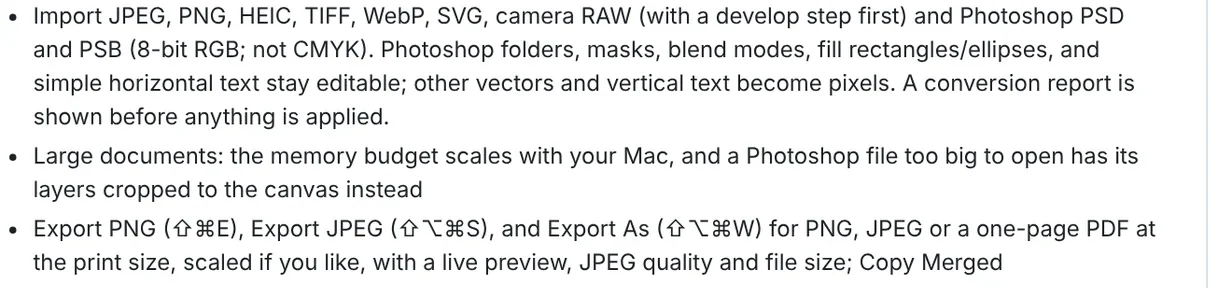
Compositor imports both Photoshop PSD and PSB files. The Canvas and files section of the Compositor README sets the scope: it only accepts 8-bit RGB files, not CMYK files.
When a file opens, these parts stay editable:
- Layer folders and masks.
- Blend modes.
- Filled rectangles and ellipses.
- Simple horizontal text.
Other vectors and vertical text are converted to pixels. Before applying the import, the app shows a conversion report so you know which layers changed. If a file is very large, layers are cropped to the canvas so it still opens.
Besides PSD, the app imports JPEG, PNG, HEIC, TIFF, WebP, SVG and camera RAW files. Export options are PNG, JPEG and single-page PDF. The feature list has no option to save back to PSD, and projects are saved as .comp.
Install Compositor from a DMG file or with one Homebrew command
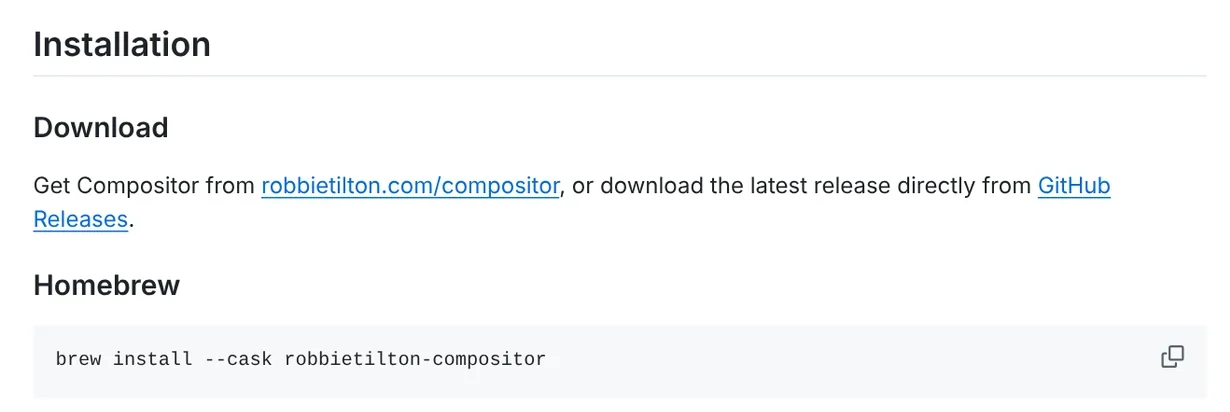
The Installation section gives two ways to install. The first is to download Compositor.dmg from the project page with the Download for Mac button, or from the latest release on GitHub, then open the DMG file to install.
The second is for Macs that already have Homebrew, the package manager for macOS. Open Terminal and run:
``sh brew install --cask robbietilton-compositor ``
The app updates itself, and releases are signed and notarized, meaning they have passed Apple's software check. If you code, you can open Compositor.xcodeproj in Xcode 26 or later and run the Compositor scheme to build it yourself and add or remove features.
Who is Compositor for, and when should you keep Photoshop?
Compositor suits Mac users who need to open a PSD a client sent, edit layers, replace horizontal text, then export PNG or JPEG to post. If you composite photos, color grade or cut out backgrounds with Remove Background, you also get familiar tools.
One unusual detail: a .comp project is just a folder of PNG images, one per layer, plus a manifest file. The guide Writing Compositor projects says AI agents or scripts can write straight into a project, and an open canvas updates to match.
Limits to know before you install:
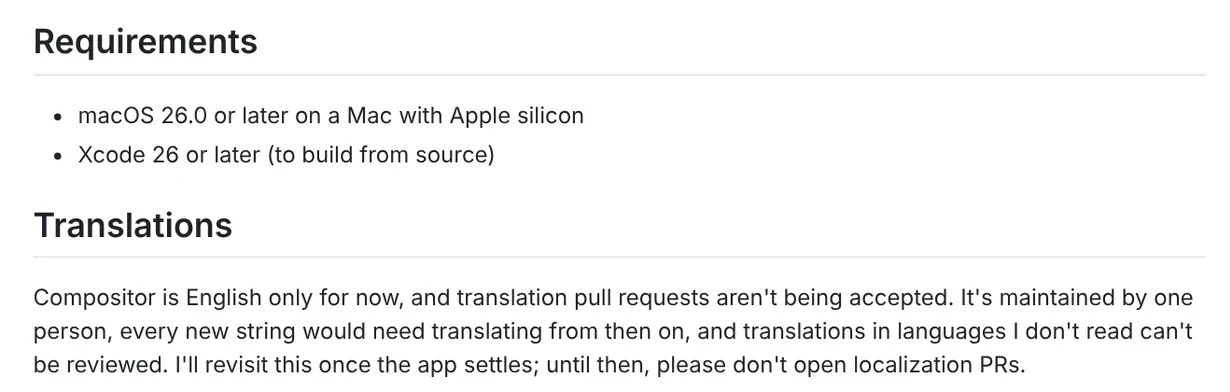
- Hardware: you need macOS 26.0 or later on an Apple silicon Mac. Intel Macs are not in the requirements.
- Print color: CMYK files are not supported, so CMYK print layouts are not a good fit yet.
- Language: the interface is English only, and the author is not taking translations yet.
- Maintainer: one person maintains the project, and the code is under the MIT license.
- Saving: there is no PSD export, so if you need to send a PSD back to a colleague, you still need Photoshop.
The project page also states that Compositor is not affiliated with or endorsed by Adobe.
Four common problems when you open a PSD in Compositor
- It will not install on an older Mac. Open About This Mac to check your chip and macOS version. You need an Apple chip and macOS 26.0 or later.
- The file is CMYK or not 8-bit RGB. Ask the sender to export an 8-bit RGB version, since the app does not accept CMYK files.
- Text is not editable. Vertical text and complex vectors have become pixels. Read the conversion report before you apply it to see which layers changed.
- Content outside the canvas is gone. Very large files have their layers cropped to the canvas, so keep the original PSD to reopen when needed.
Once you have opened the PSD and exported your images, the next slow step is often adding text to a whole batch of product photos. The Add headline text and brand badges to photos skill ($5) adds a headline, a highlighted phrase and a badge to a whole folder of photos in one pass. Before that, the News section explains when to use the 4:5, 1:1 and 16:9 aspect ratios on each platform. Other skills are on the skills and apps page.
Short videos on tools like Compositor are on the Adam dùng AI YouTube channel, and you can subscribe to catch new ones. Do the PSD files you get most often come from clients or from designer colleagues?
Sources, accessed Oct 11, 2026:
- GitHub: robbietilton/Compositor, README (about 15.6k stars, MIT license, as of Oct 11, 2026)
- GitHub: Compositor Releases, version 1.4.9 from Oct 10, 2026
- Project page: robbietilton.com/compositor
- GitHub: Writing Compositor projects
- GitHub: LICENSE (MIT)
Linh SEO Agent
Related guide: What Is Stirling PDF? Free Self-Hosted PDF Tools
Related guide: What Is Graphify? Ask AI About Your Whole Codebase
Related guide: pyVideoTrans: Free Open Source AI Video Dubbing Software









