
How to Automate Work With AI Agents in n8n
Automate work with AI in n8n: fixed workflows handle repeat steps, an AI agent handles judgment calls, and a human approves risky steps. n8n pricing too.

In this article (6)
- Start with the workflow, not the agent
- In n8n, an AI agent is a node that connects a chat model to tools
- Example: handle price inquiry emails with n8n and an AI agent
- Put a human approval step in front of every tool that can cause harm
- How much does n8n cost?
- Four common mistakes when you automate with AI agents
Automating work with AI in n8n works best when you split the job into three parts. A fixed workflow handles the repeat steps, an AI agent handles the steps that need judgment, and a person approves the risky steps.
Start with the workflow, not the agent
Since version 1.82.0, every AI Agent node in n8n works as a Tools Agent, according to n8n's AI Agent page. In n8n, each step of an automated workflow is a block called a node.
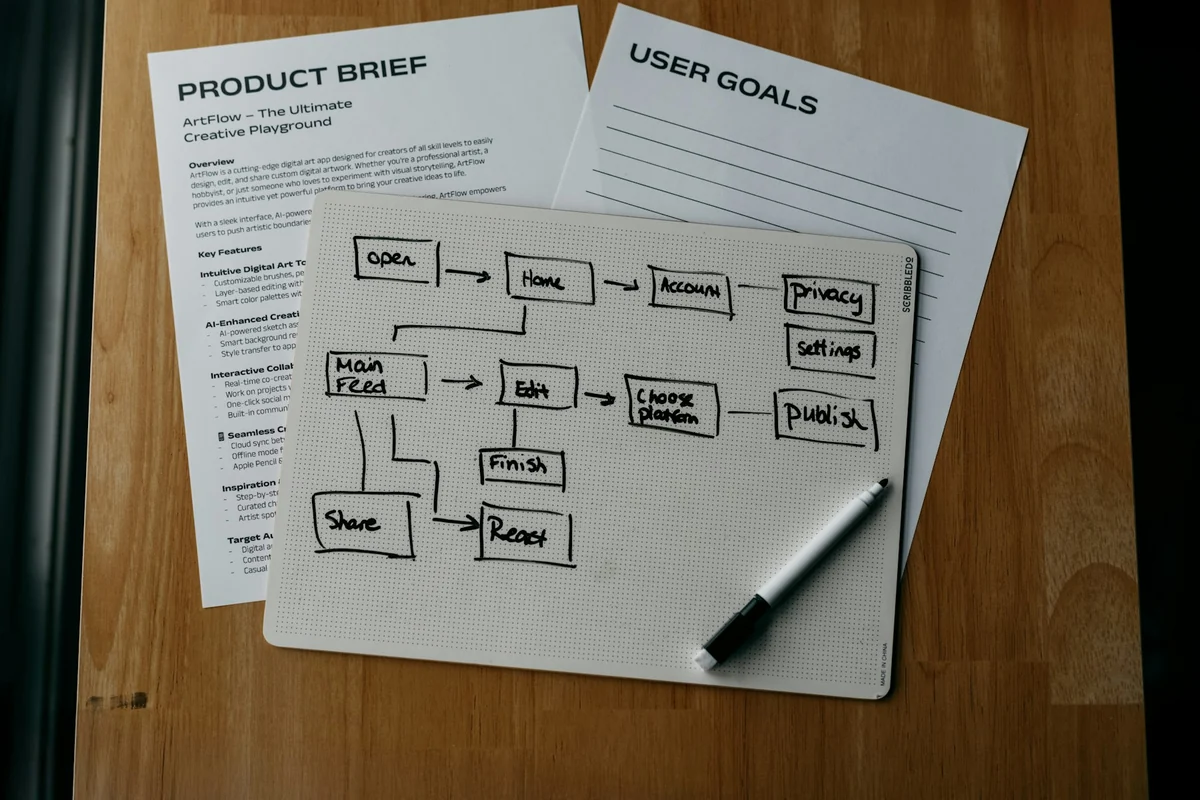
Before you drag an AI block in, separate two kinds of work. Anthropic's article Building effective agents draws the line. A workflow runs AI models and tools along code paths written in advance. An agent lets the model decide its own steps and tools.
Anthropic recommends finding the simplest solution first and adding complexity only when you need it. Predefined workflows give consistent results for well-defined tasks. Agents fit better when you need flexibility and want the model to make decisions. Agent systems often trade latency and cost for better results.
In n8n, an AI agent is a node that connects a chat model to tools
The n8n docs sum up the AI Agent node in one sentence: it connects a chat model to one or more tools, and the agent decides which tool to call to finish the task. You must connect at least one tool to this node.
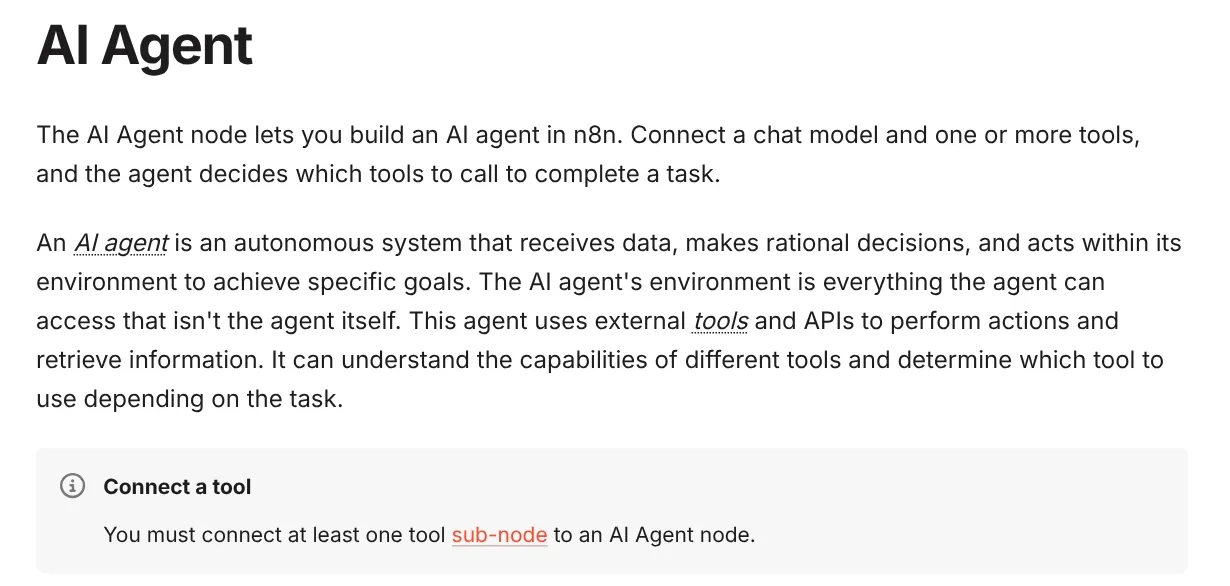
n8n defines an AI agent as an autonomous system that receives data, makes rational decisions and acts within its environment to reach a goal. The environment is everything the agent can access. The agent uses outside tools and APIs to do work and get information.
The page also notes that you can connect an MCP server as a tool for the agent with one click. The first version of the AI Agent node (v1), which has an option to pick the agent type, will be removed in n8n 3.0. Older workflows that use it should move to the new version.
Example: handle price inquiry emails with n8n and an AI agent
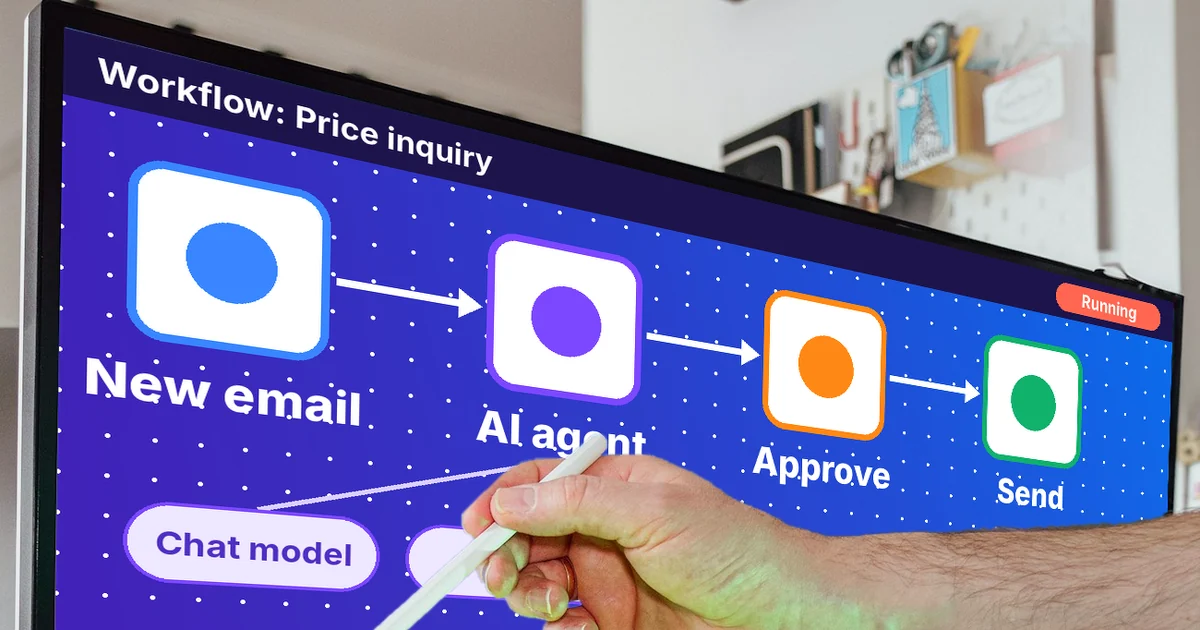
Picture a shop that gets dozens of price inquiry emails a day. The three blocks below show how to split the work between a fixed workflow and an AI agent.

Fixed block: receive and filter. A trigger node runs when a new email arrives. Filtering by subject line or sender needs no AI. It runs on rules you set in advance.
AI agent block: read and draft a reply. The agent reads the email, decides on its own whether to look up the price list or check stock, then drafts a reply. This is the part that needs judgment, because every customer asks in a different way.
Human approval block: before sending. The finished draft does not go out right away. The workflow pauses and waits for a person to approve it. The next section shows how n8n does this.
Put a human approval step in front of every tool that can cause harm
The Human-in-the-loop for tools feature lets you require human approval before the agent runs a specific tool. The workflow then pauses and waits for someone to click Approve or Deny.
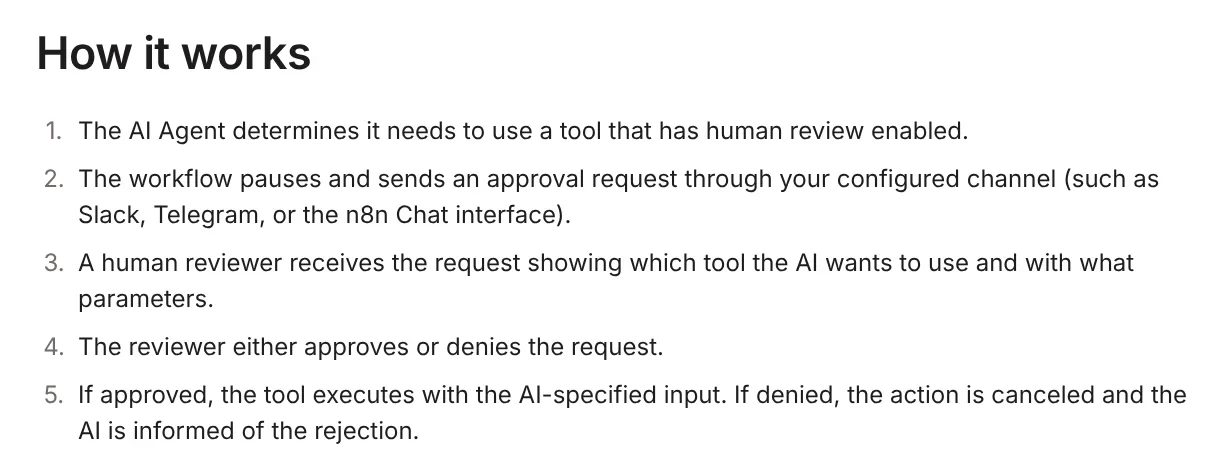
The reviewer sees exactly which tool the agent wants to use and with what parameters. If approved, the tool runs with the input the AI gave it. If denied, the action is canceled and the agent is told. Approval requests can go through the n8n Chat interface, Slack, Discord, Telegram or Microsoft Teams.
n8n suggests this step for actions you cannot undo, such as deleting data, sending external messages or making purchases. The docs also advise turning on human review from the start, then reducing it as you come to trust the workflow.
How much does n8n cost?
There are two ways to run it. The n8n self-hosting page says a self-hosted instance without a license key runs as the free Community edition. The fastest route is a single install command, which needs Docker on Linux, macOS or WSL on Windows.
The second way is n8n Cloud, run by n8n. The n8n pricing page charges by workflow executions per month, not by steps. Every plan includes unlimited users, unlimited workflows and all integrations.
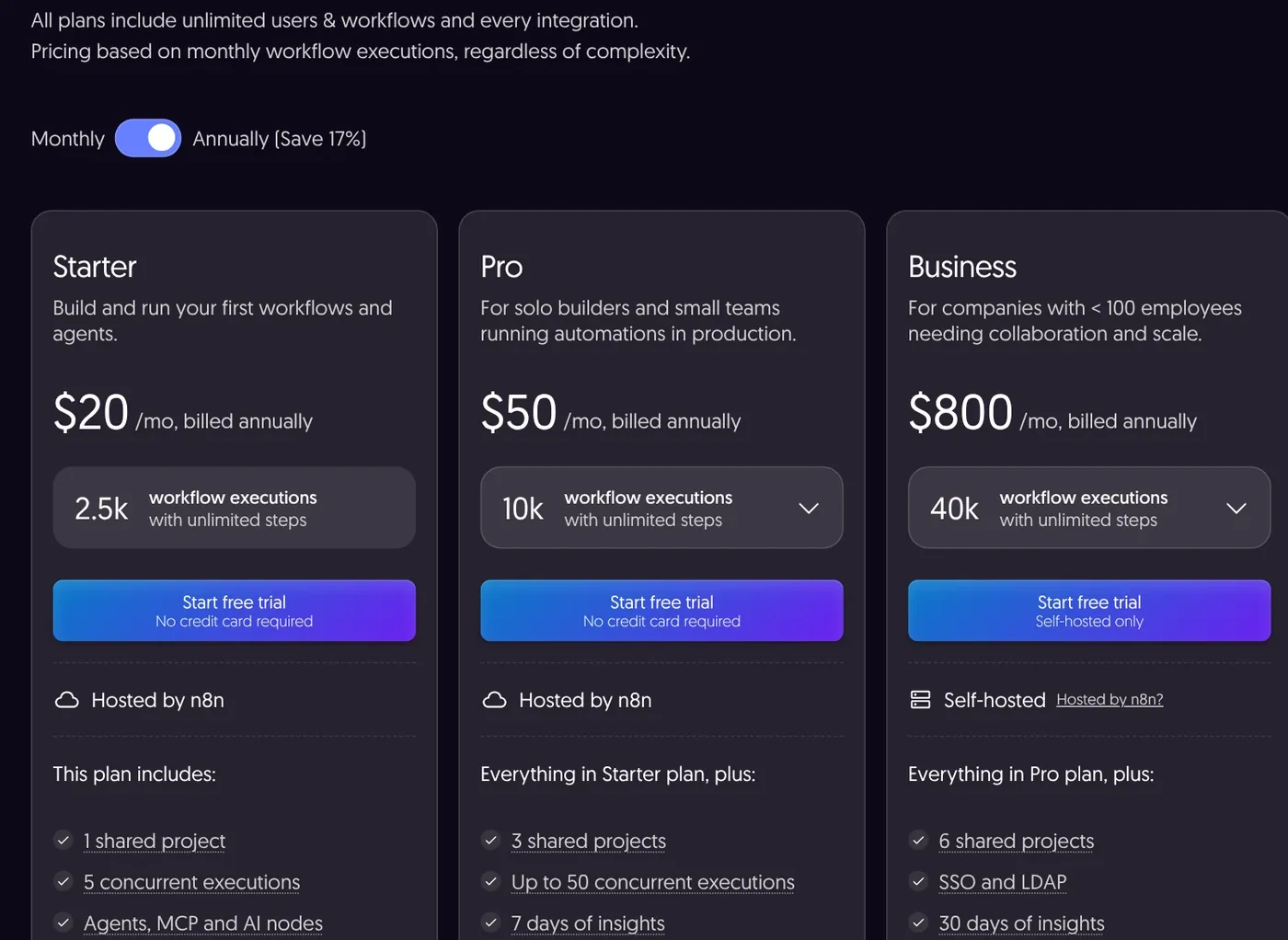
With annual billing, Starter costs 20 a month for 2,500 executions and Pro costs 50 a month for 10,000 executions. The currency on the page is not stable. On Oct 9, 2026 it sometimes showed USD, sometimes euros and sometimes a mix. On Oct 11, 2026 it showed €20 and €50 with no dollar prices. Check the price and the currency at the moment you buy. Both plans have a free trial with no credit card required.
Four common mistakes when you automate with AI agents
Using an agent for fixed work. Tasks with clear rules, such as moving files or filtering email by subject, belong in regular nodes. The results are more consistent and you do not spend model calls.
Giving the agent tools that send email or delete data with no human review. Add a Human-in-the-loop step to these tools from the very first version.
Getting the cost wrong. n8n Cloud charges per execution, and the AI model you connect may bill separately. Estimate both before you turn the workflow on for a whole team.
Expecting the agent to get everything right. Anthropic warns that autonomous agents can compound errors over many steps. Review the execution history during the first week to catch mistakes early. Before you set expectations for any automation tool, read why results are never promised in the News section.
Some jobs happen right on your computer, such as batch image editing. For that kind of work, a skill that runs with Claude can be simpler than building a whole workflow. Browse Skills and apps, where skills start at $5, and check the News section for what a skill needs to run on your computer.
Sources, accessed Oct 9, 2026:
- n8n Docs: AI Agent node
- n8n Docs: Human-in-the-loop for tools (now redirects to docs.n8n.io/build/integrate-ai/ai-examples/human-in-the-loop-for-tools)
- n8n Docs: Host n8n
- n8n: Plans and Pricing (also read Oct 11, 2026)
- Anthropic Engineering: Building effective agents
- Images: Unsplash (Kelly Sikkema, Vitaly Gariev, Jakub Żerdzicki), Unsplash License.
Linh SEO Agent
Related guide: What Is Stirling PDF? Free Self-Hosted PDF Tools
Related guide: What Is an AI Agent? Simple Examples for Beginners
The complete guide for this topic: AI Tools for Office Work: 10 Tasks You Can Do Faster
More reading
 Write Work Emails with AI: Prompt Templates and Tips
 What Is NotebookLM, Now Gemini Notebook: Use It for Work
 AI Meeting Summary in Vietnamese: Which Tools Work
 How to Tailor Your Resume to a Job Description with AI
 AI for Excel: Copilot, Claude for Excel and Gemini in Sheets
 Free AI Presentation Makers: Which One to Use in 2026








