
Google AI tools
The Google AI tools tag collects guides to Gemini, Veo, Google Flow, NotebookLM and Nano Banana for everyday work. These are independent guides, not pages published by Google. You will find explainers on what each tool does, walkthroughs for turning photos or scripts into video, prompt guides for images and clips, and product photo tips for online sellers. Office tasks are covered too, from meeting summaries and spreadsheets to slides and résumés, and developers get a setup guide for Gemini CLI.
If you are new, start with the overview of free Google AI tools, then pick one task and go deeper. For video, move on to the one-person workflow that runs from a rough idea to a published clip. Each guide cites official sources with the date they were checked, because features, product names and prices can change, especially when a product is merged or renamed.
35 posts · page 3 of 3

What Is Nano Banana? Where to Use It and What It Costs
Nano Banana is Gemini's image model family. It is free in the Gemini app, and Nano Banana Pro starts at $4.99 a month in the US. See API prices.
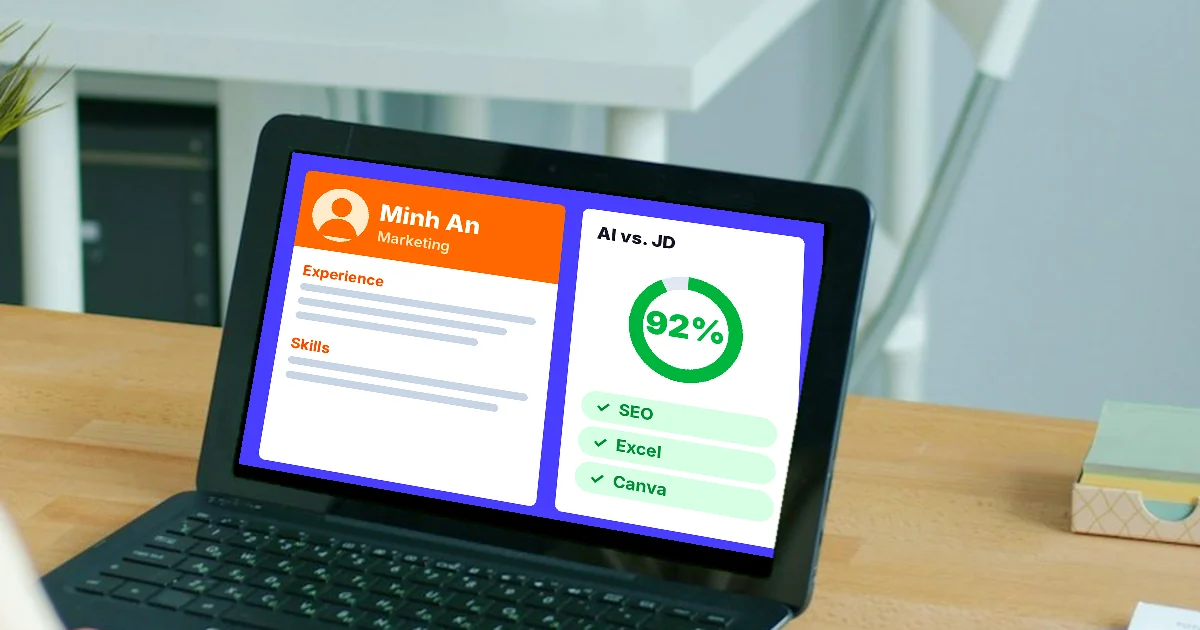
How to Tailor Your Resume to a Job Description with AI
Tailor your resume to a job description with AI in 4 steps: list requirements, compare, rewrite with real facts, export. Plus how to keep your data safe.
What Is Gemini Omni Flash, and How Is It Different From Veo?
Gemini Omni Flash is Google's video model that edits video with words, like Nano Banana for photos. Vs Veo 3.1: 10-second clips, video edits, cheap 360p.
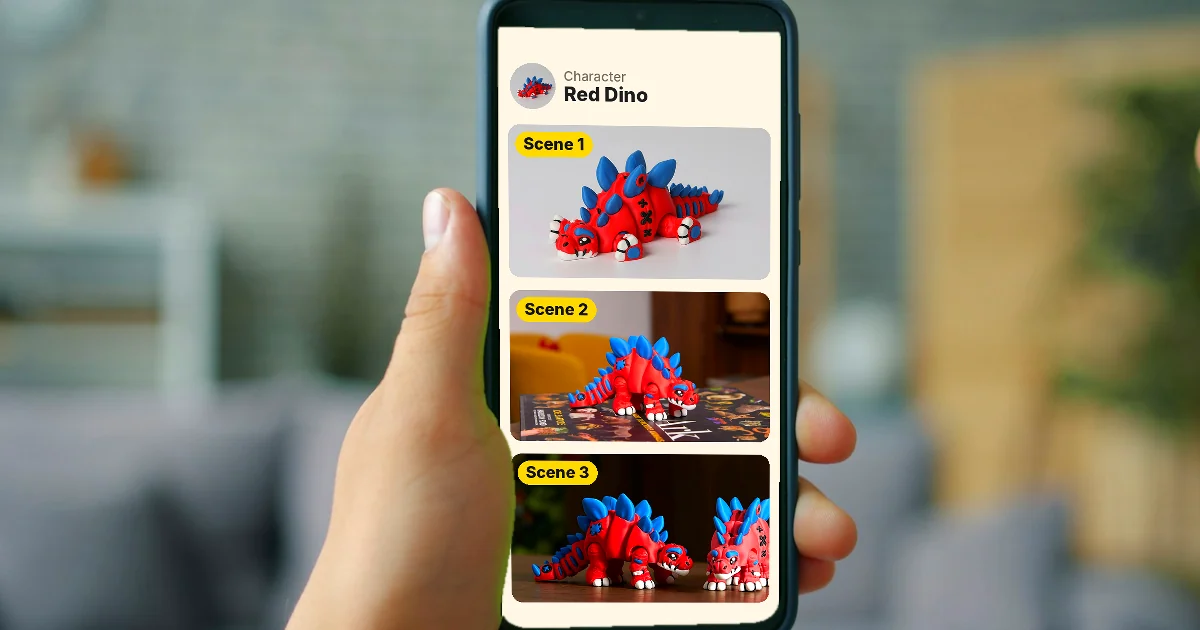
How to Create a Consistent AI Character Across Images and Videos
Keep one AI character's face and outfit the same across images and videos with Characters in Google Flow, Midjourney's Edit Model, and Runway References.

Free Text to Video AI: From Script to Clip in Google Flow
Make free AI videos from text with Google Flow: 50 credits a day, split your script into 8 to 10 second scenes, and join clips in Scenebuilder.
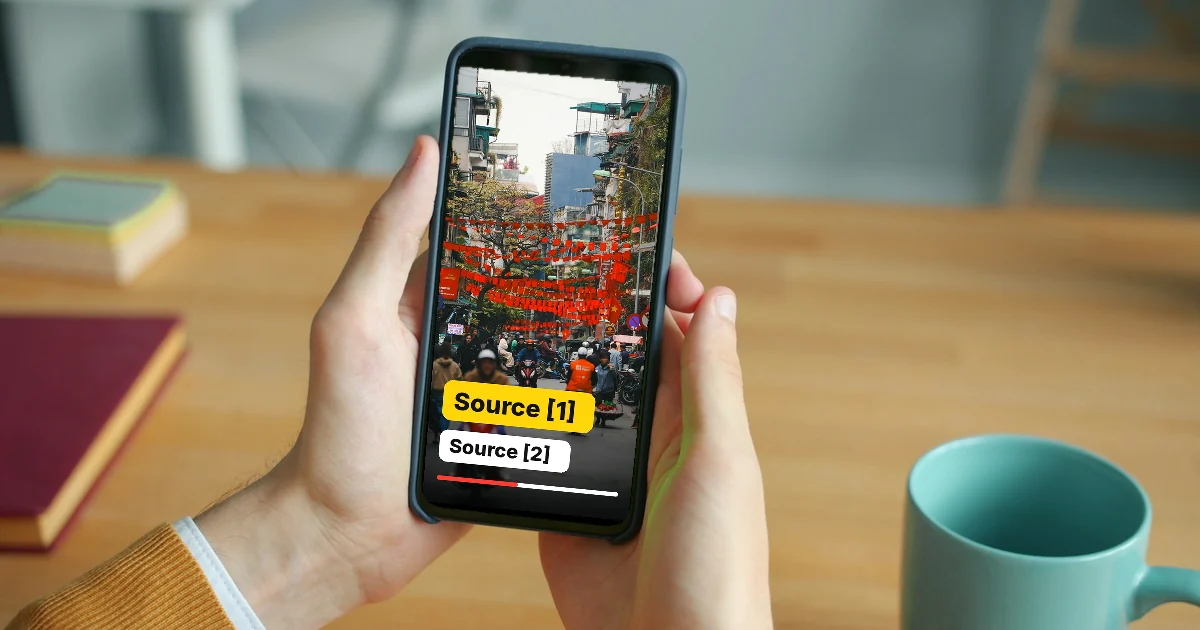
How to Make an AI Video With Source Citations in 5 Steps
Make an AI video with source citations: build a source table, write a grounded script in Gemini Notebook, show sources on screen, disclose AI use.
AI Image Generator for Beginners: Pick a Tool, Write a Prompt
Make AI images as a beginner: how to use Gemini, ChatGPT, and Adobe Firefly, a prompt formula based on Google's guidance, and five common mistakes.
Free Image to Video AI: Beginner Steps in Google Flow
Free image to video AI with Google Flow: 50 credits a day, free image generation, then use your image as the start frame. Plus the steps in Gemini.
What Is Veo 3? How to Use Google's AI Video Model in 2026
Veo 3 is Google's AI video model with sound. Gemini now uses Gemini Omni and Flow uses Veo 3.1. Where to use it, US prices and steps.

Free AI Video Generator: 3 Tools With a Real Free Plan
Free AI video generators compared: what CapCut, Dreamina, and Clipchamp give you for $0, their limits, and why Gemini is not on the free list.

What Is Google Flow? How to Use It and What It Costs
Google Flow is Google's AI studio for video and images. See what each Google AI plan costs in the US, the credits you get, and 5 steps to a first video.