
iPhone
The iPhone tag collects guides to moving photos, videos and files from an iPhone to a computer, and to editing images and clips right on the phone. These are independent guides, not pages published by Apple. The largest group explains how to send photos, videos and large files to a Windows laptop without AirDrop, over Wi-Fi, Bluetooth and other routes, with a side-by-side comparison. The rest show how to add text or a signature to photos, put captions on video, trim clips, remove backgrounds and polish product shots with AI.
If you need to move files to Windows, read the comparison of transfer methods first, then open the detailed guide that fits. For photo edits, begin with adding text without installing an app. Each guide cites official sources with the date they were checked, since iOS, Windows and app features can change with every update.
13 posts · page 1 of 2
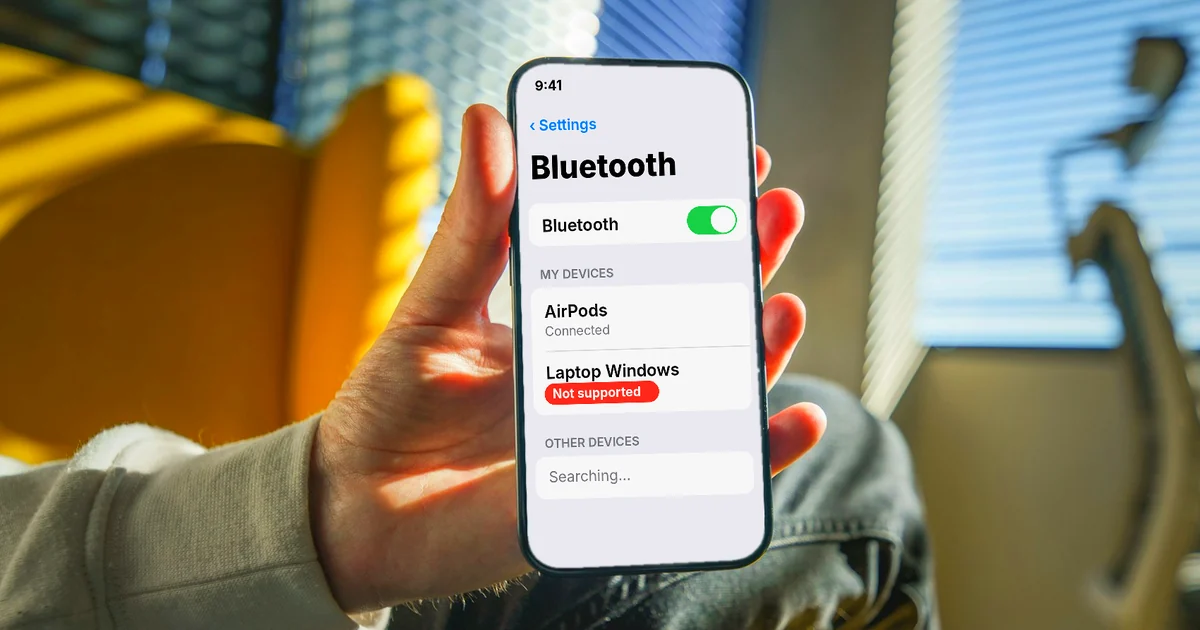
Can You Transfer Photos From iPhone to PC via Bluetooth?
Apple's guides have no step for sending photos from iPhone to a PC over Bluetooth. What works instead: a USB cable, iCloud Photos, or Wi-Fi with no cable.

How to Send Large Files From iPhone to PC Over Wi-Fi
Send large files from iPhone to a Windows PC over Wi-Fi: the Apple Devices app, a shared folder in the Files app, or a local file transfer app.
Can You AirDrop from iPhone to Windows? 4 Alternatives
You can't AirDrop from iPhone to Windows, since AirDrop only works between Apple devices. Four alternatives: USB cable, iCloud Photos, Phone Link, Wi-Fi.

How to Add a Signature to a Photo, Plus Your Phone Number
Add a signature to a photo with Markup on iPhone or Google Photos on Android, then stamp a phone number on 30 photos at a time for free. Common mistakes.

How to Add Text to a Video on Your Phone or Computer
Add text to a video with free built-in tools: iMovie on iPhone and Mac, Google Photos on Android, Clipchamp on Windows. Plus common text mistakes.

Transfer Files From iPhone to a Windows Laptop: 6 Ways
Compare 6 ways to transfer files from iPhone to a Windows laptop: USB cable, iCloud Drive, Mail Drop, a shared folder, a USB drive, and Wi-Fi.

How to Trim a Video on iPhone, Mac, and Windows, No App Needed
Trim a video with tools you already have: Photos on iPhone, QuickTime on Mac, Clipchamp on Windows or in a browser. Plus 4 common trimming mistakes.
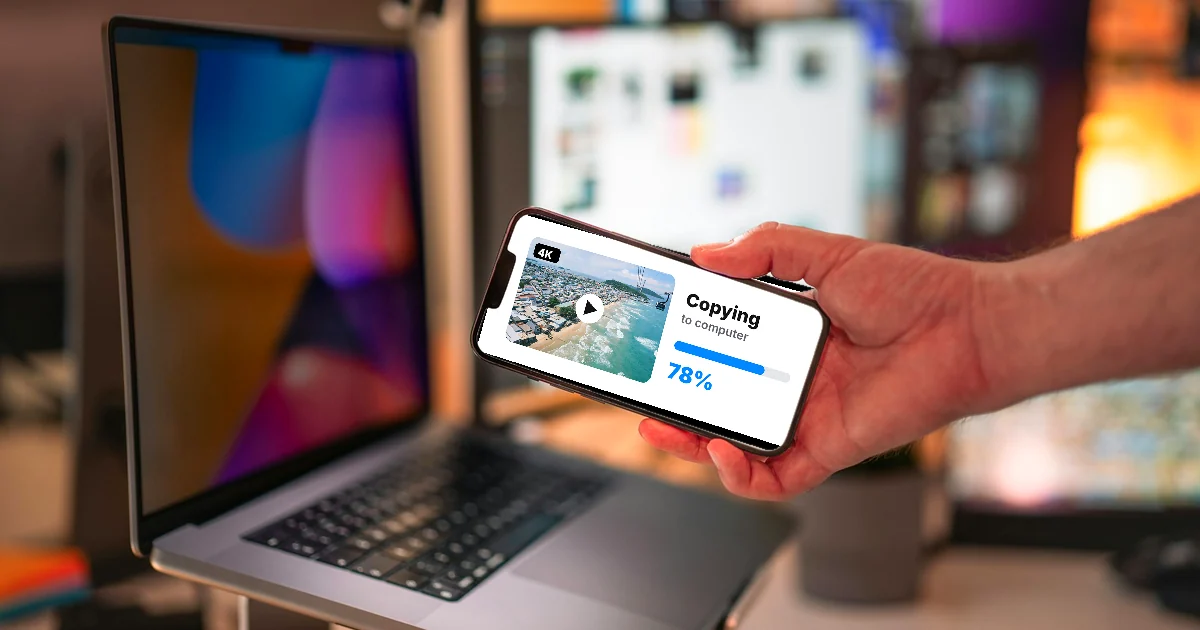
How to Transfer Videos from iPhone to PC Without Quality Loss
iPhone videos can turn into H.264 when you copy them by cable. Turn on Keep Originals, download originals from iCloud, or send them over Wi-Fi as is.

How to Take Product Photos With Your Phone, Then Fix Them With AI
Take product photos with your phone: turn on the grid, lock focus and exposure, then remove clutter with Clean Up on iPhone or Magic Eraser on Android.
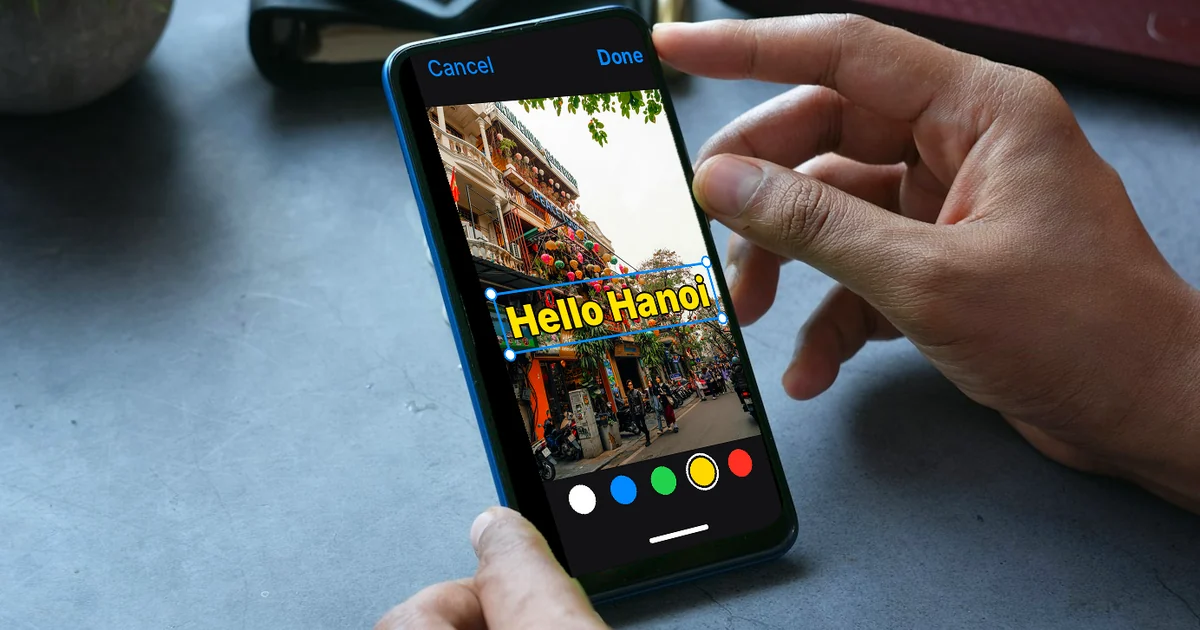
How to Add Text to a Photo on iPhone Without an App
How to add text to a photo on iPhone with Markup in the Photos app: steps to add text, duplicate to keep the original, add a dark shape behind text.

How to Remove a Background From a Photo for Free: 4 Ways
Remove a photo background for free with Paint on Windows, iPhone subject lifting, Google Photos stickers, or remove.bg. Plus the most common mistakes.

How to Transfer Photos From iPhone to a Windows PC: 5 Ways
Five ways to transfer photos from iPhone to a Windows PC: USB and the Photos app, iCloud for Windows, iCloud.com, an external drive, or Wi-Fi.