
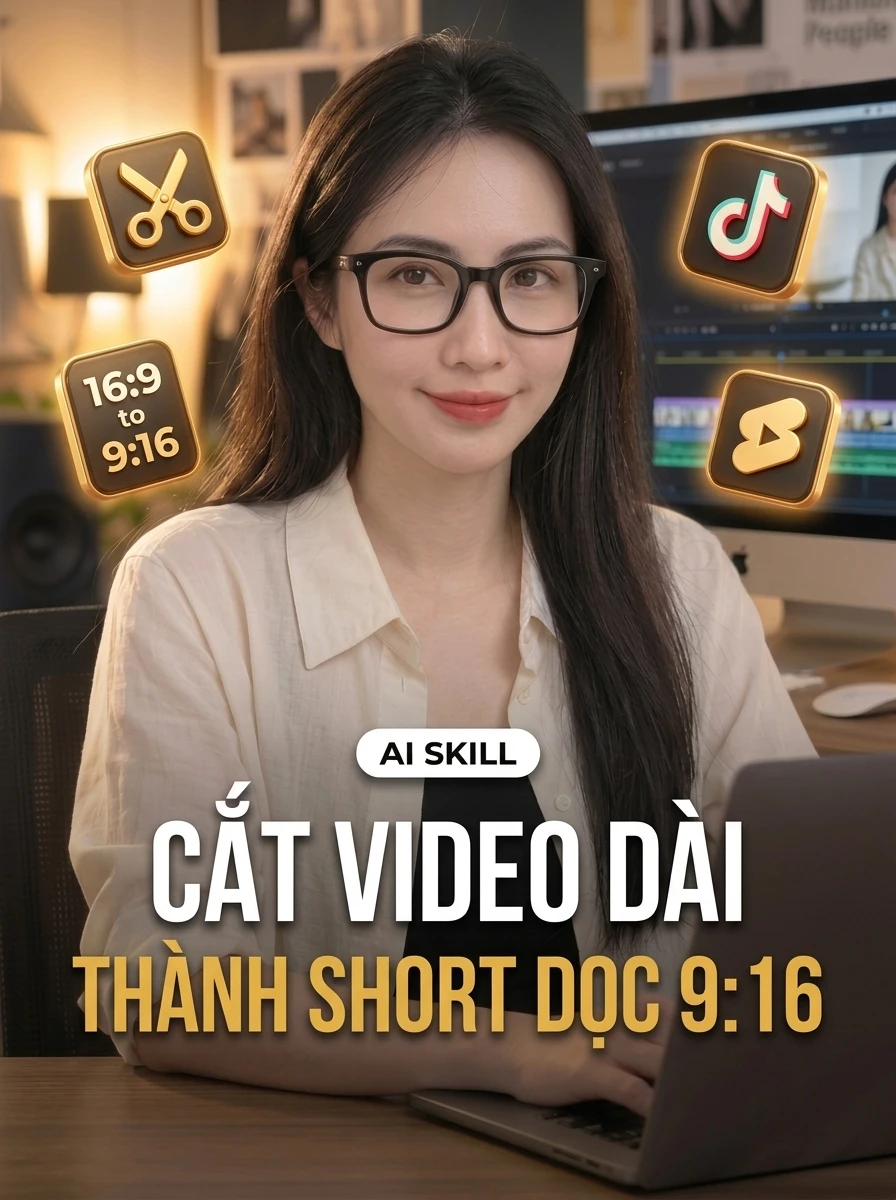
Cut long videos into shorts
Cut long horizontal videos into vertical 9:16 (1080×1920) shorts for TikTok, Reels, and YouTube Shorts with blurred background and original audio.
What can you use this for?
Practical UseReal run video
- Open SKILL.md with your AI Agent or terminal in the package folder.
- Run the video slice command, automatically detecting silences and natural topic breaks.
- Receive 9:16 vertical video with aesthetic blurred letterboxes, ready for TikTok/Reels.
Original vs Actual Result (Before / After)
The source is my own 23-minute 35-second screen recording. Left: a frame from that video with a timeline marking the three cut segments. Right: the three 1080×1920 vertical shorts cut from exactly those segments, 40 seconds each, original audio kept.


↔ Slider at 50% · Drag left or right to inspect every pixel.
Slice long videos into 1080×1920 vertical Shorts — original audio & aesthetic blurred background
- 01 · Automatic Aesthetic Blurred Background for 9:16Centers 16:9 widescreen video while expanding and applying a 24px gaussian blur to fill the vertical 9:16 frame for TikTok/Reels.
- 02 · Split by Timestamp Segments or Even ChunksSpecify exact mm:ss highlight segments or use --deu 4 to automatically slice the video into 30–60 second bite-sized clips.
- 03 · Zero-Loss Audio Sync with Original Audio CopyUses -c:a copy for blazing fast exports in seconds, maintaining perfect audio-video lip sync.
What it does & Key differentiators
Cut long horizontal videos into vertical 9:16 (1080×1920) shorts for TikTok, Reels, and YouTube Shorts with blurred background and original audio.
7-Day Buyer Protection & Refund Guarantee
Automated delivery with transparent refund protection and direct technical support:
- Refund requests within 7 days of purchase, when meeting the following conditions:
- File not delivered yet: 100% refund.
- File does not run: 100% refund or hands-on help to make it run.
- File delivered and running correctly: no refund.
- Refund approved: the money is back in your account within 15 days.
- ✓Runs through the AI agent on your computer; input and output files stay on your machine.
- ✓Unlimited image/video processing, zero monthly subscription fees.
- ✓Direct 1-on-1 technical support via WhatsApp until fully working.
What you get when you buy
The AI working prompt
Paste it into ChatGPT or Gemini with your photo: it works right away, no prompt writing needed.
Runs on your own machine
Runs smoothly on Windows, macOS, or Linux with Python and FFmpeg. Processes video 100% locally on CPU without dedicated GPU.
The fixes for common errors
The errors that actually came up while doing this, and how to fix them, the part free guides almost never include.
A local install for heavier work
Batch auto-split highlights (--deu) or cut from custom timestamp list (--doan) in a single command.
What is in the package
- SKILL.mdAI Agent skill file: criteria for high-impact timestamp selection (quotes, data points, milestones) and 1080×1920 vertical video pipeline.
- scripts/cat-video-thanh-short.pyAutomated FFmpeg Python script: creates 9:16 blurred background, centers subject frame, and preserves original audio tracks (-c:a copy).
- HUONG-DAN.mdGuide on manual timestamp segmentation (--doan), automatic highlight extraction (--deu), and FFmpeg troubleshooting.
- anh-truoc-sau/Sample before & after reference photos: original 23-minute timeline compared to 3 finished 1080×1920 vertical shorts.
Inside the method file
- Converts horizontal 16:9 video into 9:16 vertical shorts for TikTok, Reels, and YouTube Shorts with elegant blurred background.
- Preserves 100% original audio fidelity with zero transcoding artifacts (-c:a copy) and flawless audio sync.
- Supports manual timestamp segmentation (--doan) or automatic even-interval highlight extraction (--deu) in a single command.
- Runs 100% locally on your computer (Windows, Mac, Linux), keeping sensitive raw recordings private without cloud uploads.
Included Guide & Support
Step-by-step guide with ready-to-use prompts for your AI Agent or local CLI. Included as HUONG-DAN.md and visual HTML guide inside the .zip package.

Direct technical support · WhatsApp 84813967222
Or tap here to open WhatsApp→✓ After buying you are invited to the shared support group for Q&A and updates.
Practical Comparison
| By hand | Listening to 1-2hr talks, cutting timelines, and typing captions takes 4-6 hours |
| Outsourcing | Freelance editors cost $20–$50 per short with multiple revision rounds |
| Dùng Skill AI | Automatically detects peak moments and exports captioned 9:16 vertical clips in minutes |
Which open-source software it builds on
- FFmpeg64,233 GitHub stars · licence LGPL/GPL
We do not sell free open-source software. What you pay for is the engineered AI workflow, templates, and guide. See open-source credits.
Ready to automate image workflows on your machine?
100% face lock, unlimited repeats, produce hundreds of images daily.Related reading
How to screen record on PC with audio: Windows 11 and Mac
Screen record on PC with built-in tools: Snipping Tool and Xbox Game Bar on Windows 11, Shift Command 5 on Mac, free OBS Studio. Plus where files go.
CapCut PC Auto Captions: Steps and Fixes When It Fails
How to turn on CapCut PC auto captions, based on official help: Captions, Auto captions, pick the language, Generate. Plus fixes for a missing button.
AI Livestream Selling on TikTok: What You Can and Can't Do
AI livestream selling on TikTok: using AI to prepare, caption and translate is fine. Letting AI or a recorded video host the LIVE can cost monetization.