
Product photos
Product photos are the images you sell with online, and this page shows how to shoot, clean up and create them, including with AI. A clear shot with a clean background and true colors often does more than a long description. The page is for small shop owners and people selling on marketplaces or social media who make their own listing images without a studio or a photographer.
The guides are organized around the jobs you face most. Some are step by step: shooting with your phone and then improving the result with AI, removing the background from a listing image, and placing an item into a new scene. One compares free online ways to remove a background and explains when each one makes sense. Another collects prompts for putting your clothing on an AI model, combining two images while keeping the item accurate so the AI does not redraw it into something else.
If you are new, start with the guide to creating AI product photos for an online store, since it walks through the whole process from a rough shot to an image ready for your listing. Then read the phone shooting guide to get a good original, followed by background removal and scene placement. Each article cites official sources for the tools it mentions and notes the date they were read. Prices and free plan limits change, so check that date before you choose a tool.
8 posts
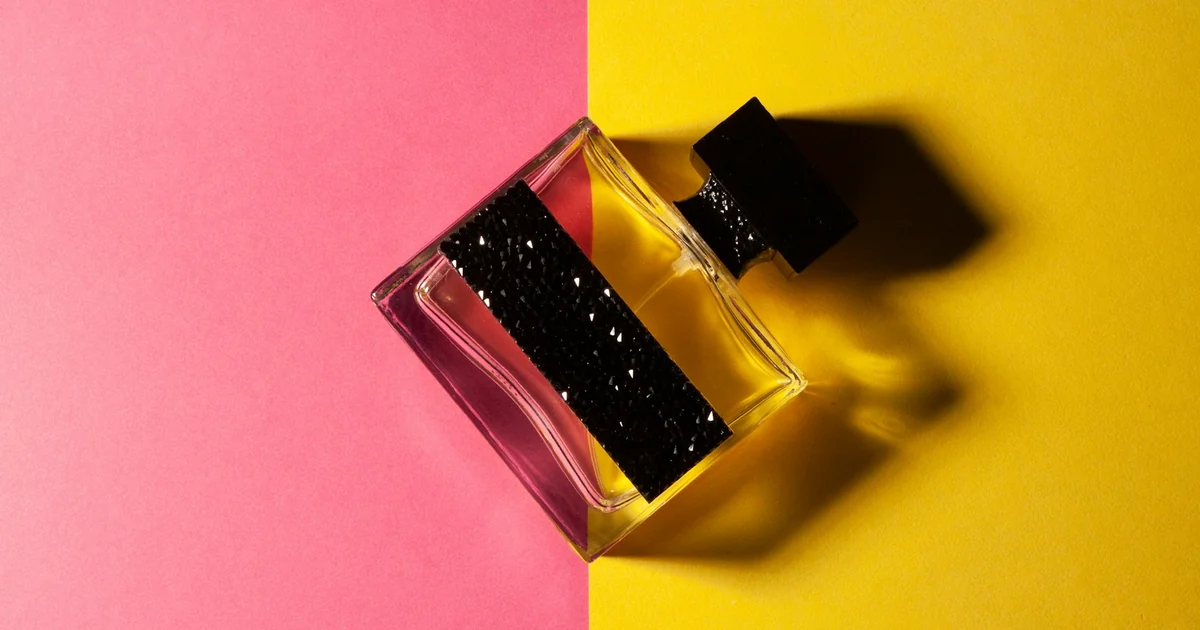
How to Create AI Product Photos for Your Online Store
Make AI product photos from real shots: swap backgrounds in Product Studio, add scenes with Gemini. Plus Google's main image rules and 5 common mistakes.

How to Bulk Add Logos and Badges to Shopee Product Photos
Learn how to bulk add store logos, watermarks, and promotional frame badges to Shopee product listings to discourage image theft and boost store recognition.
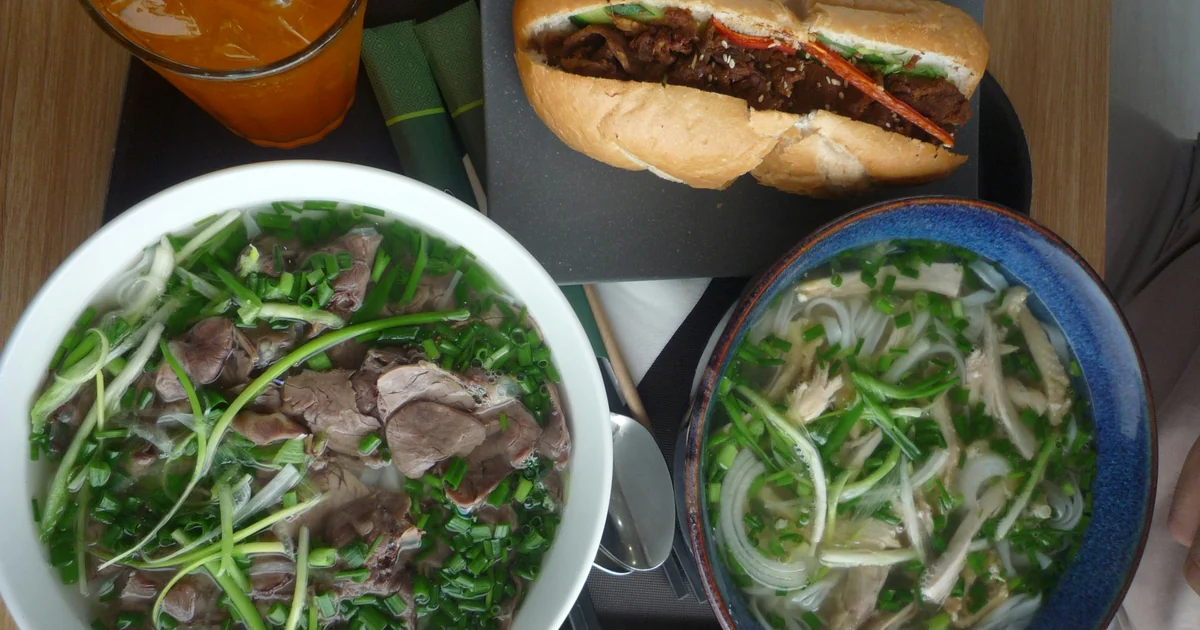
AI Food Photography Prompts for Restaurants: Ready Templates
AI food photo prompts built on Google's product shot template: menu photos, 45-degree shots, photos with space for text and a template to edit real photos.
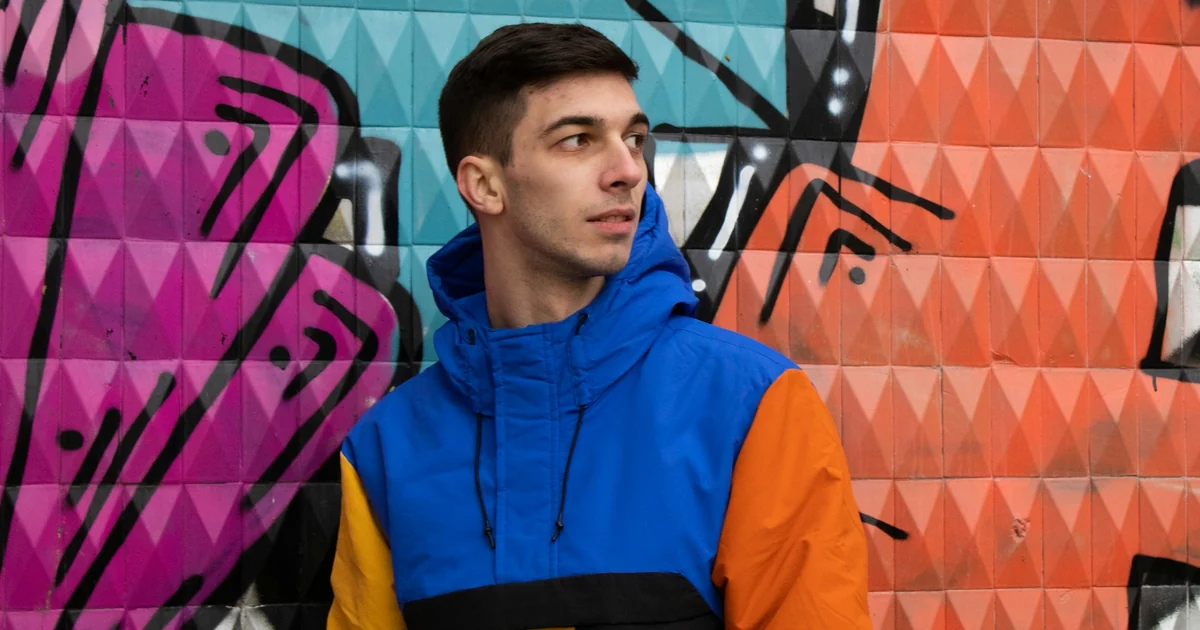
AI Fashion Model Prompts: Put Your Product on a Model
AI fashion model prompts based on Google's composition template: one product photo, one model photo, logos and patterns kept intact. Templates inside.
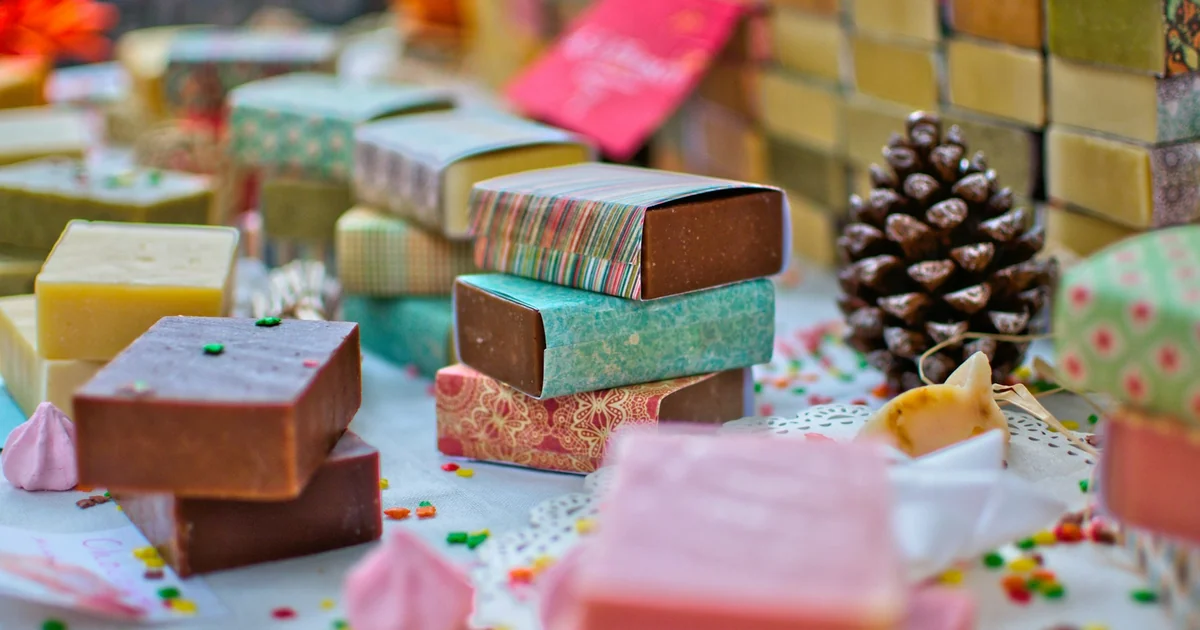
AI Product Photo Background: Put Products in New Scenes
Place a product in a new scene with Gemini or Google Product Studio, write a scene prompt, and follow the AI image rules for Google Shopping.
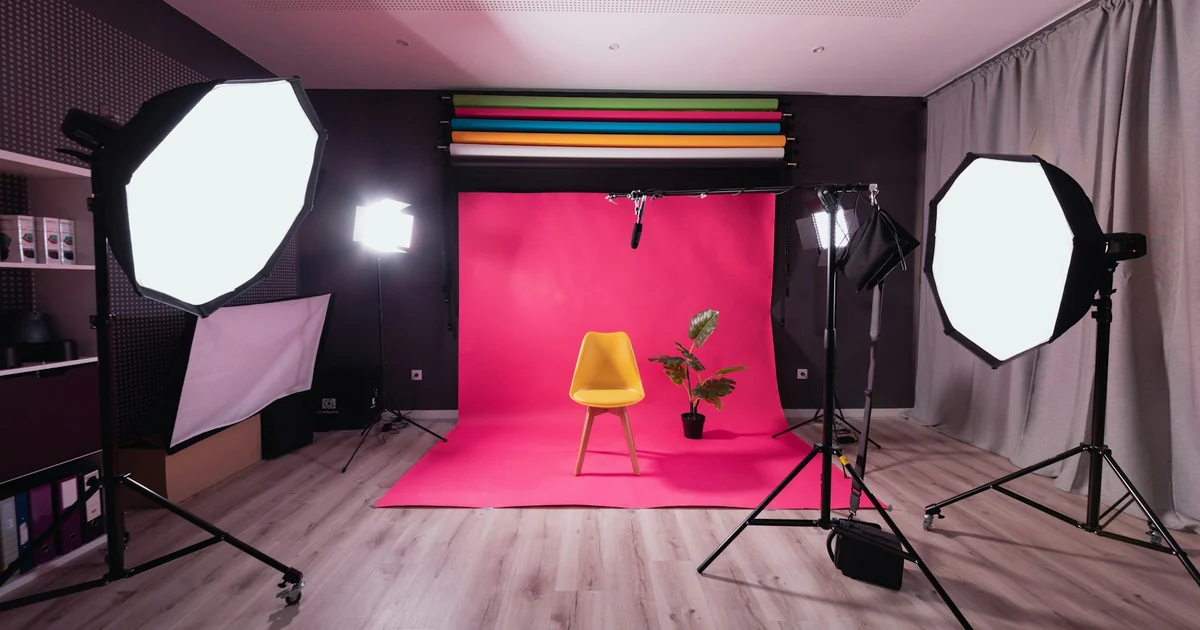
How to Remove the Background From Product Photos for Free
Remove the background from product photos for free with Google Product Studio, Windows Photos, or Preview on Mac. Plus Google's main image rules.
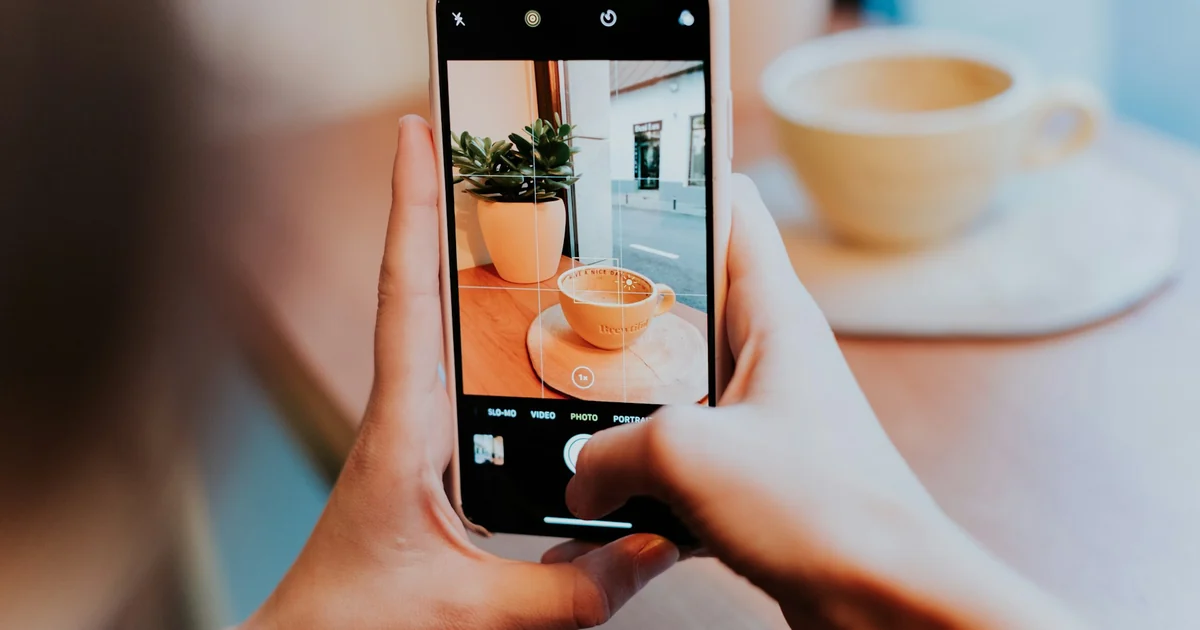
How to Take Product Photos With Your Phone, Then Fix Them With AI
Take product photos with your phone: turn on the grid, lock focus and exposure, then remove clutter with Clean Up on iPhone or Magic Eraser on Android.
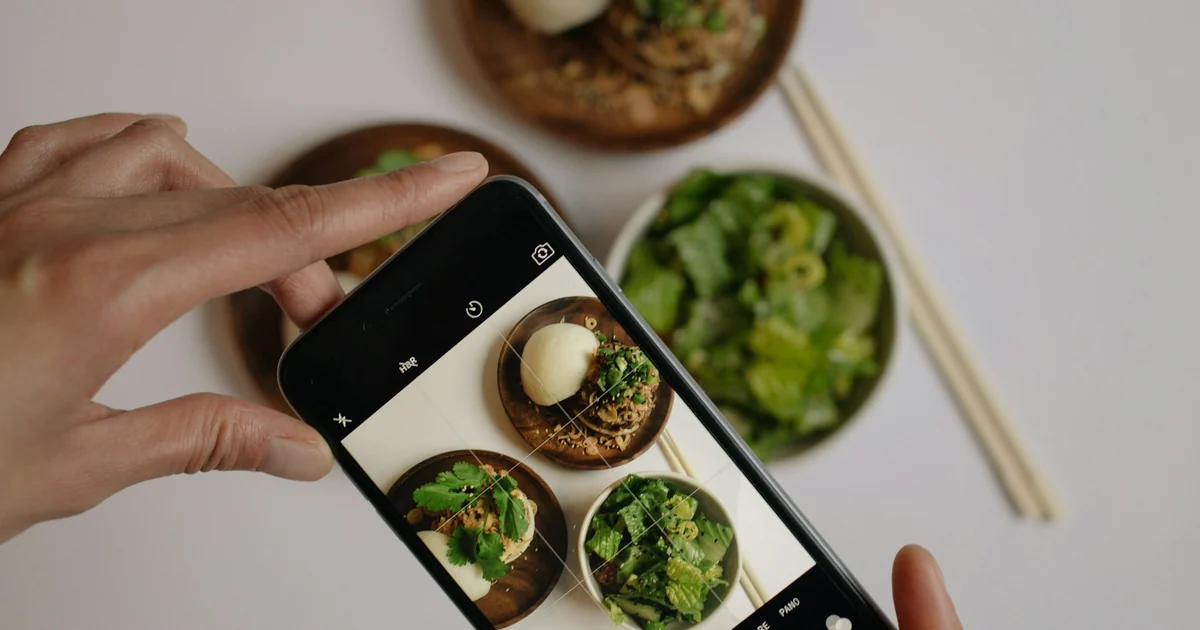
How to Remove a Background From a Photo for Free: 4 Ways
Remove a photo background for free with Paint on Windows, iPhone subject lifting, Google Photos stickers, or remove.bg. Plus the most common mistakes.