
iPhone and Windows
This page covers moving photos, videos, files and voice recordings from an iPhone to a Windows PC, so you can pick the method that fits. iPhones and Windows machines do not talk to each other as easily as an iPhone and a Mac, so getting pictures onto a laptop, sending a long video or copying a document off your phone can turn into a puzzle. It is written for office workers, creators who shoot on an iPhone and edit on a PC, and anyone who carries an iPhone but works on Windows.
The guides answer the questions people actually ask. Some deal with whether something works at all, like AirDrop from an iPhone to Windows and what to use instead, or whether Bluetooth can move photos. Others are step by step, covering how to transfer photos, how to move videos without losing quality, and how to send large files over Wi-Fi. One compares the common ways to send files from your phone to a Windows laptop side by side, so you can choose by file size, speed and convenience.
If you are just getting started, read the comparison of ways to transfer files from an iPhone to Windows first, since it gives you the big picture before you get into specific file types. Then go to the guide for photos or for videos, depending on what you move most. Each article cites official sources from Apple, Microsoft or the app maker and notes the date they were read. Features and limits in iOS, Windows and cloud storage services can change with any update, so every article carries a date.
6 posts

Transfer Files From iPhone to a Windows Laptop: 6 Ways
Compare 6 ways to transfer files from iPhone to a Windows laptop: USB cable, iCloud Drive, Mail Drop, a shared folder, a USB drive, and Wi-Fi.
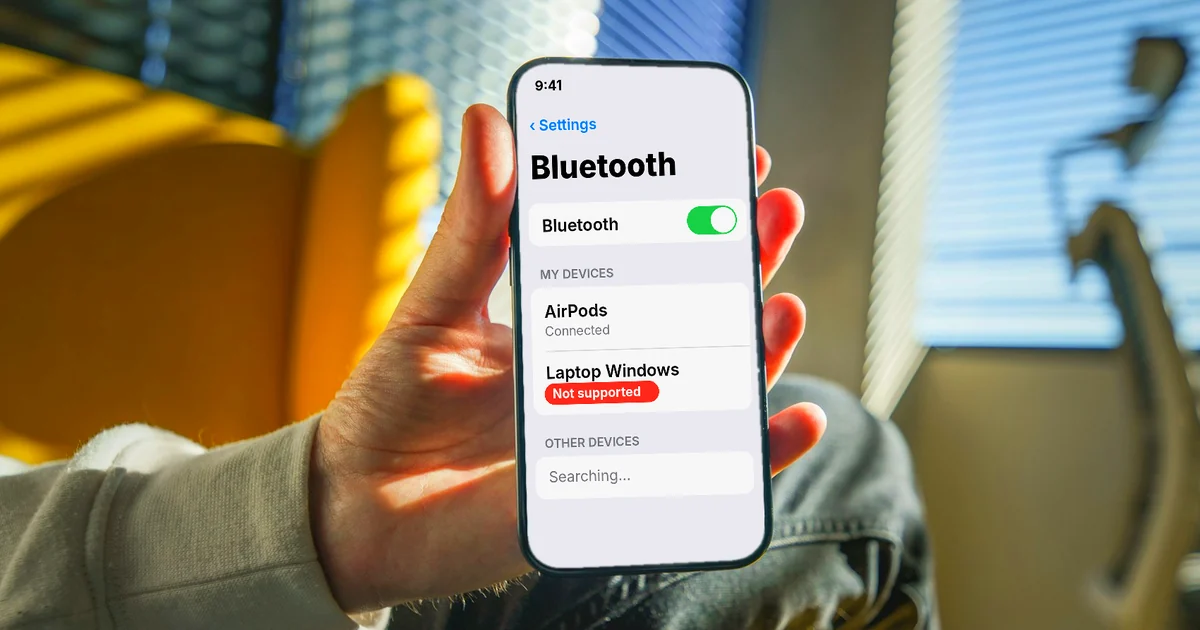
Can You Transfer Photos From iPhone to PC via Bluetooth?
Apple's guides have no step for sending photos from iPhone to a PC over Bluetooth. What works instead: a USB cable, iCloud Photos, or Wi-Fi with no cable.

How to Send Large Files From iPhone to PC Over Wi-Fi
Send large files from iPhone to a Windows PC over Wi-Fi: the Apple Devices app, a shared folder in the Files app, or a local file transfer app.
Can You AirDrop from iPhone to Windows? 4 Alternatives
You can't AirDrop from iPhone to Windows, since AirDrop only works between Apple devices. Four alternatives: USB cable, iCloud Photos, Phone Link, Wi-Fi.
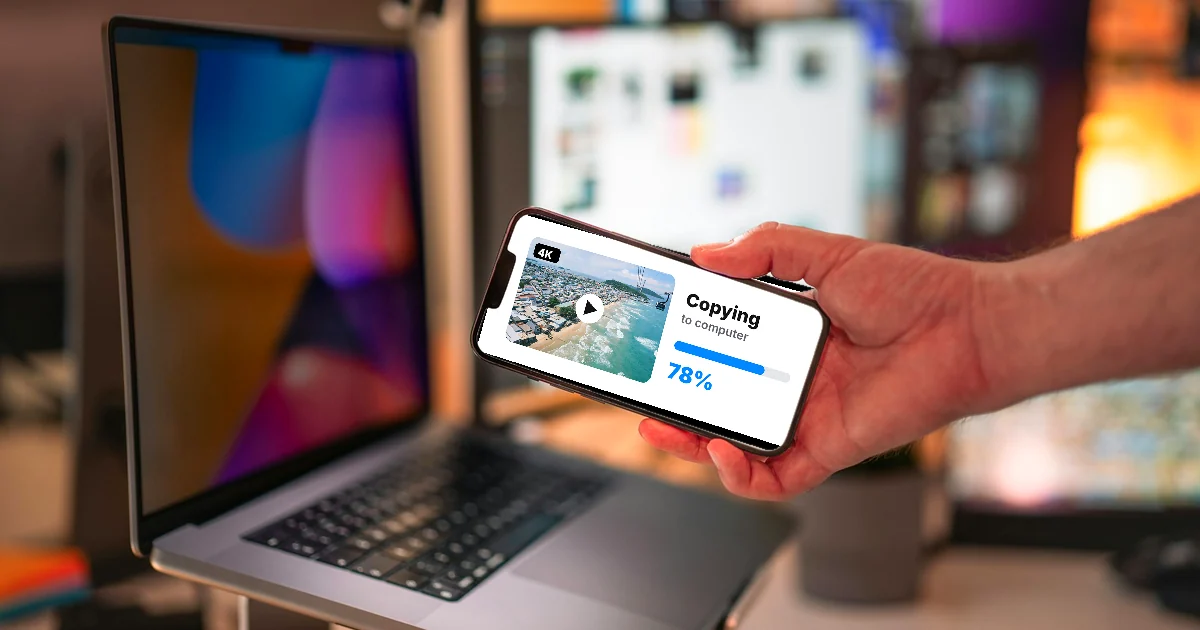
How to Transfer Videos from iPhone to PC Without Quality Loss
iPhone videos can turn into H.264 when you copy them by cable. Turn on Keep Originals, download originals from iCloud, or send them over Wi-Fi as is.

How to Transfer Photos From iPhone to a Windows PC: 5 Ways
Five ways to transfer photos from iPhone to a Windows PC: USB and the Photos app, iCloud for Windows, iCloud.com, an external drive, or Wi-Fi.