PDF, documents and translation
This topic on PDF, documents and translation shows you how to convert, compress, merge, sign and edit files and translate text for free. It is written for office workers, students, people preparing paperwork, and small business owners who handle documents every day and would rather not pay for heavy software. You will see which jobs work fine in a browser and which are better done on your own computer to keep sensitive files private.
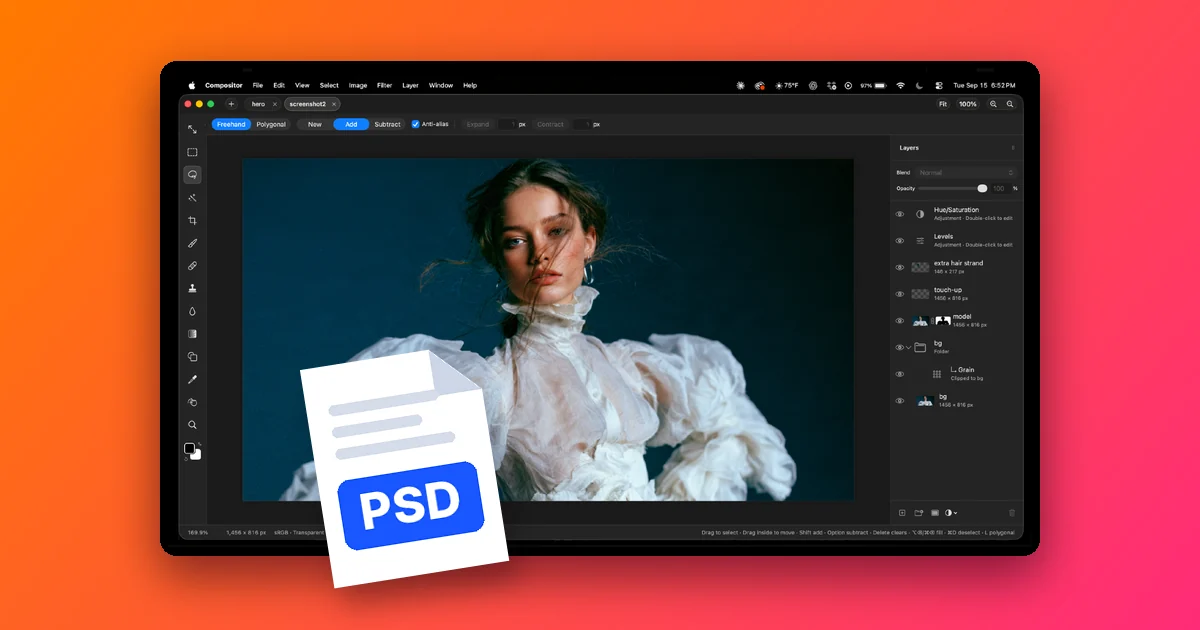
Articles are grouped by task. Conversion guides cover moving between PDF and Word, Excel, PowerPoint or JPG images, and turning a photo of a table into a working spreadsheet. File guides cover shrinking large files, merging several into one, editing text and adding a signature. Translation guides cover Google Translate for images and speech, English translation apps, and translating a whole document instead of copying it paragraph by paragraph. There is also a guide to Compositor for opening PSD files on a Mac without Photoshop.
Start with the explainer on Stirling PDF, a free toolkit you install on your own machine that handles most of these jobs without uploading files to an unknown website. Then look for the guide that matches the task in front of you and follow it step by step. Every article cites official sources and notes the date they were read. Online converters and apps change their file size caps, usage limits and prices often, so each page carries a date to show how current it is.
2 posts
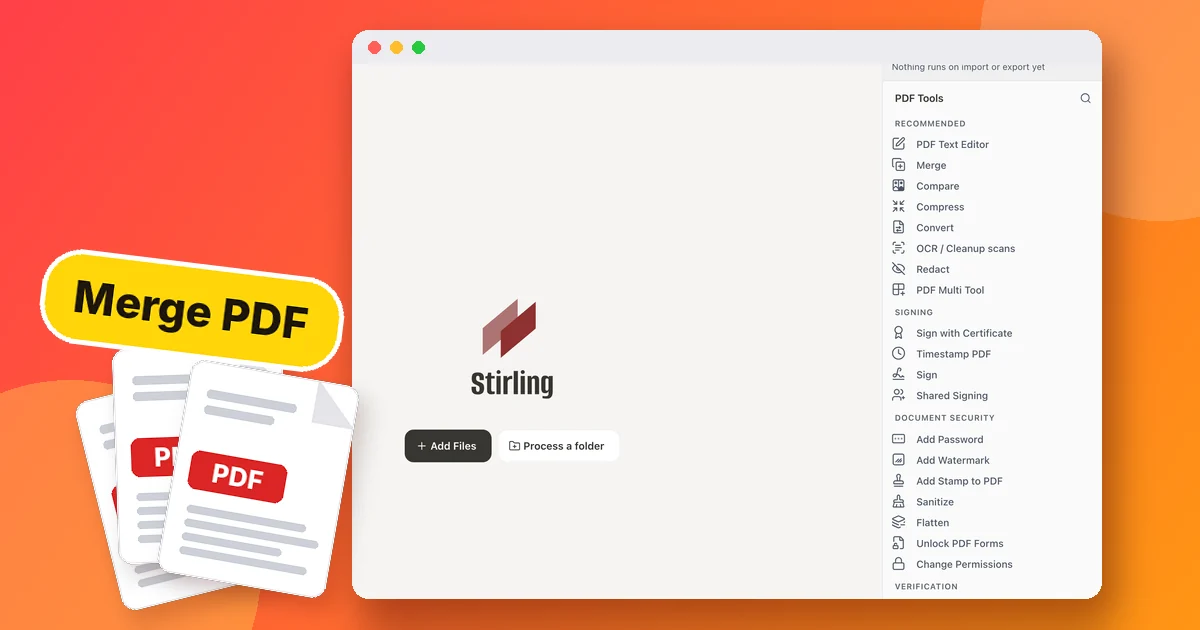
What Is Stirling PDF? Free Self-Hosted PDF Tools
Stirling PDF is an open source PDF toolkit that runs on your PC: merge, split, compress and sign PDFs. How to install it and what the free plan includes.