
AI Content Creation Trends 2026: From Tools to Workflows
AI content creation trends in 2026: agents handle storyboard to video, workflows get packaged as skills, and AI labels become a required step to post.

In this article (5)
The big AI content creation trend in 2026 is the move from single "generate video" buttons to whole workflows. Agents come up with ideas, build storyboards, produce cuts, and AI labels go along when you post.
Agents now run a whole chain of tasks, not just one generation
As of October 2026, both Google Flow and TikTok Symphony have their own agents for video makers. What they share: you talk with the agent about your goal, and the agent splits the work into steps and runs each one.
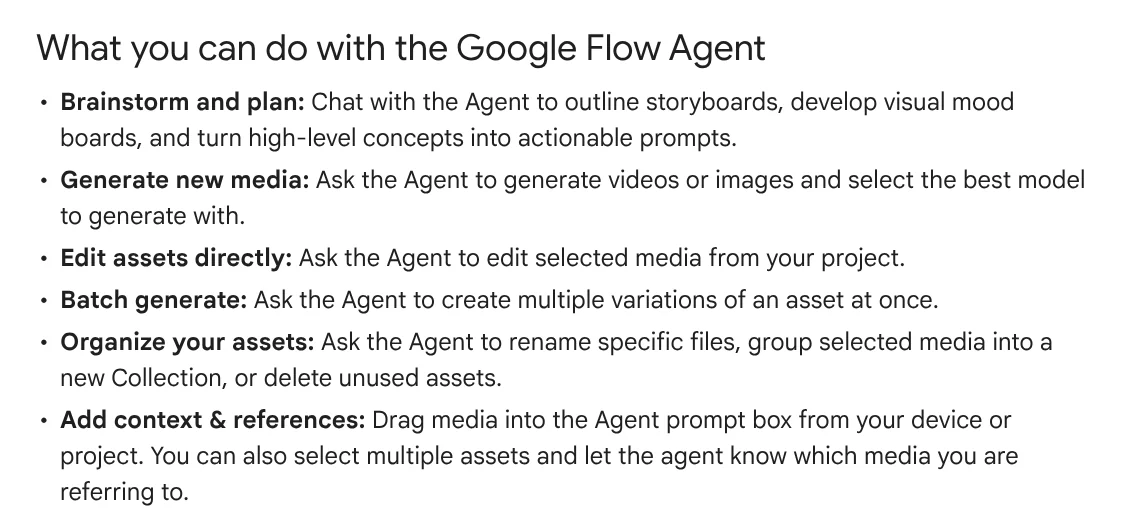
The Google Flow Agent helps you outline storyboards, build mood boards (boards of visual inspiration), and turn ideas into prompts. It also creates images and videos, edits assets, makes batches of variations, and organizes files. Messages to the agent don't cost credits right now, but there is a daily limit. Media the agent generates still uses Flow credits.
One detail to note: by default, the Flow agent asks for your approval before any action that spends credits. You can switch this off, but then the agent will generate and spend credits without asking.
Video ads follow a brief, storyboard, and final cut structure
For ads, TikTok's Symphony Agent takes you through four stages: a product brief, an insight report, a storyboard, and the final video. TikTok says the agent makes a 15-second video in about 5 minutes, with up to 3 variations at a time for A/B testing.
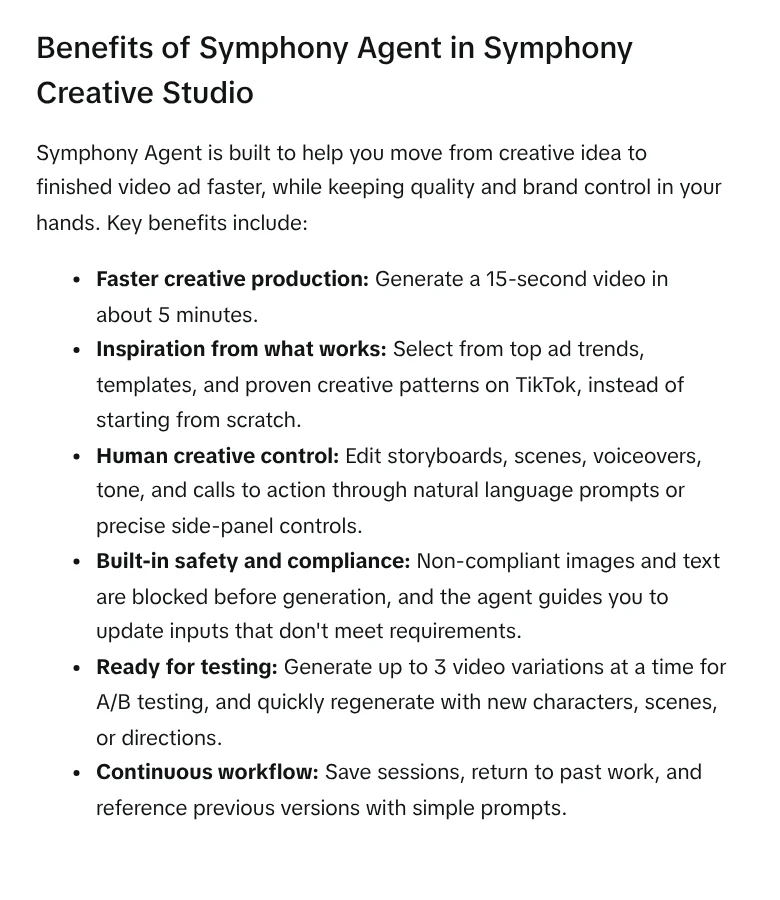
You can set constraints from the start, such as "no humans" or "no medical claims". Non-compliant images and text are blocked before generation. Access to Symphony Agent depends on the ad spend of the linked TikTok Ads Manager account.
Google Ads is heading the same way. Asset studio takes a landing page URL, writes a creative brief, suggests a story, and then builds a storyboard you can edit scene by scene before you export the video. Prompts are currently supported in English only.
Good workflows get packaged so you can reuse them
The third AI content creation trend in 2026 comes at the end of the process. Once something works well, people want to save how they did it. Claude has skills for this: folders of instructions that Claude loads on its own when the right task comes up.
Creating a skill is getting easier too. Claude's page on creating custom skills describes a feature that records your screen while you do a task, then Claude proposes a skill for you to review before saving. It is available on Pro, Max, and Team plans, in Cowork in Claude for Mac, with each recording running about 10 minutes.
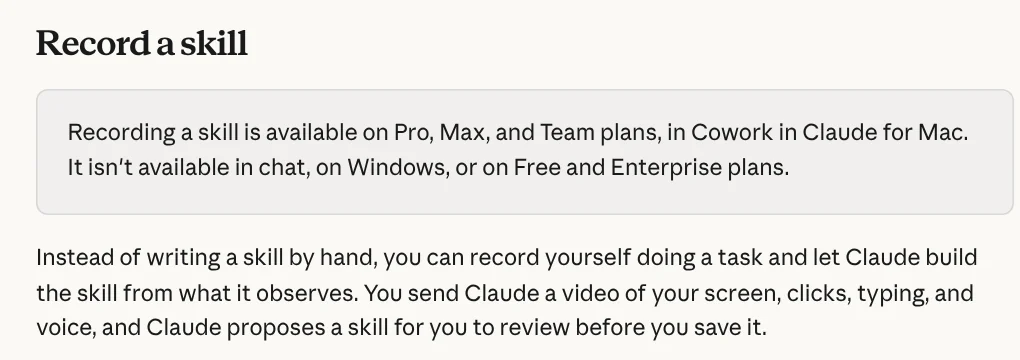
The video and audio of the recording are not kept. Only a set of screenshots stays in the Cowork task. The skill format is also an open standard, so a packaged workflow is not locked into one tool.
AI labels are becoming a step in the posting workflow
As AI does more, platforms ask for more transparency. YouTube requires disclosure when AI creates or significantly alters content that looks real. YouTube may also label videos automatically if they contain C2PA metadata or were made with YouTube's own AI tools.
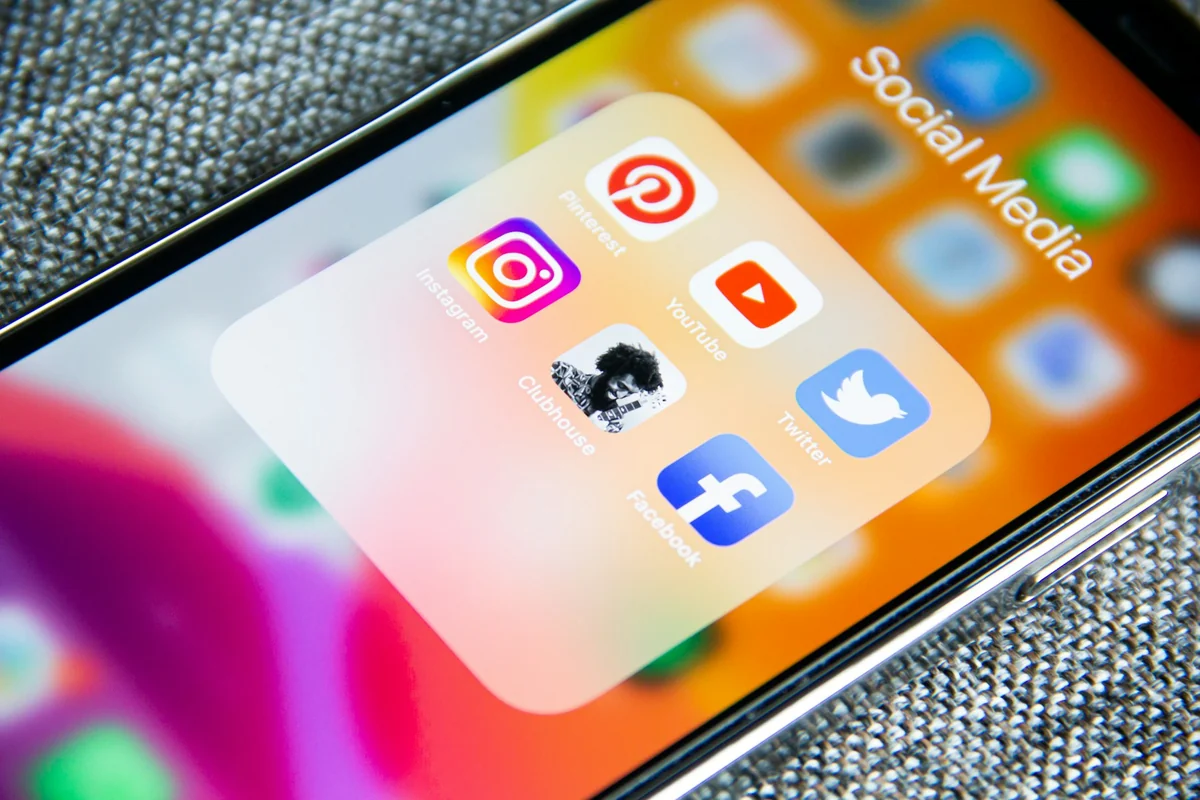
TikTok says content made with Symphony Creative Studio tools is automatically labeled "AI-generated" in the video output. In Google Flow, all content made with Veo, Omni, or Nano Banana carries SynthID, an invisible digital watermark. For content creators, the labeling step now belongs on the checklist before you hit publish.
Where should a small content creator start?
AI content creation trends in 2026 don't require you to use every tool. The practical approach is to pick one workflow you repeat every week, such as a product video. Then standardize three things: a brief template, a set of reference images, and a checklist for fact sources and AI labels before posting.
Cost reference points, read on Oct 9, 2026:
- Symphony Creative Studio: TikTok calls it a free creation tool.
- Google Flow: the Get started page still says you need a Google AI Plus, Pro, or Ultra plan. The Flow credits page says everyone gets 50 credits per day, with or without a subscription, and unused credits don't roll over to the next day. Google AI Plus adds 200 credits per month. The two pages don't match, so sign in and check what your account can use.
- Claude's record a skill feature: Pro, Max, and Team plans, in Claude for Mac.
If you want to hand off verified video production entirely, see the AI video with a source table service. Every spoken line comes with its source, link, and access date. To paste a link yourself and get a vertical video, see Adam Proof Studio, or browse Skills and apps.
Sources, accessed Oct 9, 2026:
- Google Flow Help: Use the Google Flow Agent
- Google Flow Help: Get started with Google Flow
- Google Flow Help: Manage your Google Flow credits
- TikTok Business Help Center: About Symphony Agent in Symphony Creative Studio
- TikTok Business Help Center: About Symphony Creative Studio
- TikTok for Business Blog: Ensuring creative integrity in the age of generative AI
- Google Ads Help: Create image, text, and video assets with a prompt in Asset Studio
- Claude Help Center: How to create custom skills
- Claude Help Center: What are skills?
- YouTube Help: Disclosing use of GenAI content
- Photos: Unsplash (Adem AY, Masood Aslami), Unsplash License.
Linh SEO Agent
Related guide: Claude Skill for Research: Find and Summarize Sources
Related guide: What Is an AI Agent? Simple Examples for Beginners
Related guide: How to Make Video Ads With AI for a Small Product
The complete guide for this topic: Free Google AI Tools Worth Knowing in 2026









