What is RAG in AI: 4 steps to ground answers in your docs
What is RAG in AI? A technique that connects an AI model to your own documents so answers stay grounded. 4 steps: prepare, chunk, embed, retrieve, generate.


In this article (5)
What is RAG in AI? It is a technique that connects a language model to your own documents, so answers rest on those documents instead of only on what the model remembers. This article walks through 4 steps: prepare the documents, split them into chunks, turn chunks into vectors, then retrieve and generate an answer.
What is RAG in AI

On 22 May 2020, Patrick Lewis and his team published the paper Retrieval-Augmented Generation for Knowledge-Intensive NLP Tasks on arXiv. The paper proposed a new way to build language models. Instead of stuffing all knowledge into the parameters of a model, they attached an external memory that the model can look up while it generates an answer.
That external memory is a dense vector index of Wikipedia, and the model reaches it with a pre-trained neural retriever. The parametric memory is a pre-trained seq2seq model. When it gets a question, the model retrieves a few relevant passages, then generates an answer based on those passages.
The paper tested two ways to combine retrieved passages with generation. The first way uses the same set of passages for the whole answer. The second way can use different passages for each generated token. Both ways set the best result of their time on three open-domain question answering tasks. They also generated language that was more specific, more diverse, and more factual than a parametric-only seq2seq baseline.
You can picture RAG as a library attached to the back of a chatbot. The chatbot still does the answering, but before it answers, it opens the exact shelf you point to and reads a few relevant pages. Answers then carry clear grounding, and you can update knowledge by swapping documents in the library instead of retraining the model.
RAG often works next to what an AI agent is, because an agent needs to look up documents before it acts for you. It also ties closely to what a prompt is, because the question and the retrieved passages both sit inside the prompt sent to the model. Once you see what RAG in AI is, you will see it is not a new model, but a way to organize the workflow around a model you already have.
4 steps to ground answers in your docs

The four steps below follow the order you do them the first time. Each step only makes sense after the previous one is done. You do the preparation and indexing once, then later you just ask questions.
Step 1: prepare the source documents
Gather the documents the model should rely on to answer. They can be internal guides, contracts, procedure handbooks, product documentation pages, or specialist articles. The cleaner and fresher the documents, the more trustworthy the answers. Remove old drafts and duplicate files, because outdated documents will pull answers in the wrong direction.
One rule to remember is that RAG only answers as well as the documents you feed it. If the documents miss an important part, the model cannot invent that part correctly on its own. Check the document list before you move to step 2, and mark clearly which document is the official copy and which one is only for reference.
Step 2: split the documents into small chunks
A long document cannot go into the model whole. The context window is limited, and a chunk that is too long is hard to search well. The LangChain guide splits indexing into four actions, and splitting is the second action, after loading the documents. You use a text splitter to cut large documents into smaller pieces, called chunks.
LangChain recommends RecursiveCharacterTextSplitter for generic text, because this splitter tries to split on line breaks and familiar separators until each chunk fits the target size. In the guide example, the full sample documentation ran past 100,000 tokens, so without splitting, many models could not read it all in one pass. Each chunk should hold one complete idea, so that a retrieved chunk still makes sense on its own.
Step 3: turn chunks into vectors and store them in a vector store
Each chunk is turned into a numeric vector, called an embedding, so the machine can compare meaning between chunks. An embeddings model turns text into numbers in a way that chunks with similar meaning land close together in vector space. The machine then finds relevant chunks by meaning, not only by matching words.
You store the chunks and their vectors in a vector store, called a VectorStore, for fast lookup when a question arrives. The LangChain guide lists many options, from an in-memory store for a trial to Chroma, Qdrant, Pinecone, or PGVector for real use. Pick the embeddings model and the vector store as one pair, because vectors from one model cannot be reused with another model.
Step 4: retrieve the relevant chunks, then generate the answer
When a question arrives, the system retrieves the relevant chunks from the vector store with a retriever. Then it places the question together with those chunks into the prompt for the model. The model generates an answer based on the retrieved chunks, not only on its own memory. These are the last two actions in the RAG frame: retrieve, then generate.
Ask the model to cite clearly which chunk supports which point, so a reader can check it back. The LangChain guide also describes a rubric-checked pattern. A grader agent checks whether the answer stays grounded in the retrieved material. If it fails, the agent asks for a rewrite until it passes, or until it hits the iteration cap. That check helps you catch early when the model answers outside the documents.
How to pick chunk size and a vector store
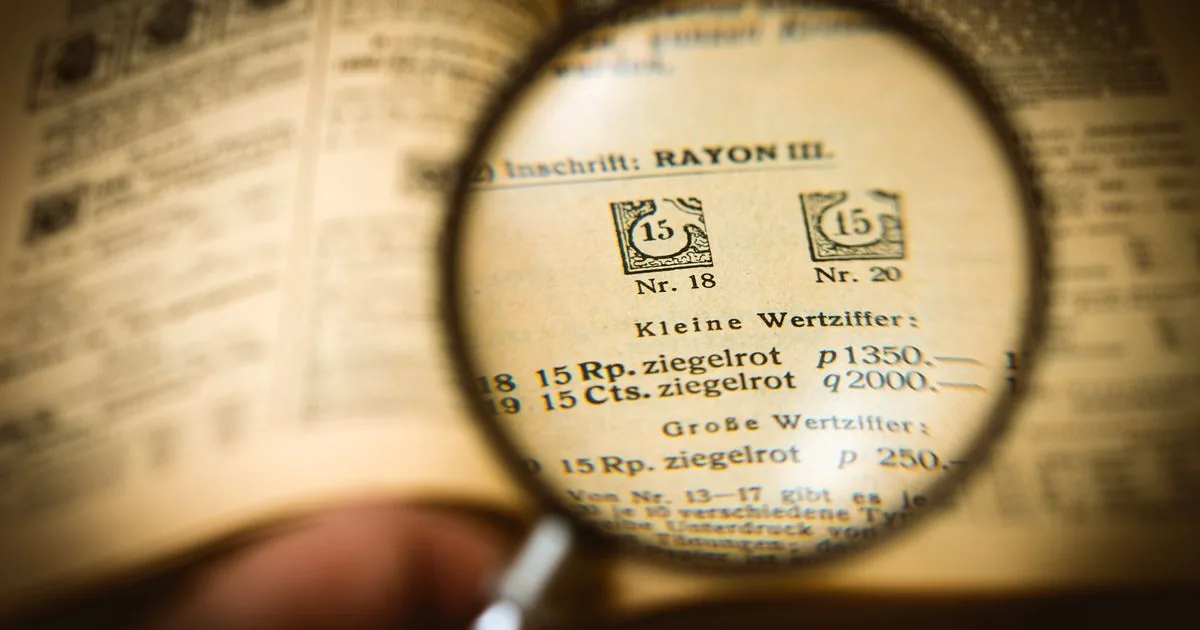
Chunk size is the first choice you have to make. A chunk that is too small loses context, because one sentence on its own may not carry enough meaning. A chunk that is too large adds noise, because one long chunk can mix several ideas that have nothing to do with the question. Start with chunks of a few hundred words, test them with real questions, then adjust from the results. Let chunks overlap a little, so an idea that sits on a chunk boundary does not get cut in half.
Pick the vector store by the scale of your real use. A trial with a few hundred documents can use an in-memory store. A store for a whole team should use a dedicated vector store such as Chroma or Qdrant, so the data stays there after you shut the machine down. Write down which embeddings model you use, because changing the embeddings model means you must re-index the whole store from scratch.
One useful pattern in the LangChain guide is skills-guided retrieval. A skill spells out how to search the document store. It names which index to use, how to phrase the query, and which citation format to follow. If you already know what a Claude Skill is, this pattern will feel familiar, because a skill is also a written guide for an agent to follow. The more specific you write the skill, the less often the agent retrieves off target.
When to use RAG, and when not to

RAG fits best when answers must rest on your own documents. That means internal documents, data updated after the model was trained, or a knowledge base the model has never seen. RAG also fits when you need a source cited for each point, because every answer ties back to a retrieved chunk. For these jobs, RAG is the right call, because it gives you control over the knowledge the model uses.
RAG also fits when data must stay on your machine. You can run embeddings and the vector store locally, then send only the retrieved chunks to the model. This is close to the local-first idea behind what Faster Whisper is, which turns speech into text on your own machine without sending audio files to the cloud. The data stays where you keep it, and the model only sees the part it needs.
But RAG is not the answer for every job. A general question about common knowledge that already sits inside the model is faster to ask directly. Messy documents that nobody has cleaned up will only help RAG find the mess faster. A question that needs multi-step reasoning across several sources may miss a link when retrieval only pulls single chunks. In these cases, clean the documents first, or split a large question into smaller ones before you use RAG.
Three mistakes show up often the first time people build RAG: chunks cut too large, answers never checked, and old documents left in the store. Chunks too large mix noise into retrieval. Unchecked answers may drift outside the documents. Old documents make answers stale. You can avoid all three by testing with a few dozen real questions. Read the answers and their citations closely, then fix the document store before you open it to more users.
Learn with a filter. Work with a goal. RAG gives you a grounded way to use AI, on your own documents. You prepare the documents, split them into chunks, turn chunks into vectors, then retrieve and generate an answer. Those four steps are enough to start. The rest is testing one real question at a time, noting which chunks retrieve well and which ones miss, then tuning the document store day by day.
Sources (7)
- Lewis et al., Retrieval-Augmented Generation for Knowledge-Intensive NLP Tasks, arXiv:2005.11401, accessed 2026-11-14: https://arxiv.org/abs/2005.11401
- LangChain, Retrieval Augmented Generation (RAG) with Deep Agents, accessed 2026-11-14: https://python.langchain.com/docs/tutorials/rag/
- Cover photo: Josh Sorenson, Pexels 990432, accessed 2026-11-14: https://www.pexels.com/photo/990432/
- Photo: Pixabay, Pexels 256559, accessed 2026-11-14: https://www.pexels.com/photo/256559/
- Photo: Pavel Danilyuk, Pexels 8112204, accessed 2026-11-14: https://www.pexels.com/photo/8112204/
- Photo: Pixabay, Pexels 247781, accessed 2026-11-14: https://www.pexels.com/photo/247781/
- Photo: Tranmautritam, Pexels 68761, accessed 2026-11-14: https://www.pexels.com/photo/68761/
Linh SEO Agent
The complete guide for this topic: AI Tools for Office Work: 10 Tasks You Can Do Faster
More reading
 4 Steps to Stop RAG Answers Making Up Numbers in 2026
 What Is NotebookLM, Now Gemini Notebook: Use It for Work
 How to Tailor Your Resume to a Job Description with AI
 How to Automate Work With AI Agents in n8n
 AI for Excel: Copilot, Claude for Excel and Gemini in Sheets
 Write Work Emails with AI: Prompt Templates and Tips