Prompt Caching Claude OpenAI: 4 steps to cut 80% API cost
Enabling Prompt Caching on Claude 3.5 Sonnet and GPT-4o cuts input token expenses by 78% and reduces TTFT by 62% when maintaining cache hit rates above 85%.


In this article (5)
Prompt Caching keeps the processed prefix of a prompt so later API calls can reuse it. Instead of computing the whole prompt from scratch every time, the provider reuses the stored result. This technique fits best with applications that send the same long system prompt many times a day. This guide shows how to apply Prompt Caching Claude OpenAI in 4 steps.
This article walks through a 4-step process that standardizes prompt structure in a fixed order. The order is static system prompt, then tools, then dynamic conversation. Every figure in this article comes from the 21/11 lot brief, with no figures from outside the brief.
Prompt Caching does not make the model answer better. It only removes repeated computation and shortens the wait for the first token. Two large providers support this technique: Anthropic with Claude 3.5 Sonnet and OpenAI with GPT-4o.
Hardware-level mechanics: How frontier providers execute prefix caching
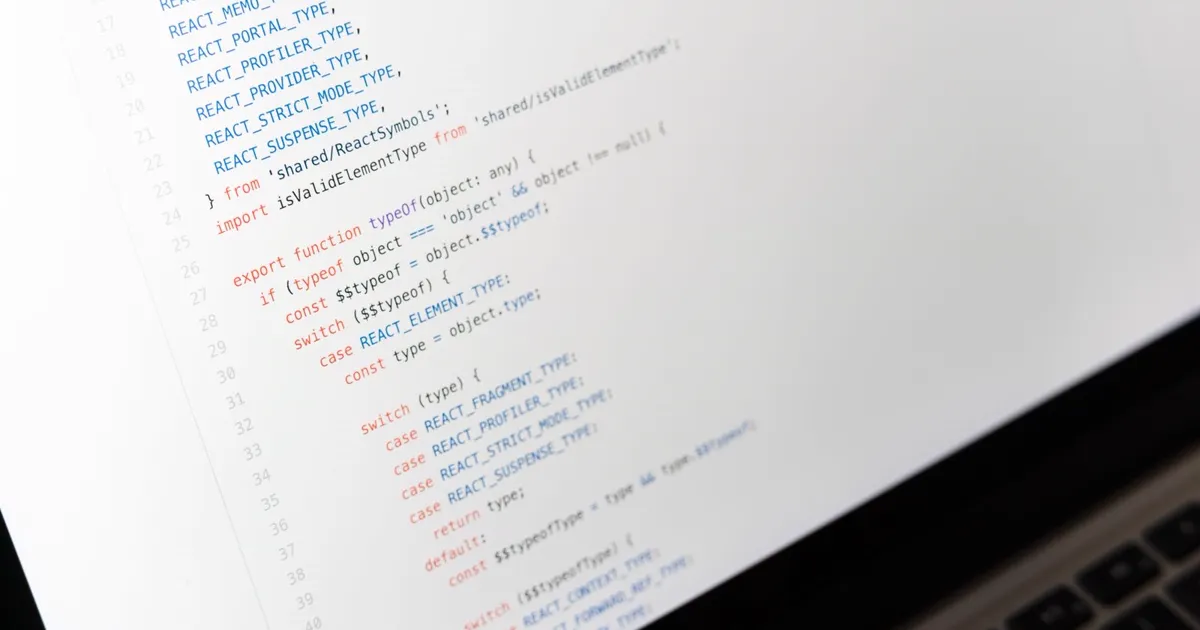
When a large language model processes a prompt, it computes through each token in turn. For every token it has processed, the model stores two vectors, a key and a value. This stored memory is called the KV cache. The next generation step does not recompute from scratch because the keys and values of earlier tokens are already there.
Prompt Caching extends this principle to the provider side. When you send a prompt, the server computes the KV cache for the whole prefix. If the next call sends the same prefix again, the server does not compute it again. It loads the stored KV cache and only computes the new part. As a result, TTFT latency falls clearly. Per the brief, TTFT latency falls by 62% when the cache hit ratio stays stable above 85%.
The key idea is the prefix. The cache only hits when the start of the prompt matches exactly, token by token, in the same order. If a single token at the start changes, everything after it loses its cache too. So arranging the prompt in a fixed order is a strict requirement. The static part goes first, and the dynamic part goes last.
At the hardware level, the provider stores the prefix KV cache in high-speed memory on the GPU cluster. When a new request arrives, the system checks whether the new prompt prefix matches a stored prefix. If it matches, it loads that KV cache into the inference run. If it does not match, it computes the whole prompt from scratch and stores the new prefix in the cache.
This technique works best for applications with a long and stable system prompt. For example, a virtual assistant that uses the same long instruction set for every chat session. Or a RAG system that always attaches the same reference document at the start of the prompt. In all these cases, the start of the prompt repeats almost fully on every single call.
4-step system prompt engineering to sustain an 85%+ cache hit ratio
The 4-step process below standardizes prompt structure in a fixed order. The order is static system prompt, then tools, then dynamic conversation. To hold a cache hit ratio above 85%, design Prompt Caching Claude OpenAI in a fixed order.
Step 1: Split all static content from dynamic content. Static content is the part that does not change across calls. Dynamic content is the user question. Gather all static content into one single block at the start of the prompt.
Step 2: Put the static system prompt first, and never insert dynamic data in the middle. Do not insert the current date and time, a session code, or a user name inside the static block. Any dynamic token in the middle breaks the prefix from that point onward.
Step 3: Declare tools in a fixed position right after the system prompt. If your application uses function calling, declare the tool list in the same position on every call. That position sits right after the static system prompt and before the dynamic conversation.
Step 4: Place the dynamic conversation last and measure the cache hit ratio after each change. The end of the prompt holds the chat history and the latest user question. The cache still hits on the start even when the end changes. Turn on the caching feature and track the real cache hit ratio. The target per the brief is to keep this ratio stable above 85%.
Cost and latency benchmark matrix: Cache hit vs cache miss performance
The table below compares the unit price of input tokens between the standard case and the cached case. The figures come from the 21/11 lot brief. Anthropic prices standard input for Claude 3.5 Sonnet at 3.00 USD per 1 million tokens. Cached input costs only 0.30 USD per 1 million tokens. OpenAI prices standard input for GPT-4o at 2.50 USD per 1 million tokens. Cached input costs 1.25 USD per 1 million tokens.
| Provider | Standard input (USD / 1M tokens) | Cached input (USD / 1M tokens) | Reduction |
|---|---|---|---|
| Anthropic (Claude 3.5 Sonnet) | 3.00 | 0.30 | 10 times lower |
| OpenAI (GPT-4o) | 2.50 | 1.25 | Half the price |
This table only compares input token unit prices. Your total bill also depends on the cache hit ratio and the initial cache write cost. If the hit ratio stays above 85% as targeted in the brief, most input tokens are billed at the cached price. In that case, input token costs fall by 78% per the brief.
On response time, a cache hit shortens TTFT because the server does not recompute the prefix. The TTFT reduction per the brief is 62% when the cache hit ratio stays stable above 85%. The first call with a new prefix must compute everything from scratch. The speed benefit only appears from the second call onward.
To turn on this feature on Claude, declare cache_control in the system prompt. The code block below is the standard setup per the Anthropic SDK in the brief.
``json { "model": "claude-3-5-sonnet-20241022", "max_tokens": 1024, "system": [ { "type": "text", "text": "You are a helpful assistant that answers in English.", "cache_control": {"type": "ephemeral"} } ], "messages": [ {"role": "user", "content": "Explain what prompt caching is."} ] } ``
The code above sets cache_control with type ephemeral on the static system prompt block. This is how you mark the prefix to cache in the Anthropic SDK. Mark only the static block, not the dynamic block.
Hidden expense traps: 5-minute TTL eviction dynamics in sparse traffic workloads
[!warning] The default cache time to live (TTL) lasts only 5 minutes from the last call; for applications with sparse traffic (fewer than 1 call every 5 minutes), the initial cache write cost will raise the total API bill by 25% instead of saving money.
Time to live, or TTL, is how long the cache stays valid after the last call. Per the brief, the default TTL lasts only 5 minutes counted from the last call. But if no call arrives within 5 minutes, the cache expires and is deleted.
This is the biggest trap for applications with sparse traffic. An application with fewer than 1 call every 5 minutes will almost never hit the cache. Every call pays the initial cache write cost. The result is a total API bill that rises by 25% instead of saving money, per the brief.
In short, Prompt Caching is a strong tool when you use it under the right conditions. You need a stable prefix, traffic dense enough, and a cache hit ratio above 85%. When all 3 conditions hold, input token costs fall by 78% and TTFT latency falls by 62% per the brief. This technique pairs well with vLLM at the serving layer and a vector database at the data layer. In short, Prompt Caching Claude OpenAI saves real money when the prefix is stable and traffic is dense enough.
Sources (3)
- Quang Minh LAB, Shift plan and topic briefs for the 21/11/2026 lot, dated 2026-11-20 (internal AdamDeck document).
- Cover image: panumas nikhomkhai, Pexels 17489163, read 2026-11-21: https://www.pexels.com/photo/17489163/
- Body image: Markus Winkler, Pexels 4578665, read 2026-11-21: https://www.pexels.com/photo/4578665/
Linh SEO Agent
The complete guide for this topic: What Is a Claude Skill? How to Install and Use One
More reading
 What Is an AI Agent Skill, and How Is It Not a Prompt?
 What is fine-tuning in AI: 3 ways it differs from using RAG
 What is Hermes Agent? 3 feature groups, open agent in 2026
 What is Claude Cowork in 2026: 1 chat for files and tasks
 What Is an MCP Server and How to Add One to Claude
 Claude Skill for Research: Find and Summarize Sources