
What is Microsoft Copilot? Free tier and 4 paid plans, 2026
Microsoft Copilot is a free AI assistant on the web, Windows, Edge and mobile. Four Microsoft 365 plans add it to Word and Excel. Rechecked Oct 29, 2026.

In this article (6)
- Microsoft Copilot is Microsoft's AI assistant, and the basic tier is free
- Free Copilot runs on the web, Windows, Edge and mobile
- Microsoft 365 Copilot puts AI inside Word, Excel and PowerPoint
- How much does Microsoft Copilot cost in October 2026?
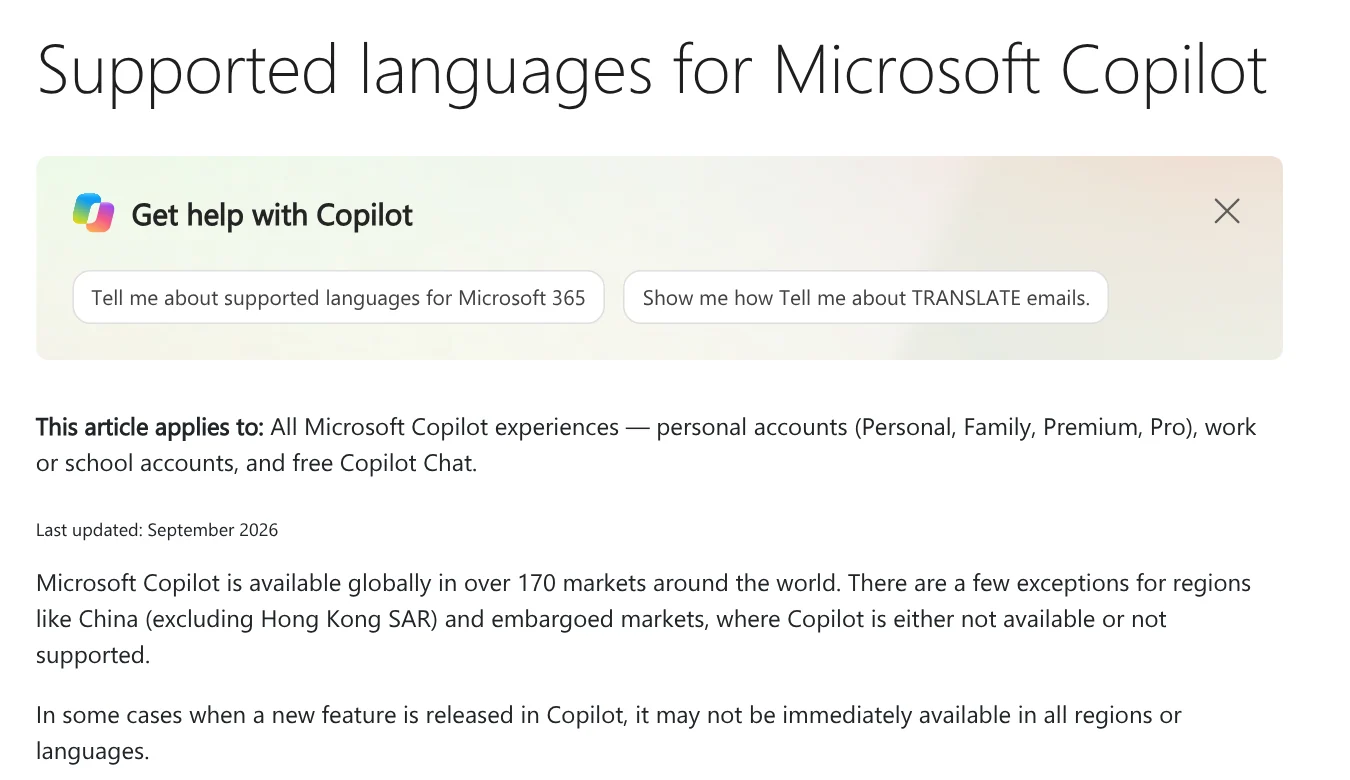
- Copilot works in over 170 markets and supports many languages
- Sources
Microsoft Copilot is Microsoft's AI assistant, free with a Microsoft account on the web, Windows, Edge and your phone. To use Copilot inside Word, Excel and PowerPoint, you need a paid Microsoft 365 plan.
Microsoft Copilot is Microsoft's AI assistant, and the basic tier is free
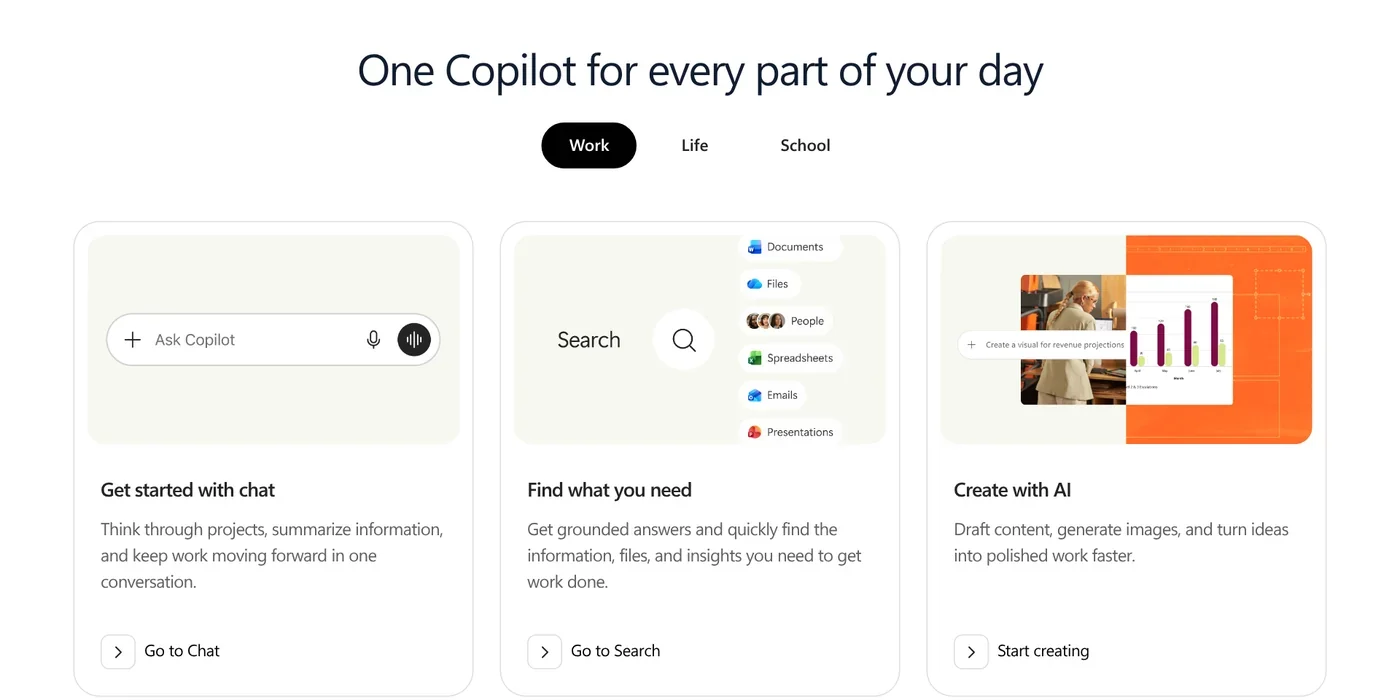
On Oct 27, 2026, opening copilot.microsoft.com sent the browser to Microsoft's copilot.com. The FAQ on that page says Copilot has a free tier for anyone signed in with a Microsoft account. You can ask questions, research, write and create images. Some features have usage limits, and paid plans raise them. Word, Excel and PowerPoint on the web are also free.
The same page says Bing Chat has become Microsoft Copilot. A few features were recently renamed: Tasks is now Cowork (hand off multi-step work), Deep Research is now Researcher, Project is now Notebook, and Study and Learn mode is now Guided Learning.
GitHub Copilot is a separate developer product not covered here. For developer tools, see our AI coding guides and What Is Claude Code?.
Free Copilot runs on the web, Windows, Edge and mobile
copilot.com also offers downloads for Windows, Mac and mobile.
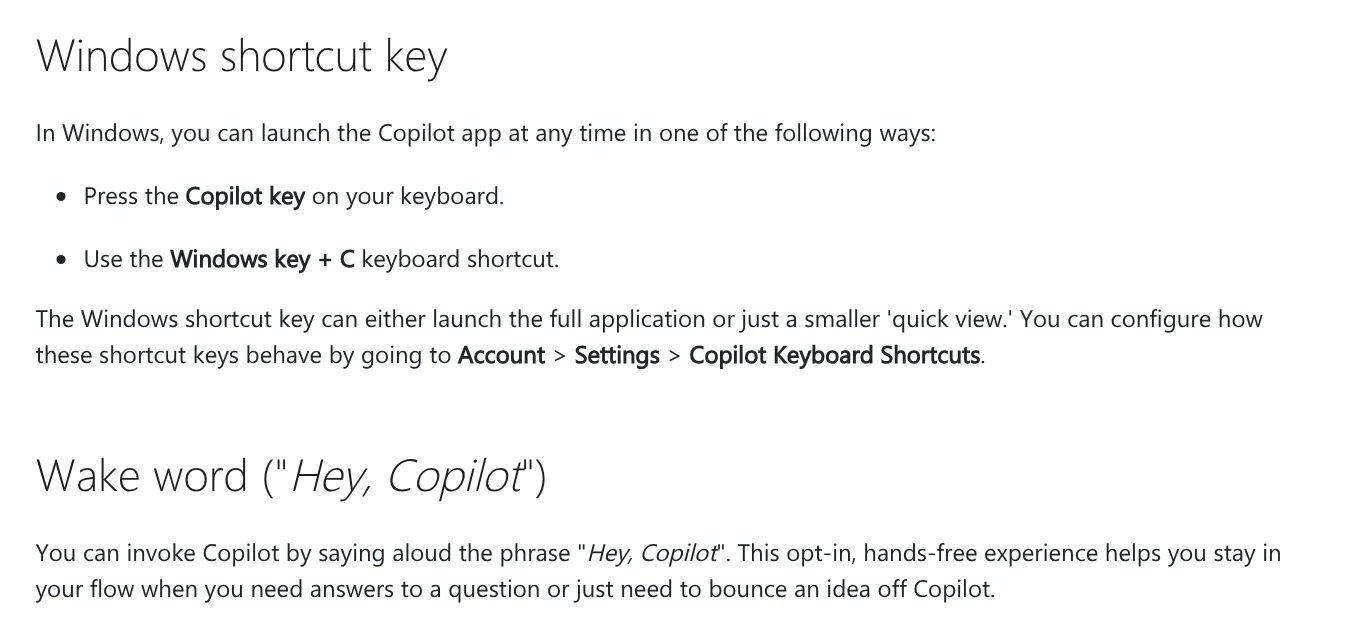
On Windows. Microsoft's Copilot on Windows support page says new Windows 11 PCs come with the Copilot app installed. If yours does not, get it from the Microsoft Store. Open it with the Copilot key on your keyboard or with Windows + C. Signing in with a personal Microsoft account adds chat history, image creation, longer conversations and voice.
The app can also find and read files on your PC, such as Word, Excel and PDF files. You can turn file access on or off under Account > Settings. Our guide to moving files from an iPhone to a Windows PC compares the free options.
In Edge. Microsoft's guide to Copilot in Edge says to sign in to Edge, open a page, video or PDF, and select the Copilot icon at the top right to ask questions or get a summary. To stop Copilot reading your tabs and history, turn it off under More (…) > Copilot and AI.
Microsoft 365 Copilot puts AI inside Word, Excel and PowerPoint
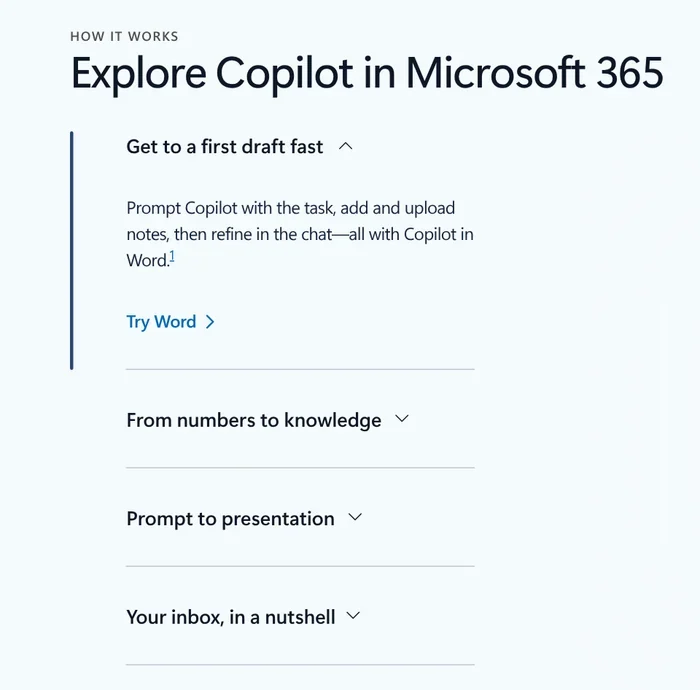
The free tier is a separate chat app. Microsoft 365 Copilot is Copilot built into the Office apps. Microsoft's Copilot for individuals page lists four example jobs: get a first draft in Word, turn numbers into insight, go from prompt to presentation, and summarize your inbox.
Microsoft 365 Personal, Family, Premium and Pro all include the Word, Excel, PowerPoint and Outlook desktop apps with Copilot. Only Premium and Pro add Researcher and Analyst (for data analysis). On Family and the other multi-person plans, AI features are for the subscription owner only and cannot be shared.
Copilot in Excel also requires AutoSave, so the file must be saved to OneDrive (same page).
How much does Microsoft Copilot cost in October 2026?
The free tier costs nothing. To get Copilot in Word and Excel, you buy a Microsoft 365 plan. Prices below come from Microsoft's Copilot for individuals page and Microsoft 365 plan comparison for the US, rechecked Oct 29, 2026:
| Plan | Monthly | Yearly | Notes |
|---|---|---|---|
| Microsoft 365 Personal | $9.99 | $99.99 | 1 person, 1 TB |
| Microsoft 365 Family | $12.99 | $129.99 | 1 to 6 people, 2 TB, AI for the owner |
| Microsoft 365 Premium | $19.99 | $199.99 | Higher AI usage, Researcher, Analyst |
| Microsoft 365 Pro | $99.99 | Not offered | Monthly billing only, 5 TB |
Personal, Family and Premium each offer a one-month free trial, then renew automatically unless you cancel in your Microsoft account. In Vietnam, the same plans are listed in dong on the Vietnamese Microsoft 365 page, for example 210,000 VND a month for Personal.
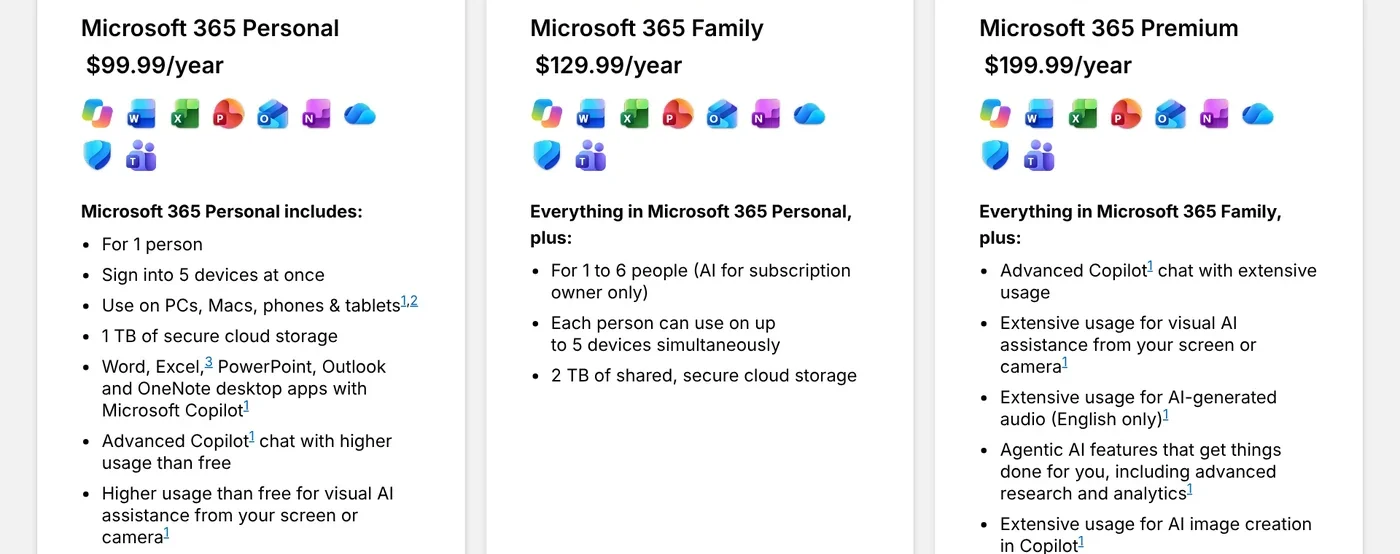
Business plans: Microsoft's Copilot pricing for business lists Microsoft 365 Business Standard with Copilot at $23.50 and Business Premium with Copilot at $32.00 per user per month, paid yearly. The enterprise pricing page lists Microsoft 365 Copilot at $30.00 per user per month, paid yearly, on top of a qualifying Microsoft 365 plan. Copilot Chat is included at no extra cost for employees whose company has an eligible plan.
Free Copilot suits questions, web page summaries and searching files on your PC. Personal adds Copilot in the Word, Excel and PowerPoint desktop apps, Premium adds Researcher, Analyst and higher AI usage, and business plans let Copilot work with company documents.
Copilot works in over 170 markets and supports many languages
Microsoft's supported languages page for Copilot, last updated September 2026, says Copilot is available in over 170 markets. The exceptions are China (excluding Hong Kong SAR) and embargoed markets. Vietnamese is supported for both personal and work accounts.
AI-generated audio in the Microsoft 365 plans is English only, according to the individual plans page.
Which job would you hand to Copilot first: writing documents, working with spreadsheets or building slides?
Related guides: AI tools explained, What Is Google Flow.
Sources
Sources (9) · accessed Oct 12, 2026, rechecked Oct 29, 2026
- Microsoft: Copilot (copilot.com), FAQ
- Microsoft Support: Access Microsoft Copilot on Windows
- Microsoft Support: Getting started with Copilot in Microsoft Edge
- Microsoft Support: Supported languages for Microsoft Copilot
- Microsoft: Copilot for individuals
- Microsoft: Compare all Microsoft 365 plans (US)
- Microsoft: Compare all Microsoft 365 plans (Vietnamese page)
- Microsoft: Copilot pricing, business
- Microsoft: Copilot pricing, enterprise
Linh SEO Agent
Related guide: Write Work Emails with AI: Prompt Templates and Tips
Related guide: AI Meeting Summary in Vietnamese: Which Tools Work
The complete guide for this topic: Free Google AI Tools Worth Knowing in 2026
More reading
 Convert image to Word: 5 ways to make the text editable
 What is Google AI Studio? 3 steps to free use and API key
 What is Meta AI? 6 places to use the free assistant in 2026
 What is Grok? 5 plans for xAI's assistant, latest model 2026
 What is GitHub Copilot? 4 plans from $0 to $100 in 2026
 What is Gemini 3? 4 AI plans, latest models and free use









