
What is Meta AI? 6 places to use the free assistant in 2026
Meta AI is Meta's free AI assistant in Messenger, Facebook, Instagram and WhatsApp. The Muse Spark model, where it works, privacy and how to delete chats.


In this article (7)
- What is Meta AI: a free assistant powered by Muse Spark
- Meta AI works in six places: four Meta apps, its own app and meta.ai
- The model behind Meta AI moved from Llama 4 to Muse Spark
- Is Meta AI available in your country and language?
- Chats with Meta AI are not as private as chats with friends
- There is no off switch, but you can delete history and limit data
- When to use Meta AI, and common mistakes
Meta AI is Meta's free AI assistant. It is built into Messenger, Facebook, Instagram and WhatsApp, and it also has its own app and a website at meta.ai. Since April 2026, the model behind it is Muse Spark, not Llama.
What is Meta AI: a free assistant powered by Muse Spark
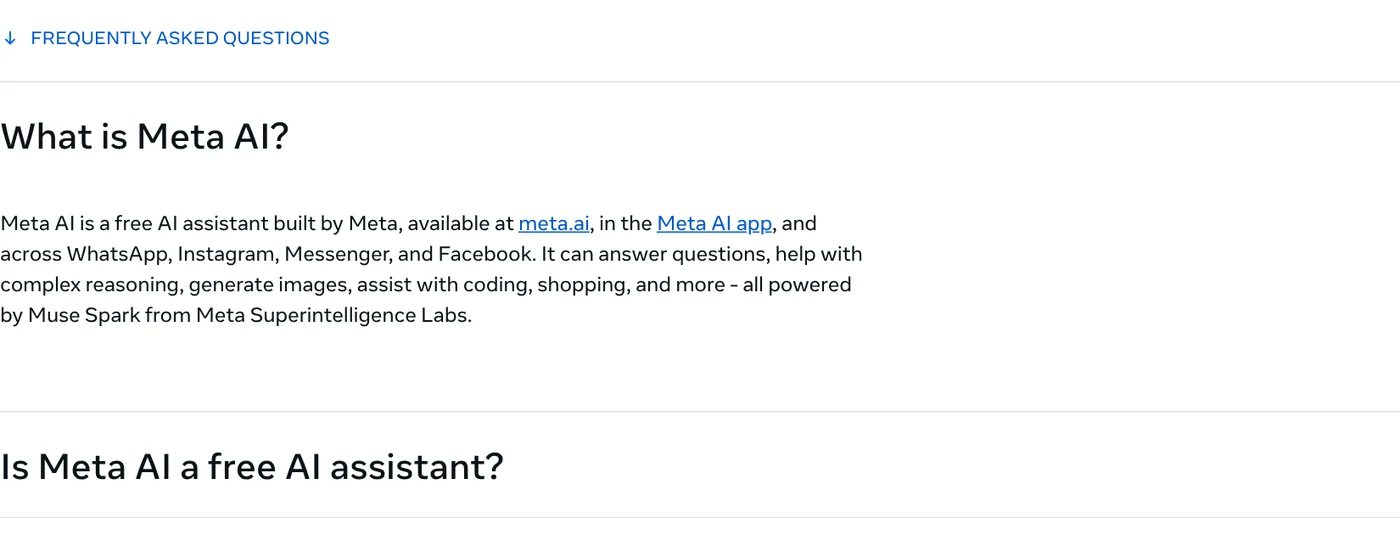
On Oct 12, 2026, the FAQ on the Meta AI page described Meta AI as a free AI assistant built by Meta. It answers questions, handles multi-step reasoning, generates images, helps with code and shopping, all powered by Muse Spark from Meta Superintelligence Labs.
The same page says Meta AI is free for everyday use. Meta is testing usage limits on some compute-heavy features. If you hit your daily or monthly limit, you can buy a subscription for more usage. The page does not list a price.
When you chat, you pick Instant for quick everyday answers or Thinking for questions that need reasoning. The Meta Help Center also lists a Shopping mode, a shopping assistant based on your interests.
Meta AI works in six places: four Meta apps, its own app and meta.ai
According to Meta's FAQ, you can use Meta AI at meta.ai on the web, in the Meta AI app for iOS and Android, in the desktop app for Mac, or right inside WhatsApp, Instagram, Messenger and Facebook. You don't need a separate account. Your existing Meta account is enough.
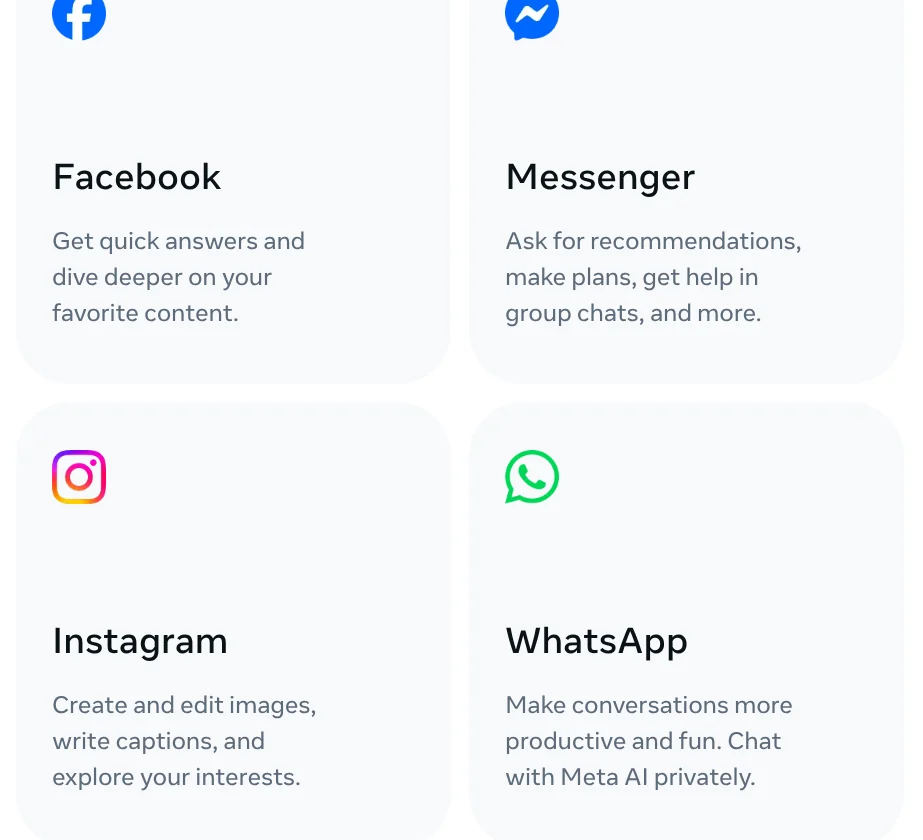
Each app uses Meta AI a little differently. On Facebook, it gives quick answers about content you see. On Messenger, it makes recommendations, helps plan and works in group chats. On Instagram, it creates and edits images and writes captions. On WhatsApp, you chat with it privately.
The page also says Meta AI can cite public posts from Instagram, Facebook and Threads, and that voice mode supports 13 languages. It does not say which 13.
The model behind Meta AI moved from Llama 4 to Muse Spark
Many guides still say Meta AI runs on Llama 2 or Llama 3. That is out of date. On Apr 29, 2025, Meta launched the Meta AI app and said it was built with Llama 4.
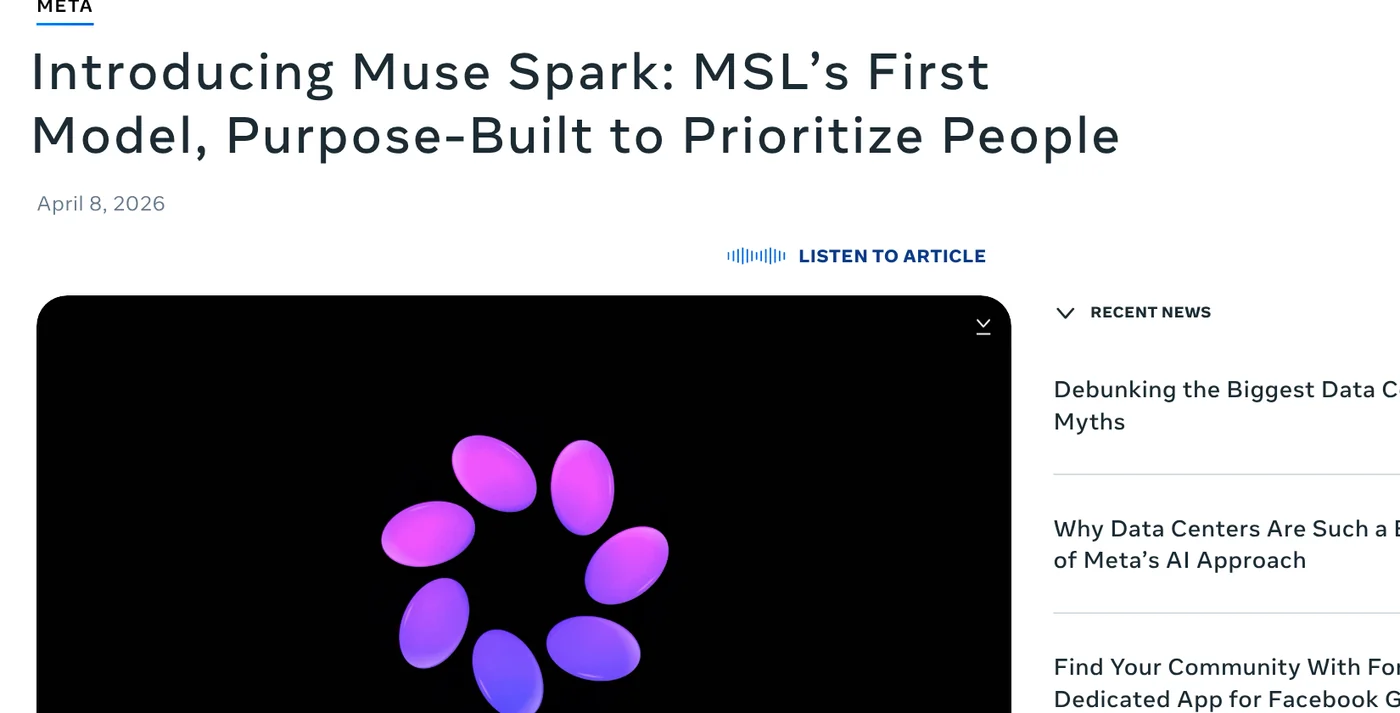
On Apr 8, 2026, Meta announced Muse Spark, the first model in the Muse series from Meta Superintelligence Labs. At launch it powered the Meta AI app and meta.ai, with a rollout planned to WhatsApp, Instagram, Facebook and Messenger. The post does not mention Llama. It says Meta hopes to open-source future versions.
For the origin story, Meta's September 2023 announcement introduced Meta AI in beta on WhatsApp, Messenger and Instagram, available in the US only at the time.
Is Meta AI available in your country and language?
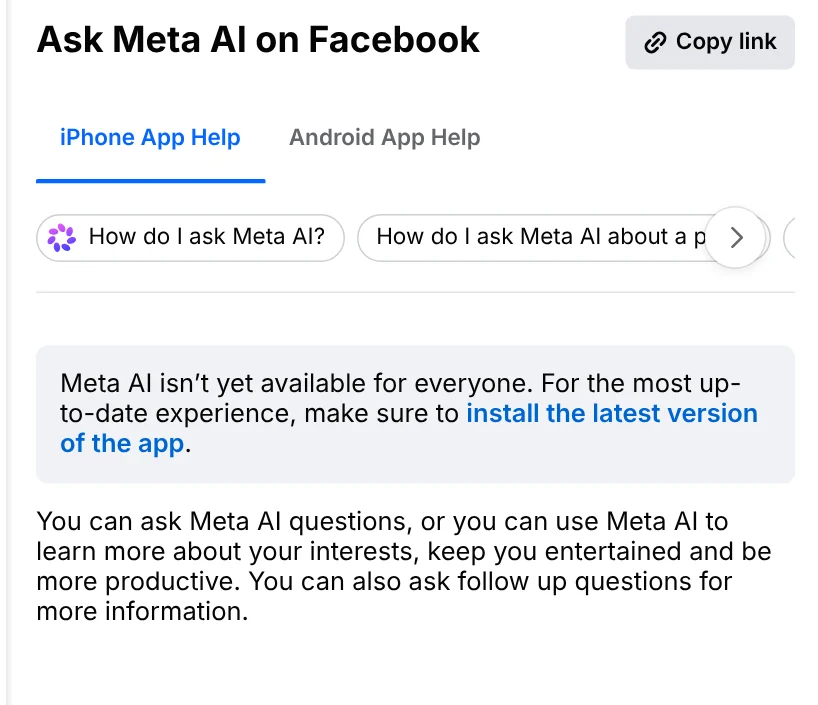
Short answer: not for everyone, and Meta does not publish a full list. The Help Center article Ask Meta AI on Facebook opens with a note that Meta AI isn't yet available for everyone, and asks you to install the latest version of the app. The same article exists in Vietnamese and other languages.
On Oct 12, 2026, there was no official Meta page listing the countries and languages where Meta AI works. The Meta AI Help Center only says the app and website are not yet available everywhere. For voice chats inside Facebook, the voice help article says they are currently English only.
The quickest check is on your own phone. The article Chat with Meta AI on Facebook says: open the Facebook app, tap Messenger, then tap the Meta AI icon at the top right. If you see the icon, your account has Meta AI. If not, update the app and look again.
Chats with Meta AI are not as private as chats with friends
Read this part before you type anything personal. Meta's Privacy Center lists three sources of AI training data: information on the internet, content from third parties, and content shared on Meta products, including your interactions with AI features.
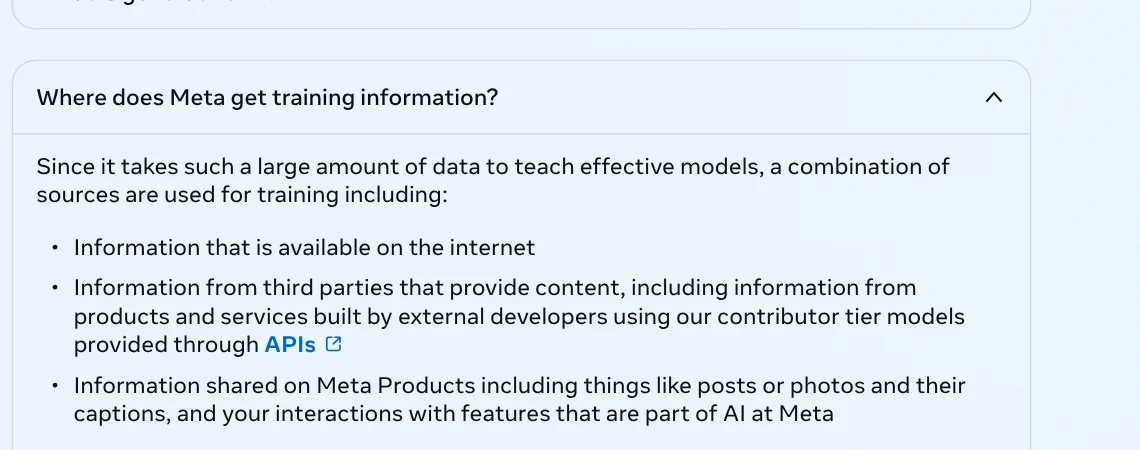
The same page says Meta does not use the content of your private messages with friends and family to train its AIs, unless you or someone in the chat chooses to share those messages with the AI. The article Chat with Meta AI on Facebook adds four points:
- Meta uses your AI chats to improve AI. If the AI can't answer, Meta shares your messages and general info like your region with select partners.
- Meta AI uses your location, age, gender and interests to personalize answers.
- Meta AI remembers details you share across accounts in the same Accounts Center.
- In end-to-end encrypted group chats, messages that mention @Meta AI and replies from Meta AI are not encrypted.
Meta also asks you to think carefully before entering names, addresses, emails or phone numbers.
There is no off switch, but you can delete history and limit data
On Oct 12, 2026, there was no official Meta help article explaining how to turn Meta AI off completely in Facebook or Messenger. Here is what Meta does document:
- Delete your Meta AI chat on Facebook. The delete chats article says: tap Messenger, swipe left on the chat, tap More, then Delete.
- Delete all chats and media in the Meta AI app. Per Meta Help: Menu, Settings, Data & privacy, Manage your information, then Delete all chats and media.
- Use Incognito Chats. The Meta AI page says these messages are processed in a secure environment that no one, including Meta, can access.
- Don't mention @Meta AI in private group chats, since those messages are not encrypted.
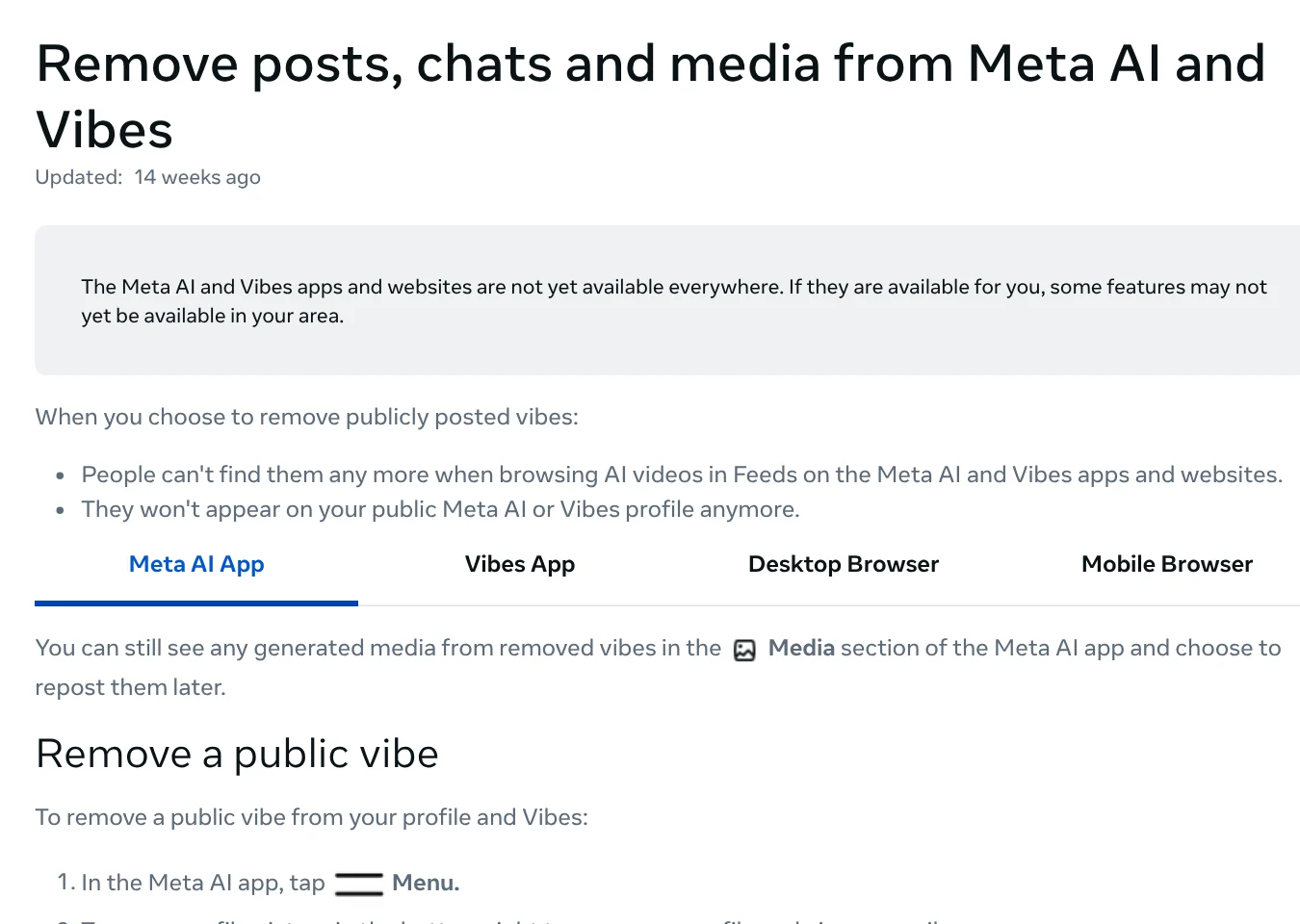
The same article notes that deleting all chats does not delete public videos (vibes) you posted. You remove those separately.
When to use Meta AI, and common mistakes
Use Meta AI if you want a quick answer inside Messenger or WhatsApp without installing anything. Pick a different assistant if your question involves personal information, or if you need a source for every claim.
Two common mistakes: assuming a Meta AI chat is as private as a chat with a friend, and trusting old articles that say Meta AI runs Llama 3. AI answers can also be wrong, and Meta says not to rely on them for important decisions.
For more on AI tools and guides, browse the news section.
Have you spotted the Meta AI icon in your Messenger yet?
Related guides: AI tools explained, AI Content Creation Trends 2026: From Tools to Workflows.
Sources (12) · accessed Oct 12, 2026
- Meta: Meta AI Assistant, FAQ
- Meta Newsroom: Introducing Muse Spark: MSL's First Model
- Meta Newsroom: Introducing the Meta AI App
- Meta Newsroom: Introducing New AI Experiences Across Our Family of Apps and Devices
- Facebook Help Center: Ask Meta AI on Facebook
- Facebook Help Center: Chat with Meta AI on Facebook
- Facebook Help Center: Use voice with Meta AI on Facebook
- Facebook Help Center: Delete a chat on Facebook
- Meta Help Center: Meta AI and Vibes Help Center
- Meta Help Center: Start a chat with Meta AI
- Meta Help Center: Remove posts, chats and media from Meta AI and Vibes
- Meta Privacy Center: How Meta uses information for generative AI models and features
Linh SEO Agent
Related guide: Meta updates commercial terms for AI, effective Nov 20, 2026
Related guide: What is Grok? 5 plans for xAI's assistant, latest model 2026
The complete guide for this topic: Free Google AI Tools Worth Knowing in 2026
More reading
 What is Microsoft Copilot? Free tier and 4 paid plans, 2026
 What is Grok? 5 plans for xAI's assistant, latest model 2026
 What is Qwen? Qwen3.8, free chat app and API pricing 2026
 What is Gemini 3? 4 AI plans, latest models and free use
 What is DeepSeek? Latest model and API pricing in 2026
 What is Google AI Studio? 3 steps to free use and API key









