
What is Google AI Studio? 3 steps to free use and API key
Google AI Studio is Google's free web tool for trying Gemini models and getting an API key. Free tier limits, Gemini app vs AI Studio, and who can use it.


In this article (7)
- Google AI Studio is a web tool for testing Gemini before you build with it
- The newest Flash model in Google AI Studio is Gemini 3.8 Flash
- Is Google AI Studio free?
- Get a Gemini API key in three steps on the API Keys page
- The Gemini app and Agent Platform serve different users and bill differently
- Google AI Studio works in most countries, but you must be 18 or older
- Sources
Google AI Studio is Google's web tool at aistudio.google.com where you try Gemini models and get an API key. Using it on the web is free in every supported region.
Google AI Studio is a web tool for testing Gemini before you build with it
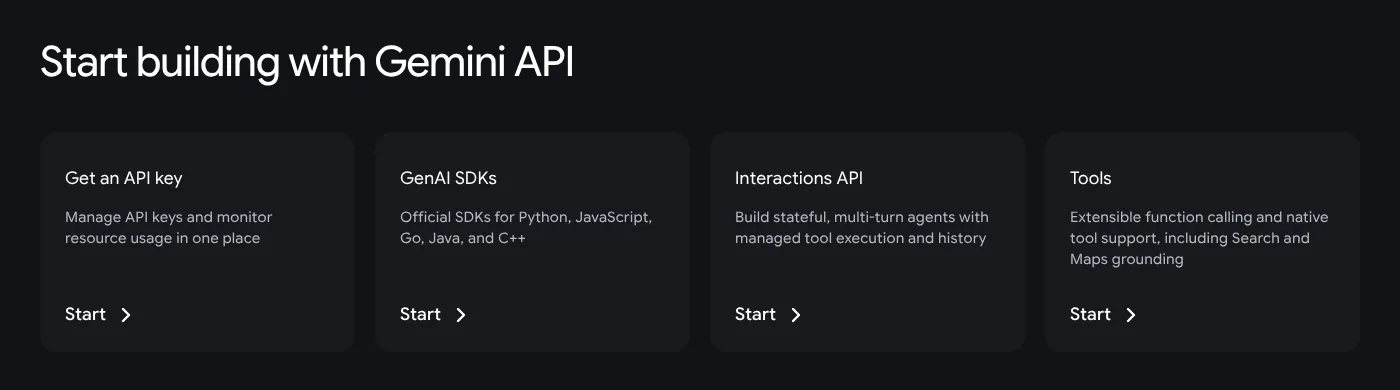
The Gemini API landing page calls Google AI Studio the fastest way to start building with Gemini. Put simply, it is a test bench: type a prompt, switch models, check the output, then copy the code into your app.
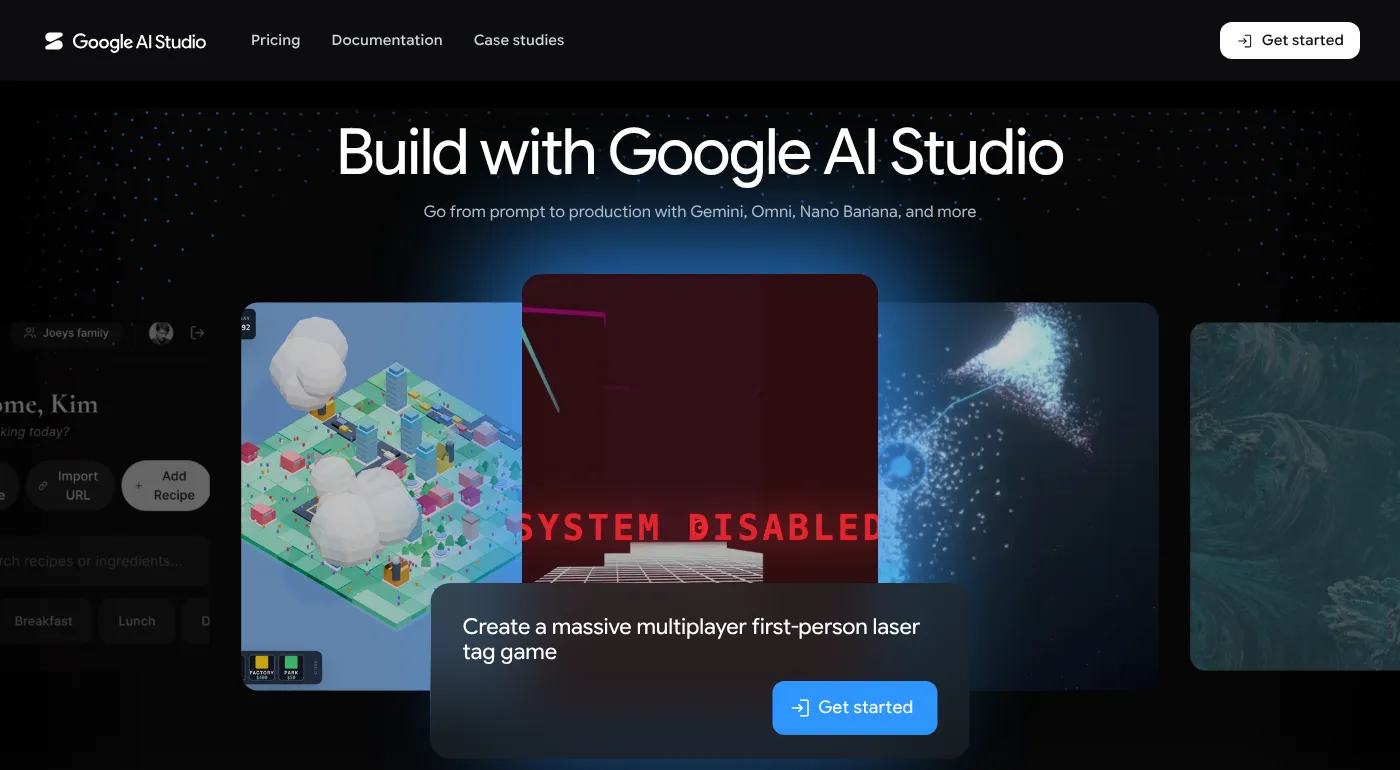
You will spend most of your time in two areas:
- Playground: the quickstart guide says this opens by default. You add System Instructions (the role you give the model), type a message, click Run, then click Get code.
- Build mode: the Build mode page says you describe an app in plain words and AI Studio generates a React web app with a Node.js server or a native Android app, then deploys to Cloud Run, GitHub or a ZIP file.
The newest Flash model in Google AI Studio is Gemini 3.8 Flash
The models page, updated Oct 22, 2026, puts Gemini 3.8 Flash under Gemini 3, in the Stable group, with a New label. Google calls it its most intelligent Flash model, built for coding and autonomous agents.
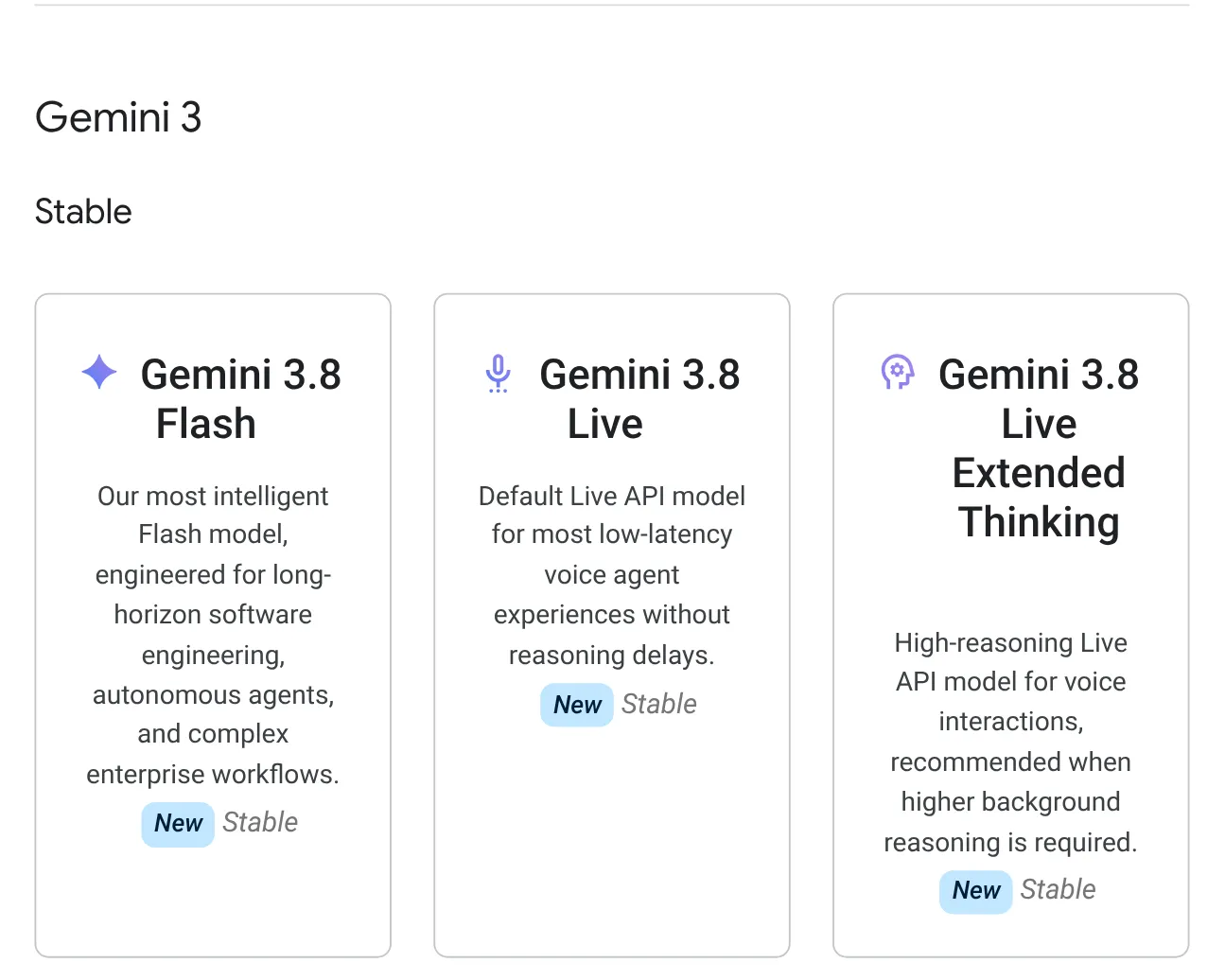
The list also has Gemini 3.8 Live (real-time voice), Gemini 3.6 Flash, Gemini 3.5 Flash-Lite, Nano Banana 2.1 (image generation and editing) and Gemini 4 Argon, the flagship reasoning model, generally available since Oct 13, 2026 per the changelog and not on the API free tier.
The Gemini 3.8 Flash page lists an input limit of 1,048,576 tokens, covering text, images, video, audio and PDF.
Is Google AI Studio free?
Yes. The Gemini API pricing page states that Google AI Studio usage is free of charge in all available regions; the Free tier covers certain models at no token cost.
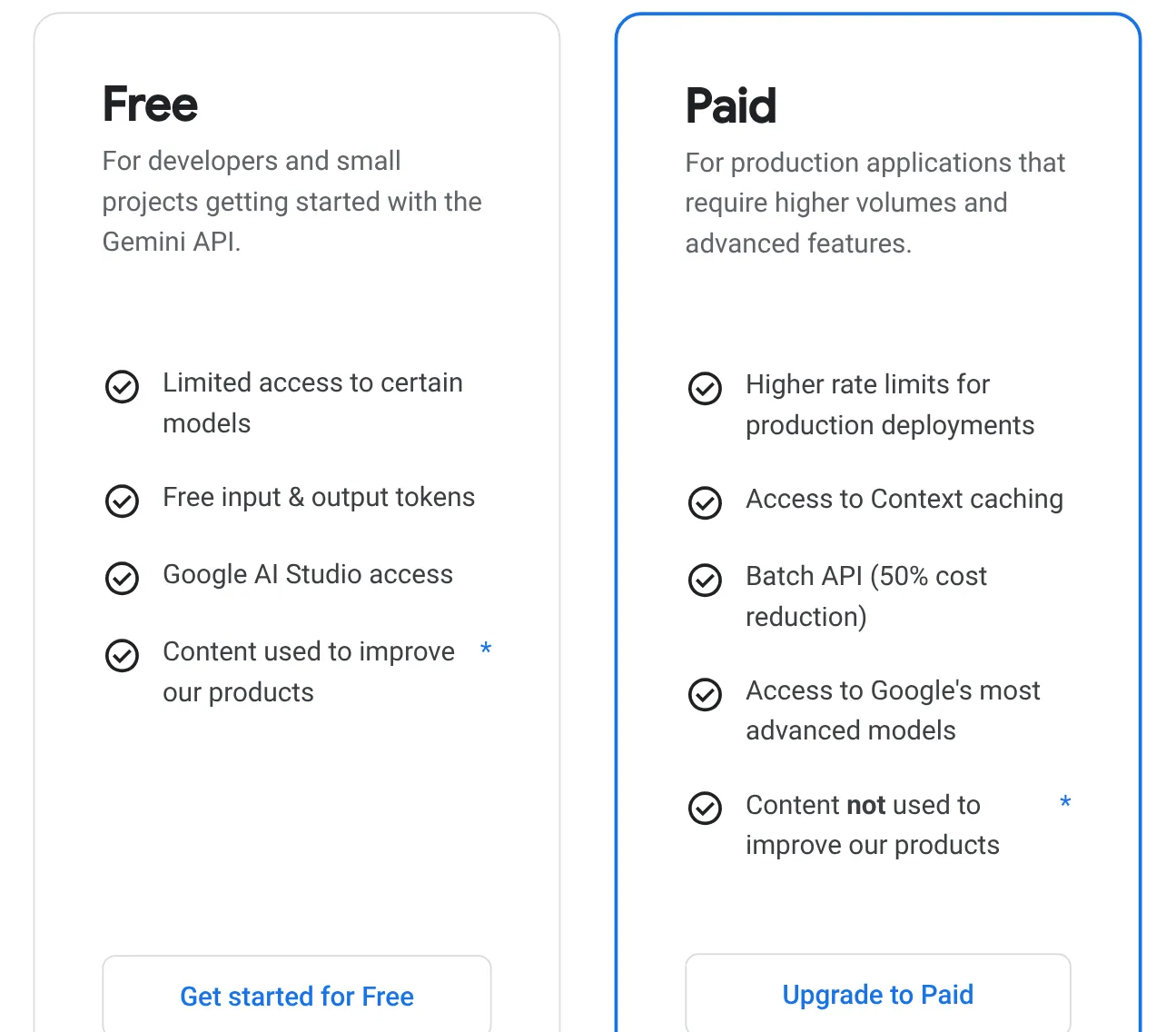
Three limits to know up front:
- Not every model is free. Gemini 3.8 Flash is free on the Free tier; Gemini 3.1 Pro Preview and Gemini Omni Flash are not. On the Paid tier, Gemini 3.8 Flash costs $0.75 per 1M input tokens and $3.75 per 1M output tokens through Dec 31, 2026, rising to $1.50 and $7.50 from Jan 1, 2027.
- Limits apply per project, not per API key. The rate limits page measures requests per minute, tokens per minute and requests per day, and daily quotas reset at midnight Pacific time.
- No fixed table for the Free tier. Your project's actual limits appear on the Rate limit page inside AI Studio.
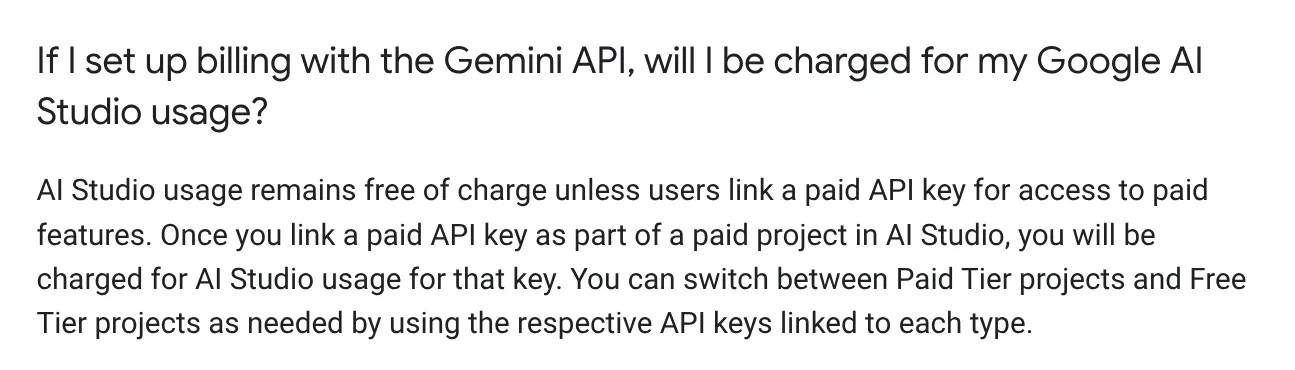
To raise your limits, the Billing page says to click Set up billing, link a billing account and prepay at least $5. The $300 Google Cloud Welcome credit cannot pay for the Gemini API or AI Studio. Google AI Pro and Ultra subscribers get higher limits in the Playground, but API calls are still billed separately.
Get a Gemini API key in three steps on the API Keys page
An API key is the code your app uses to call Gemini. The API key guide lists these steps:
- Open the API Keys page in Google AI Studio, or click Get API key in the header.
- Click Create API key.
- Copy the key and store it somewhere safe.
New users get a default Google Cloud project and API key after accepting the Terms of Service. If you already have a Google Cloud account, click Import projects before you create a key. Since May 28, 2026, every new key created in AI Studio is an auth key, bound to a Google Cloud service account.
Google recommends storing the key in the GEMINI_API_KEY environment variable, keeping it out of Git and out of web or mobile app code, and clicking Add restrictions so it only works with the Gemini API.
The Gemini app and Agent Platform serve different users and bill differently
All three run Gemini, but each serves a different group.
- The Gemini app (gemini.google.com) is a chat assistant for everyday users. The Gemini help page lists a 32,000-token context window without an AI plan,.
- Google AI Studio is for builders: pick the exact model version, get code and an API key.
- Gemini Enterprise Agent Platform is the new home of Google's enterprise AI platform. Google Cloud release notes from April 22, 2026 say Vertex AI is now part of it.
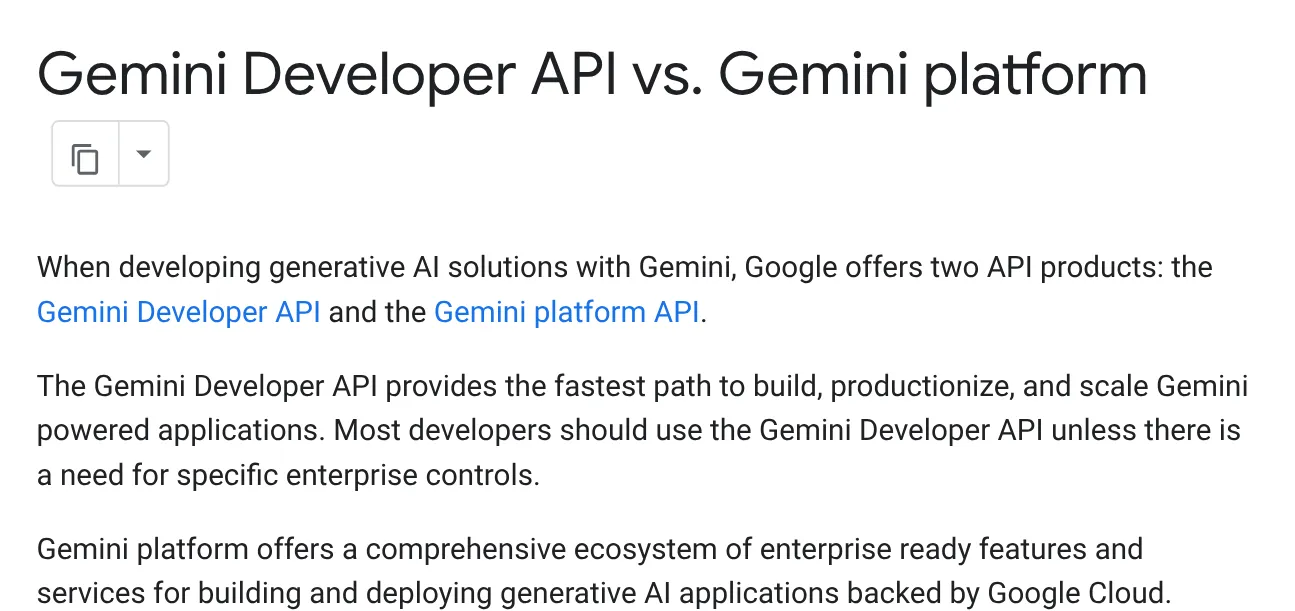
Google's comparison page says most developers should use the Gemini Developer API, the key you get from AI Studio, and pick the enterprise platform only when they need specific controls.
Google AI Studio works in most countries, but you must be 18 or older
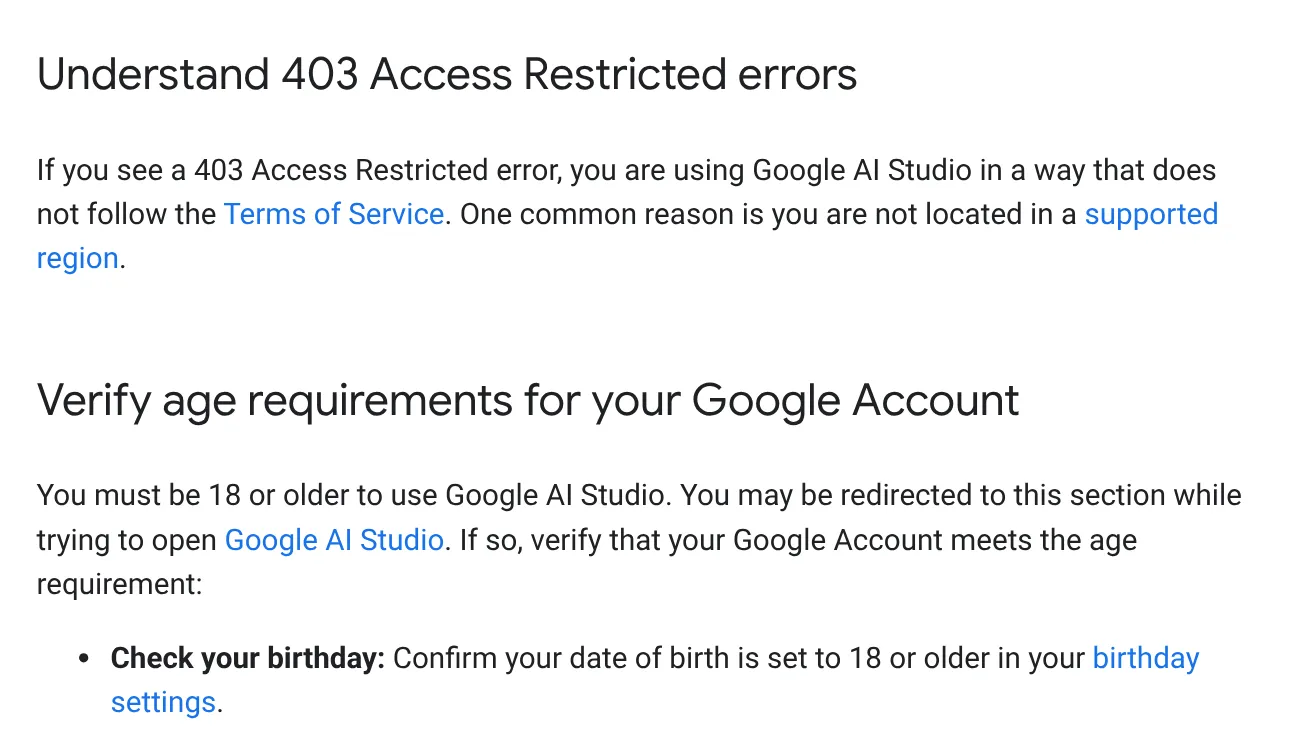
The available regions page lists the countries and territories where Google AI Studio and the Gemini API work, Vietnam included. The troubleshooting page adds that you must be 18 or older, the birthday on your Google Account must match, and you may need to verify your age.
The Gemini API terms include two points worth reading closely:
- On the free tier, Google may use your prompts and responses to improve its products, and human reviewers may read them. Do not submit sensitive, confidential or customer personal data.
- Google Workspace work and school accounts have AI Studio turned on by default, but an admin can turn it off.
Common problems: 403 Access Restricted means check your region and account age; No Content means the content was blocked, so hover over the warning; a grayed-out Create API key means your account lacks permission in that project; a used-up daily quota resets, or Set up billing usually takes effect within about 10 minutes.
Related guides: AI tools explained, ChatGPT Free Plan: What You Get and the Limits, What Is Google Flow.
Sources
Sources (3) · accessed Oct 12, 2026, rechecked Oct 27, 2026
- Google AI for Developers: Gemini API, Google AI Studio landing page, Gemini models, Gemini 3.8 Flash, Gemini API pricing, Gemini API changelog, Rate limits, Billing, Google AI plans in AI Studio, Using Gemini API keys, Google AI Studio quickstart, Build mode, Gemini Developer API vs. Gemini platform, Available regions, Gemini API terms, Access for Workspace users, Troubleshoot AI Studio
- Google Cloud: Gemini Enterprise Agent Platform release notes
- Gemini Apps Help: Gemini Apps limits and upgrades
Linh SEO Agent
Related guide: What Is Gemini CLI? Install, Sign In and Daily Use
The complete guide for this topic: Free Google AI Tools Worth Knowing in 2026
More reading
 What is Gemini 3? 4 AI plans, latest models and free use
 What is Microsoft Copilot? Free tier and 4 paid plans, 2026
 What is Qwen? Qwen3.8, free chat app and API pricing 2026
 What is DeepSeek? Latest model and API pricing in 2026
 What is Canva AI? Free vs Pro features and limits in 2026
 ChatGPT Free Plan: What You Get and the Limits









