
Create images with ChatGPT: 3 ways to start, Free vs Plus
Create images with ChatGPT on any plan using ChatGPT Images 2.5. Prompt tips, editing one area, text in images, C2PA, and how Free differs from Plus.

In this article (8)
- ChatGPT has made images with ChatGPT Images 2.5 since Sept 8, 2026
- Free has limited image creation, Plus costs $20 a month
- Start in one of three ways: type a description, pick Images, or use a template
- Good prompts state the purpose, layout, details, and constraints
- Does ChatGPT spell text in images correctly?
- Edit one area with the Select tool, then check the surroundings
- Images carry C2PA metadata, but it can be lost when shared
- Common mistakes when you create images with ChatGPT, and what is not allowed
You can create and edit images right in a ChatGPT conversation, on every plan including Free. The current model is ChatGPT Images 2.5. Paid plans add more usage and a thinking mode.
ChatGPT has made images with ChatGPT Images 2.5 since Sept 8, 2026
On Sept 8, 2026, OpenAI introduced ChatGPT Images 2.5. It brings sharper details and more precise editing, and OpenAI says image generation latency dropped by up to 50% compared with Images 2.0.
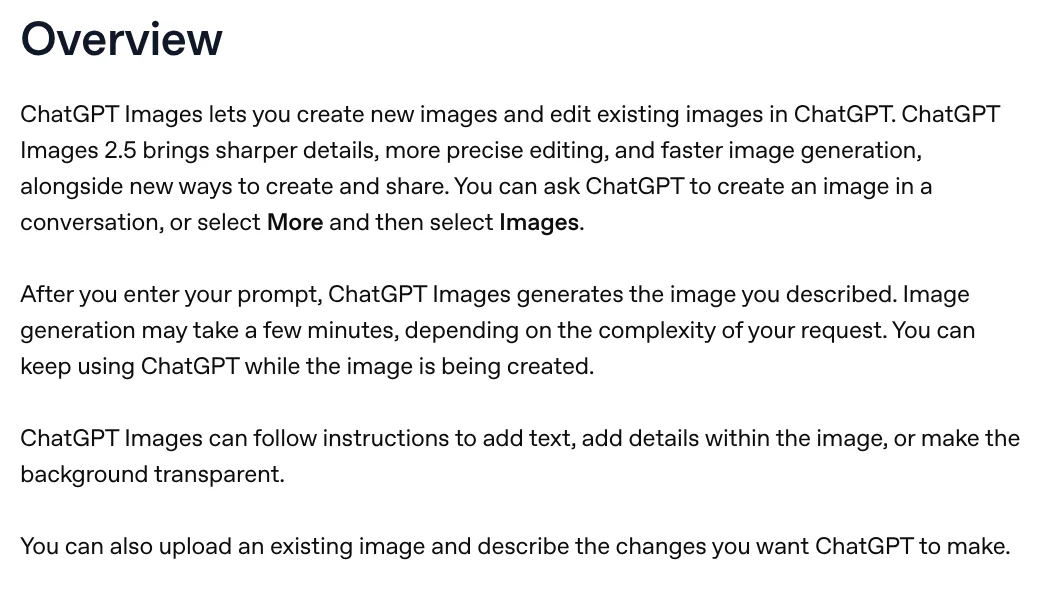
According to the Images in ChatGPT help article, an image can take a few minutes, depending on how complex your request is. You can keep chatting while it renders. Finished images are saved automatically under Images.
Free has limited image creation, Plus costs $20 a month
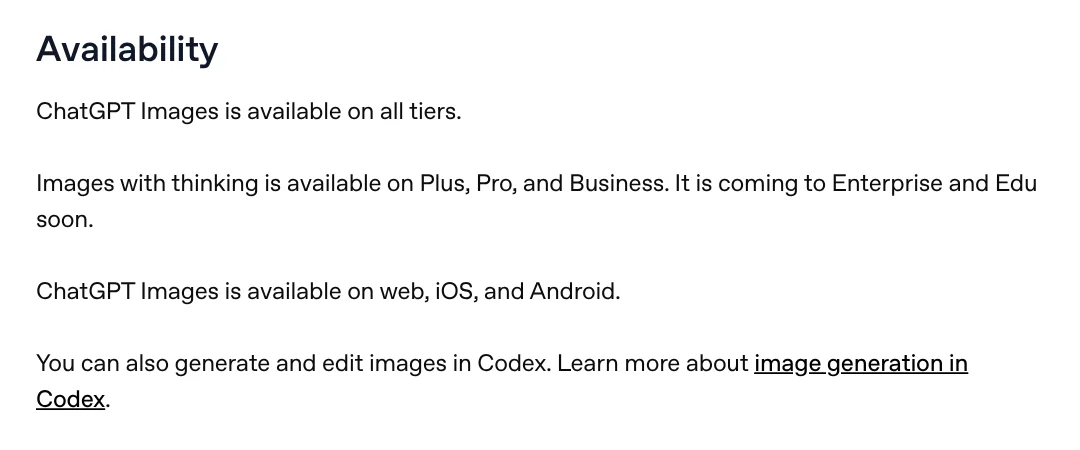
ChatGPT Images is available on all tiers, on web, iOS, and Android. Images with thinking, where the model reasons before it draws, is limited to Plus, Pro, and Business.
The ChatGPT pricing page lists Free with "Limited image creation" and Go with "More image creation." Plus gets "More complex and accurate image creation," and Pro gets "Unlimited and faster image creation." The page does not give a number of images per day.
The ChatGPT Free tier FAQ says image generation has its own usage limit, separate from text chat. ChatGPT tells you when you reach it, and you wait until later to use the tool again. The ChatGPT Plus article lists Plus at $20/month, with image generation included.
Start in one of three ways: type a description, pick Images, or use a template
The fastest way is to describe the image you want in the conversation. You can also select More, then Images. To set the shape, use the aspect ratio picker or name the ratio in your prompt.
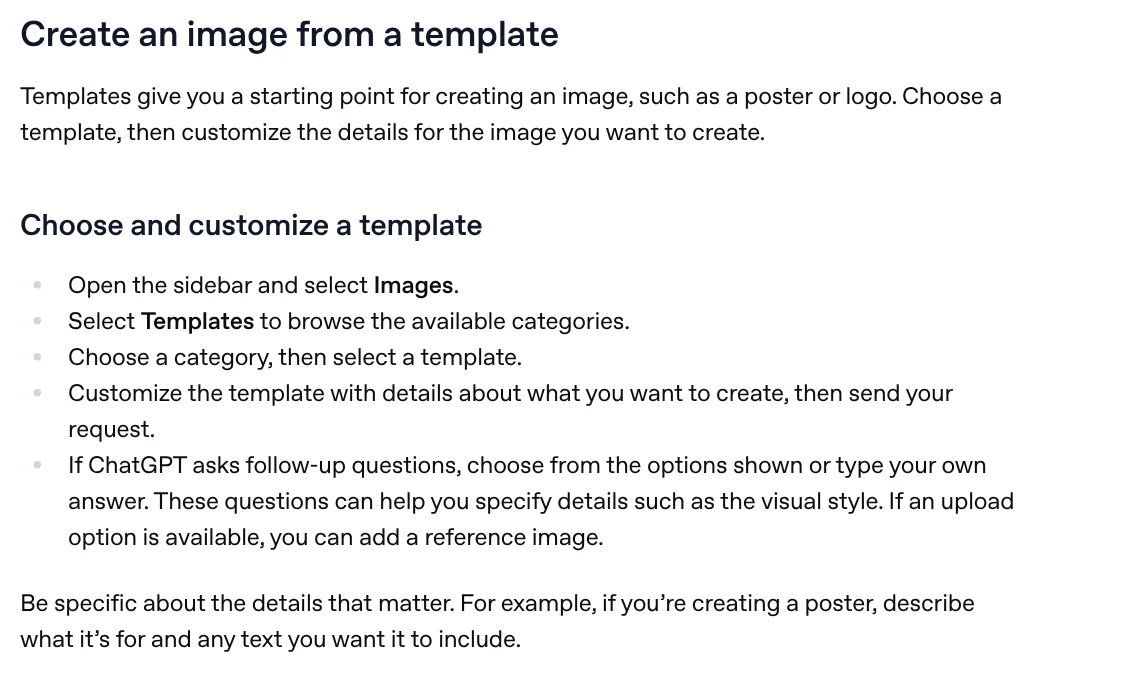
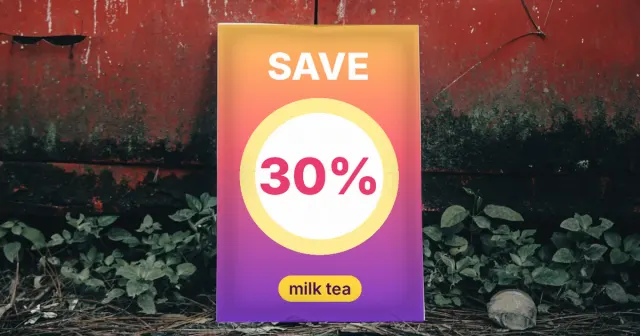
The third way is a template, handy for posters or logos. Open the sidebar, select Images, select Templates, pick a category and a template, add your details, and send.
The mobile app also has Sketch. Type @ in the message box, select Sketch, draw a rough outline, then add a description so ChatGPT can turn it into a finished image.
Good prompts state the purpose, layout, details, and constraints
OpenAI publishes a prompting guide for GPT Image 2.5. It is written for the API, but its fundamentals work just as well when you type in ChatGPT.
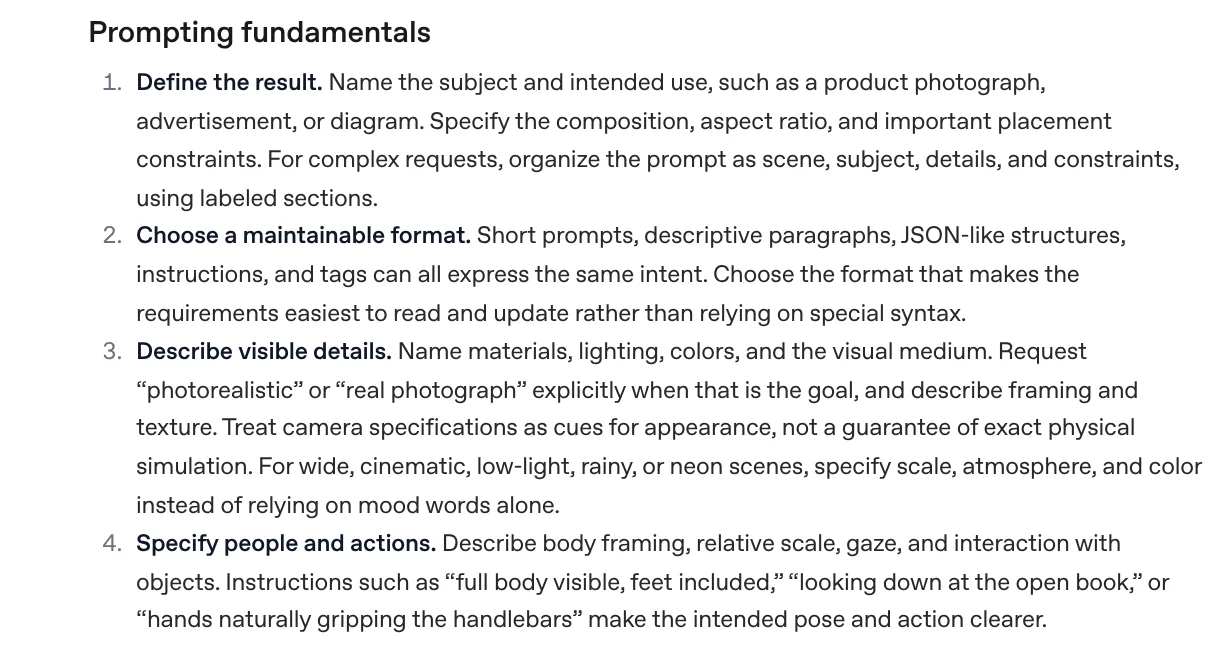
Name the subject and the use: a product photo, an ad, or a diagram. Add the layout and aspect ratio, then describe materials, lighting, and color. For long requests, split the prompt into labeled parts: scene, subject, details, constraints. Example: "Product photo of an iced coffee on a wooden table, morning light, 4:5 frame, empty space at the top."
Does ChatGPT spell text in images correctly?
No official page promises perfect spelling in every language. When OpenAI launched ChatGPT Images 2.0, it described improved text rendering and multilingual support. The sample captions name Japanese, Arabic, Korean, Chinese, and several other scripts, but Vietnamese is not among them.
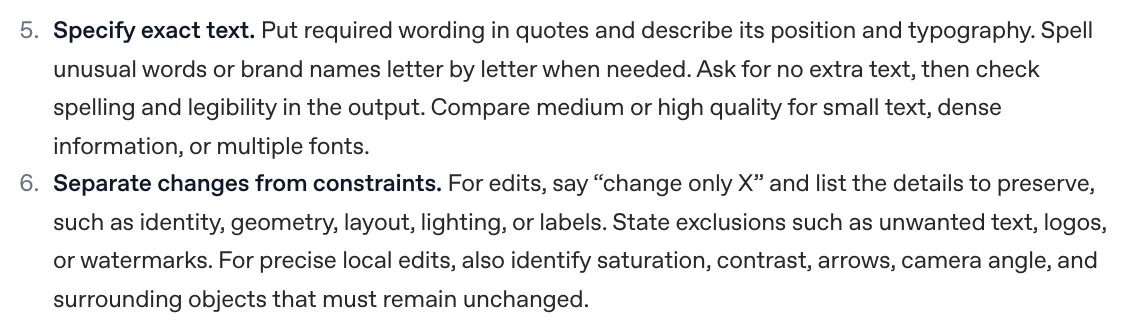
The guide suggests putting the exact wording in quotes and describing its position and typography. Ask for no extra text, then check spelling and legibility in the result. Accented letters deserve a letter by letter check.
If the text must be exactly right, generate the image without text and add it yourself. See how to add text to a photo with the tools already on your phone or computer.
Edit one area with the Select tool, then check the surroundings
You can edit images ChatGPT made or images you upload: select the image and describe the change. To change one spot, open the editor, use Select to highlight the area, and select Save when you finish. The editor also has Aspect ratio, Undo, Redo, and Cancel.
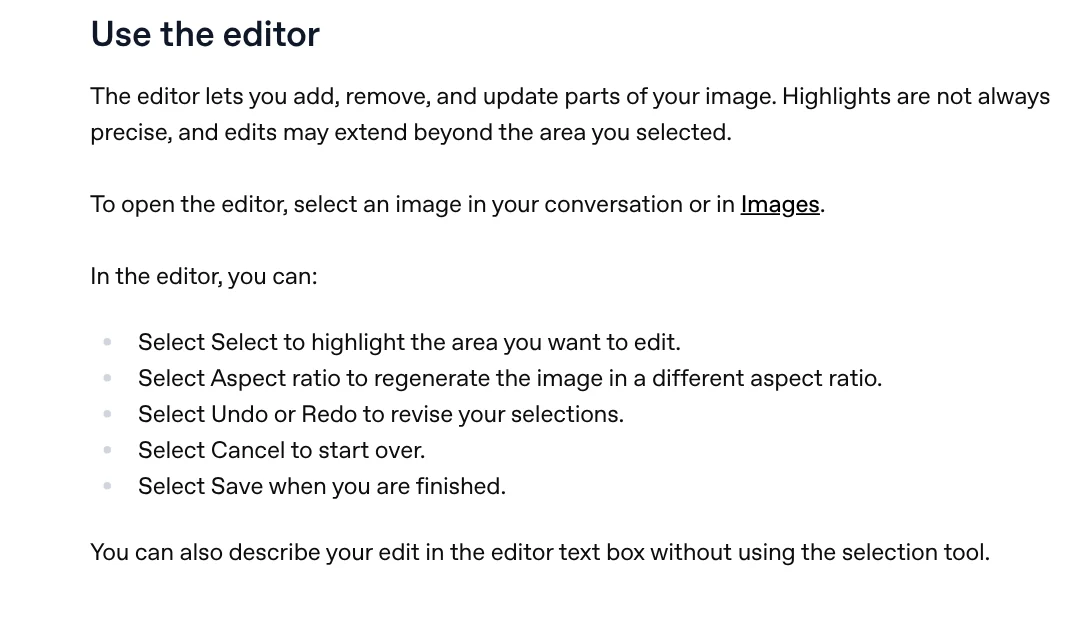
On mobile, select Edit, then Select, use the slider to resize the selection, select Next, and describe the change. OpenAI notes that highlights are not always precise and edits may extend beyond the selected area. So say "change only X," list what must stay the same, and change one thing per turn.
Images carry C2PA metadata, but it can be lost when shared
OpenAI's provenance signals article says images generated with ChatGPT, Codex, or the OpenAI API include two signals: Content Credentials (the C2PA standard) and an invisible SynthID watermark.
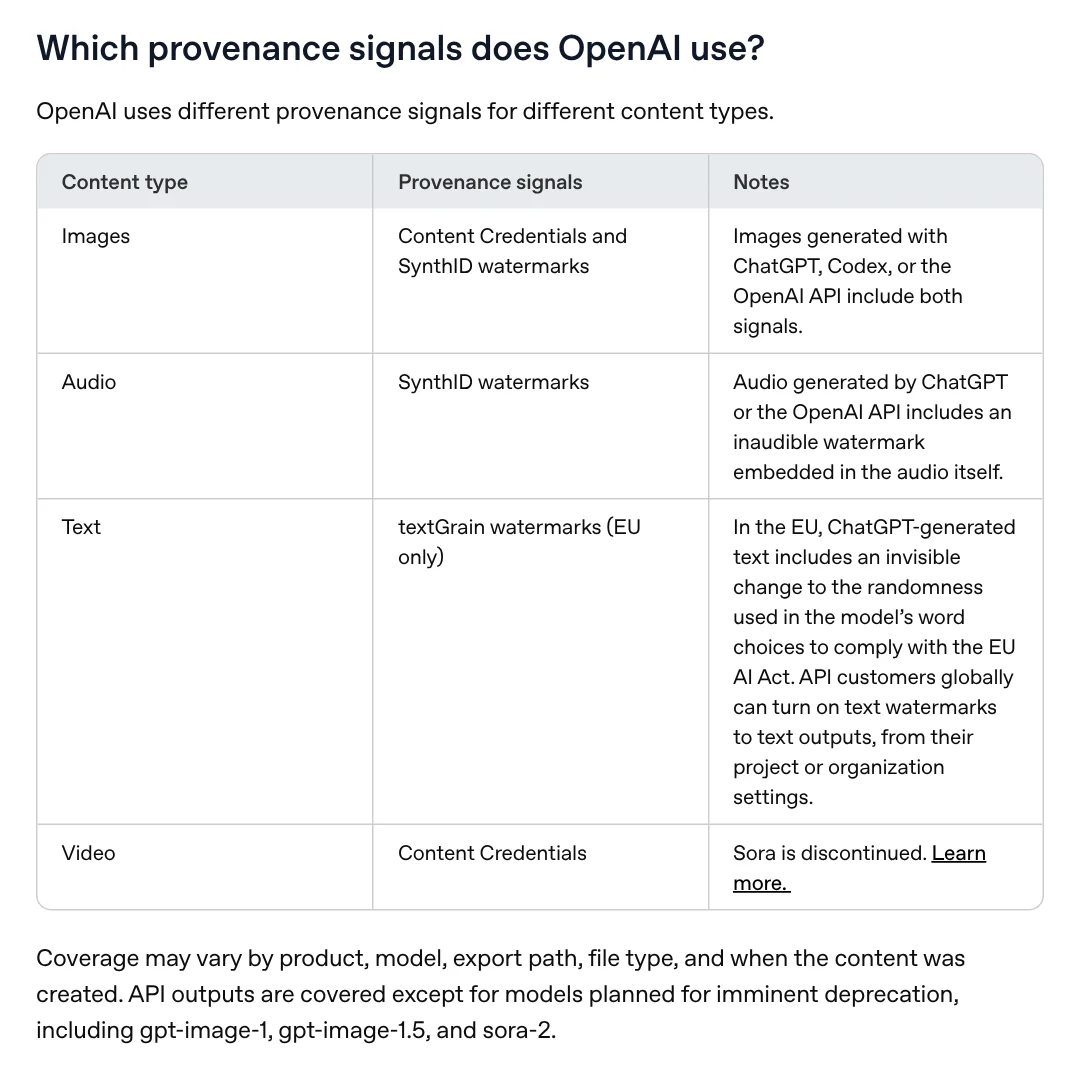
The metadata records the tool that created the file and when. You can check a file at openai.com/verify. OpenAI says platforms, editing tools, and file conversions can strip that information. If you post AI images for customers, label them as AI yourself.
Common mistakes when you create images with ChatGPT, and what is not allowed
Running out mid-project. Free has a separate image limit, so combine your edits into one clear prompt.
Edits spreading past the selection. State what must stay unchanged and check the surrounding area before you save.
Misspelled text. Proofread every word, or add the text afterward. Common text-on-photo mistakes covers font and color problems too.
Using a real person's photo to impersonate them. OpenAI's usage policies prohibit impersonation, fraud, and scams. They also prohibit using someone's likeness, including their photorealistic image or voice, without their consent.
To compare with Google's tool, read what Google Flow is. More guides are on the news page.
Sources (9) · accessed Oct 12, 2026
- OpenAI Help Center: Images in ChatGPT
- OpenAI: Introducing ChatGPT Images 2.5 (Sept 8, 2026)
- OpenAI: ChatGPT pricing
- OpenAI Help Center: What is ChatGPT Plus?
- OpenAI Help Center: ChatGPT Free tier FAQ
- OpenAI Help Center: Provenance signals in OpenAI-generated content
- OpenAI: Usage policies (updated Oct 21, 2026, effective Nov 20, 2026)
- OpenAI: Introducing ChatGPT Images 2.0
- OpenAI Developers: Image prompting
Linh SEO Agent
Related guide: What is Sora? The 2026 shutdown of OpenAI's video app
Related guide: Edit photos with AI: 5 tools that take a text prompt
The complete guide for this topic: AI Image Generator for Beginners: Pick a Tool, Write a Prompt
More reading
 What is Ideogram? AI images with clear text, pricing 2026
 How to Create a Consistent AI Character Across Images and Videos
 How to Make AI Images Look Realistic: 6 Mistakes to Fix
 Midjourney thinking mode: 4 steps to rerun faulty images
 AI Poster Prompts: Templates and How to Fix Text Errors
 What is Midjourney? V8.2, 4 plans and who owns the images









