
AI video generation
AI video generation turns text, photos or scripts into clips, and this page helps you choose a tool and make your first video. It is written for content creators, small business owners, office workers who need short clips, and anyone new to AI. You do not need editing experience, only a clear idea of what you want to show.
The guides on AI video generation here fall into a few groups. Explainers cover what each tool is and how they differ, from Veo 3 and Veo 3.1 to Google Flow and Gemini Omni Flash. Step-by-step guides walk through turning a photo into a moving shot, going from a written script to a finished clip, and editing existing footage by swapping scenes or adding and removing objects. A prompt guide shows how to break a request into parts so the model gets the scene, camera angle and motion right. Pricing pages explain which plans include video, what the free options really allow and where the limits sit. Coverage of more tools is on the way, including Sora, Kling AI, Runway, HeyGen, Hailuo AI, Higgsfield, Pika, Seedance, Luma AI and Wan AI, so you can compare them before you commit.
If you are starting out, read the end-to-end guide to making AI videos as a one-person team first. It takes you from a rough idea to a file that is ready to post. Then pick one tool that fits your budget, open its dedicated guide, and move on to the prompt guide to sharpen your instructions. When a result looks off, the comparison pieces help you decide whether another tool suits the job better. Every article links to official sources and notes the date they were checked. Prices and plan limits change often, so look at that date before you pay for anything.
16 posts · page 2 of 2
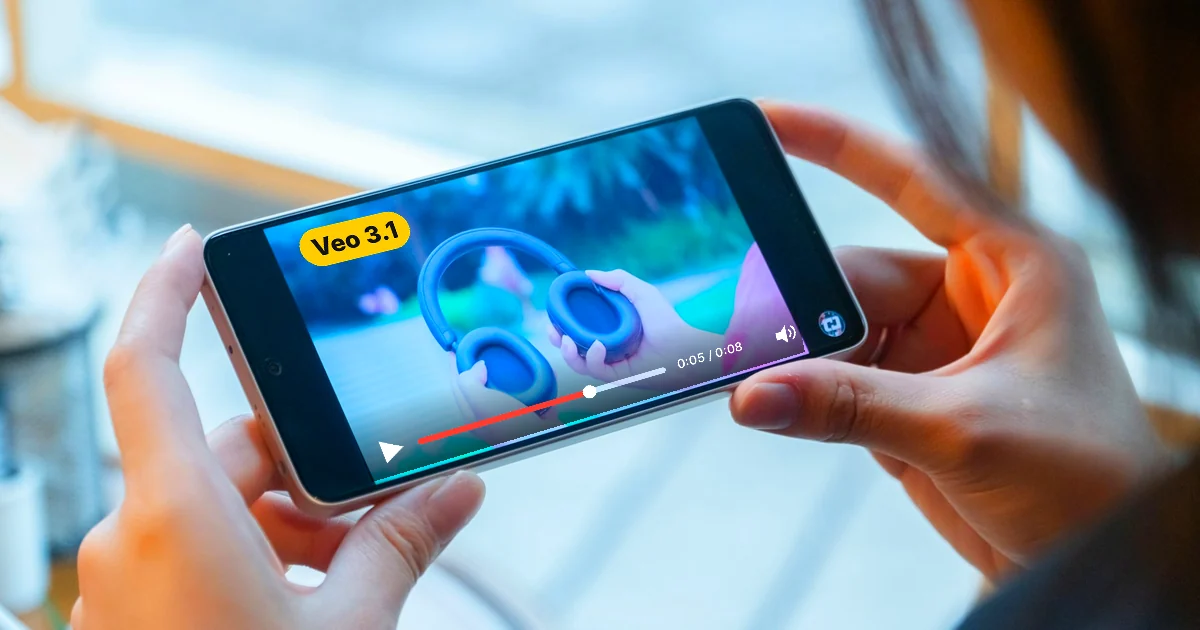
What Is Veo 3? How to Use Google's AI Video Model in 2026
Veo 3 is Google's AI video model with sound. Gemini now uses Gemini Omni and Flow uses Veo 3.1. Where to use it, US prices and steps.

Free AI Video Generator: 3 Tools With a Real Free Plan
Free AI video generators compared: what CapCut, Dreamina, and Clipchamp give you for $0, their limits, and why Gemini is not on the free list.

What Is Google Flow? How to Use It and What It Costs
Google Flow is Google's AI studio for video and images. See what each Google AI plan costs in the US, the credits you get, and 5 steps to a first video.