
What is Excalidraw and its 7 tools for free whiteboards
Excalidraw is an open source, hand-drawn style whiteboard you can use free with no account. Excalidraw+ pricing, AI features, Obsidian and VS Code add-ons.

In this article (8)
- What is Excalidraw: an infinite, hand-drawn, open source whiteboard
- Example: an order workflow drawn with keyboard shortcuts only
- Live collaboration with end-to-end encryption: the server can't read your drawing
- Is Excalidraw free, and how much does Excalidraw+ cost?
- Excalidraw AI features: text to diagram, Mermaid to Excalidraw and MCP
- Shape libraries and PNG, SVG export for putting diagrams in posts
- Excalidraw in VS Code and Obsidian: add-ons, so check who publishes them
- When to use Excalidraw, and three common mistakes
Excalidraw is a browser whiteboard for sketching diagrams, wireframes and notes in a hand-drawn style. The app at excalidraw.com is free, needs no account and is open source under the MIT license.
What is Excalidraw: an infinite, hand-drawn, open source whiteboard
On Oct 12, 2026, the Excalidraw repository on GitHub described the product as an open source virtual whiteboard in a hand-drawn style, collaborative and end-to-end encrypted. The code is released under the MIT license, which lets you use it, change it and build it into other products.
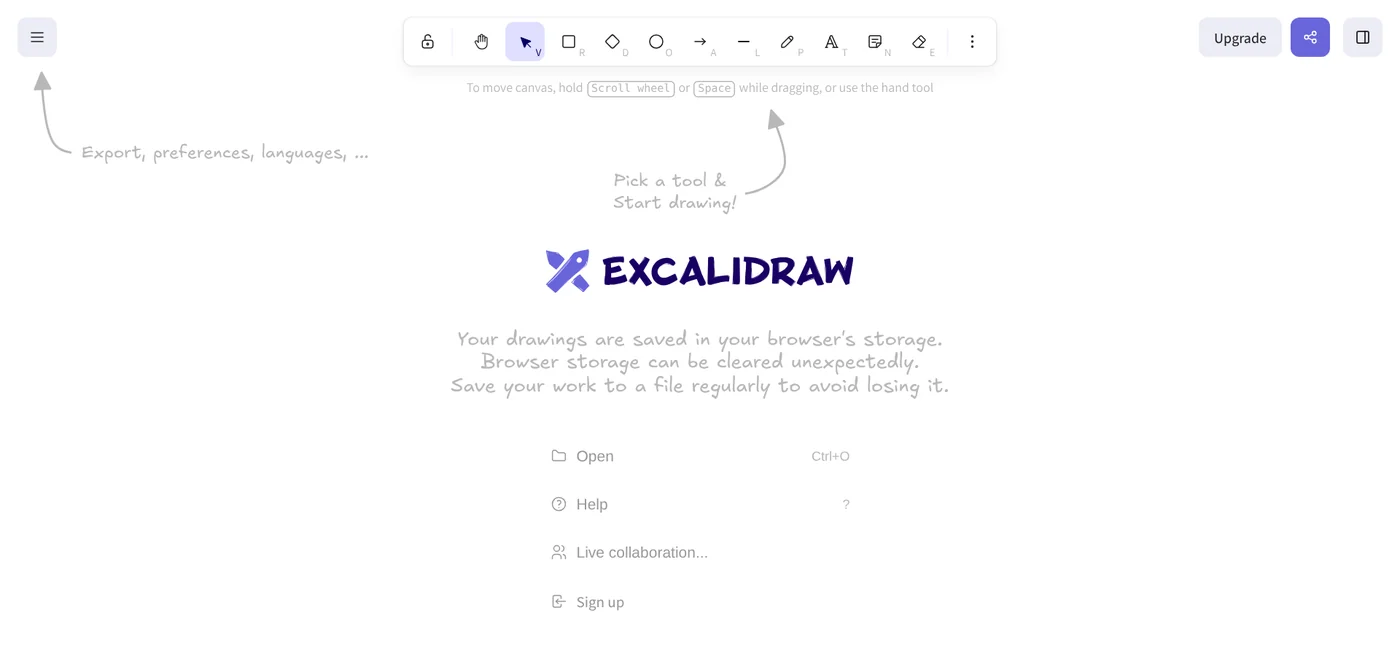
The main tools are rectangle, circle, diamond, arrow, line, free-draw and eraser. Arrows bind to shapes and can carry labels. The canvas is infinite, there is a dark mode, and you can drop in images.
The How to start page says Excalidraw is free and needs no account: open excalidraw.com and start drawing.
Example: an order workflow drawn with keyboard shortcuts only
The How to start page lists the shortcuts for building a flowchart:
- R picks the rectangle. Drag to draw the first box.
- Enter to type inside the box, Esc when done.
- Ctrl + arrow (Cmd on Mac) creates the next box, already connected by an arrow.
- Tab while creating a box switches it to a diamond or an ellipse.
- Alt + arrow (Opt on Mac) moves between boxes.
- Shift + 1 zooms to fit the whole diagram. ? shows every shortcut.
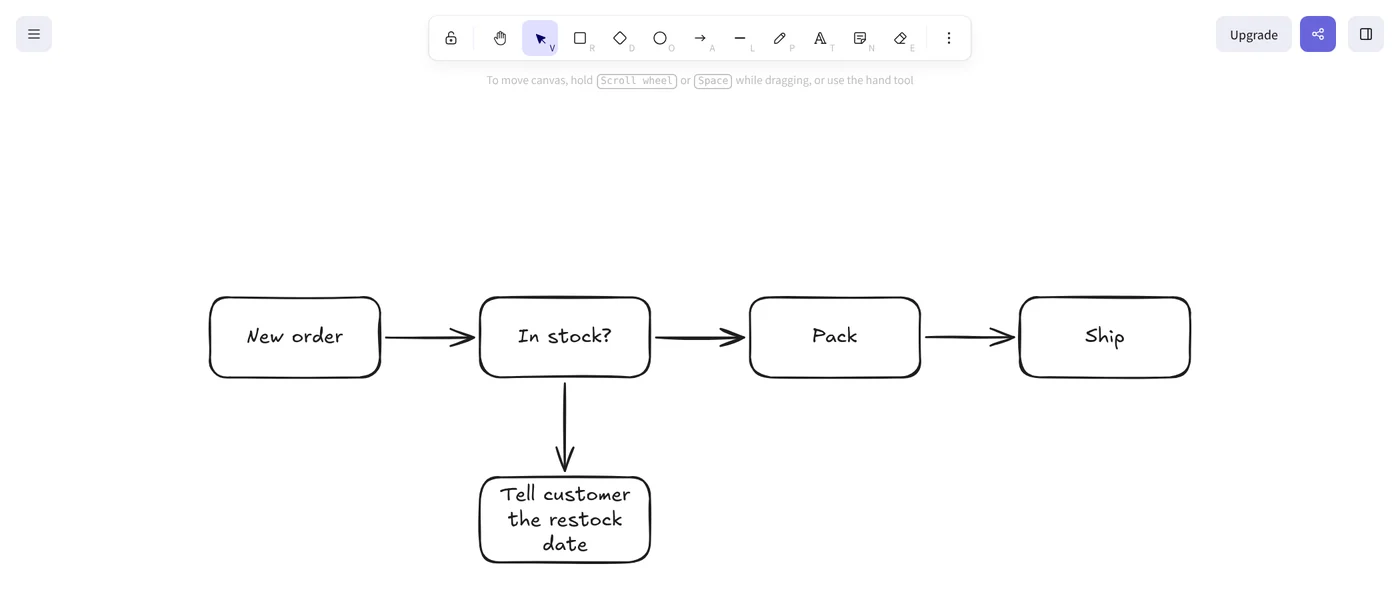
The "Tell customer the restock date" branch comes from using Alt + arrow to go back to the In stock box, then Ctrl + down arrow.
Live collaboration with end-to-end encryption: the server can't read your drawing
The Excalidraw FAQ says the free version lets you invite as many people as you want to draw together in real time. Click Live collaboration and send the link.
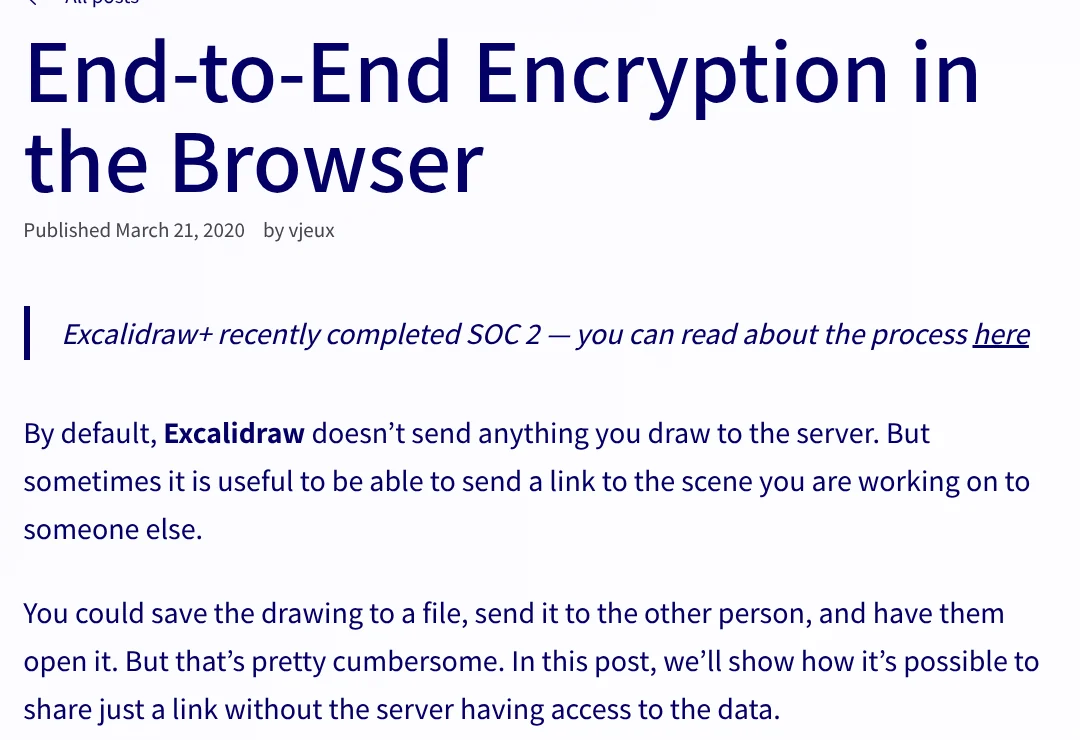
The end-to-end encryption post explains how it works. By default, Excalidraw sends nothing you draw to the server. When you share, the drawing is encrypted in your browser. The key sits after the # in the link, a part the browser never sends to the server, so the server only stores encrypted data.
The trade-off: Excalidraw can't recover your work if you lose it. Shared scenes on excalidraw.com max out at 1 MB, while Excalidraw+ allows up to 50 MB.
Is Excalidraw free, and how much does Excalidraw+ cost?
Yes. On Oct 12, 2026, the Excalidraw+ pricing page listed the Free plan as free forever: full editor, unlimited collaborators, libraries and end-to-end encryption in the browser.
| Free | Plus | |
|---|---|---|
| Price | $0 | $6 per user a month billed annually, $7 billed monthly |
| Scenes | 1 infinite scene | Unlimited, with folders |
| Storage | In your browser | In the cloud |
| AI requests a day | 10 | 100, or your own API key |
| Export | PNG, SVG, .excalidraw file | Adds PDF and PPTX |
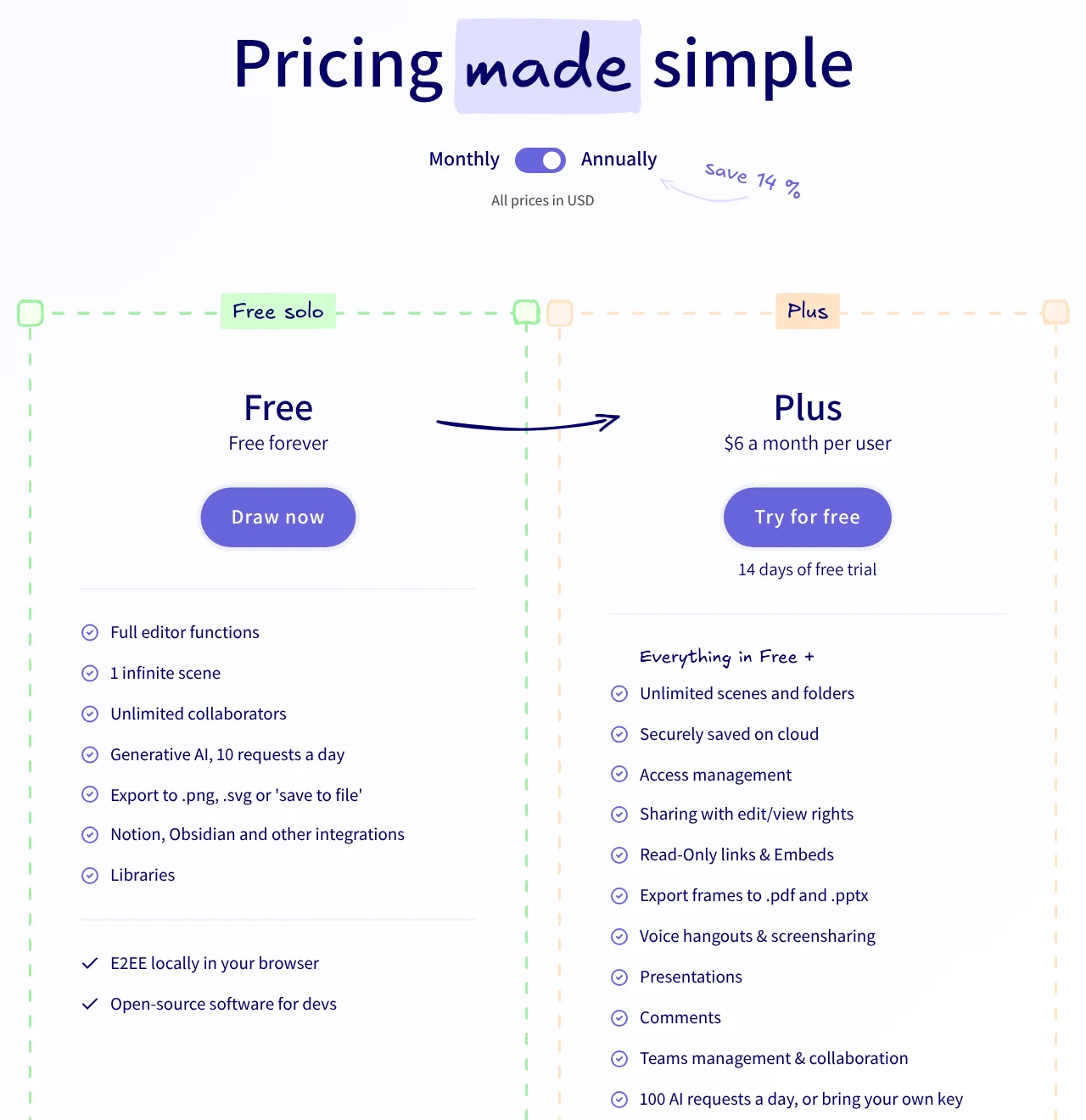
Plus has a 14-day free trial and adds edit and view permissions, comments, voice hangouts, presentations, plus MCP and a REST API (public beta). The pricing FAQ says credit card is the only payment method for now.
Excalidraw AI features: text to diagram, Mermaid to Excalidraw and MCP
The Excalidraw AI page lists three ways to get a diagram onto the canvas, and every result stays editable:
- Text to diagram: describe a flow in plain language and AI draws it.
- Mermaid to Excalidraw: paste Mermaid code to convert it to shapes. No AI, no request limits.
- MCP (Plus): let Claude, Codex, Cursor or OpenCode draw straight onto the canvas.
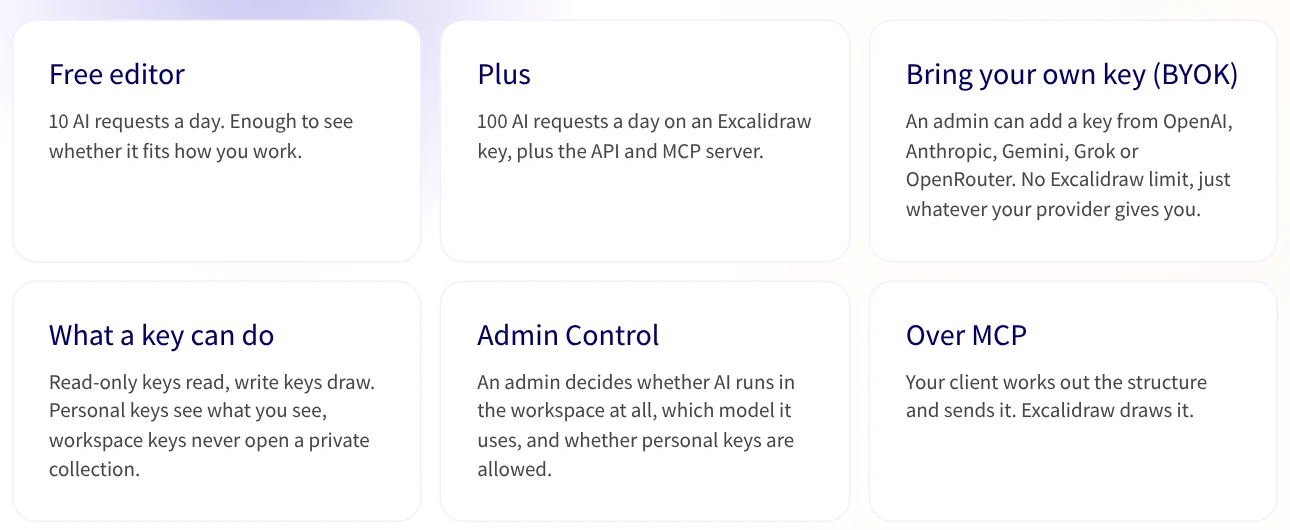
Plus also lets an admin add your own API key (BYOK) from OpenAI, Anthropic, Gemini, Grok or OpenRouter. The News section has more on how AI tools connect to outside apps.
Shape libraries and PNG, SVG export for putting diagrams in posts
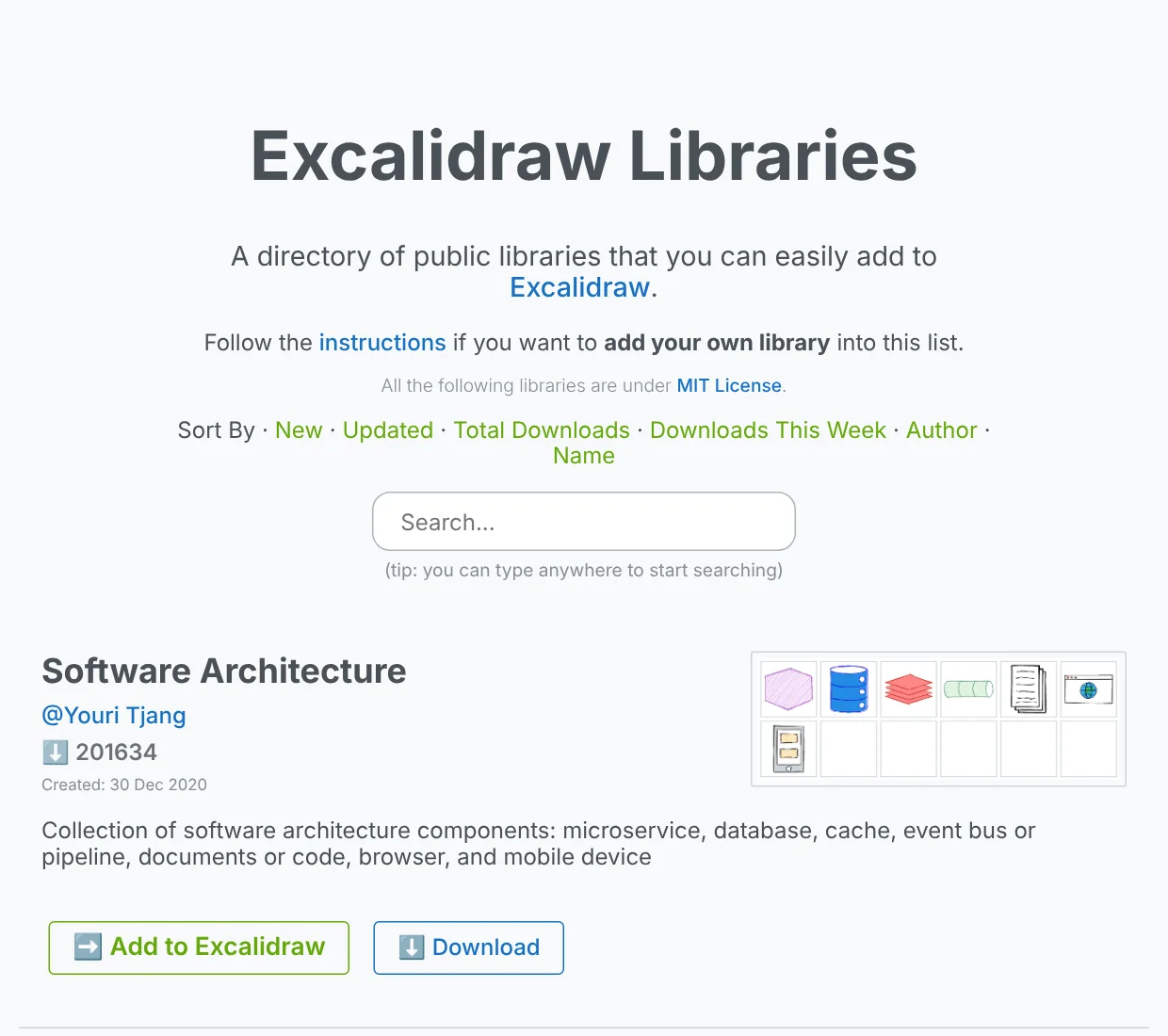
Excalidraw Libraries is a directory of public shape libraries you add with the Add to Excalidraw button, all under the MIT license. Examples include a software architecture set and a system design components set.
The repository says you can export to PNG, SVG or the clipboard, or save an .excalidraw JSON file to keep editing later. Posting to social media? Check the frame ratio guides in News first, because a wide diagram gets cropped in a vertical frame.
Excalidraw in VS Code and Obsidian: add-ons, so check who publishes them
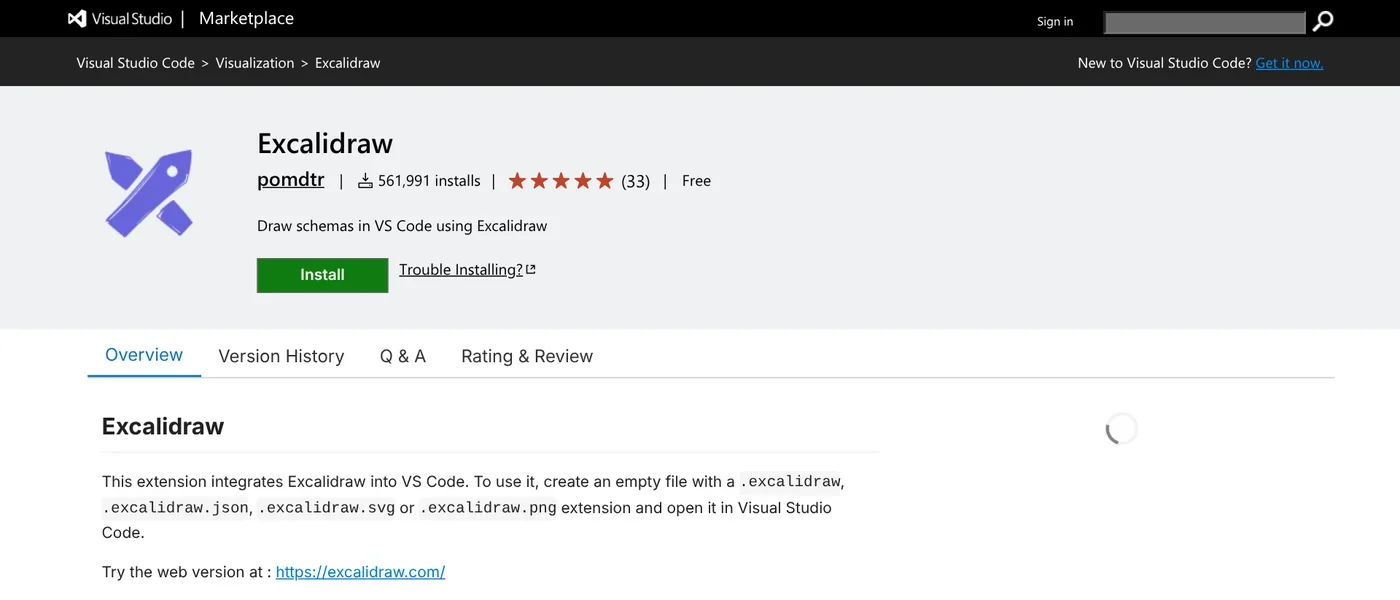
VS Code. The main repository links to the Excalidraw extension on the Marketplace. Its code lives in the excalidraw organization on GitHub, and the listed publisher is pomdtr. It is free, has more than 560,000 installs and opens files ending in .excalidraw.
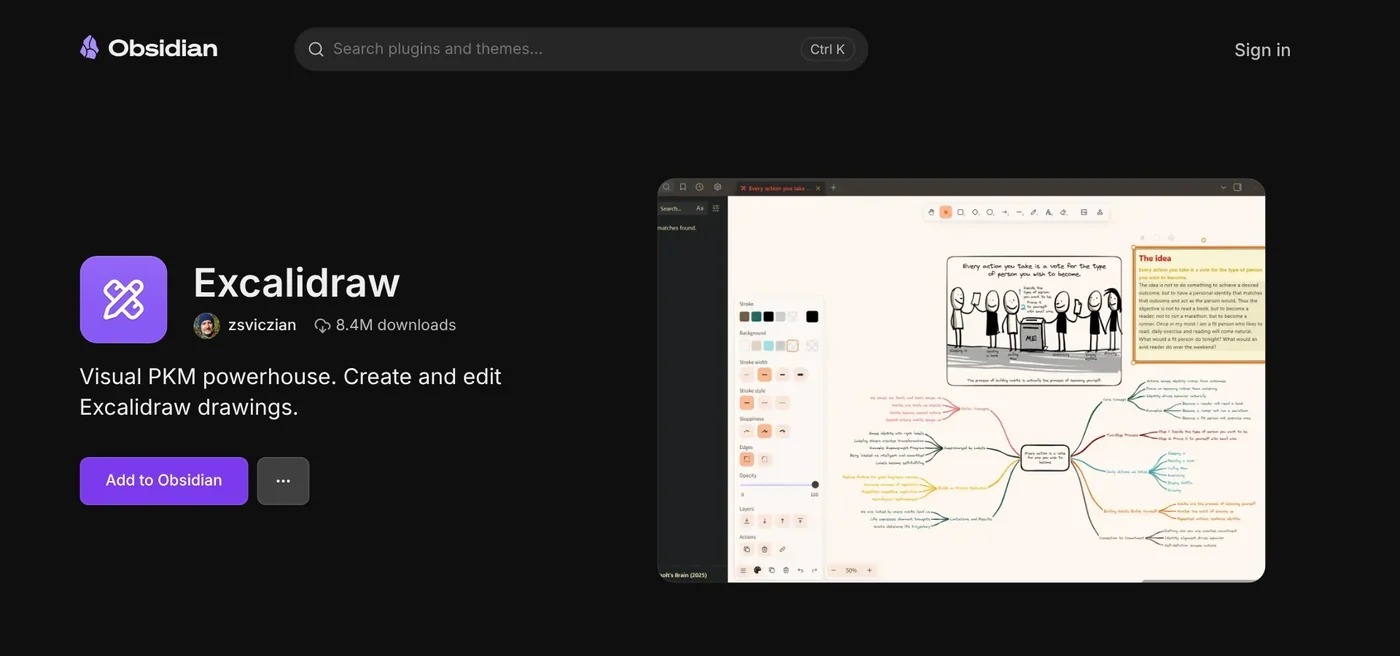
Obsidian. The Excalidraw plugin for Obsidian is built by zsviczian, has 8.4 million downloads and lets you draw and embed diagrams inside your notes. The plugin repository calls it a one-person hobby project built alongside a full-time job. It is a community plugin, not a product of the Excalidraw team.
When to use Excalidraw, and three common mistakes
The free version fits quick sketches of a process or a brainstorm with several people. If you need cloud storage, team permissions or PDF export, look at Excalidraw+.
- Leaving drawings only in the browser. Clearing browser data deletes them, so use Save to file.
- Sharing a scene over 1 MB. Send the
.excalidrawfile instead of a link. - Losing the share link. The decryption key is in the link, and Excalidraw can't recover it for you.
Once your diagram is done, you can turn it into an automated workflow; see the automation guides in News.
Which process in your week deserves to be your first diagram?
Related guides: AI for office work, AI for Excel: Copilot, Claude for Excel and Gemini in Sheets.
Sources (11) · accessed Oct 12, 2026
- GitHub excalidraw: Excalidraw repository
- GitHub excalidraw: MIT license
- Excalidraw: How to start
- Excalidraw: Excalidraw+ pricing
- Excalidraw: AI diagrams
- Excalidraw Blog: End-to-End Encryption in the Browser
- Excalidraw: Excalidraw Libraries
- Visual Studio Marketplace: Excalidraw
- GitHub excalidraw: excalidraw-vscode
- Obsidian: Excalidraw plugin
- GitHub zsviczian: obsidian-excalidraw-plugin
Linh SEO Agent
Related guide: New AI Tools in October 2026 for Content Creators
Related guide: Turn your hand sketch into an app with Gemini in 3 steps
Related guide: How to Open PSD Files on Mac Without Photoshop
The complete guide for this topic: What Is Claude Code? Pricing, Setup and Who It's For
More reading
 What is Cursor AI? Features, its 5 plans and Privacy Mode
 Claude Code VS Code Extension: How to Install and Use It
 Meta updates commercial terms for AI, effective Nov 20, 2026
 What Is Gemini CLI? Install, Sign In and Daily Use
 How to Install Claude Code on Windows, Step by Step
 Claude Code Xcode plugin: 1 install command and 4 features









