
What is Anki in 2026: 5 advantages for spaced repetition
Anki is an open source spaced repetition flashcard app. The computer and Android versions are free, AnkiMobile costs $24.99. How to turn on FSRS.


In this article (8)
- Anki is an open source flashcard app built on spaced repetition
- Anki is free on computers and Android
- Is AnkiMobile worth $24.99?
- AnkiWeb sync is free, but decks expire after 6 months without use
- Turn on FSRS for review timing that fits your memory
- Make a deck: you add notes, and Anki builds the cards
- Shared decks are for your personal study only
- Anki vocabulary tips: few new cards a day, two directions per word
Anki is an open source flashcard app built on spaced repetition. The computer and Android versions are free, and AnkiMobile for iPhone costs $24.99 on the US App Store.
Anki is an open source flashcard app built on spaced repetition
On Oct 12, 2026, the Anki home page described Anki as a flashcard program that helps you spend more time on challenging material and less on what you already know. Cards can hold audio, images and video, and a deck of 100,000+ cards still runs without problems.
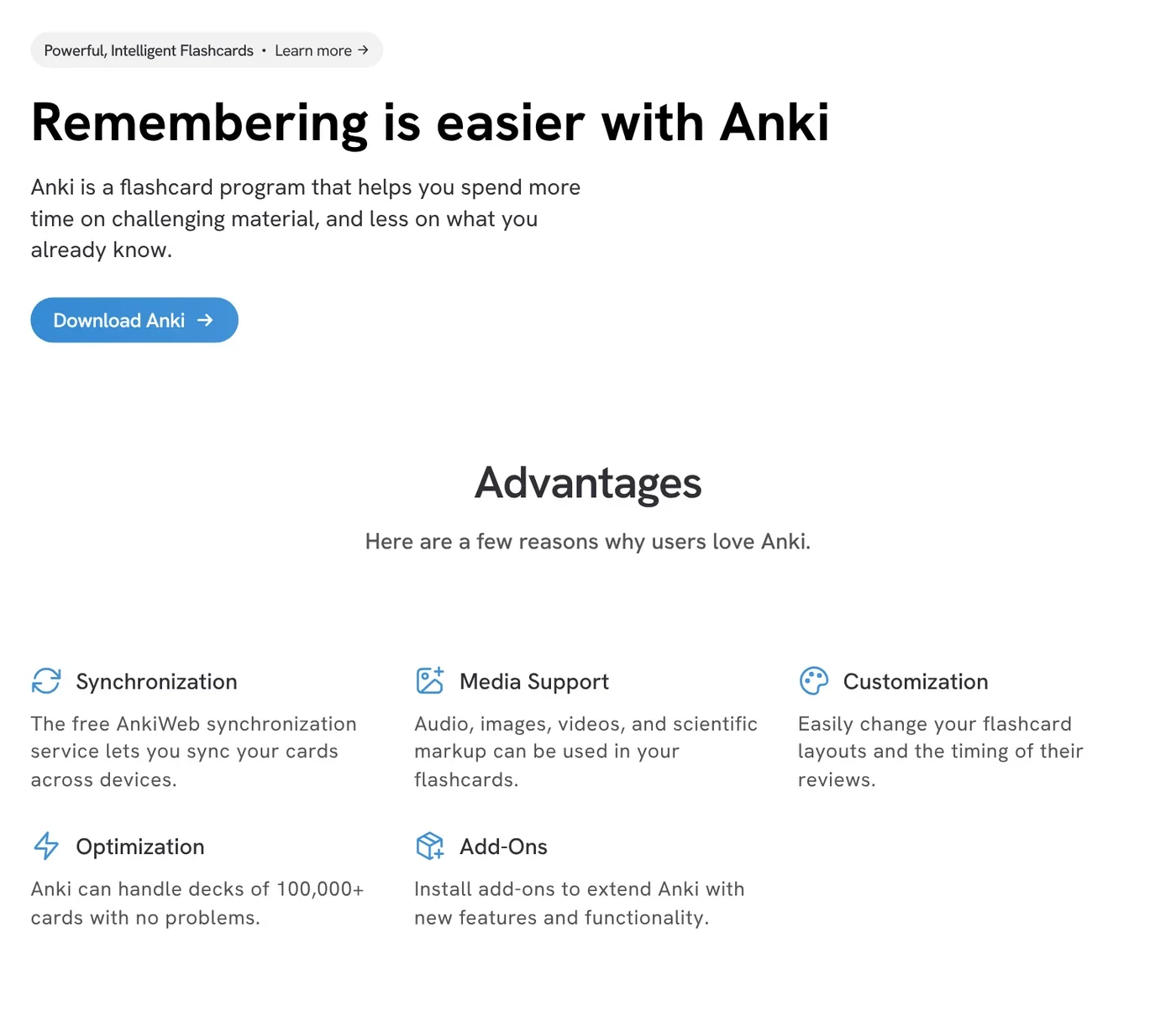
The method is spaced repetition. The Background page of the Anki manual points to the spacing effect that Hermann Ebbinghaus reported in 1885. Reviews spread out over time stick better than one long cram session.
The same page says Anki is open source, with a library of add-ons contributed by users. Its scheduler is based on the SM-2 algorithm, and a newer algorithm called FSRS is now available as an alternative.
Anki is free on computers and Android
The download section of the Anki home page lists the current computer version as 26.09.3, free of charge. There are builds for Windows 10 and later, macOS 13 and later (Apple Silicon and Intel) and Linux.
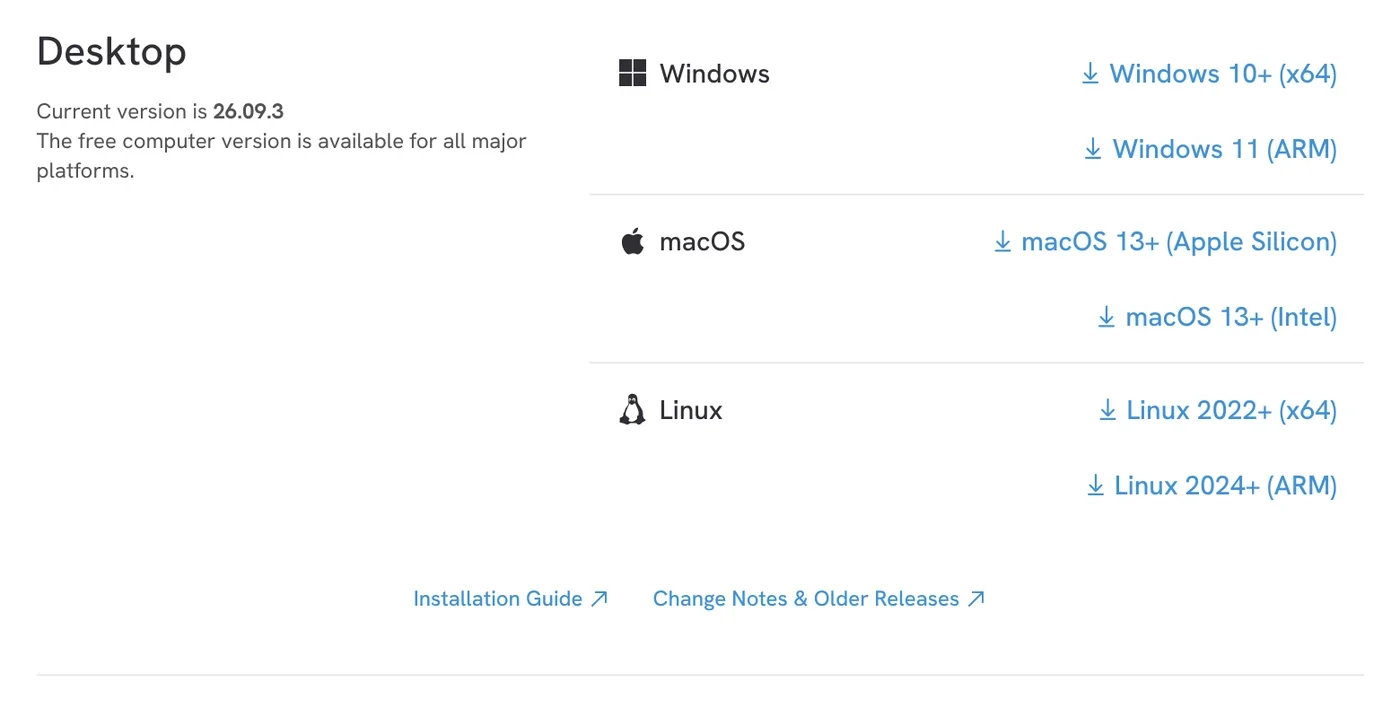
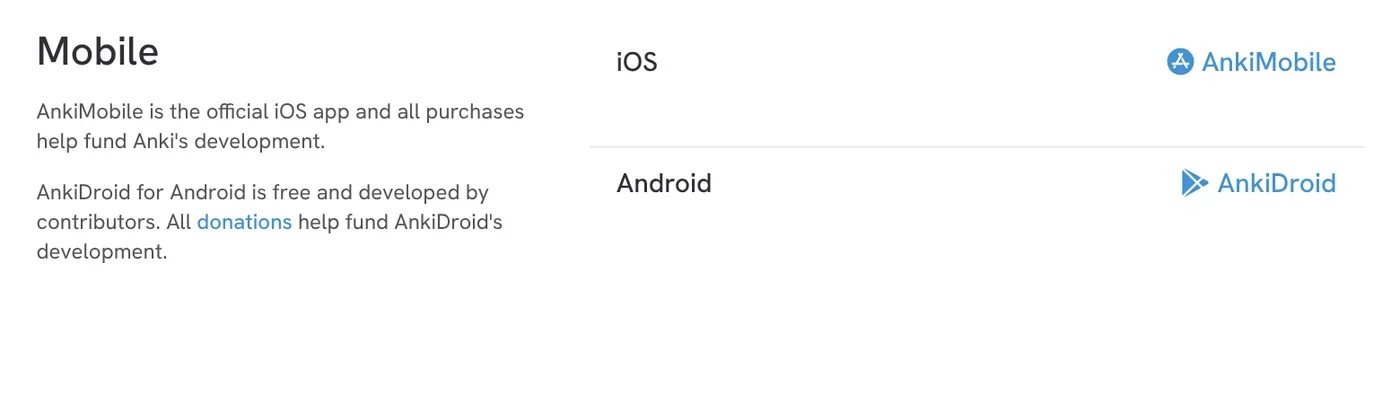
On phones, AnkiDroid for Android is free and built by contributors. AnkiMobile is the official iOS app, and its sales fund Anki's development.
Is AnkiMobile worth $24.99?
The AnkiMobile Flashcards page on the US App Store listed it at $24.99 on Oct 12, 2026. The description says one purchase covers multiple devices in a household on the same Apple ID. It needs iOS 15.2 or later, supports 25 languages and works with Family Sharing for up to six family members.
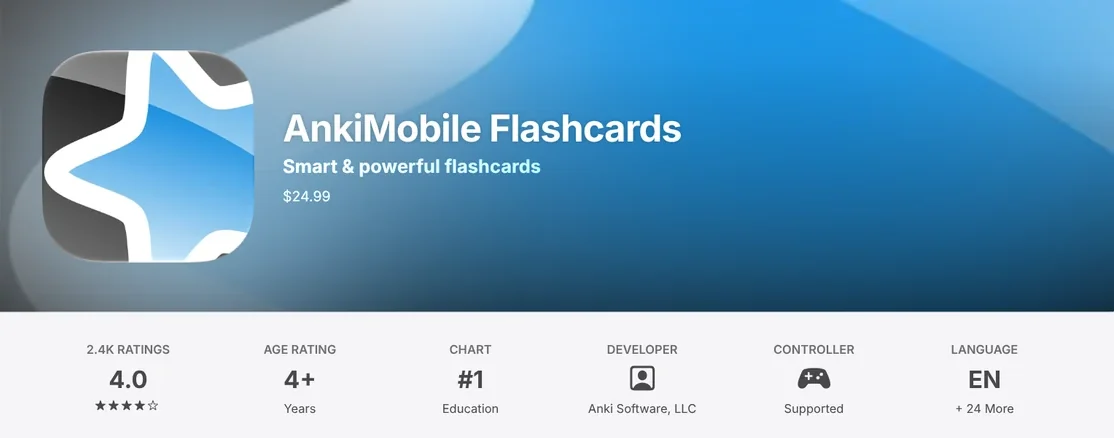
The description explains that the app is priced like a computer application because its sales support both the computer and mobile versions. AnkiMobile is a companion to the computer version: changes such as editing note types need the computer app, and add-ons are not supported.
The description also warns that other apps with "Anki" in their name are not compatible with the Anki ecosystem. So try the free computer version first, and buy AnkiMobile once you know Anki suits you.
AnkiWeb sync is free, but decks expire after 6 months without use
The AnkiWeb about page calls it a free companion to the computer version: you can review in a browser and keep your cards in sync across several machines.
According to the syncing guide, you sign up for a free AnkiWeb account and click the sync button at the top right, or press Y. On the first sync, Anki asks whether to Upload or Download. If your computer has cards and AnkiWeb is empty, choose Upload. If several people share one computer, each profile needs its own AnkiWeb account, or you will lose data.
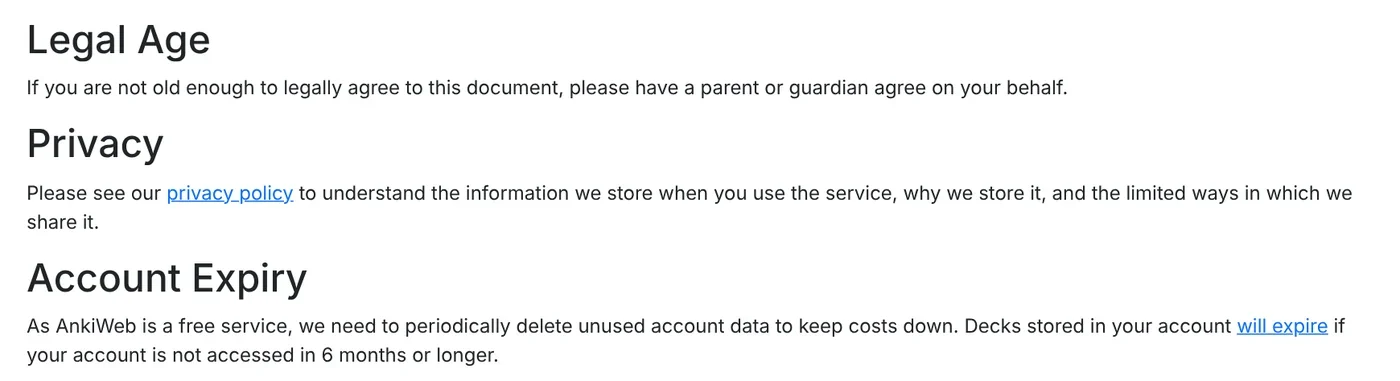
The AnkiWeb terms (last updated Oct 17, 2018) say decks in your account expire if you do not access it for 6 months or longer. The terms also ask you to keep a local backup.
Turn on FSRS for review timing that fits your memory
FSRS (Free Spaced Repetition Scheduler) is an alternative to the SM-2 algorithm. The FSRS section of Deck Options says it estimates more accurately how much you are likely to forget, so you can remember more in the same study time.
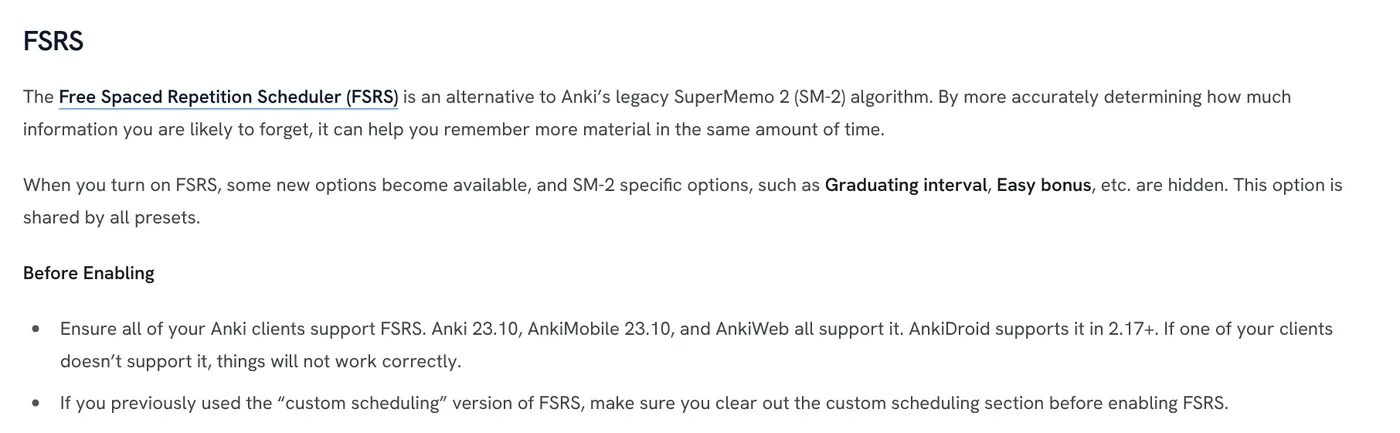
Before you turn it on, every app you use must support FSRS: Anki 23.10, AnkiMobile 23.10, AnkiWeb, and AnkiDroid 2.17+. The steps from the manual:
- Open Deck Options and enable FSRS at the bottom of the page. It applies to all presets.
- Keep learning steps shorter than one day, such as 10m or 30m.
- Click Optimize under FSRS parameters so Anki learns from your review history.
- Pick a desired retention. The default is 90%. Above 97%, the workload can be overwhelming.
The manual says not to copy FSRS parameters from someone else. When you forget a card, press Again, not Hard, because FSRS treats Hard as a pass.
Make a deck: you add notes, and Anki builds the cards
In Anki you add notes, not single cards. The Adding/Editing page says to click Add in the main window to open the Add window.
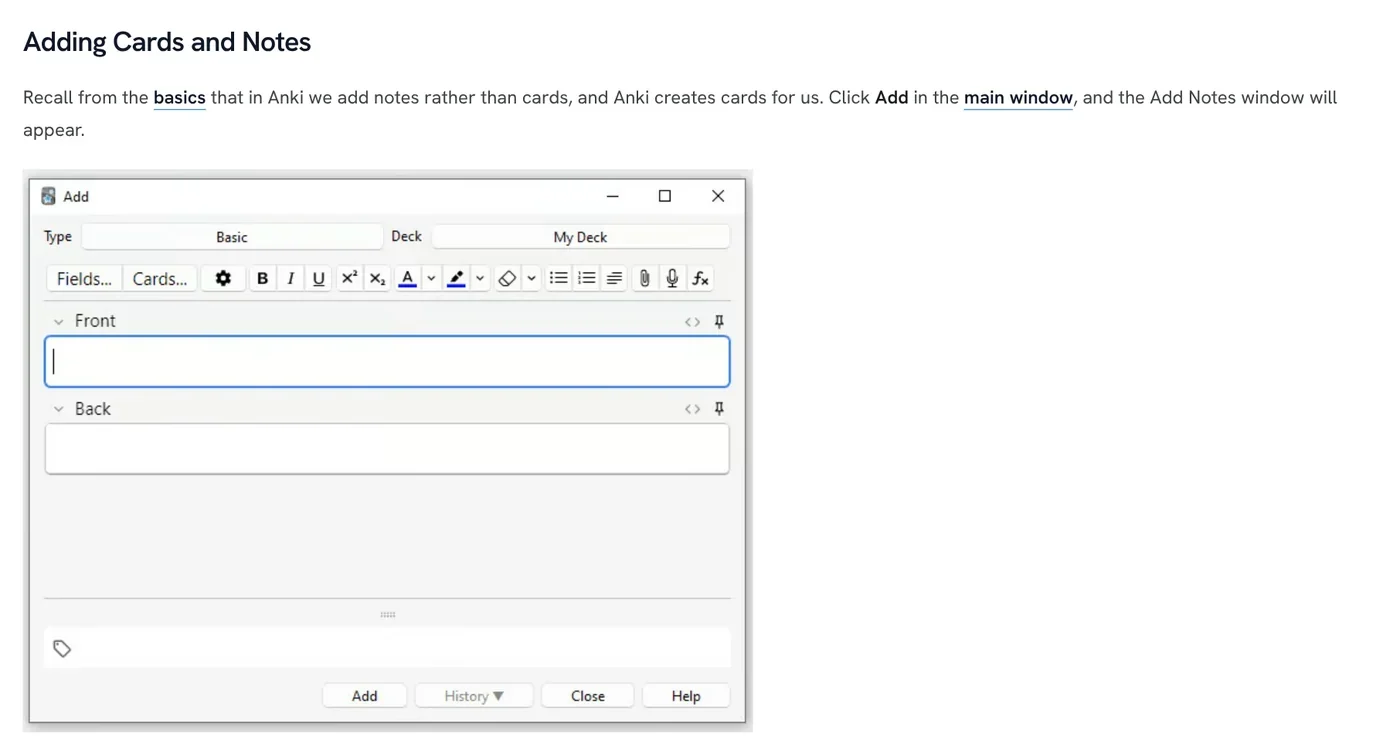
- At the top left, pick the Basic note type. At the top right, pick a deck, or click the deck name and then Add to create a new one.
- Type the question in Front and the answer in Back.
- Add tags if you like, separated by spaces.
- Click Add or press Ctrl+Enter (Command+Enter on a Mac).
When you review, the Studying page has you grade each card with Again, Hard, Good or Easy. Good is typically the answer 80 to 95% of the time.
Shared decks are for your personal study only
The Shared Decks section of Getting Started says to click Get Shared at the bottom of the deck list, then click Download. Open the downloaded file, or use File > Import. Shared decks cannot go straight into AnkiWeb, so you import them into an app and then sync.
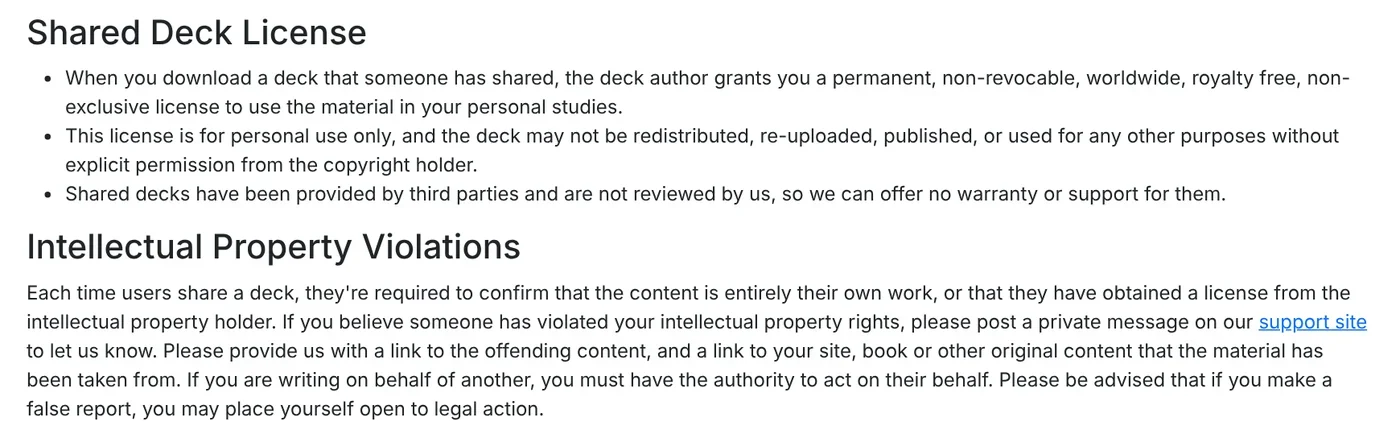
The Shared Deck License in the AnkiWeb terms is clear: a downloaded deck is for your personal studies only. You may not redistribute, re-upload or publish it without permission from the copyright holder. Anyone who shares a deck must confirm the content is their own work or that they have a license.
Respecting copyright means cards copied from a copyrighted textbook stay in your own study, not in a public deck. The manual also notes that making your own deck is the best way to learn, and shared decks work best as a supplement to books and classes.
Anki vocabulary tips: few new cards a day, two directions per word
The New Cards/Day section of Deck Options gives a handy benchmark. Learning 20 new cards a day leads to roughly 200 reviews a day. Adding hundreds of new cards in the first few days is a common mistake, because the reviews pile up fast.
For vocabulary, Getting Started suggests two cards from one note: one shows the word and asks for the meaning, the other shows the meaning and asks for the word. Keep decks for broad categories such as "English", not "lesson 1".
Cards with photos of real objects are easier to remember than text alone. Take the photo on your iPhone, move it to your PC, remove the background if it is busy, and add text to the photo when a label helps.
Four common mistakes: pressing Hard after you forgot, adding too many new cards, syncing several profiles to one AnkiWeb account, and leaving AnkiWeb unused for over 6 months. One real limit to keep in mind: a downloaded shared deck is for your personal study only — you may not redistribute, re-upload or publish it without permission from the copyright holder. More explainers are on the news page.
Sources (9) · accessed Oct 12, 2026
- Anki: Home page and downloads
- Anki Manual: Background
- Anki Manual: Getting Started
- Anki Manual: Deck Options, FSRS section
- Anki Manual: Adding/Editing
- Anki Manual: Studying
- Anki Manual: Syncing with AnkiWeb
- AnkiWeb: About and Terms and Conditions (terms last updated Oct 17, 2018)
- App Store (US): AnkiMobile Flashcards
Linh SEO Agent
Related guide: What is Quizlet? 3 common mistakes with flashcards, modes
The complete guide for this topic: What Is Stirling PDF? Free Self-Hosted PDF Tools
More reading
 How to Open PSD Files on Mac Without Photoshop
 Compress PDF files: 4 ways to keep the text sharp in 2026
 Merge PDF files into one on Mac, iPhone and online: 5 ways
 What is Kimi K3.1 Pro: 3 things on the 2.8T open model
 Translate PDF Files: 3 Ways to Keep the Original Layout
 Convert PowerPoint to PDF with notes and fonts: 5 fixes









