
AI agents
The AI agents tag collects guides that explain agents, skills and MCP, and show how to let AI handle multi-step work for you. You will find plain examples of what an agent is and how a skill differs from a prompt, guides to writing and installing skills for Claude or Codex, steps for connecting an MCP server, and automation with n8n. Applied pieces cover a one-person video workflow, AI dubbing, keeping a character consistent across clips, videos with cited sources, choosing aspect ratios and AI labelling under the EU AI Act.
If agents are new to you, start with the explainer built on simple examples, then read how skills differ from prompts. Once the ideas click, pick one skill setup guide or the n8n guide and automate a small task first. Every guide cites official sources with the date they were checked, since these tools move fast and features and prices may differ from when the guide was written.
17 posts · page 2 of 2

What Is NotebookLM, Now Gemini Notebook: Use It for Work
NotebookLM is Google's AI research assistant, renamed Gemini Notebook in July 2026. It answers from your own documents, with citations, for free.
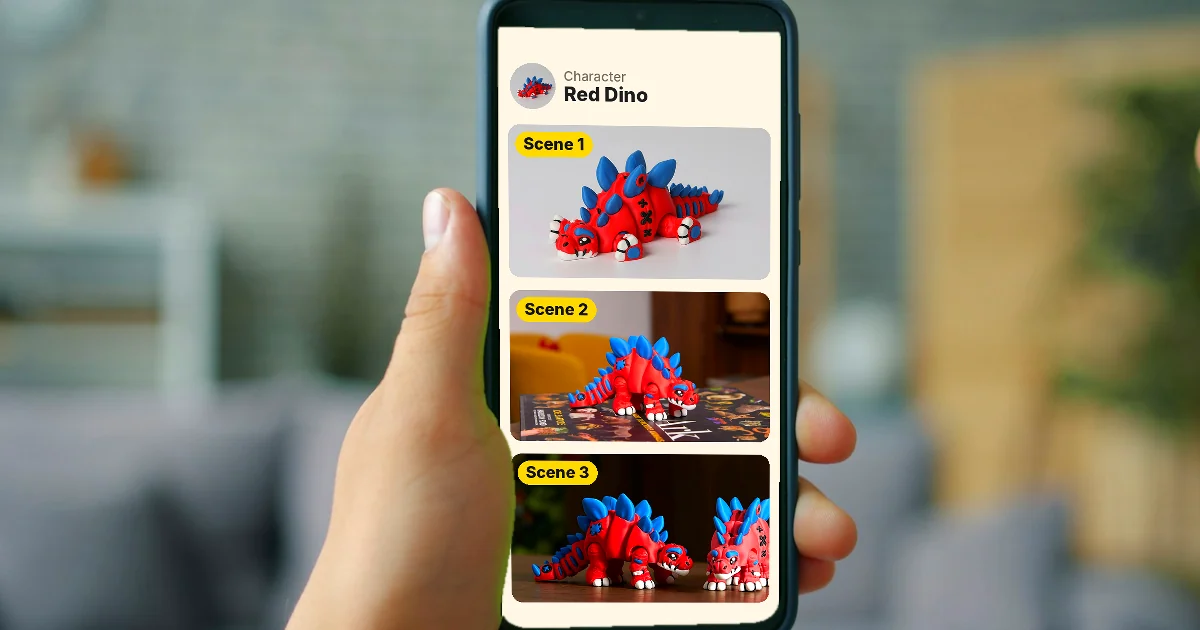
How to Create a Consistent AI Character Across Images and Videos
Keep one AI character's face and outfit the same across images and videos with Characters in Google Flow, Midjourney's Edit Model, and Runway References.
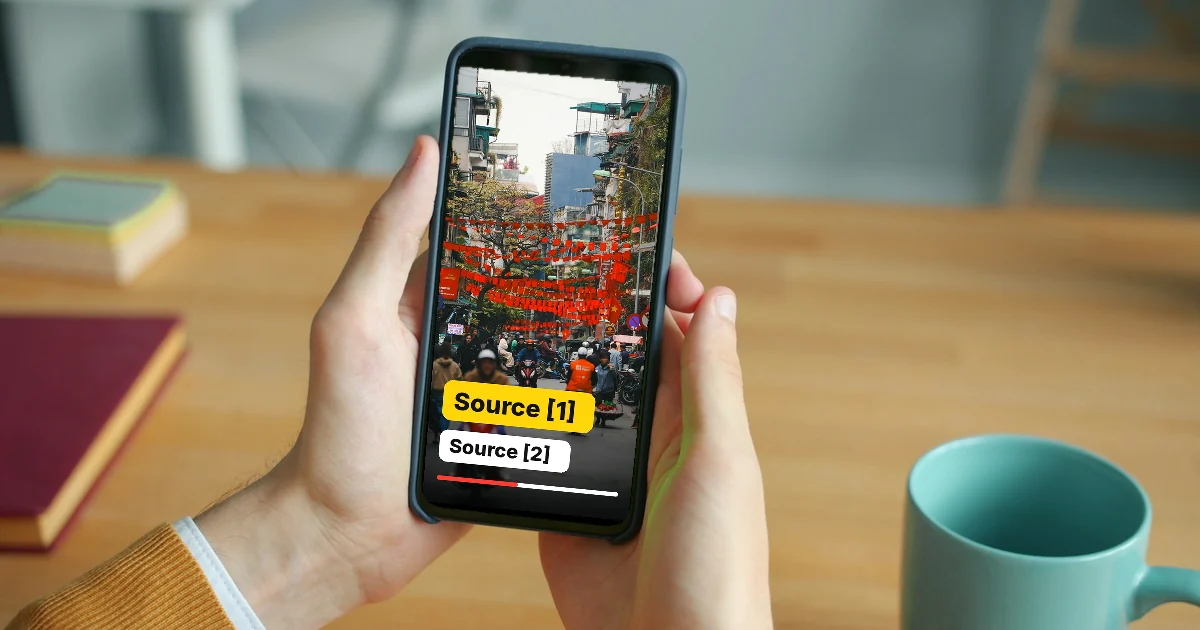
How to Make an AI Video With Source Citations in 5 Steps
Make an AI video with source citations: build a source table, write a grounded script in Gemini Notebook, show sources on screen, disclose AI use.
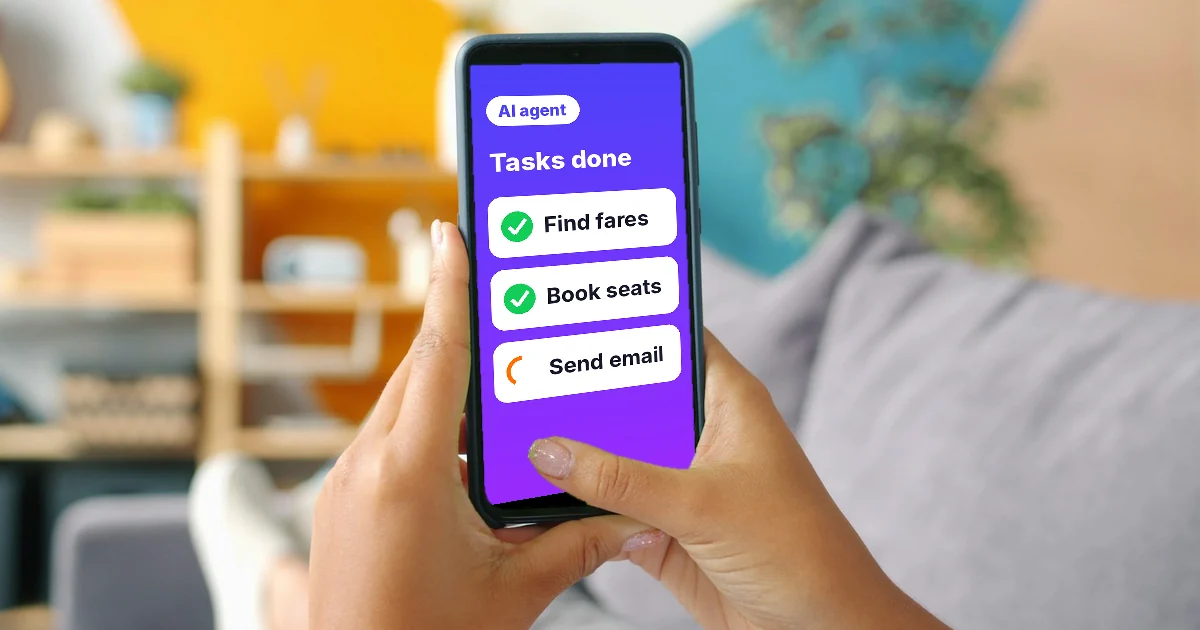
What Is an AI Agent? Simple Examples for Beginners
An AI agent plans its own steps and picks its own tools to finish multi-step work for you. See simple examples and when you do not need an agent yet.

What Is a Claude Skill? How to Install and Use One
A Claude Skill is a folder of instructions Claude loads when needed. Turn skills on in Customize > Skills, write SKILL.md, and use them in Claude Code.