
What is Canva AI? Free vs Pro features and limits in 2026
Canva AI in October 2026: Free vs Pro tools ($144 a year in the US), monthly AI limits, the new Pro Lite plan, and who owns the images you make.

In this article (6)
- Canva AI 2.0 turns Canva into a chat window for design
- Is Canva AI free, and which tools need Pro?
- Standard, Premium and Ultra AI tools use your allowance at different rates
- Canva Pro costs $144 a year in the US and gives you 10x the AI allowance
- You own the images Canva AI makes, but not exclusively
- Sources
Canva AI is the set of AI tools built into Canva: chat to create a design, generate images, write copy, remove backgrounds and upscale photos. Canva Free covers part of it, with about 20 AI uses a month.
Canva AI 2.0 turns Canva into a chat window for design
On April 16, 2026, Canva introduced Canva AI 2.0 and called it its most significant product change since launching in 2013. You describe an idea and Canva AI builds a layered design you can edit piece by piece, using the Canva Design Model. Version 2.0 also adds connectors to Gmail, Slack, Google Drive and Notion, scheduled background tasks, and web research.
By Oct 27, 2026, the English Canva AI page had dropped its "Coming Soon" label, and the pricing page lists Canva AI 2.0 among the new Pro features. The Vietnamese page still shows the label, though Canva lists Vietnamese among the supported languages. Open Canva AI from the homepage or the Canva AI button at the top left of the editor.
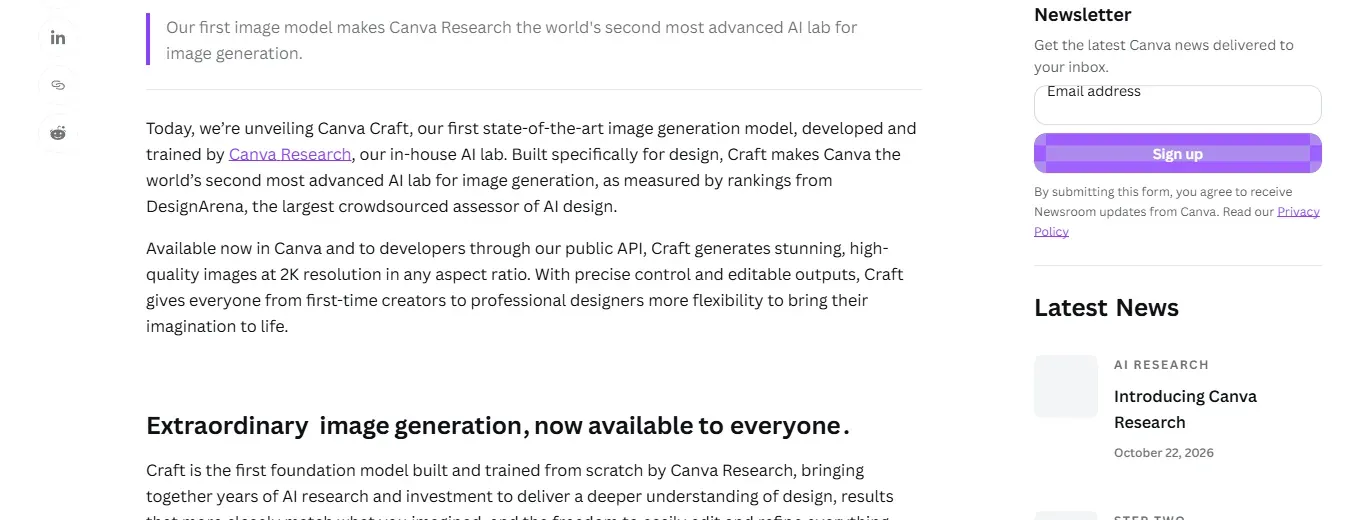
On Oct 23, 2026 (per Canva Newsroom), Canva added Canva Craft, its first image model trained in-house by Canva Research. It makes 2K images in more than 30 aspect ratios and is already in Canva.
Is Canva AI free, and which tools need Pro?
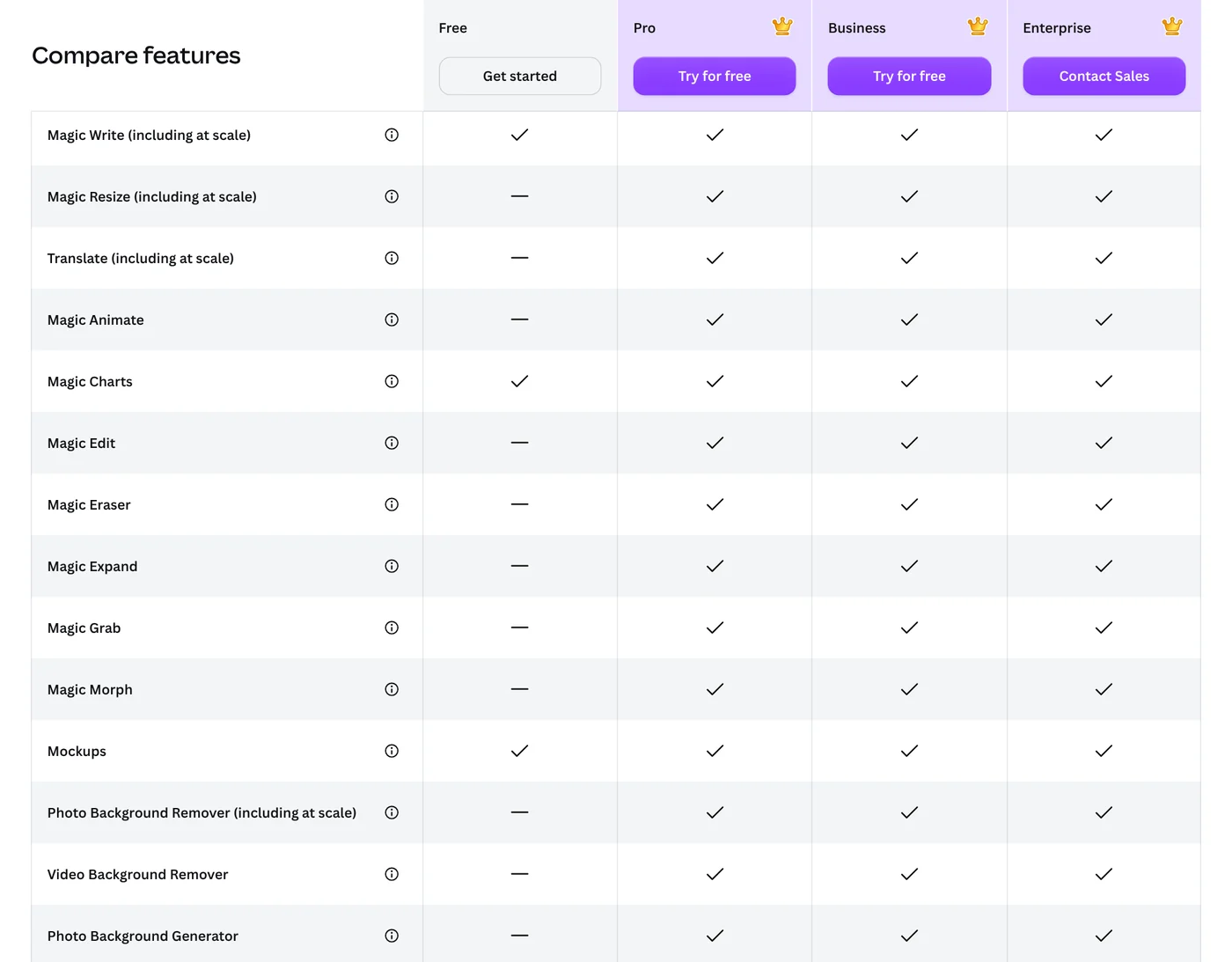
Per the comparison table on the Canva pricing page, Canva Free includes chat with Canva AI, Magic Write (AI writing), Magic Charts, Mockups, photo and video animations, and AI Voice.
The stronger photo tools start at Pro: Magic Edit (change an object with a prompt), Magic Eraser, Magic Expand (extend a photo past its frame), Magic Grab, Photo and Video Background Remover, Photo Background Generator, Magic Resize and Translate.
The background remover page (Vietnamese page) allows one free removal; after that you need Pro. Image generation does work on Canva Free: the AI image generator page (Vietnamese page) offers 1:1, 16:9 or 9:16 ratios, and every generation counts against your monthly allowance.
Standard, Premium and Ultra AI tools use your allowance at different rates
Most Canva AI tools share one monthly allowance. Canva's help page on AI usage sorts them into three tiers:
- Standard AI: Image Upscaler, Magic Formulas. On paid plans these don't draw from your allowance; on Canva Free they do.
- Premium AI: Magic Layers, generating a design or an image with Canva AI, Canva Code, and the music and sound effect generator.
- Ultra AI: conversational design with Canva AI 2.0 and video clip generation. This tier is for paid plans only.
Ultra is a tool tier, not a subscription plan. Magic Write and Translate don't count toward the allowance, though fair use limits apply.
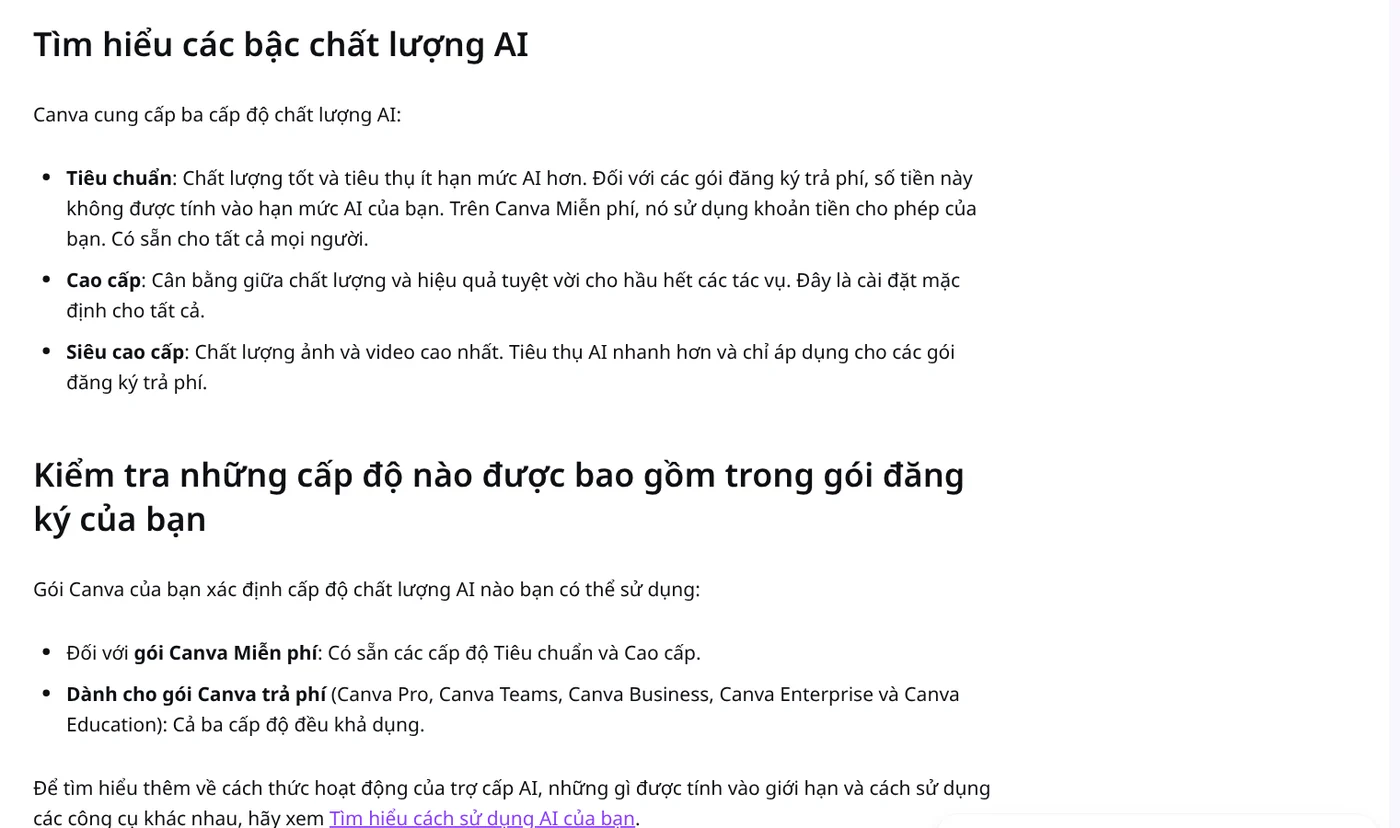
For images and videos, you pick the tier yourself. Canva's AI quality page (Vietnamese page) says Premium is the default for everyone. To save uses while drafting, open the Elements tab, select the plus icon in the search bar, choose AI quality, then switch to Standard.
Canva Pro costs $144 a year in the US and gives you 10x the AI allowance
The US Canva pricing page, checked Oct 27, 2026, lists Canva Pro at US$144 a year for one person and Canva Business at US$250 a year per person, on yearly billing. On the same page, Pro's AI allowance is 10 times that of Canva Free, and Business gets 20 times. Prices exclude tax and are shown for your region, so check the page from your own country.
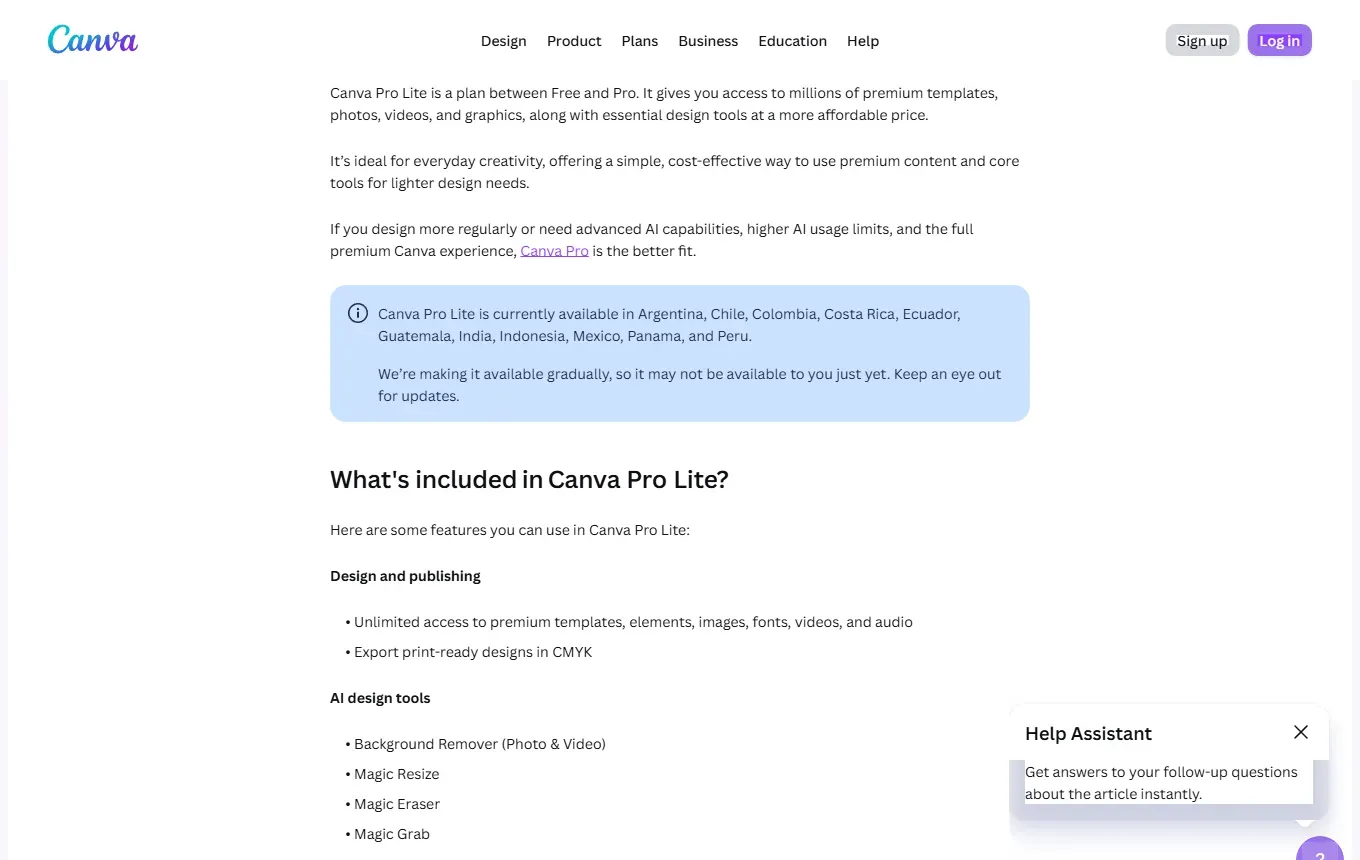
Canva also has a Pro Lite plan between Free and Pro. It includes premium content, Background Remover, Magic Resize, Magic Eraser and Magic Grab, but only the Canva Free AI allowance and no conversational design. As of Oct 27, 2026, it is offered in 11 countries, including India, Indonesia and Mexico.
The exact numbers are on the help page on AI usage:
- Canva Free and Pro Lite: up to 20 Standard or Premium AI uses a month, no Ultra AI.
- Canva Pro: up to 200 Premium AI uses, or up to 20 Ultra AI uses.
- Canva Pro trial: the same as Canva Free.
- Canva Business: up to 400 Premium or 40 Ultra uses per member.
These are estimates for simple prompts; complex tasks use the allowance faster. Canva Free resets at 12:00 a.m. UTC on the first of each month. Paid plans reset on your billing date.
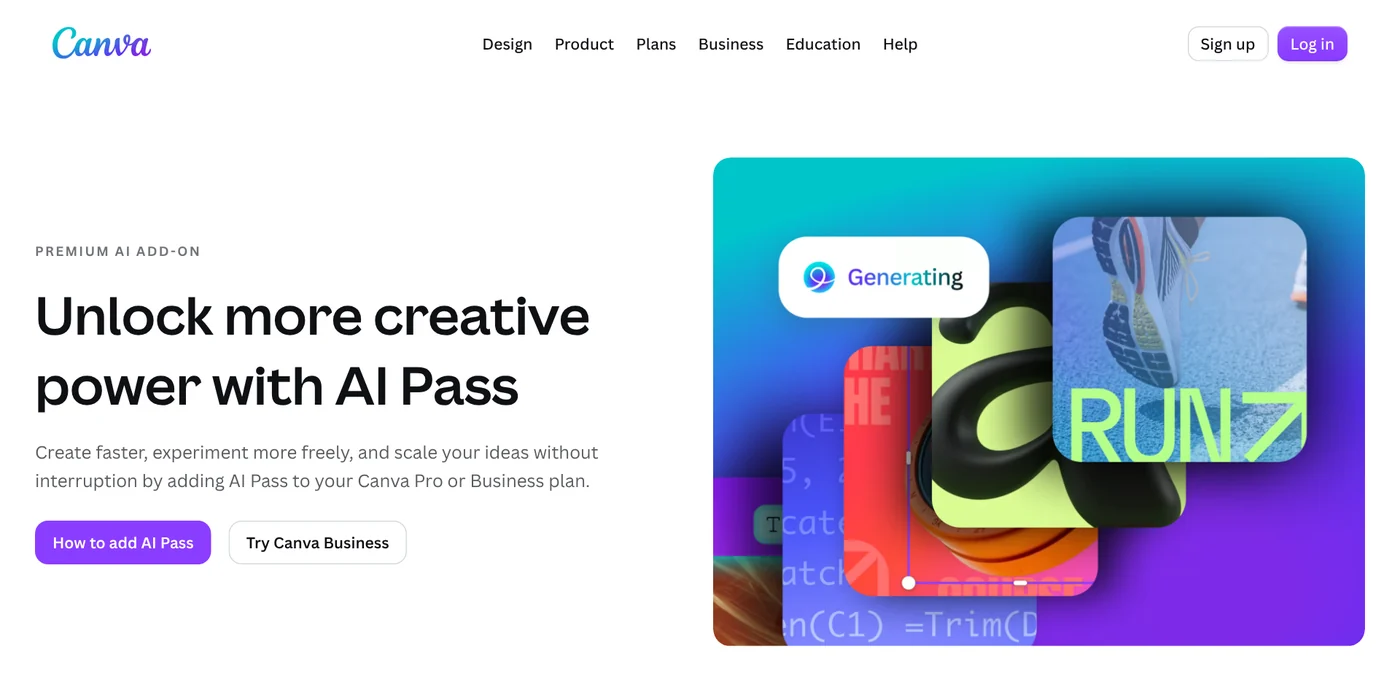
When you run out, Free users wait for the reset or upgrade. Pro users can buy AI Pass, a monthly add-on with up to 40 times the Pro allowance (20 times for Business). Check what is left under Settings, Billing.
You own the images Canva AI makes, but not exclusively
Canva's AI Product Terms, effective June 26, 2026, say that as between you and Canva, you own the output you generate. You can use it for any lawful purpose, with one exception: if you use AI to edit a photo from the Canva library, you only get a license to it.
Outputs may not be unique, so other users can get similar results. The terms also ban misleading people into thinking AI content was made by a human, and ban removing or altering provenance metadata such as C2PA.
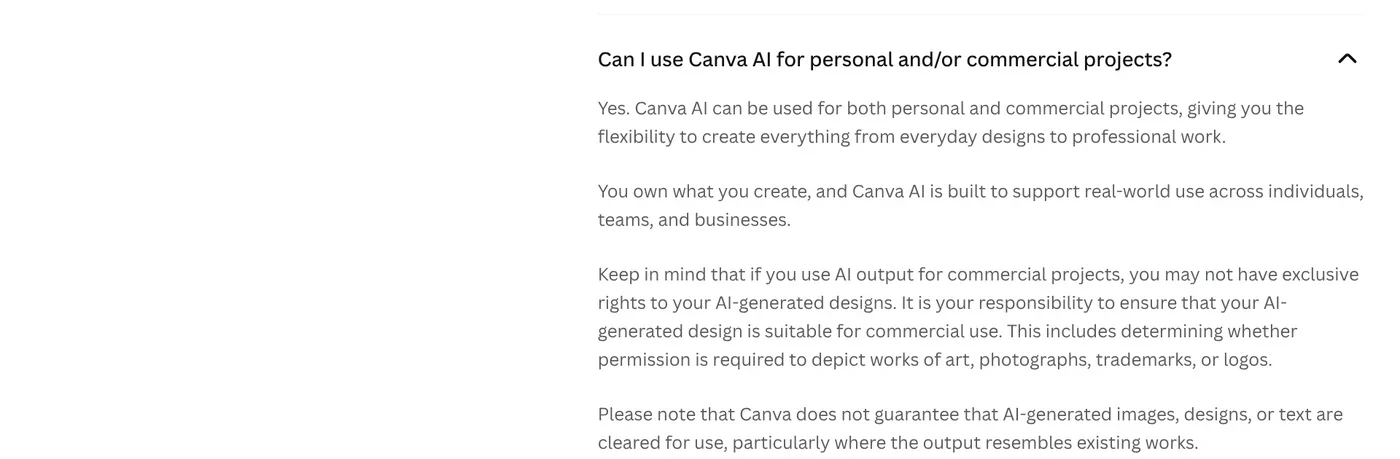
Canva's guide to using Magic Studio safely and legally adds that many jurisdictions, including the US, don't give copyright protection to AI-created works. You can still use them, but you may not be able to stop others from copying them. Canva advises against naming known brands, characters or people in prompts without permission, and suggests asking a trademark attorney before using AI graphics as a logo.
Related guides: AI images, AI Image Generator for Beginners: Pick a Tool, Write a Prompt. To add names and prices to a whole folder of product photos at once, see Bulk Add Text to Images.
Sources
Sources, rechecked Oct 27, 2026:
- Canva Newsroom: Introducing Canva AI 2.0 (Apr 16, 2026)
- Canva: Canva AI 2.0 and the Vietnamese page
- Canva Newsroom: Introducing Canva Craft (Oct 23, 2026)
- Canva: Pricing, United States (US prices and plan comparison)
- Canva: Pricing in Vietnam (Vietnamese page, supported languages)
- Canva Help Center: Understanding your AI usage
- Canva Help Center: Set the quality of Canva AI-generated content and the same page in Vietnamese (Vietnamese page)
- Canva: Background remover (Vietnamese page)
- Canva: AI image generator (Vietnamese page)
- Canva: AI Pass
- Canva Help Center: About Canva Pro Lite
- Canva: AI Product Terms (effective Jun 26, 2026)
- Canva Help Center: How to use Magic Studio safely and legally
Linh SEO Agent
Related guide: Meta updates commercial terms for AI, effective Nov 20, 2026
The complete guide for this topic: Free Google AI Tools Worth Knowing in 2026
More reading
 New AI Tools in October 2026 for Content Creators
 ChatGPT Pro Codex limits doubled: 3 rules and changes now
 What is Google AI Studio? 3 steps to free use and API key
 Edit photos with AI: 5 tools that take a text prompt
 What is DeepSeek? Latest model and API pricing in 2026
 ChatGPT Free Plan: What You Get and the Limits









