What are tokens in AI: 3 rules to estimate prompt costs
What are tokens in AI? The smallest unit a model reads, and the unit behind the bill for every prompt. 3 ways to estimate the cost before you send it.

In this article (5)
What are tokens in AI? They are the smallest units a language model reads and writes, and they are also the units that set the price of every prompt you send. This article walks through 3 rules to estimate prompt costs: count with a tool, estimate from characters, and read real usage numbers from the provider.
What are tokens in AI
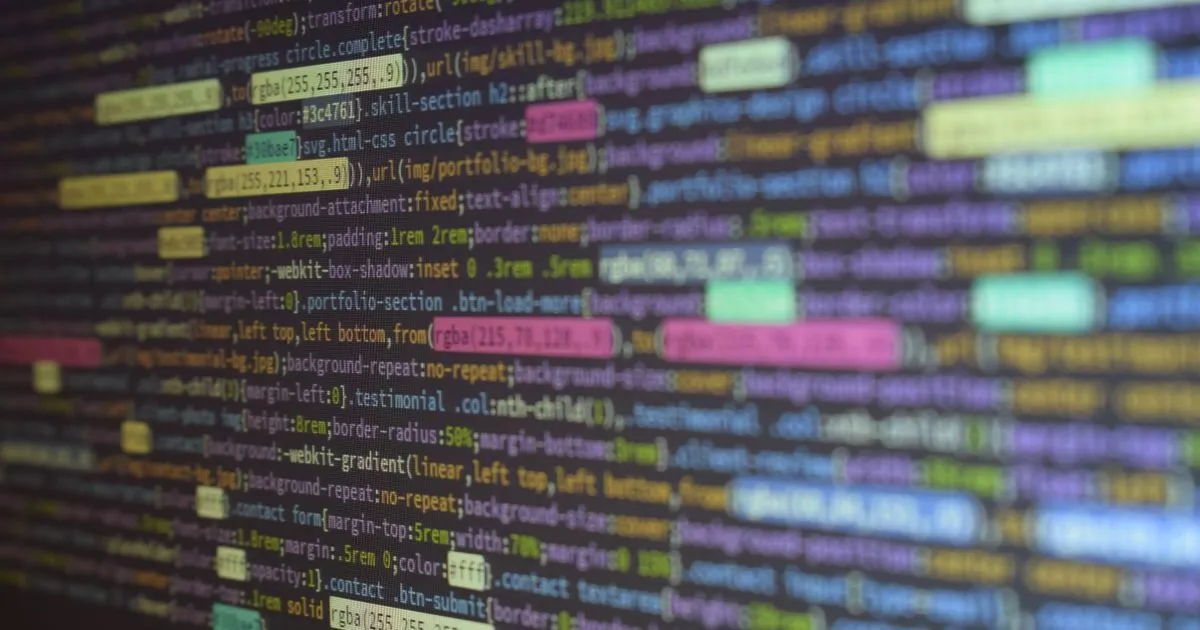
A token is a piece of text that a model processes. One token can be a word, part of a word, or a single character. A model does not read text the way you do. It reads a sequence of tokens, then it writes the next sequence of tokens.
The OpenAI docs give a concrete example. The sentence "tiktoken is great!" splits into ["t", "ikt", "oken", " is", " great", "!"], a total of 6 tokens with the o200k_base encoding. The matching token numbers are [83, 8251, 2488, 382, 2212, 0]. Notice how each space sticks to the start of the next word, as in " is" or " great". That is how the tokenizer groups characters together.
The same text can take a different number of tokens under a different encoding. The word "antidisestablishmentarianism" is 28 characters long and needs 6 tokens under both o200k_base and cl100k_base. The sum "2 + 2 = 4" needs 7 tokens under o200k_base. The Japanese phrase "お誕生日おめでとう" needs 8 tokens under o200k_base and 9 tokens under cl100k_base. The count changes with the encoding, so you must count with the exact tokenizer of the model you use.
Each encoding belongs to a model family. The OpenAI docs say o200k_base serves gpt-4o and gpt-4o-mini. The cl100k_base encoding serves gpt-4-turbo, gpt-4, and gpt-3.5-turbo. The p50k_base encoding serves Codex models. Every model family has its own tokenizer. You cannot use the token count of one model to price the bill of another.
Tokens decide two things: whether your prompt fits inside the context window, and how much you pay. APIs charge by the token. Input tokens cover everything you send, including the system instructions, the chat history, and the new question. Output tokens cover everything the model writes, including tool calls. The longer your prompt, the more input tokens you spend. The longer the answer you ask for, the more output tokens you spend.
Text with accents costs more tokens than plain English text. Accented characters often split into more tokens than plain letters. A Vietnamese sentence of 100 characters can need half as many tokens again as an English sentence of the same length. Count for real instead of guessing from the word count, because words and tokens are two different units.
3 rules to estimate prompt costs
The three rules below run from the most exact to the fastest. Rule 1 gives the true count for OpenAI models. Rule 2 gives a rough number in seconds. Rule 3 gives the true count for Claude models before you send anything.
Rule 1: count with the tiktoken library
tiktoken is the open source tokenizer library from OpenAI. It runs on your own machine, needs no API key, and costs nothing. Install it with pip install tiktoken. Then load the right encoding for your model with tiktoken.encoding_for_model("gpt-4o-mini"). The call enc.encode(text) returns the list of token numbers. The length of that list is the token count of the text.
In the OpenAI docs, the function num_tokens_from_string("tiktoken is great!", "o200k_base") returns 6. The same docs warn that this number counts only the raw text. A chat request adds message formatting overhead. The sample function in the docs adds 3 tokens per message and 3 tokens to prime the reply. Use that sample function when you count a full conversation, instead of counting only the text.
This rule only holds for the GPT family. Each model family uses its own tokenizer, so a tiktoken count does not apply to Claude or Gemini. Pick the exact model name when you call encoding_for_model, because the wrong model name means the wrong encoding, and the wrong encoding means the wrong token count.
Rule 2: estimate fast from the character count
When you only need a rough number, estimate from characters. OpenAI gives a rough estimate for English: about 4 characters per token, or about 0.75 words per token. Count the characters in your prompt and divide by 4. An English prompt of 400 characters comes to about 100 tokens. That is enough to tell whether your prompt runs to tens, hundreds, or thousands of tokens.
You can check the estimate against the OpenAI docs examples. The sentence "tiktoken is great!" is 18 characters long and needs 6 tokens, which works out to exactly 3 characters per token. The long word "antidisestablishmentarianism" has 28 characters and needs 6 tokens. The ratio moves with the content, so a character estimate stays a rough number, never a billing number.
This rule fails badly on source code, web addresses, and accented text. Code holds many special characters, and each one can become a token of its own. Vietnamese text with accents also splits into smaller pieces than English text. Use the character estimate only to size a prompt, then count for real with rule 1 or rule 3 before you work out the price.
Rule 3: count with the provider endpoint
Many providers offer a free token counting endpoint. For Claude, call messages.count_tokens with the exact model, system instructions, and message list you plan to send. The endpoint returns input_tokens, the input token count of that request. You count before you send, so you pay nothing for inference.
The Anthropic docs say this endpoint accepts the same structured input as message creation, including system prompts, tools, images, and PDFs. Counting is free, but it has per-minute limits by usage tier: the Start tier allows 5,000 requests per minute, Build allows 10,000, and Scale allows 20,000. Send images and PDFs as base64 to count them, because image or document blocks with a URL or file source are rejected at count time.
Note two limits. First, the count is an input estimate only. It leaves out the output tokens the model has not written yet. Second, the token count changes when you change models. The Anthropic docs say Claude Fable 5.2, Mythos 5.2, Fable 5.1, Mythos 5.1, Fable 5, and Mythos 5 share the tokenizer released with Claude Opus 4.7, and a prompt counts about 30 percent higher than on models before Opus 4.7. Count again every time you switch models.
After you send, read the real usage numbers in the usage field of the response. Those numbers hold input_tokens and output_tokens, and they are the final basis for billing. Compare the real numbers with your estimate to learn how far off your estimate runs, then adjust it next time.
Pick the rule that fits your model
Pick the counting rule by the model you use. For OpenAI models, count with tiktoken. For Claude, count with the count_tokens endpoint. For any other model, find the counting tool from its own provider. The rule never changes: count with the exact tokenizer of the model that will bill you.
| Rule | Accuracy | What you need | When to use it |
|---|---|---|---|
| tiktoken | High, exact for GPT models | The library on your machine | Pre-flight counts for OpenAI models |
| Character estimate | Low, a rough number only | Nothing | Sizing a prompt in seconds |
| count_tokens endpoint | High, exact for Claude models | A provider API key | Pre-flight counts for Claude models |
Cost also has two sides. Input tokens usually cost less than output tokens. Shorten the prompt and you cut input tokens. Cap the answer length and you cut output tokens. Add the two sides together for the total price, so do not count one side and stop there.
For work that runs on your own machine, see Faster Whisper, a tool that runs locally with no data sent to the cloud. Local runs cost no API tokens, but you still need to count tokens when the local model has a context window limit. Gemini 3 is another example of a model family with its own tokenizer, so an OpenAI count does not apply to it.
When to estimate, and when to skip it

Estimate when the prompt is long, when you send in bulk, or when the budget is tight. A document of tens of thousands of words, a long chat history, or hundreds of similar prompts are all cases where you want the number first. Estimating keeps you inside the context window and keeps the bill free of surprises at the end of the month.
Skip the estimate for a few short chats a day. A short question costs only a few dozen tokens, and an error of a few tokens changes nothing. Send it directly, then read the real usage numbers in the response to build a feel for the token size of the prompts you write most.
Three common mistakes are counting words instead of tokens, counting with the wrong tokenizer, and forgetting message overhead plus output tokens. Avoid all three by counting for real with the right provider tool, then checking against the real usage numbers after each send. Hermes agent is an example of a tool that runs many steps, and each step spends more tokens, so counting first matters even more before you let an agent run long.
Learn with a filter. Work with a goal. A token is the smallest unit a model reads, and it is the unit that prices every prompt. Count with tiktoken for OpenAI models, estimate from characters when you need a fast rough number, and count with the endpoint for Claude. Those three rules are enough to know the cost before you send. The rest is counting for real a few times, noting the token size of the prompts you use most, and estimating faster as you gain experience.
Sources (8)
- OpenAI, How to count tokens with Tiktoken, accessed 2026-11-14: https://developers.openai.com/cookbook/examples/how_to_count_tokens_with_tiktoken
- OpenAI, What are tokens and how to count them?, accessed 2026-11-14: https://help.openai.com/en/articles/4936856-what-are-tokens-and-how-to-count-them
- Anthropic, Token counting, accessed 2026-11-14: https://platform.claude.com/docs/en/build-with-claude/token-counting
- Cover photo: Stanislav Kondratiev, Pexels 10816120, accessed 2026-11-14: https://www.pexels.com/photo/screen-with-code-10816120/
- Photo: Abdul Kayum, Pexels 10845119, accessed 2026-11-14: https://www.pexels.com/photo/close-up-of-code-on-a-screen-10845119/
- Photo: Kaboompics, Pexels 4386322, accessed 2026-11-14: https://www.pexels.com/photo/crop-unrecognizable-accountant-using-calculator-near-pile-of-american-dollars-4386322/
- Photo: Alesia Kozik, Pexels 6770610, accessed 2026-11-14: https://www.pexels.com/photo/multiple-graphs-on-a-laptop-screen-6770610/
- Photo: cottonbro studio, Pexels 3201466, accessed 2026-11-14: https://www.pexels.com/photo/person-writing-on-notebook-3201466/
Linh SEO Agent
Related guide: What is an AI API key: 4 ways to protect your billing
The complete guide for this topic: How to Make AI Videos on Your Own: A 5-Step Workflow
More reading
 Gemini Omni Pricing: How Much It Costs and Which Plan
 Gemini 4 Argon API price increase: 3 key steps on Dec 1
 What Is Google Flow? How to Use It and What It Costs
 How to Edit Video With Gemini Omni: Steps, Limits, Cost
 What Is Gemini 4 Carbon: 3 Benchmarks at $2 in 2026
 Galaxy AI Premium subscription: 3 features behind $4.99