
Facebook cover photo size 2026: profile, page and group
Facebook cover photo size from the Help Center: profiles need 720 pixels of width, Pages load fastest at 851 x 315, groups use 1,640 x 856 pixels.


In this article (7)
- A profile cover photo has one requirement: at least 720 pixels wide
- Page cover on a computer: 16:9 frame, 851 x 315 file loads fastest
- On mobile, a Page cover shifts to 2.4:1 and loses about 40 pixels to the profile picture
- Does Meta publish a safe zone for text on a cover photo?
- Facebook cover photo size for groups: 1,640 x 856 pixels, a 1.91:1 ratio
- Cover videos: the Help Center has no guide for them right now
- Five common cover photo mistakes
The Facebook cover photo size you need depends on where it goes: a profile cover must be at least 720 pixels wide, a Page cover loads fastest at 851 x 315 pixels, and a group cover should be 1,640 x 856 pixels.
The numbers below come from the Facebook Help Center, read on Oct 12, 2026. Each type of cover has its own specs, so decide whether you are designing for a profile, a Page or a group before you start.
| Cover type | What Meta says | Aspect ratio |
|---|---|---|
| Profile | At least 720 pixels wide | Not published |
| Page, computer | At least 400 x 150, loads fastest at 851 x 315 pixels | 16:9 |
| Page, mobile | At least 400 x 150, loads fastest at 851 x 315 pixels | 2.4:1 |
| Group | Recommended 1,640 x 856 pixels | 1.91:1 |
A profile cover photo has one requirement: at least 720 pixels wide
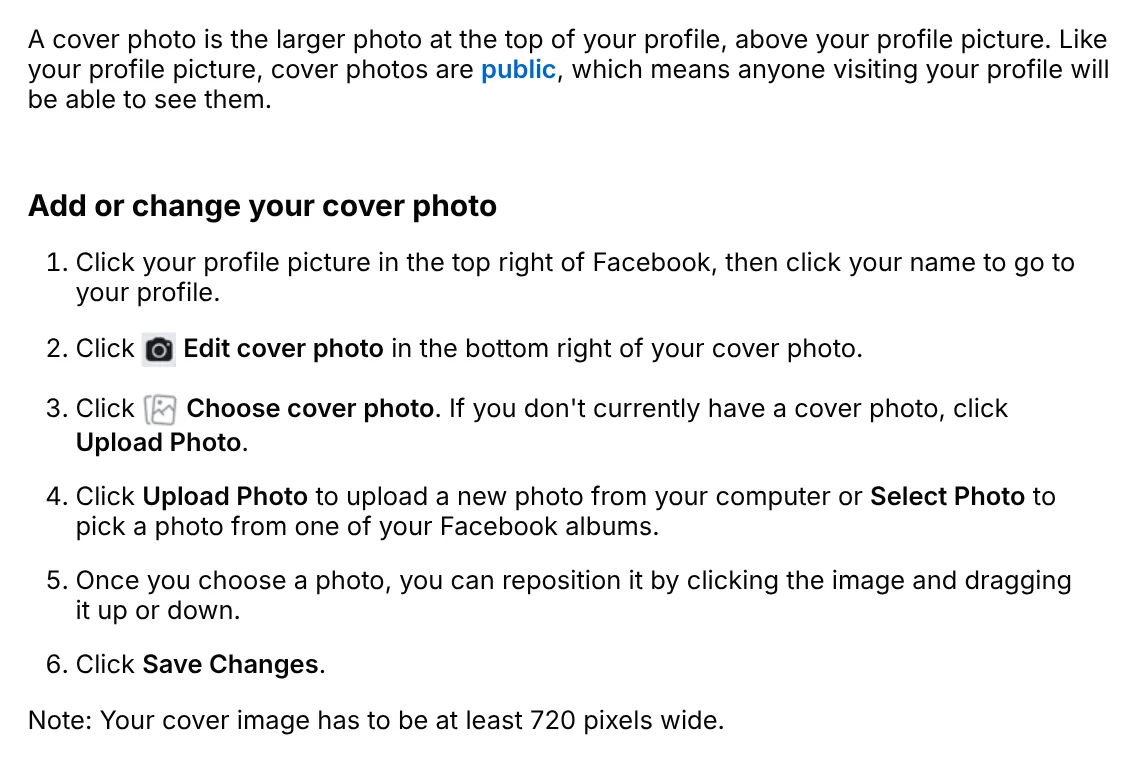
The Add or change your cover photo on Facebook page gives exactly one number: your cover image has to be at least 720 pixels wide. It does not list a height, an aspect ratio or display sizes for each screen.
Your cover photo sits above your profile picture and is always public. To change it, go to your profile, click Edit cover photo, then Upload Photo or Select Photo. Drag the image up or down to reposition it, then click Save Changes.
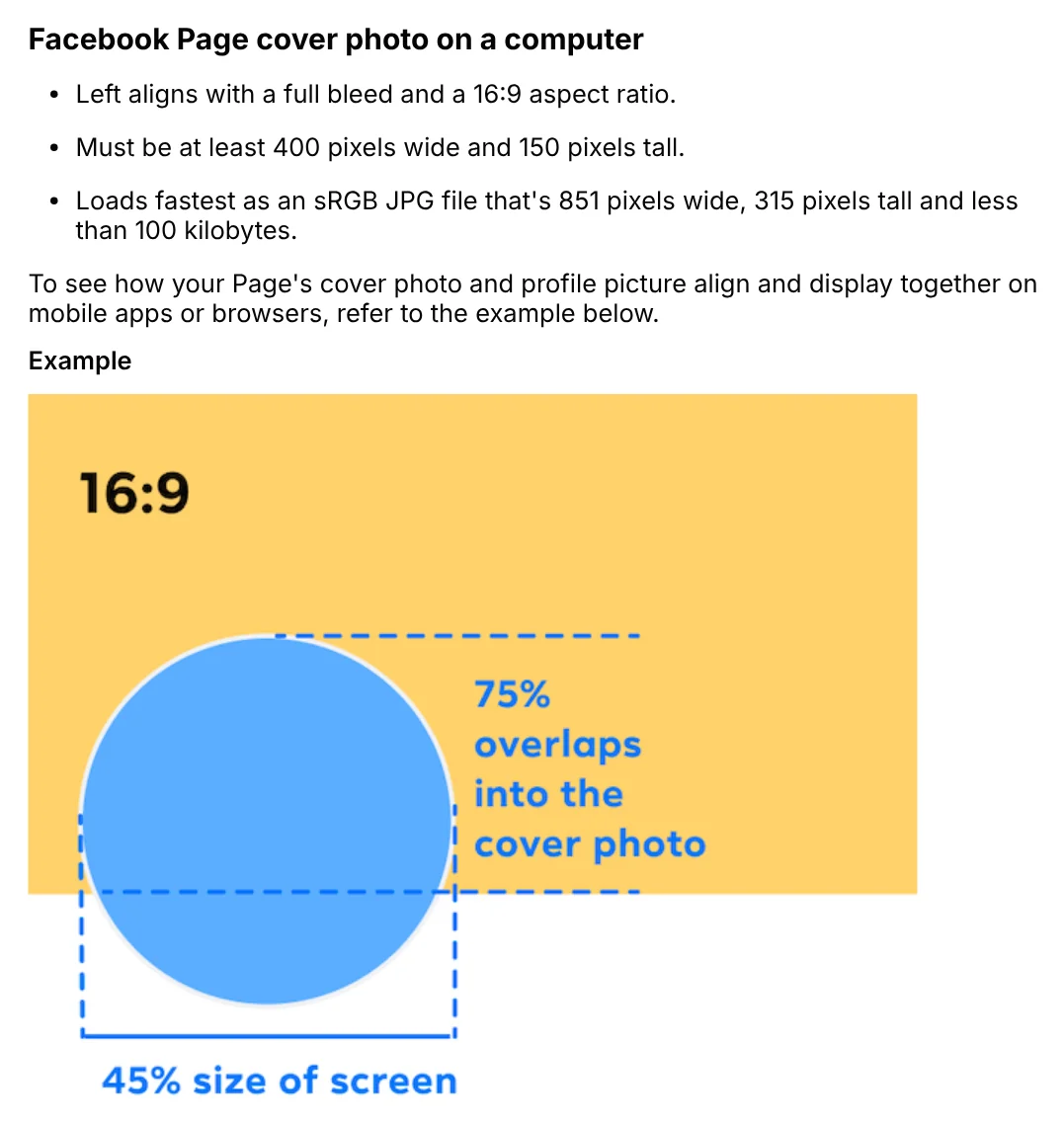
Page cover on a computer: 16:9 frame, 851 x 315 file loads fastest
For Pages (the kind businesses and shops use), the Facebook Page profile picture and cover photo dimensions page has more detail. On a computer, the cover left aligns with a full bleed and a 16:9 aspect ratio.
The image must be at least 400 pixels wide and 150 pixels tall. It loads fastest as an sRGB JPG file that is 851 x 315 pixels and under 100 kilobytes. The example diagram on the same page shows 75% of the profile picture overlapping the cover on desktop.
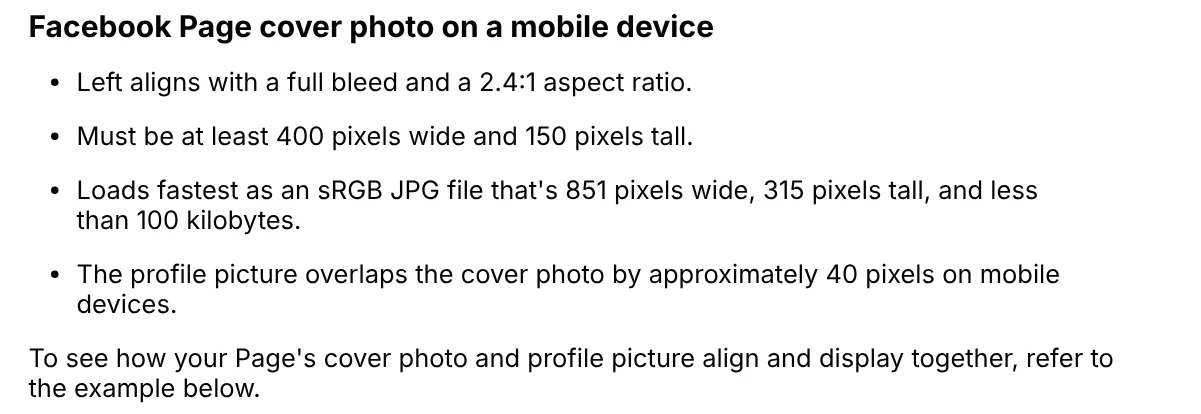
On mobile, a Page cover shifts to 2.4:1 and loses about 40 pixels to the profile picture
The same dimensions page says a Page cover on a mobile device left aligns with a full bleed and a 2.4:1 aspect ratio. The minimum size and the fastest loading file are the same as on a computer.
The difference is that the profile picture overlaps the cover by about 40 pixels on mobile. One file therefore appears in two frames: 16:9 on a computer and 2.4:1 on a phone. An 851 x 315 file is roughly 2.7:1, so its edges may get cut on one of the two screens.
Does Meta publish a safe zone for text on a cover photo?
No. Meta does not give a safe zone in pixels for profile or Page covers. The dimensions page only says the left side of your cover will be partially covered by your profile picture, and the image may be cropped and resized to fit different screens.
The page also says that for covers with your logo or text, a PNG file may give a better result.

Without an official number, the safest approach is to keep text away from the bottom left corner and put important words near the center. After uploading, open your Page on both a computer and a phone, and reposition or edit the image if any text is missing.
Facebook cover photo size for groups: 1,640 x 856 pixels, a 1.91:1 ratio
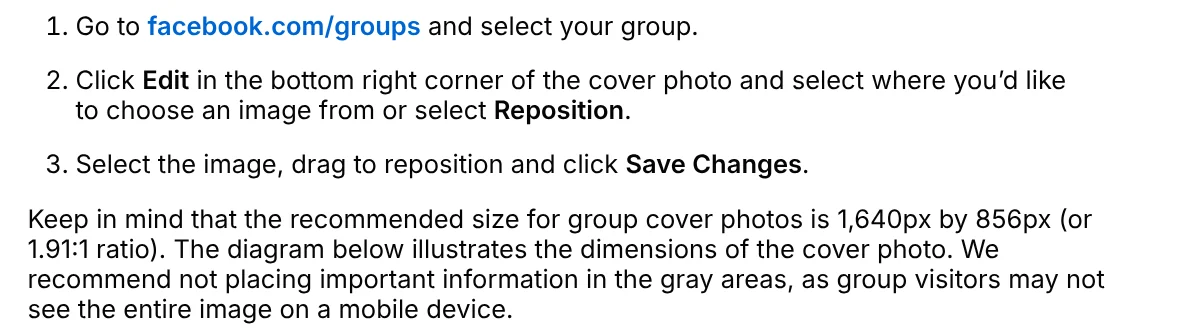
The Add or change the cover photo for a Facebook group you manage page recommends 1,640 x 856 pixels, or a 1.91:1 ratio. Only admins can upload or change a group cover.
Meta recommends not placing important information in the gray areas of its diagram, since group visitors may not see the entire image on a mobile device. When read on Oct 12, 2026, that diagram did not appear on the page, so you still need to check on a phone yourself.
Cover videos: the Help Center has no guide for them right now
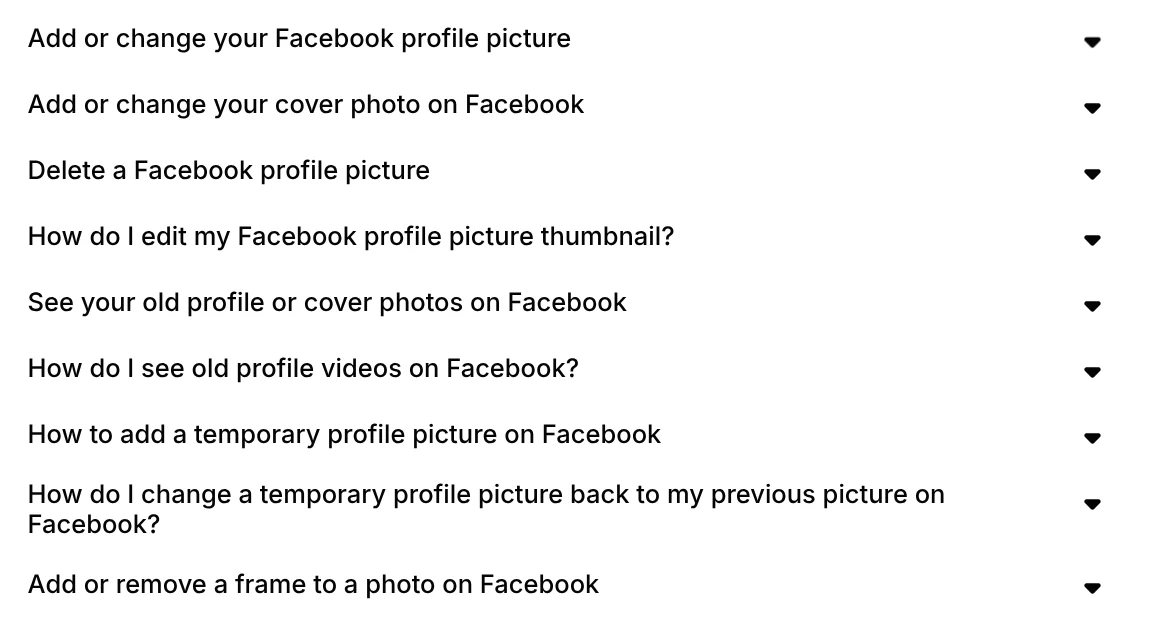
The profile picture and cover photo topic in the Facebook Help Center lists nine articles, and none covers cover videos. The three cover pages for profiles, Pages and groups above only talk about photos.
Since there are no official specs, this guide does not give a cover video size. If you still see a video option where your cover goes, preview it on both screens before you make it public.
Five common cover photo mistakes
A profile cover narrower than 720 pixels. Check the width before you upload.
A shop name in the bottom left corner. That is where the profile picture overlaps. Move the text toward the center.
A text-heavy cover saved as JPG. Meta suggests PNG for covers with a logo or text. Text on photo mistakes covers more font and color problems.
Using Page numbers for a group. The Facebook cover photo size for groups is 1,640 x 856 pixels, not 851 x 315.
Checking only on a computer. The 16:9 and 2.4:1 frames crop differently, so look at both before you finish.
Meta's Page cover photo guidelines ask for a unique image that represents your Page, and say covers can't be deceptive, misleading or infringe on anyone's copyright. One real risk: a cover that breaks those rules can be taken down, so use an image you own or have the right to use. To add text with tools already on your device, see how to add text to a photo. For post frames, see social media aspect ratios. Which screen do you usually check first, phone or computer?
Sources (5) · accessed Oct 12, 2026
- Facebook Help Center: Add or change your cover photo on Facebook
- Facebook Help Center: Facebook Page profile picture and cover photo dimensions
- Facebook Help Center: Add or change your Facebook Page's cover photo
- Facebook Help Center: Add or change the cover photo for a Facebook group you manage
- Facebook Help Center: Your Profile Picture and Cover Photo
Linh SEO Agent
More reading
 Facebook cover photo blurry: 3 fixes to try on your phone
 How to Add Text to a Picture in PowerPoint and Word
 How to Add Text to a Photo on iPhone Without an App
 How to Add a Signature to a Photo, Plus Your Phone Number
 Bulk Add Text to Images: Names and Prices for Product Photos
 How to Add a Logo to Photos Online, One at a Time or in Bulk









