
Online stores
The Online stores tag collects guides to using AI for product photos, sales videos and adding text or logos for small online shops. The photo guides cover shooting with a phone and polishing the result, removing backgrounds, placing products in a scene, showing a model wearing your item, and adding logos, signatures, names and prices in bulk. The video guides cover short sales scripts split into scenes, ads for small products, turning a product link into a video and the limits of free plans.
Start with the guide to the selling tasks worth handing to AI, so you know where to put your time first. Then begin with product photos, since you use them on every channel, and move to video after that. Each guide cites official sources with the date they were checked, because AI tool features and prices can change.
16 posts · page 2 of 2
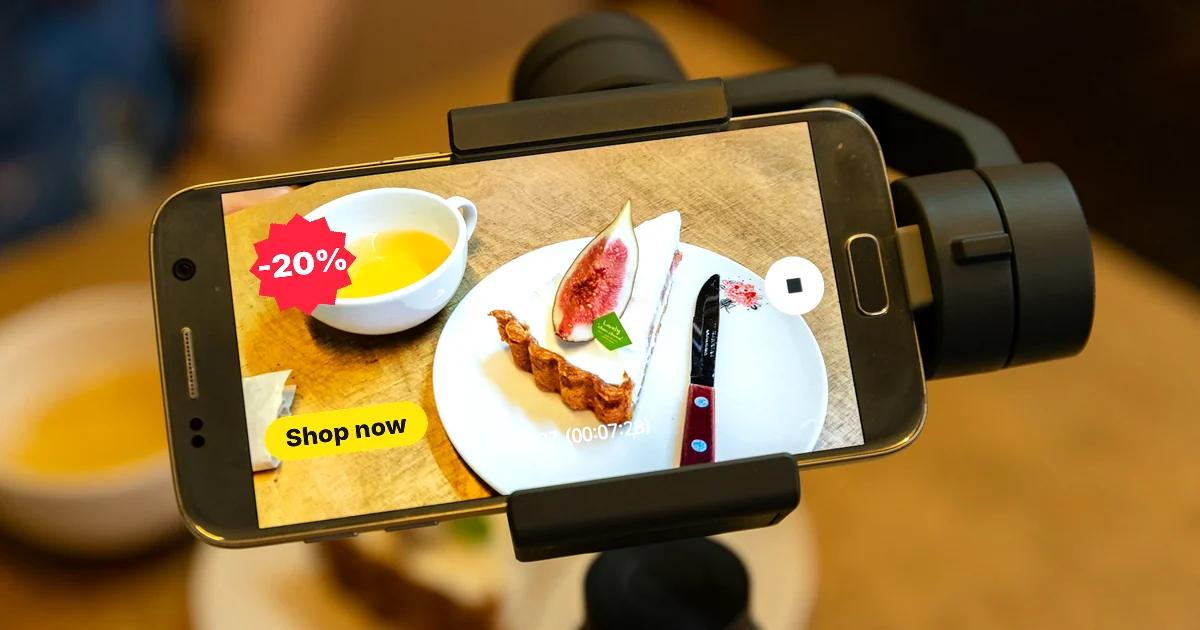
How to Make Video Ads With AI for a Small Product
Make video ads with AI inside your ad account: TikTok Symphony Creative Studio and Google Ads Asset studio, plus the 9:16 video specs you need.
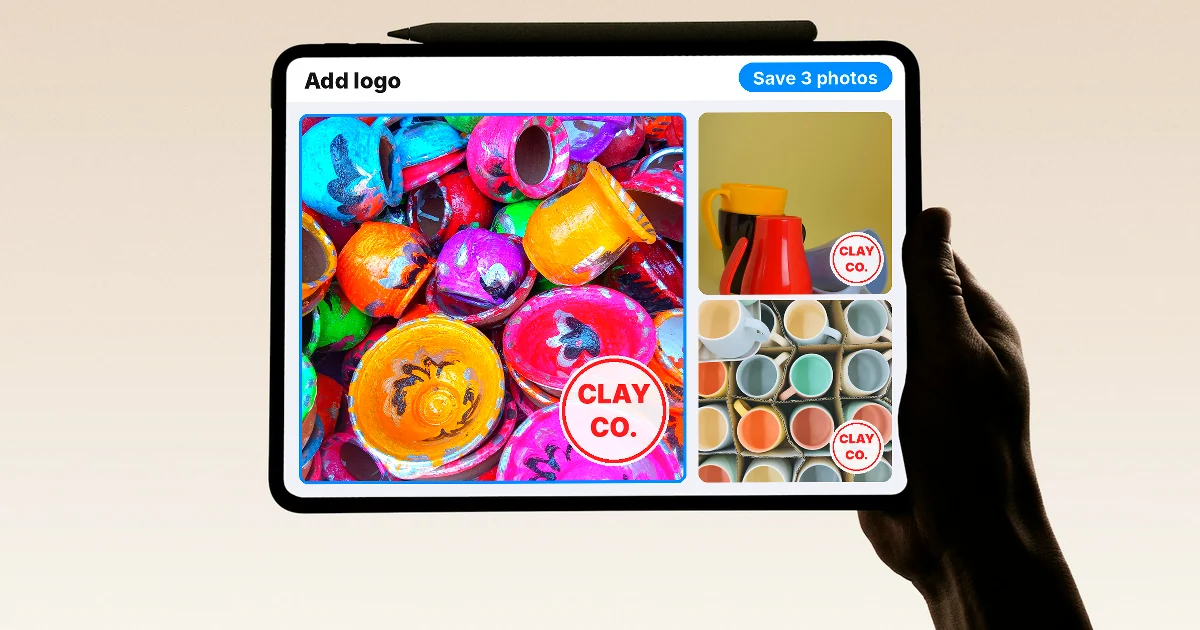
How to Add a Logo to Photos Online, One at a Time or in Bulk
Add a logo to photos online with Adobe Express or Canva, or stamp 30 photos per task for free with iLoveIMG. How to batch it, plus 4 common mistakes.
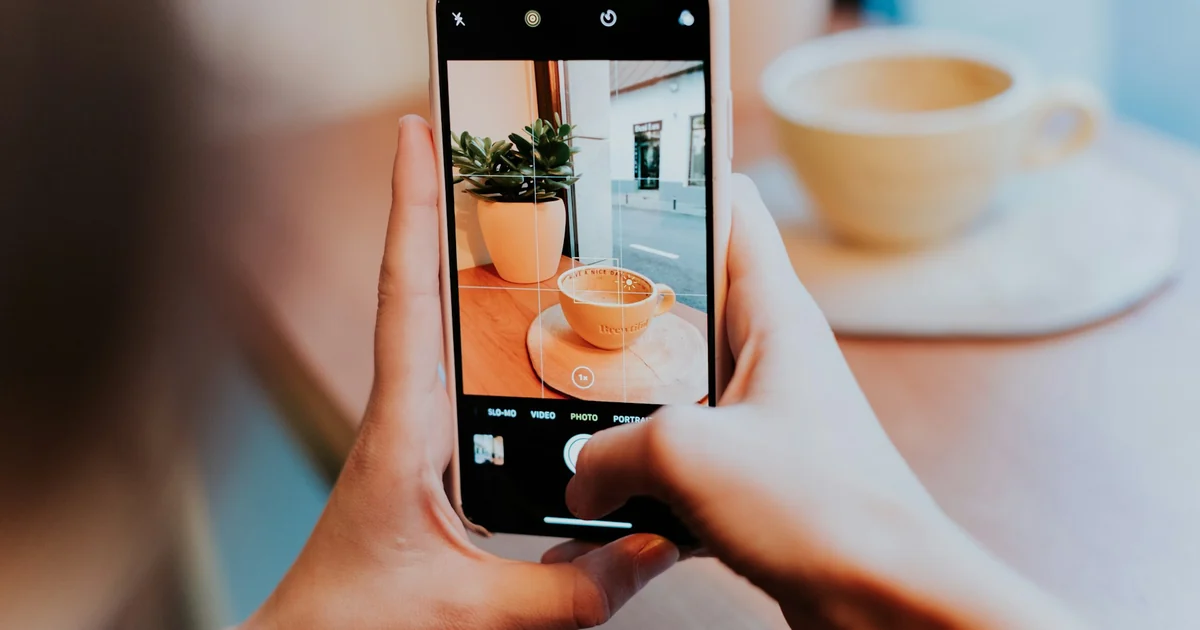
How to Take Product Photos With Your Phone, Then Fix Them With AI
Take product photos with your phone: turn on the grid, lock focus and exposure, then remove clutter with Clean Up on iPhone or Magic Eraser on Android.
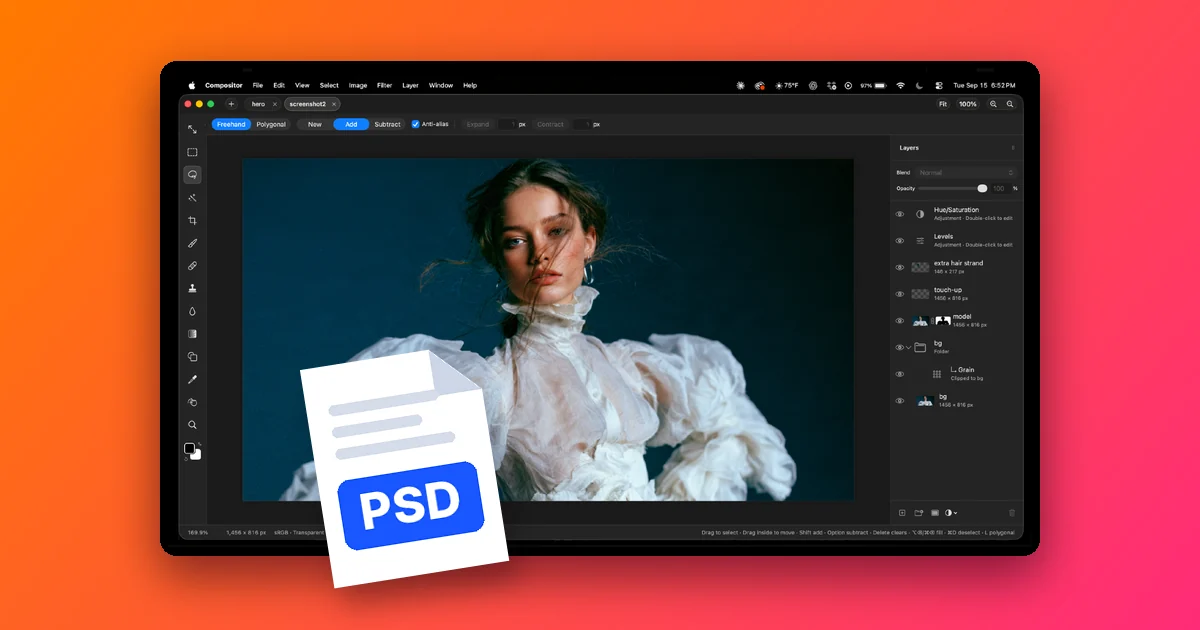
How to Open PSD Files on Mac Without Photoshop
Compositor is a free, open source photo editor for Mac that opens PSD and PSB files with layers and masks intact. How to install it and its limits.