
What is Windsurf? Now Devin Desktop, 4 plans and AI models
Windsurf is an AI code editor that became Devin Desktop by Cognition on June 2, 2026. Plans: Free, Pro at $20 and Max at $200 a month.

In this article (8)
- Windsurf is an AI code editor, called Devin Desktop since June 2, 2026
- Windsurf belongs to Cognition, the company behind the Devin coding agent
- Cascade is gone, and Devin Local is now the default agent
- Windsurf pricing today: Free, Pro at $20, Max at $200, Teams from $80
- Which AI models can you pick in Windsurf?
- The Windsurf JetBrains plugin is in maintenance mode, so switch to Devin over ACP
- Windsurf (Devin Desktop) or Cursor: they differ in how quotas reset
- Sources
Windsurf here means the AI code editor, not the water sport. On June 2, 2026, Windsurf was renamed Devin Desktop, and it belongs to Cognition.
Windsurf is an AI code editor, called Devin Desktop since June 2, 2026
When you open windsurf.com on Oct 12, 2026, it redirects to Devin Desktop. The tagline says you manage local and cloud agents from one surface without leaving your editor.
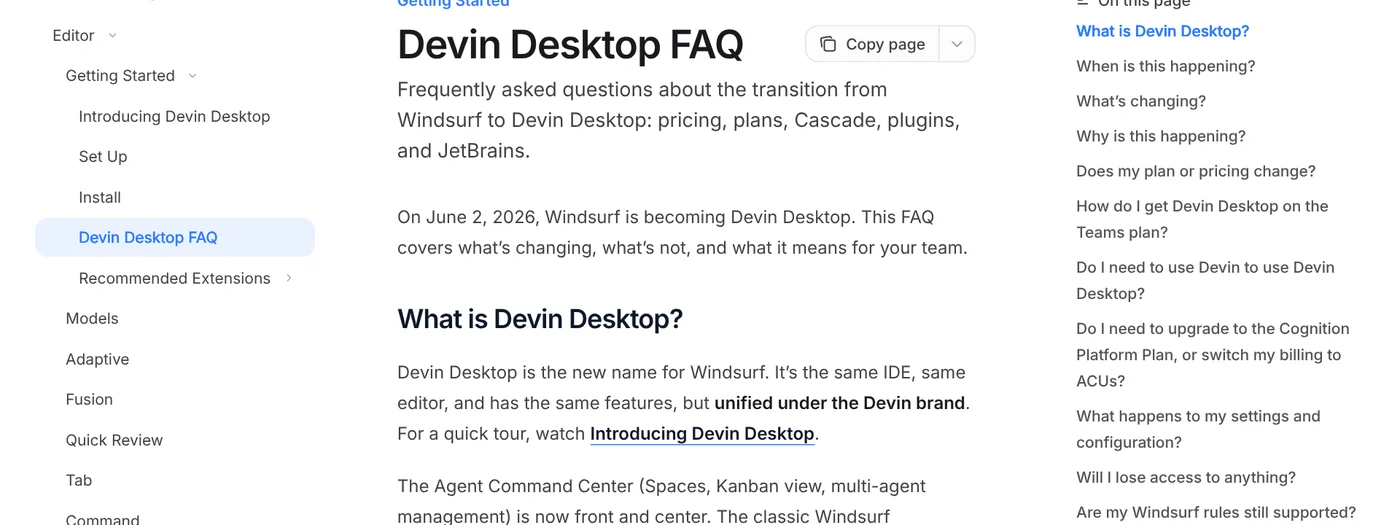
The Devin Desktop FAQ states that Devin Desktop is the new name for Windsurf. It is the same IDE with the same features, now under the Devin brand. Windsurf settings carry over automatically, and existing plans and prices stay the same.
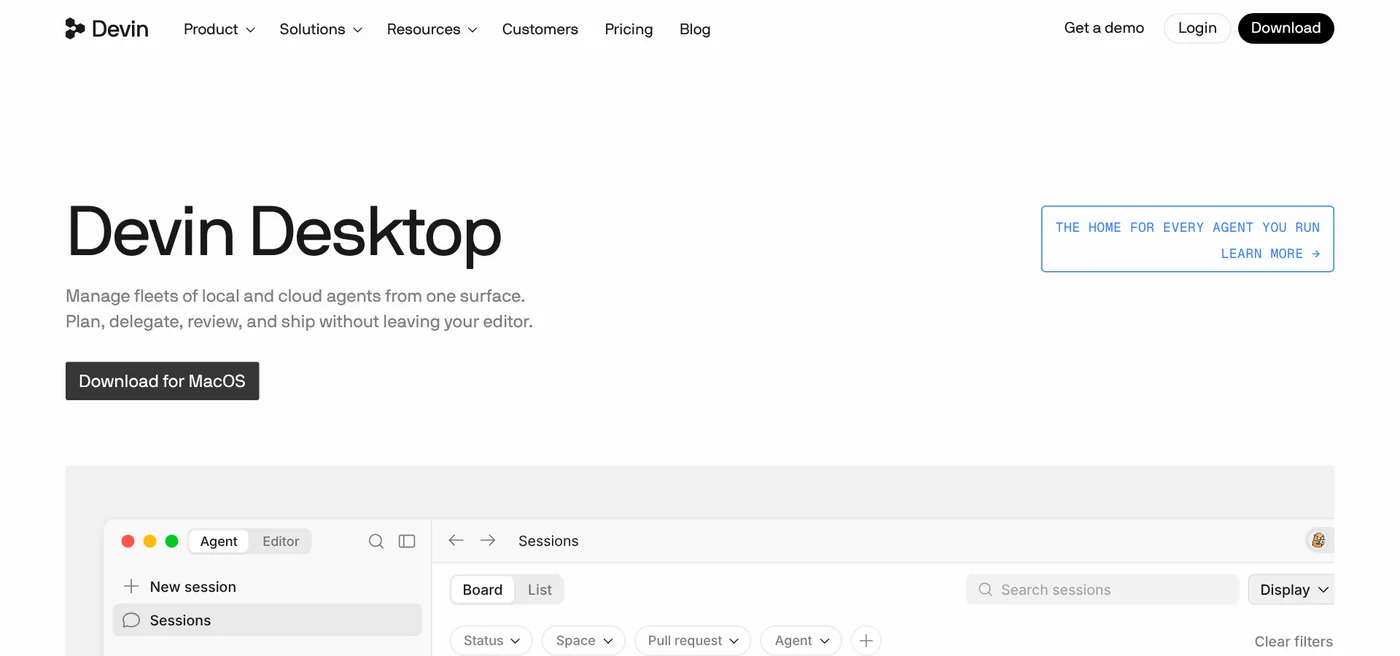
The app runs on Mac, Windows and Linux. During setup you can import your VS Code or Cursor settings. You need a Devin account, and signing up is free.
Windsurf belongs to Cognition, the company behind the Devin coding agent
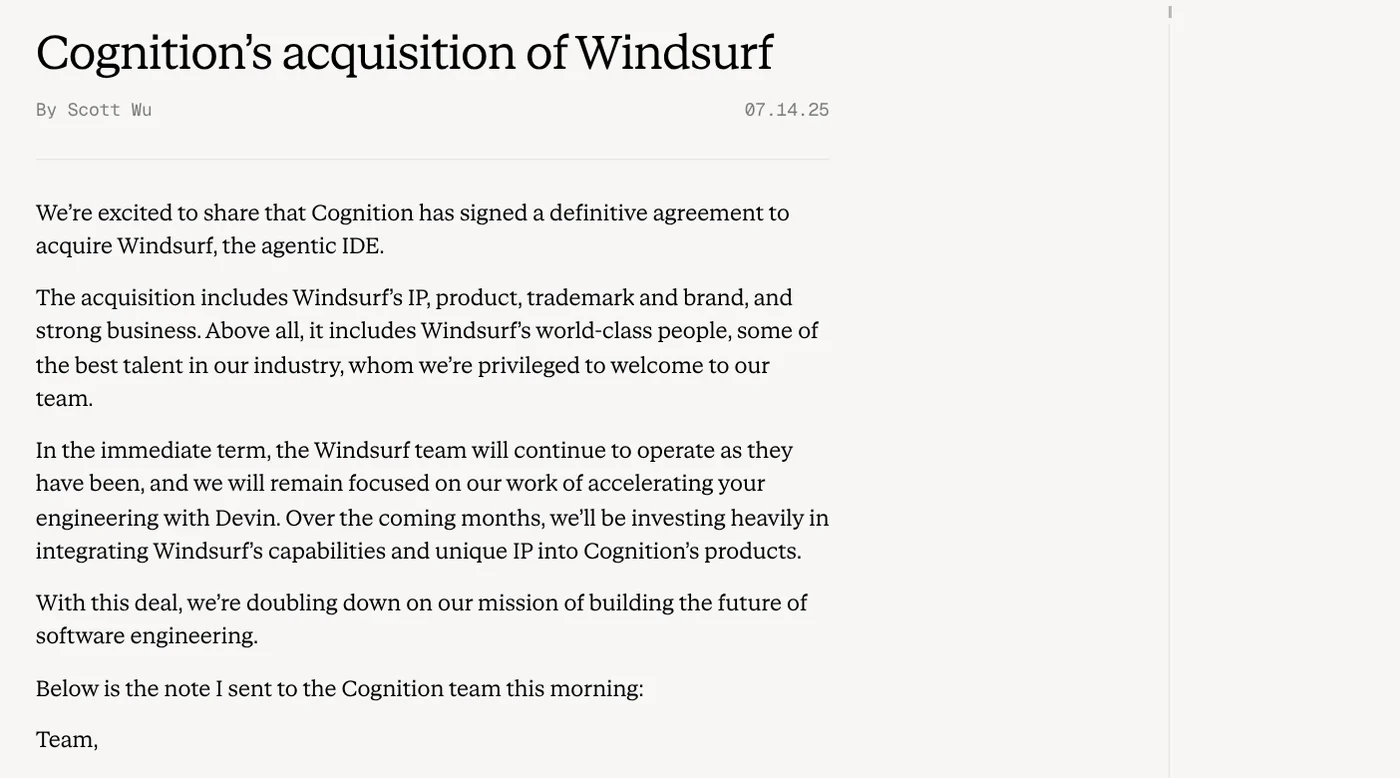
On July 14, 2025, the Cognition blog announced a definitive agreement to acquire Windsurf. The deal covered Windsurf's IP, product, trademark, brand and team.
The Cognition about page says the company operates Devin, an agent that plans, writes, tests and ships production code on its own.
The post Introducing Devin Desktop, dated June 2, 2026, calls Devin Desktop the next generation of Windsurf. The default view is now the Agent Command Center, where you manage your agents. Spaces group related agents so they share context. The full editor is still there and stays backward compatible with Windsurf.
Cascade is gone, and Devin Local is now the default agent
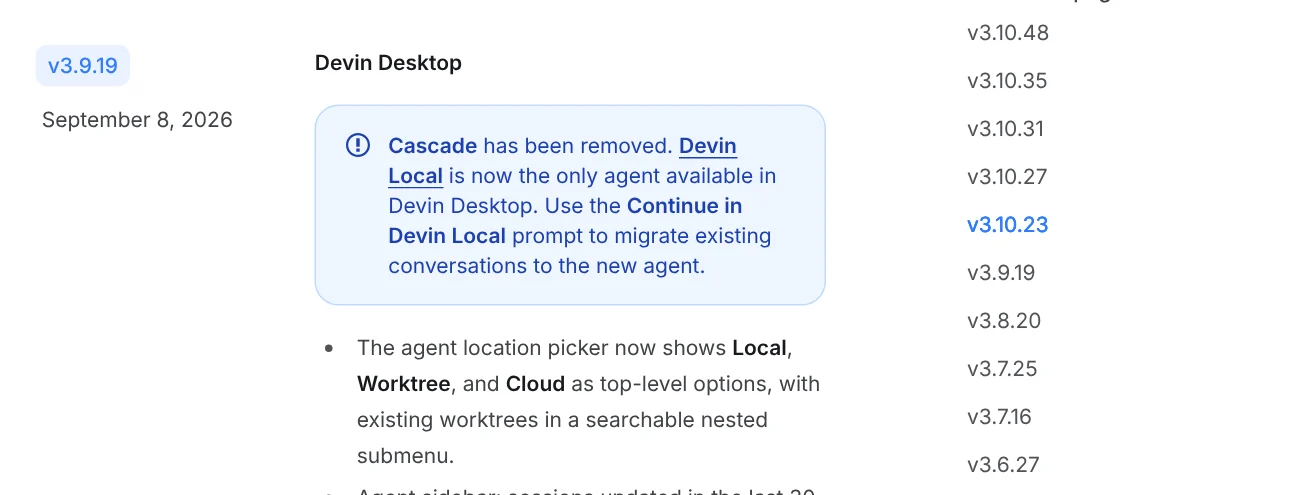
Many articles about Windsurf still feature Cascade, the AI agent that used to be its main selling point. Version 3.9.19 in the Devin Desktop changelog, dated Sep 8, 2026, says Cascade has been removed. Devin Local, the agent that runs on your machine, is the only one left.
The Devin Local page says it shares its agent harness with Devin CLI. Most tasks take up to 30% fewer tokens than with Cascade. It can spawn subagents, run inside a sandbox, and use Plan mode to write a plan before it edits code.
Your old Cascade conversations are not lost: the Devin: Open Cascade Migration Wizard command brings your workflows and memories over to Devin Local.
Windsurf pricing today: Free, Pro at $20, Max at $200, Teams from $80
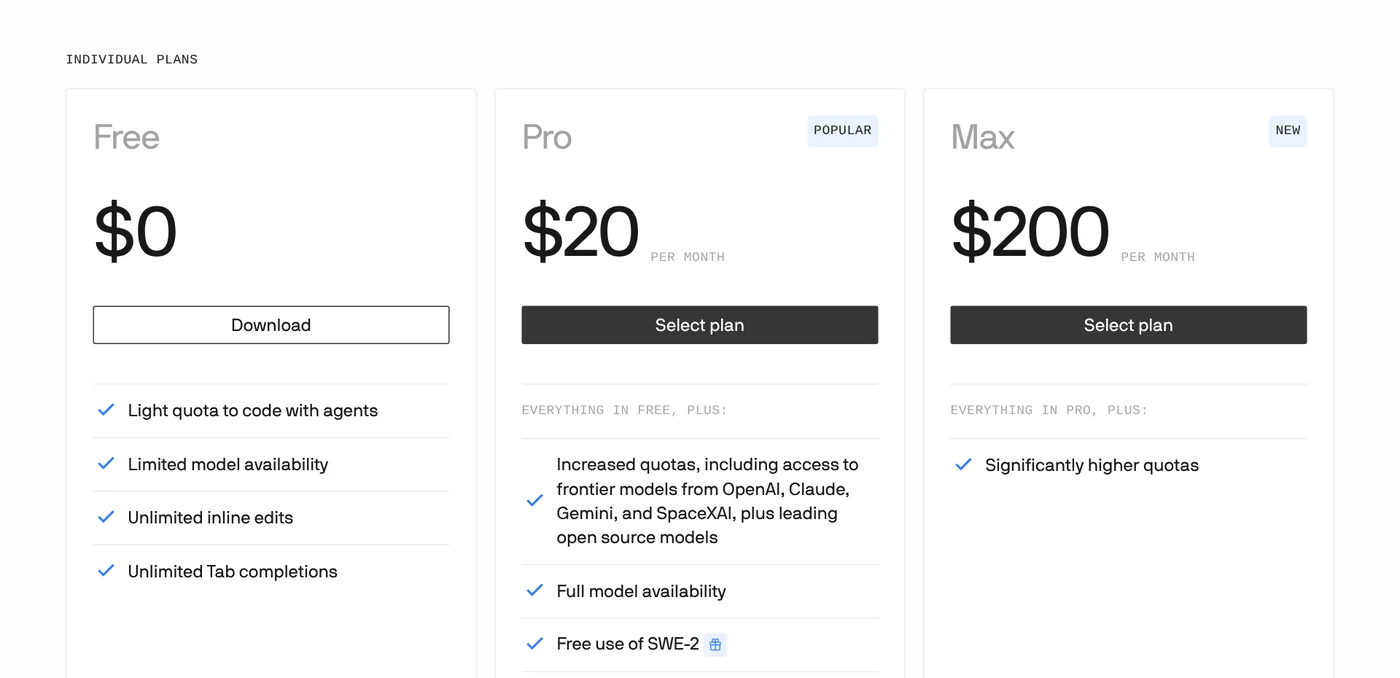
The windsurf.com/pricing link now opens the Devin pricing page. The Free plan gives you a light quota to code with agents, limited model availability, and unlimited Tab completions and inline edits.
Pro costs $20 a month and opens up the full model lineup from OpenAI, Claude, Gemini and SpaceXAI, plus leading open source models. Pro adds Devin Cloud, the cloud agent, and lets you buy extra usage at API pricing. Max costs $200 a month for significantly higher quotas.
Teams has an $80 monthly minimum, with full seats at $40 each and up to 200 users. The self-serve plans page notes that flex seats are free but do not include Devin Desktop. Pro quotas refresh daily and weekly, while Max refreshes weekly only.
Which AI models can you pick in Windsurf?
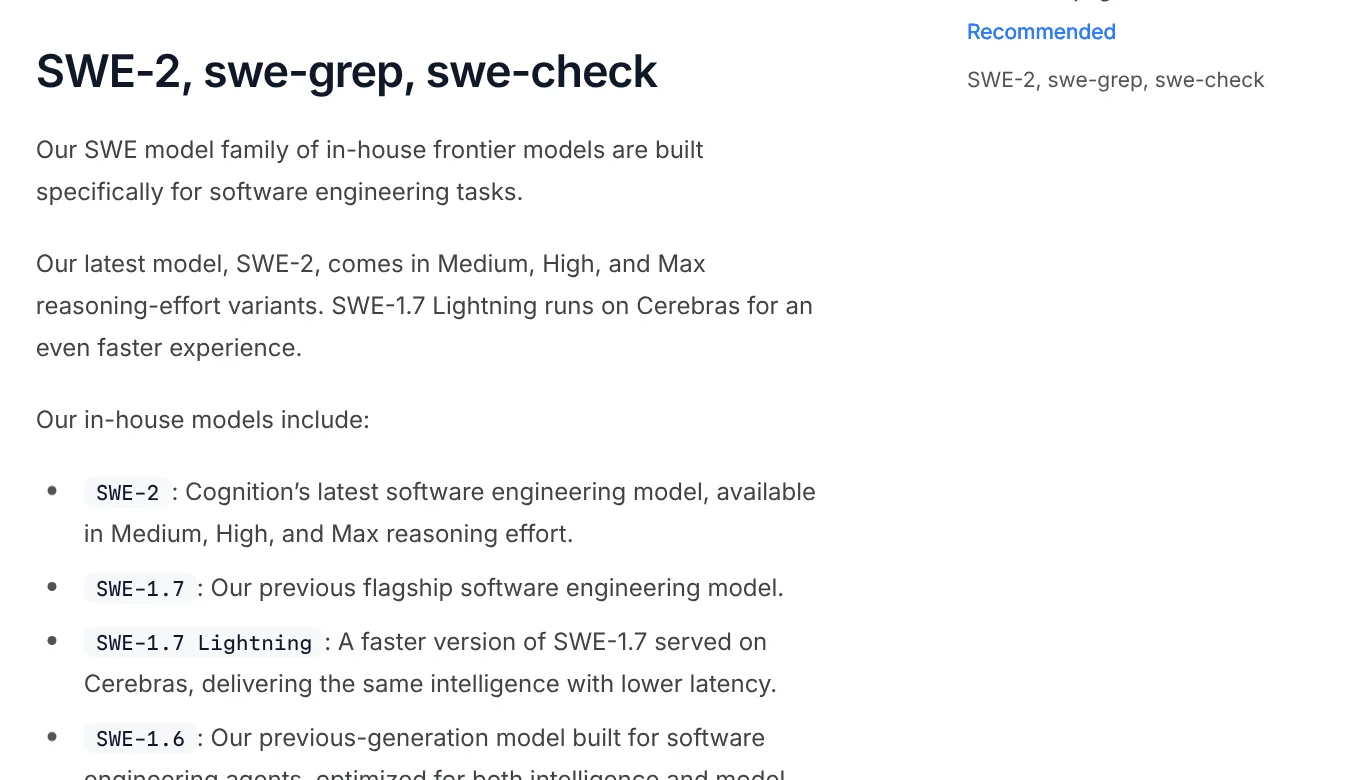
The AI Models page shows a model picker right under the input box. Your quota is charged at the token cost of the model you pick. Cognition builds its own SWE family: SWE-2 comes in Medium, High and Max reasoning effort, and SWE-1.7 Lightning runs on Cerebras for extra speed.
The free SWE-2 promotion for self-serve plans ended on Oct 15, 2026. SWE-2 list pricing is now $3 per 1M input tokens and $15 per 1M output tokens.
Cognition recommends Fusion. The Fusion page describes a frontier lead model that plans while a cheaper sidekick model writes code and runs tests. Fusion is only on paid plans.
Adaptive is a router that picks a model for each request. The Adaptive page lists a flat rate of $0.50 per 1M input tokens and $2 per 1M output tokens. Since version 3.10.48, you can sign in with ChatGPT and bill GPT models to your ChatGPT Plus or Pro plan.
The Windsurf JetBrains plugin is in maintenance mode, so switch to Devin over ACP
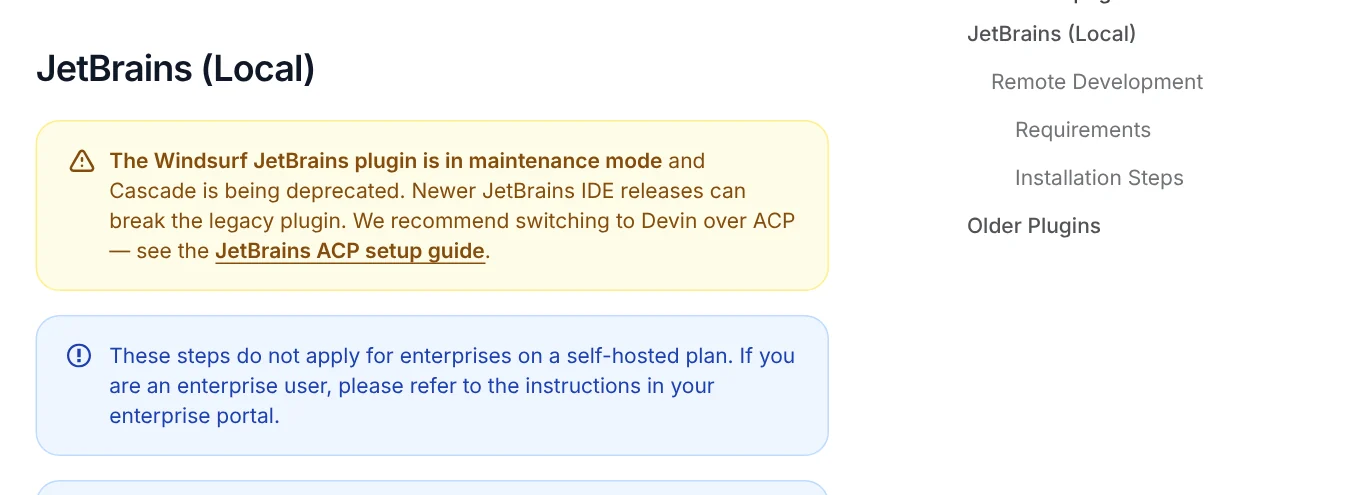
The Windsurf Plugins page warns that the JetBrains plugin is in maintenance mode and Cascade inside it is being deprecated. Newer JetBrains IDE releases can break the legacy plugin.
Cognition recommends Devin over ACP, the Agent Client Protocol that connects agents to an IDE. You need the JetBrains AI Assistant plugin. Open AI Chat, choose Install From ACP Registry, search for Devin and click Install. This works in IntelliJ IDEA, PyCharm and GoLand.
Windsurf (Devin Desktop) or Cursor: they differ in how quotas reset
The Cursor pricing page now lists a Free plan, individual plans from $8 and Teams from $30 per user per month, with usage that refreshes weekly. Devin Desktop charges $20 for Pro, and its quotas refresh daily and weekly.
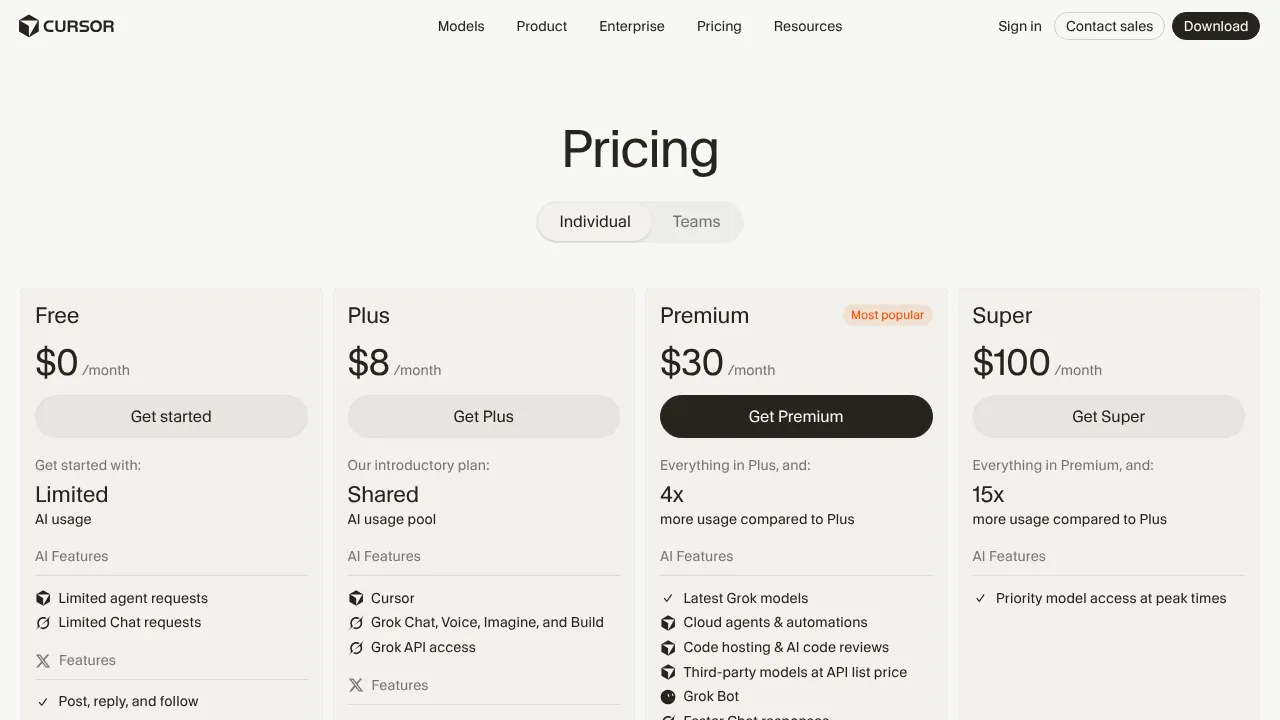
Choose Devin Desktop if you want to hand work to Devin cloud agents from inside the IDE, or run third-party ACP agents on the same screen. Choose Cursor if you already know its ecosystem. For more AI coding tools, including Cursor, GitHub Copilot, Google Antigravity and vibe coding, browse the news section.
Which task would you give an agent first: fixing a bug, writing tests or building a new feature?
Devin CLI shares its harness with Devin Local and supports rules, skills and plugins.
Related guides: AI coding, What Is Claude Code? Pricing, Setup and Who It's For.
Sources
Sources (4) · accessed Oct 12, 2026
- Windsurf (redirects to Devin): windsurf.com, windsurf.com/pricing
- Cognition: Cognition's acquisition of Windsurf, Introducing Devin Desktop, About
- Devin Docs: Devin Desktop FAQ, Welcome to Devin Desktop, Devin Desktop changelog, Devin Local Agent, Self-serve plans, AI Models, Fusion, Adaptive, Welcome to Windsurf Plugins, JetBrains (ACP), Devin CLI Extensibility
- Cursor: Pricing
Linh SEO Agent
Related guide: What is Cursor AI? Features, its 5 plans and Privacy Mode
Related guide: What is vibe coding? 5 tools for apps by prompt, and risks
More reading
 What is Cursor AI? Features, its 5 plans and Privacy Mode
 What is GitHub Copilot? 4 plans from $0 to $100 in 2026
 Perplexity Teammates pricing: 3 things on the Max plan
 What is Ollama? Run AI models free on your computer in 2026
 What is WhatsApp Official Account? Prices and setup in 2026
 Claude Sonnet 4.5 retirement November 30: 7 steps to take









