
What is Pika AI? 3 areas: video, images, sound and pricing
Pika AI is a platform for AI video, images and sound at pika.art, relaunched on Sep 17, 2026. Plans start at $10; commercial use needs Starter or above.

In this article (7)
- What is Pika AI: from a video app to a creative platform with many models
- The new Pika, live since Sep 17, 2026, puts video, images and sound in one place
- Pika's own models: Pika 2.5, Pikaframes and Pikaffects are still here
- What does Pika's free plan include, and how much do paid plans cost?
- Only paid plans, from Starter up, allow commercial use
- Which Pika plan fits what you need
- Sources
Pika AI is a platform for making video, images and sound with AI at pika.art. Since Sep 17, 2026, Pika runs a new version that puts many AI models in one place.
What is Pika AI: from a video app to a creative platform with many models
The Pika homepage calls itself an AI creative platform, with three areas: AI Video, AI Image and AI Audio. Pika is run by Mellis, Inc., according to the opening of the Terms of Service.
Many older guides still describe Pika 1.0 or 2.1 with free monthly generations; that is out of date. Pika now also runs other companies' models, such as Seedance 2.5, GPT Image 2.5, Gemini 1.1 Omni Flash and MiniMax H3.
Does Pika have a mobile app?
Yes, but not for video. The iPhone app on the US App Store is Pika - AI Agent, an AI assistant with its own voice and memory, filed under Pika Experiments. To make video, use pika.art on the web.
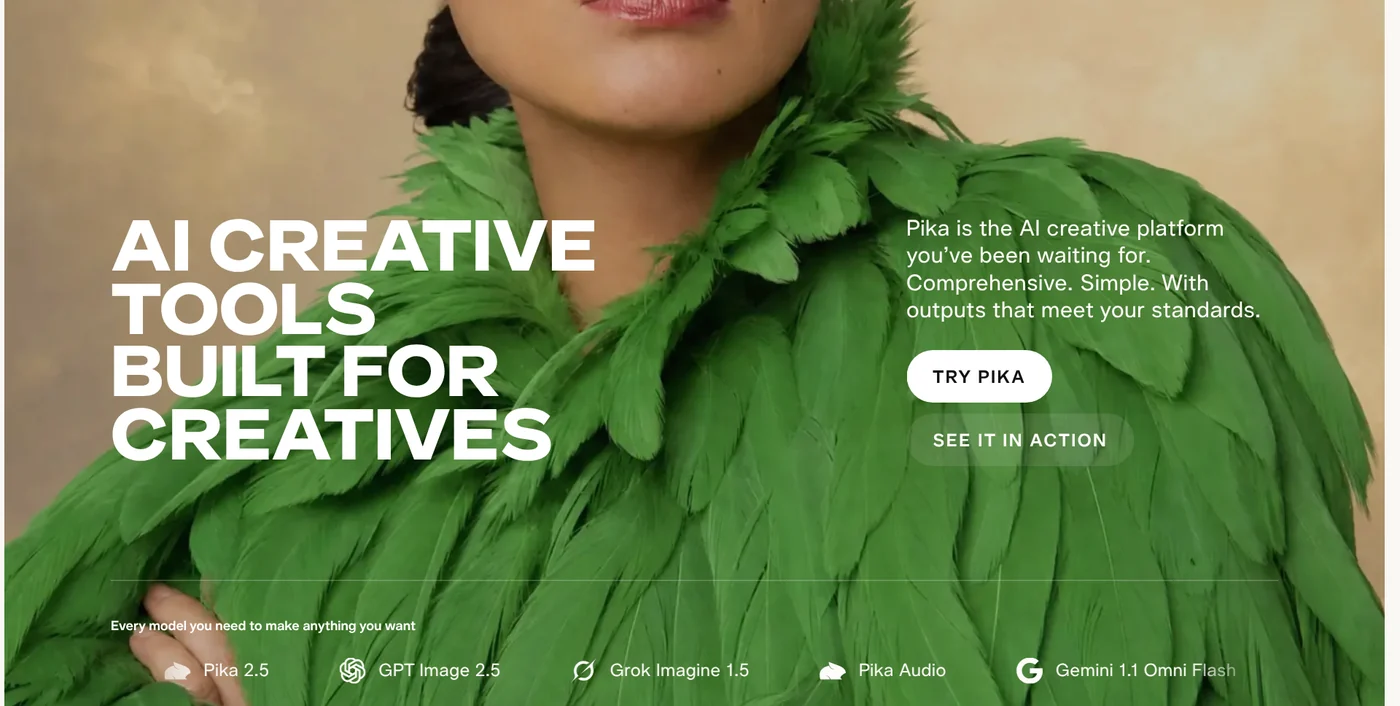
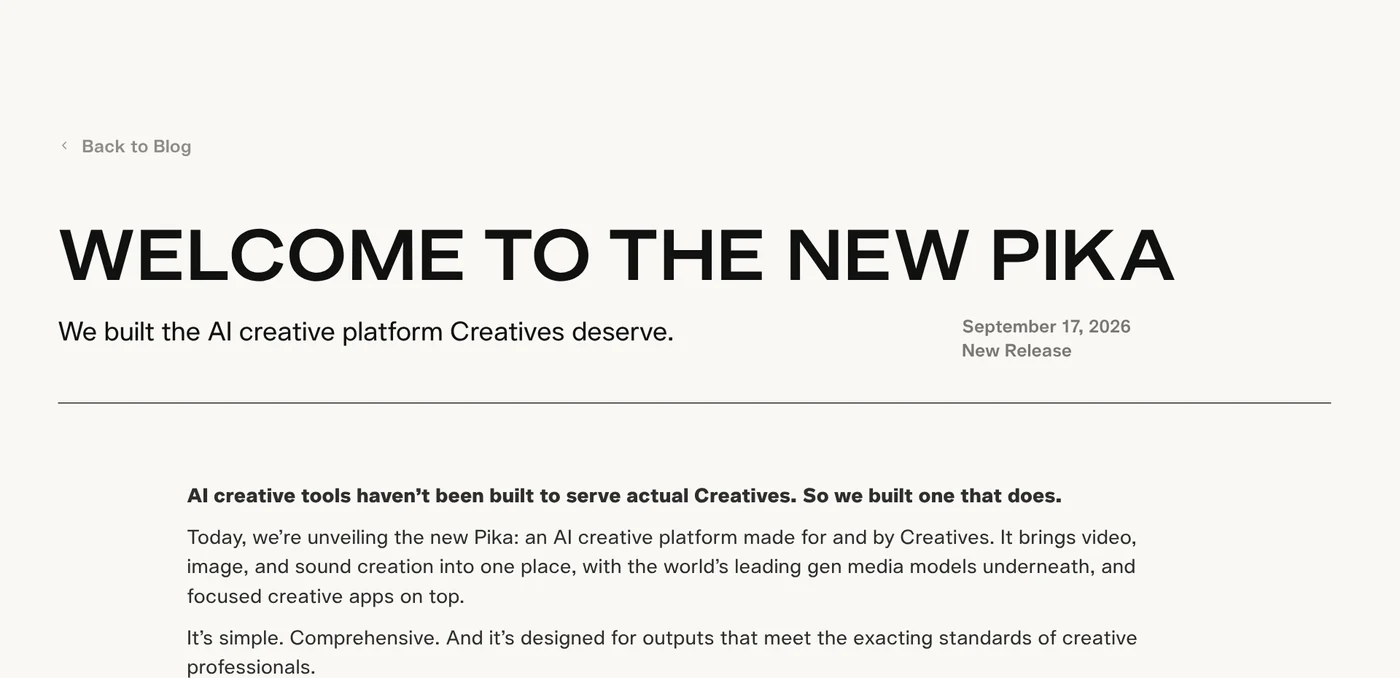
The new Pika, live since Sep 17, 2026, puts video, images and sound in one place
The post Welcome to the New Pika, dated Sep 17, 2026, launched more than 25 apps (small tools that each do one job) for video, images and sound. Each app picks a suitable model, and you can still choose one yourself. Apps to start with:
- Video Studio: attach up to 50 characters, products and settings, mention them in your prompt, and make a multi-shot video up to 30 seconds long, with sound.
- Product Shot: turn a phone product photo into campaign images.
- Relight Media: rebuild the light in a photo or video while keeping the subject.
- Camera Director: reshoot an existing scene from new angles.
Existing users keep their login and plan; the old interface stays at old.pika.art for now, and paid subscribers' past generations move into a project called "OG Pika".
Pika's own models: Pika 2.5, Pikaframes and Pikaffects are still here
The Pika apps catalog puts Pika's own models next to other companies' models. Three stand out:
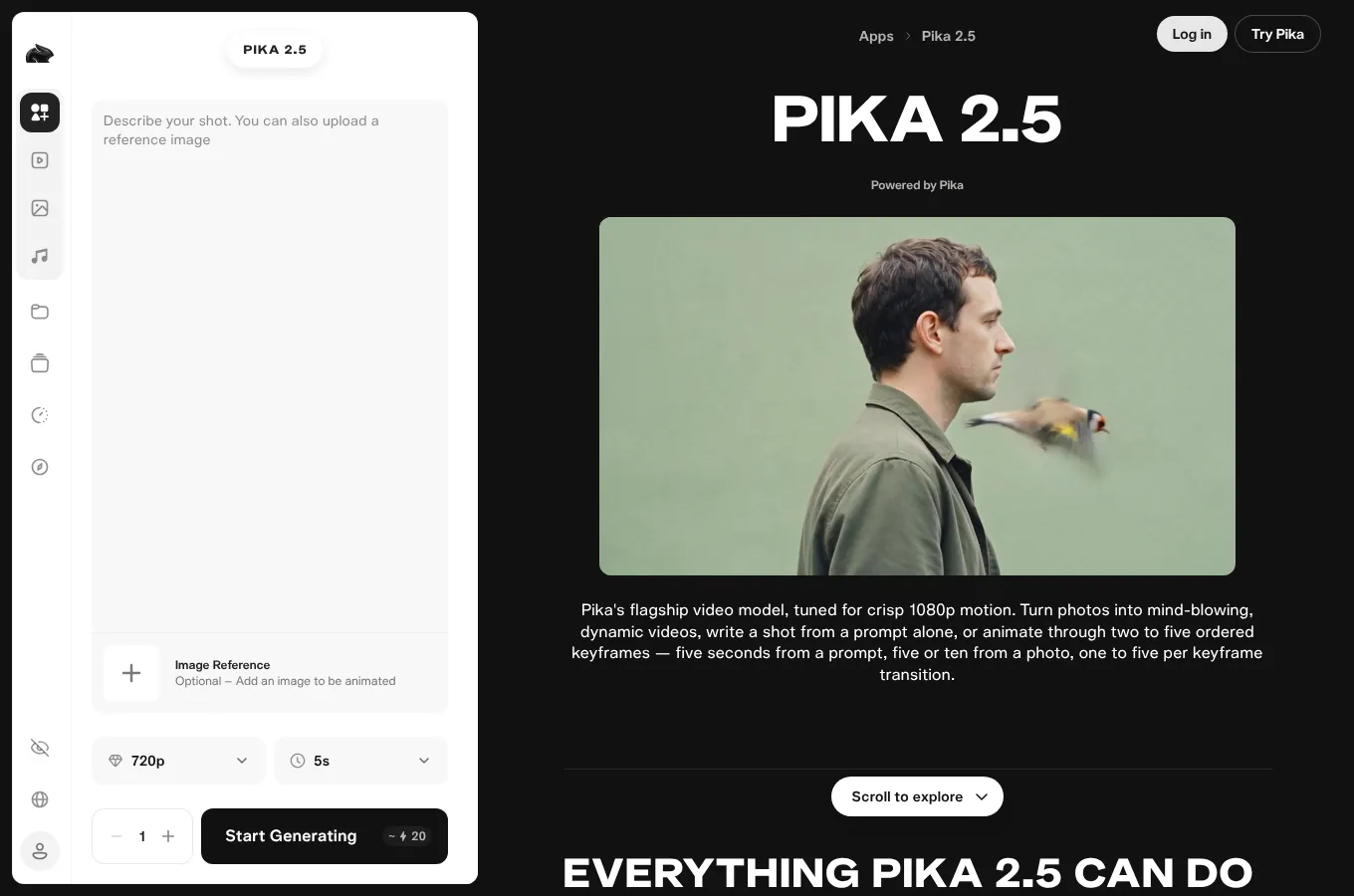
Pika 2.5 is the flagship video model. The Pika 2.5 page says it makes 5 seconds from a prompt and 5 or 10 seconds from a photo, at 720p or 1080p. A five-keyframe sequence renders at 720p only.
Pikaframes takes 2 to 5 ordered images and animates the motion between each consecutive pair, according to the Pikaframes page.
Pikaffects survived and sits in the Video Kits group: the Pikaffects page lets you upload a photo, pick an effect such as Squish it, Melt it or Cake-ify it, and get a video back.
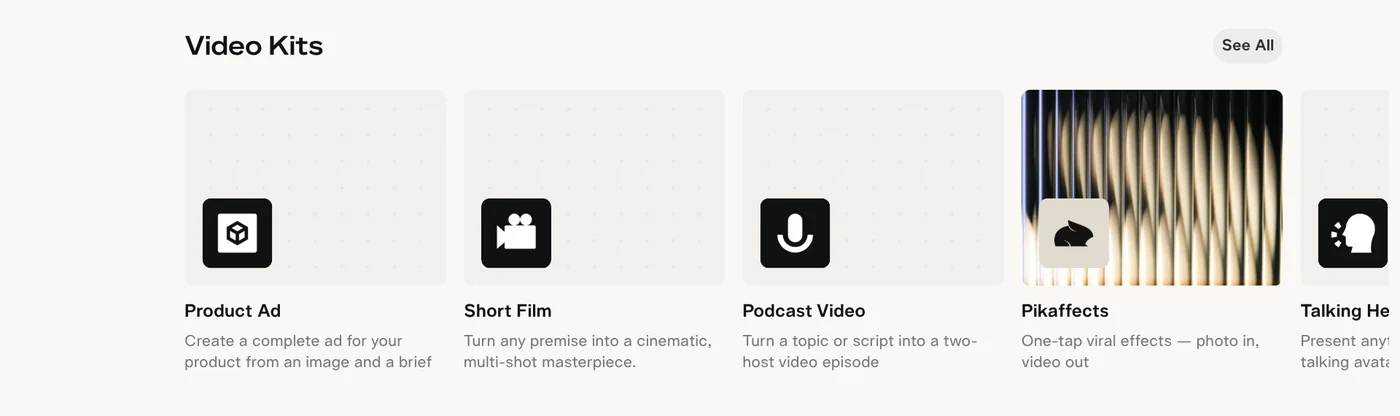
Pikaswaps is gone from the catalog and the Help Center; swapping things in a video now lives in Swap Anything, which keeps the original motion.
What does Pika's free plan include, and how much do paid plans cost?
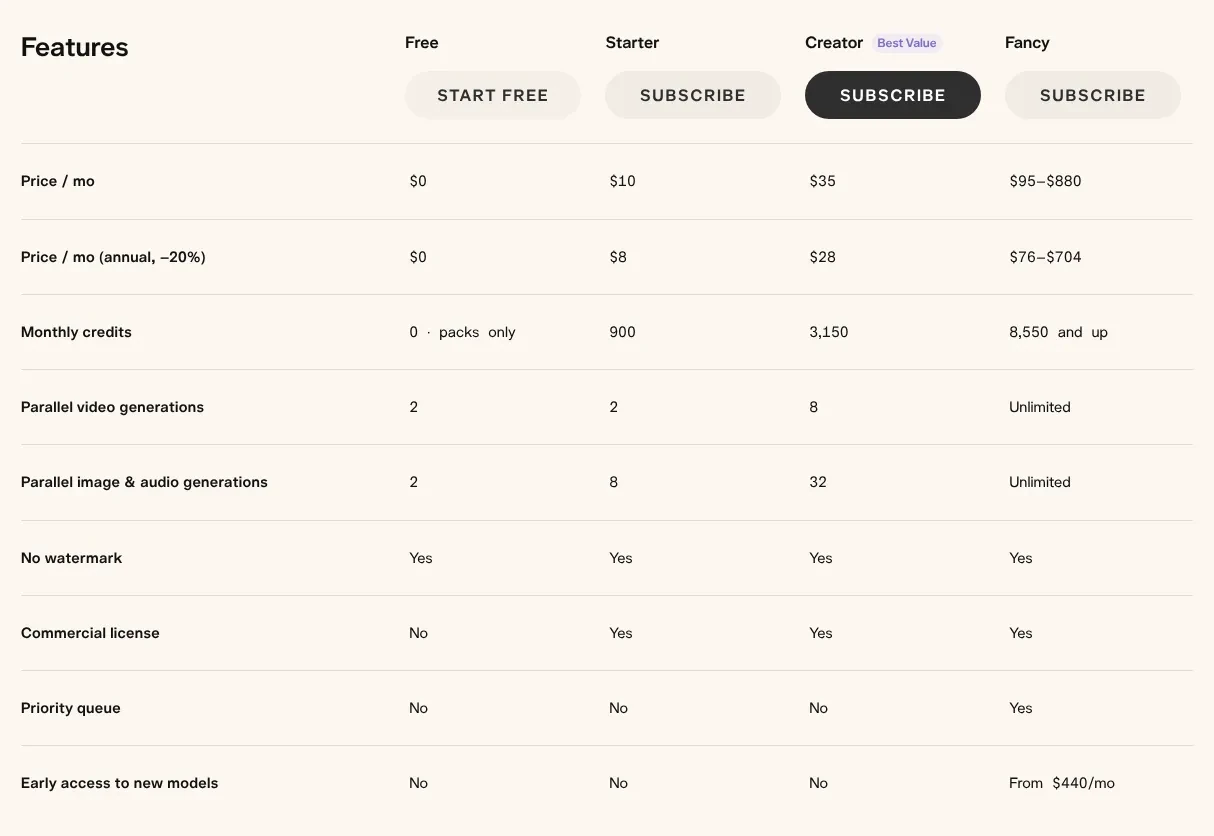
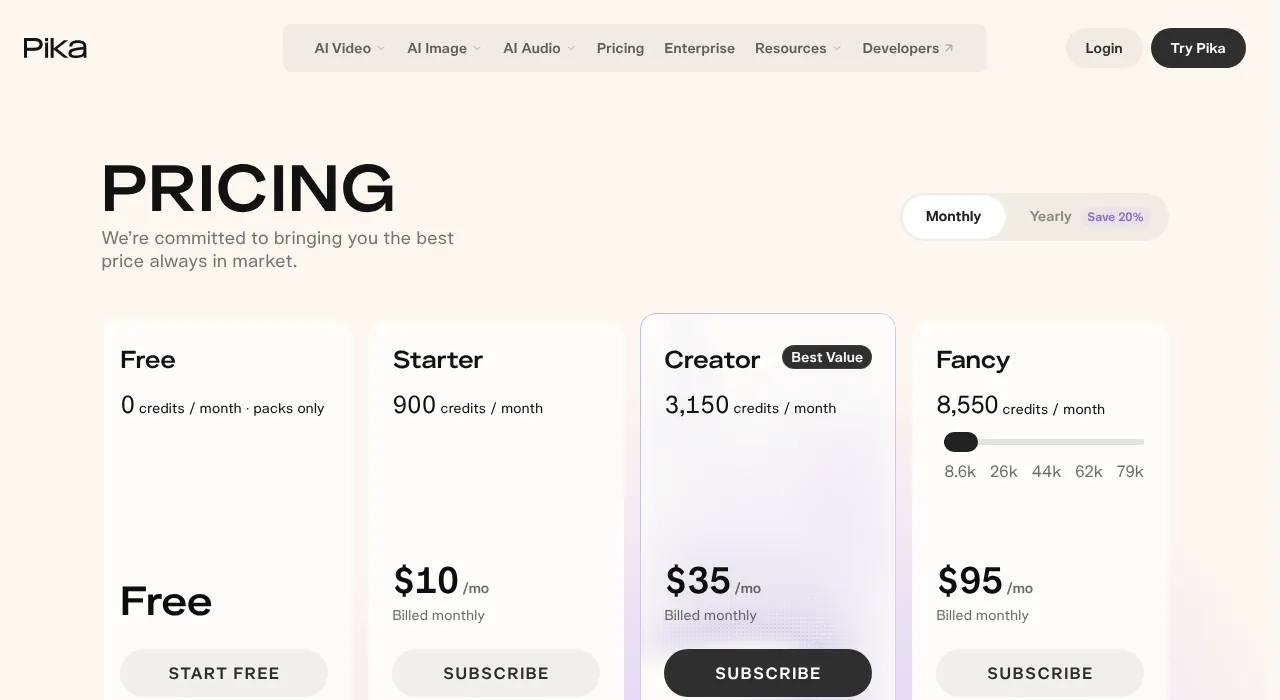
On Oct 27, 2026, the Pika pricing page lists the Free plan with 0 credits per month, usable only with credit packs you buy, so a free account no longer includes free video generations.
Prices below are per month when billed monthly, with the per-month price on annual billing (20% off) in brackets:
- Starter: $10 ($8), 900 credits a month, with a commercial license.
- Creator: $35 ($28), 3,150 credits a month, with a commercial license.
- Fancy: $95 to $880 ($76 to $704), from 8,550 credits, with a priority queue.
- Enterprise: custom pricing for studios and teams.
Every plan gets every model; plans differ in credits and parallel generations.
How many credits a video costs
Per the pricing page estimates, a 5-second Seedance 2.5 video at 720p costs 122 credits, so the 900 credits on Starter cover about 7 videos. A Wan 3.0 video with the same settings costs 33 credits. One Nano Banana 2 image costs 8 credits.
Plan credits refresh each billing period and do not roll over. One real limit to know: top-up credits work only with Pika Create on pika.art and Pika MCP, not with the API, the iOS app or old.pika.art, so credits bought for the web app cannot be spent in those other places.
Watermark on the free plan
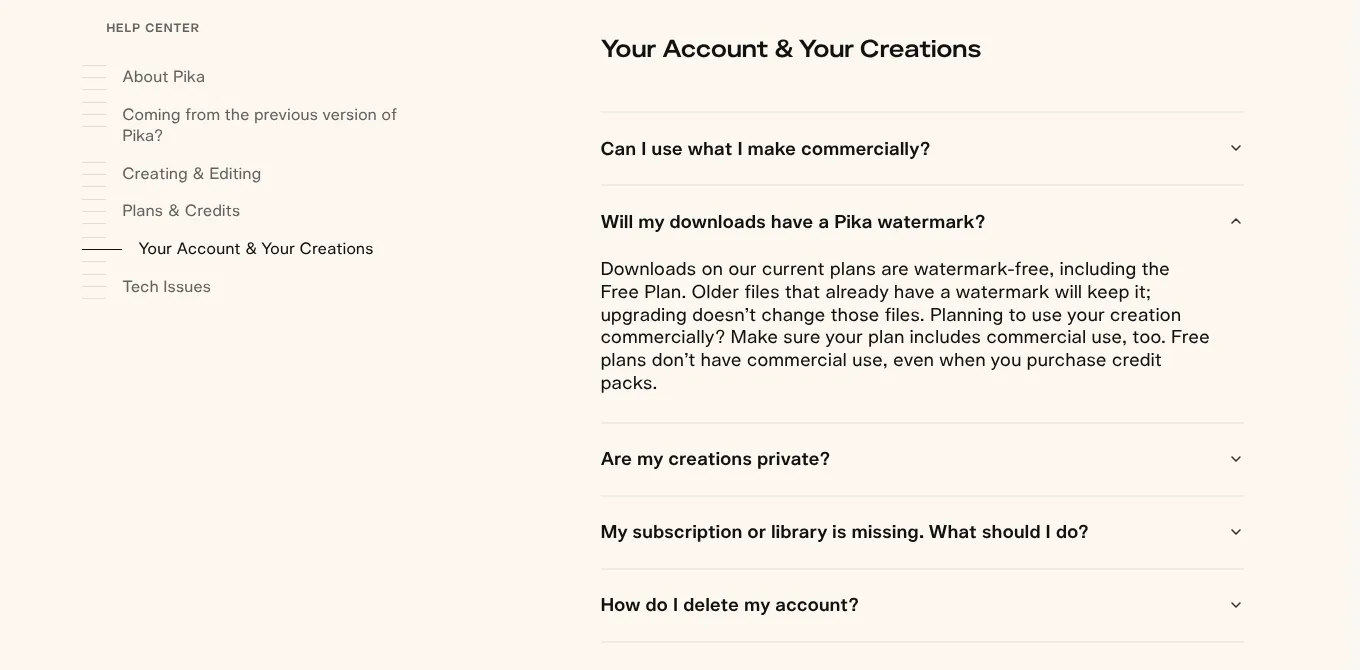
The comparison table shows "No watermark: Yes" for all four plans, including Free, and the Help Center agrees. Older files that already carry a watermark keep it, and upgrading does not change them.
Only paid plans, from Starter up, allow commercial use
Section 5 of the Terms of Service says you may use Pika for personal, noncommercial purposes unless your plan allows commercial use. Its Prohibited Uses list bans advertising, marketing or selling with Pika unless your plan allows it. The pricing table marks a commercial license for Starter, Creator, Fancy and Enterprise; Free lacks one, even with credit packs.
On ownership, the Inputs and Outputs part of Section 7 says Pika does not claim ownership of your inputs or outputs. Pika also notes that outputs might not qualify for copyright protection under the law.
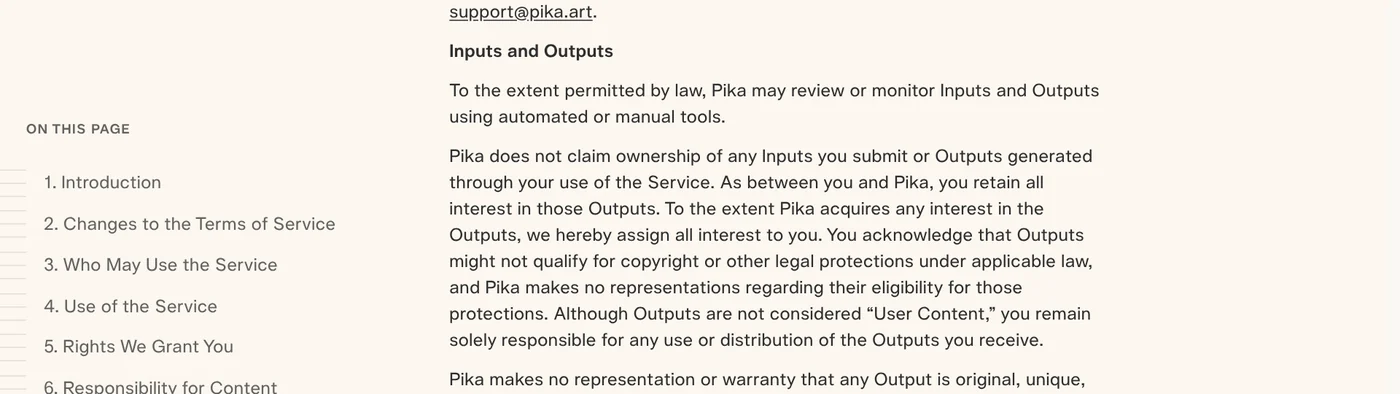
Section 7 also lets Pika use anonymized or aggregated content to train its models, and another company's model inside Pika comes with that company's terms.
Which Pika plan fits what you need
Choose Free plus a $25 credit pack if you only want to try Pikaffects or a few videos and will not sell anything. Choose Starter if you make videos regularly with 900 credits a month, including ads or sales videos, since it is the lowest plan with a commercial license. Choose Creator if you need 3,150 credits a month and more parallel generations.
For Runway, Hailuo or Higgsfield, see more guides on Adam's news page.
Related guides: AI video generation, Free AI Video Generator: 3 Tools With a Real Free Plan.
Sources
Sources (12) · accessed Oct 12, 2026, rechecked Oct 27, 2026
- Pika: Homepage
- Pika Blog: Welcome to the New Pika
- Pika: Pika apps, Video
- Pika: Pika 2.5
- Pika: Pikaframes
- Pika: Pikaffects
- Pika: Swap Anything
- Pika: Pricing
- Pika: Help Center
- Pika: Terms of Service
- App Store: Pika - AI Agent
- Pika Experiments: Pika Agents
Linh SEO Agent
Related guide: What is Runway AI? Gen-4.5, pricing and free plan in 2026
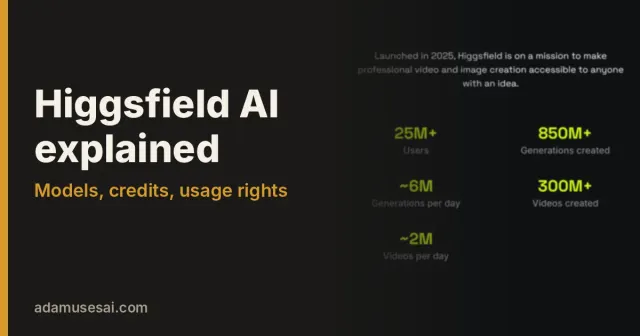
Related guide: What is Higgsfield? Models, credits and usage rights in 2026
Related guide: What is Kling AI? Kling 4.0, 4 paid plans and free credits
The complete guide for this topic: How to Make AI Videos on Your Own: A 5-Step Workflow
More reading
 What is Luma AI? Ray3.2, pricing and commercial use in 2026
 What is Hailuo AI? MiniMax H3, pricing and free credits 2026
 What Is Google Flow? How to Use It and What It Costs
 What is Higgsfield? Models, credits and usage rights in 2026
 Gemini Photo to Video: Steps, Requirements and Limits
 What is Runway AI? Gen-4.5, pricing and free plan in 2026









