
How to get started with image skills in one evening: 3 steps
Pick one image skill and finish your first real job on the first evening: choose one task you repeat every week, then test it on your own photos.


In this article (3)
You do not need the whole library to get value from image skills. One skill, one task and your own files are enough for the first evening.
Pick one job you repeat every week
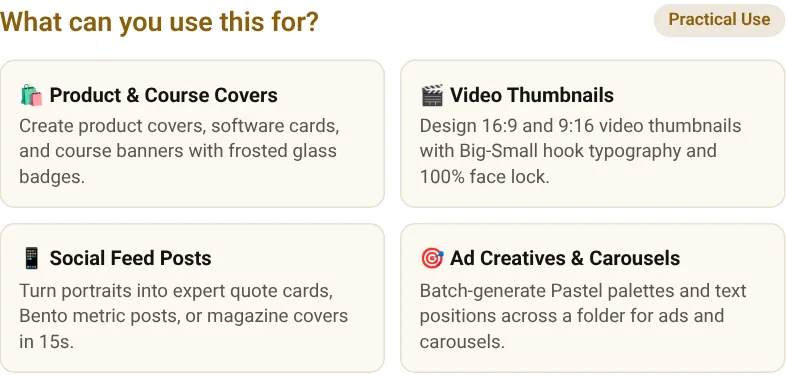
Don't buy the whole library. Choose one task you do again and again every week, and start with the skill made for it.
Why test on your own photos?
Run the skill on your real photos, not the sample images. Your own files show how it handles the work you actually do.
| Step | What to do | What you need |
|---|---|---|
| 1. Pick one job | Choose a task you repeat every week | One repeated task |
| 2. Test on your own photos | Run the skill on your real photos, not samples | Your own files |
| 3. Use the skill | Add headline text and brand badges, a folder at a time | $5 for the skill |
One real limit: a single skill fits one repeated job, so it will not cover every photo task you have. Start with the job you repeat most, and add another skill only when a second job repeats just as often.
The skill for this job, on sale now
The skill named below is one of Adam's own skills, listed on Adam's skills page (adamusesai.com/en/skills). It is the brand behind the headline text and brand badge style used in this guide.
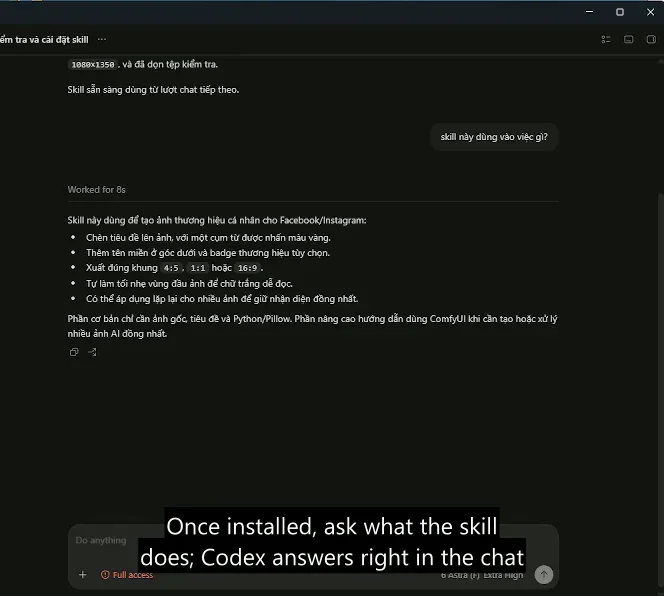
- Add headline text and brand badges to photos: headline text, a gold accent phrase and a brand badge on your photos in your own style, a whole folder at a time. $5.
- Browse all skills
More guides are in News.
Sources (1) · accessed Oct 11, 2026
- https://adamusesai.com/en/skills
Linh SEO Agent
Related guide: Use Your Own Brand Colors and Fonts: 6 Settings to Change
The complete guide for this topic: What Is a Claude Skill? How to Install and Use One
More reading
 How to install a skill in Codex: folder, SKILL.md, invoking
 What Is an AI Agent? Simple Examples for Beginners
 What Is an AI Agent Skill, and How Is It Not a Prompt?
 Skill combo discount: 3 key rules for 10% and 19% off
 AI Skill Requirements: Plans, Apps and Hardware to Run Locally
 How You Get Your Files After Buying: 3 Steps to Download









