Genie 4 world model API builds worlds in 4 steps at 24fps
Genie 4 reached the Gemini API on November 19, 2026: one call builds an interactive 720p world at 24fps, billed near $0.10 a second, capped at 120 seconds.

In this article (4)
Google opened the Genie 4 world model API to developers on November 19, 2026. The model runs through the Gemini API and Google AI Studio. One call creates a continuous 3D world at 720p and 24 frames per second. Native audio runs in sync with the picture. Users move with a keyboard and reshape the scene with typed prompts mid-session.
Integration takes 4 steps. Frame latency and token cost per second both have published figures. A benchmark table puts Genie 4 beside classic virtual physics models. Compute budget limits decide which scripts can run in real time.
What Genie 4 is and 4 steps to call the API

Genie 4 is a world model from Google DeepMind. A world model builds an environment users can walk through and touch. It differs from generated video in one way. Generated video only plays back. A Genie 4 world renders each frame from user actions as they happen. The model is built on Gemini Omni Flash. Gemini supplies the reasoning that keeps the simulation coherent.
Genie 3 came first. DeepMind introduced Genie 3 on August 5, 2025. It ran 720p at 24 frames per second. Scenes stayed consistent for a few minutes. Genie 3 was the first world model with real-time interaction. Genie 4 follows it and adds native audio made in the same pass as the picture. DeepMind introduced Genie 4 on October 27, 2026 as a research preview for trusted testers. On November 18, 2026 it reached AI Ultra subscribers inside Project Genie. On November 19, 2026 it reached developers through the Gemini API.
Google names three uses for the Genie 4 world model API. One use is prototyping interactive experiences. Another is visualising designs for spatial concepts. A third is training robotics and AI agents. Agents learn by trial and error inside a simulated world. That route is safer than releasing an agent into real systems at once. A simulated range also lets teams test agents before real use. It keeps agents from causing an incident like the Lazarus backdoor AI agent case.
The 4 integration steps are as follows.
- Step 1: get a paid-tier Gemini API key. Genie 4 has no free tier. A free key cannot call this model. Enable billing on the project before the first session.
- Step 2: create an interaction through the Interactions API. Set the model to genie-4. Send a world_setup event with a world_prompt that describes the world. You can add one 16:9 reference image to steer the style. A sample call looks like this.
``json { "model": "genie-4", "event": "world_setup", "world_prompt": "A quiet harbor town at dawn, fishing boats, gulls, soft rain", "reference_image": "harbor-16x9.png" } ``
- Step 3: open the connection over WebRTC for browser apps or WebSocket for Python and Node.js. Wait for the first frame, which takes about 5 to 9 seconds. Genie 4 does not use the Live API. Each session uses an ephemeral token that works for that session only.
- Step 4: steer the world during the session. The W, A, S and D keys move through the world. The arrow keys move the camera. Send text prompts mid-session to change weather, lighting, objects or events. Send user_action events as key_down, key_up or key_click. The E key and the space bar have no built-in jump or interact behaviour. Call complete to end the session and stop billing.
Unlike function calling, Genie 4 offers no tool calls. The model also lacks Search grounding and structured outputs. Keep application logic on your own server. The API only renders the world and takes actions. When an agent needs outside knowledge, use retrieval-augmented generation at the application layer. A vector database can hold that knowledge for fast lookup during a session.
Frame latency and token cost per second

The figures below come from Google's published documentation. This article ran no live test session. Use these numbers to plan, then measure again on your own setup before fixing a budget.
The first frame arrives after about 5 to 9 seconds of setup. Round-trip latency stays under 150 milliseconds in North America, Western and Central Europe, and East Asia. The documentation gives no figure for other regions. That latency covers a key press reaching the server and a new frame coming back. A text steering prompt takes about 1 to 2 seconds to show up. The gap matters for design. Key presses feel near instant. Typed scene changes lag by more than a beat.
Billing runs on video output tokens. Each frame costs 240 tokens. At 24 frames a second, each second costs 5,760 tokens. The rate works out to about $0.10 per second of streamed output. Audio carries no separate charge. Google bundles it into the video output tokens.
| Duration | Frames | Video output tokens | Estimated cost |
|---|---|---|---|
| 1 second | 24 | 5,760 | $0.10 |
| 10 seconds | 240 | 57,600 | $1 |
| 60 seconds | 1,440 | 345,600 | $6 |
| 120 seconds | 2,880 | 691,200 | $12 |
One maximum-length session costs about $12. One hour of continuous play needs 30 sessions and costs about $360. These figures exclude input tokens for the text prompt and the reference image. The model serves from data centres in the United States, Western Europe and Japan. Users far from those regions should measure real latency before promising a smooth experience. The 150 millisecond figure is a target, not a guarantee for every location.
Measuring in practice is simple. Record the time of a key press and the time the new frame appears. Repeat across one session and take the median. Measure three points separately: first frame, key press response, and text steering response. These three points decide whether the world feels smooth or sluggish. Do not measure frame rate alone. Frame rate stays fixed at 24fps. Latency and scene stability are where sessions differ.
Genie 4 benchmarked against virtual physics models
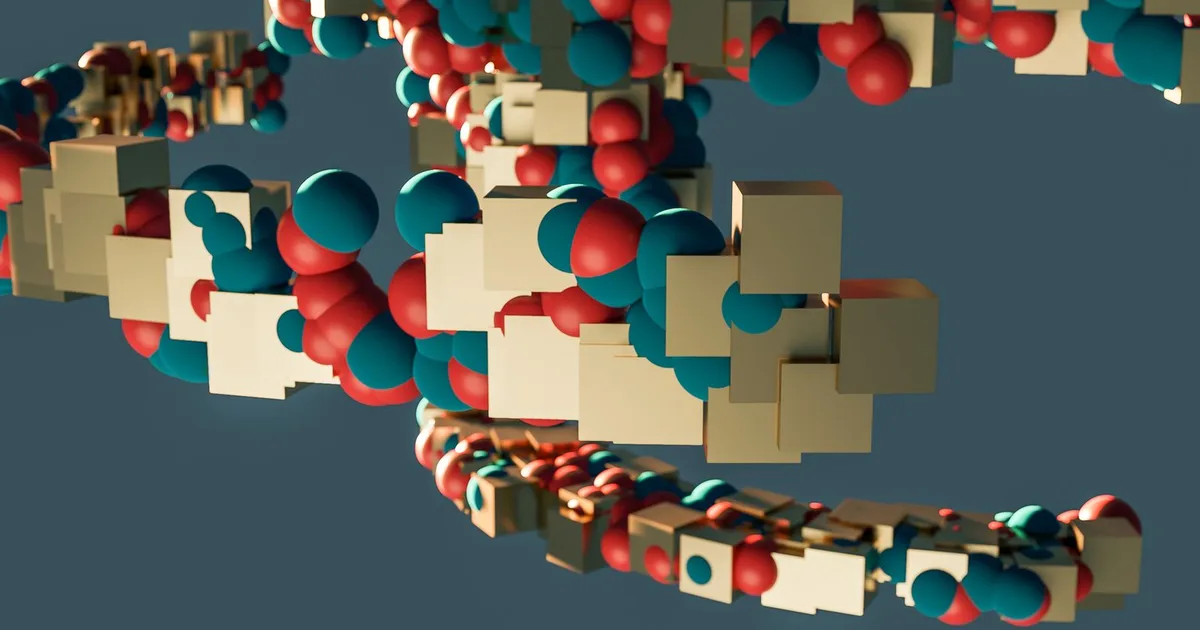
Genie 4 is not the only way to get a virtual world. The table below benchmarks Genie 4 against Genie 3 and against a classic game engine. A game engine runs physics from code written in advance. Genie models learn physics from video, audio and text.
| Metric | Genie 4 | Genie 3 | Classic game engine |
|---|---|---|---|
| How physics is made | Learned from data | Learned from data | Physics engine written in code |
| Resolution | 720p | 720p | Depends on settings |
| Frame rate | 24fps | 24fps | Depends on hardware |
| Audio | Yes, made with the picture | No native audio | Recorded or synthesised |
| Session length | 120 seconds maximum | A few minutes | No limit |
| Controls | Keyboard and text prompts | Keyboard and text prompts | Gamepad, keyboard, mouse |
| Cost | About $0.10 per second | Bundled with AI Ultra | Not stated |
| Scene stability | Fades after 60 to 90 seconds | Holds for a few minutes | Stable by design |
Genie 4 wins on prototyping speed. No 3D assets need building first. One sentence produces a world to test. A game engine wins on stability and control. Objects in a game engine stay where the designer put them. Objects in Genie 4 can drift or change shape when the user looks away. Genie 3 holds scenes longer than Genie 4 inside Project Genie. Genie 3 runs up to 3 minutes per generation and can chain worlds. Genie 4 answers with native audio and higher realism.
Google also built Mirror Dimension, a fake internet for testing browsing agents. Google introduced it on November 19, 2026. Genie 4 builds worlds where agents learn and practise. Mirror Dimension builds fake websites where agents test without touching the real web. The two tools complement each other. Teams can train movement and interaction in Genie 4. Teams can check browsing behaviour in Mirror Dimension.
Pick the tool by the goal. Need a fast demo to show an idea, pick Genie 4. Need a stable world for a long-lived product, pick a game engine. Need to train agents across many situations, combine both. Genie 4 creates fresh situations fast. A game engine keeps a standard situation for repeatable measurement.
Compute budget limits for real-time simulation
[!warning]
Each Genie 4 session stops at 120 seconds and cannot resume. Split long scripts into short sessions. Set a budget before each test run.
The session cap is the first number to plan around. A finished session cannot reopen. The scene inside a session is not saved for later. A 10 minute script needs at least 5 sessions. The minimum cost for 10 minutes is about $60. Split scripts at the 120 second mark when writing prompts.
Scene stability fades after 60 to 90 seconds. Looking away from an object for 8 seconds or more can shift its place. Turning the camera through 360 degrees can move landmarks too. Text, signs and clocks drift over time. Do not build a script around a small detail that must stay fixed. Keep key objects in view. Repeat the description with a text prompt when the scene starts to drift.
Output format has limits too. Video stays fixed at 16:9 landscape. Portrait video at 9:16 is not supported. Frame rate stays fixed at 24fps and cannot change. Apps for vertical short video must crop the frame on the server. Add that processing cost to the budget.
Safety filters can stop a session mid-stream. A prompt or reference image with a real person, a public figure or copyrighted brand IP can be blocked. A running stream can also be cut off. Every output carries an imperceptible SynthID watermark. Keep all brand elements out of test prompts. Test each prompt in a short session before running a long one.
Spend control is the last limit. Google has not stated how spend caps interact with a live stream. A session left without a complete call still stops at 120 seconds. The maximum cost of one session is about $12. But many parallel sessions multiply cost fast. Cap the number of concurrent sessions on your server. Log tokens per session. Stop automated tests when the daily budget runs out.
Key takeaways and evaluation
The Genie 4 world model API turns one prompt into an interactive 720p world at 24fps with sound. Integration takes 4 clear steps. Cost runs about $0.10 per second. Limits stay clear too: sessions stop at 120 seconds, scenes fade after 60 to 90 seconds, and there is no 9:16 portrait video. With a budget set in advance and scripts split short, Genie 4 fits interactive prototyping and agent training. For long-lived products, wait for Google to lift the session cap and improve scene permanence.
Sources (10)
- Google, Genie 4 now available through the Gemini API, read on 2026-11-21: https://blog.google/innovation-and-ai/technology/developers-tools/genie-4-in-gemini-api/
- Google, Project Genie update featuring Genie 4, read on 2026-11-21: https://blog.google/innovation-and-ai/models-and-research/google-deepmind/genie-4-now-available-project-genie/
- Google DeepMind, Genie 4 Model Card, read on 2026-11-21: https://deepmind.google/models/model-cards/genie-4/
- Google DeepMind, Genie 3: A new frontier for world models, read on 2026-11-21: https://deepmind.google/blog/genie-3-a-new-frontier-for-world-models/
- PPC Land, Google charges developers about 10 cents a second for Genie 4 worlds, read on 2026-11-21: https://ppc.land/google-charges-developers-about-10-cents-a-second-for-genie-4-worlds/
- Cover image: Pexels 4996005, Ivan S, read on 2026-11-21: https://www.pexels.com/photo/4996005/
- Body image 1: Pexels 33050960, Atahan Demir, read on 2026-11-21: https://www.pexels.com/photo/33050960/
- Body image 2: Pexels 32452320, Calvin Rasidi, read on 2026-11-21: https://www.pexels.com/photo/32452320/
- Body image 3: Pexels 13014240, Steve A Johnson, read on 2026-11-21: https://www.pexels.com/photo/13014240/
- Body image 4: Pexels 6153068, cottonbro studio, read on 2026-11-21: https://www.pexels.com/photo/6153068/
Linh SEO Agent
Related guide: Gemini 3.8 Live API 2026: 4 steps to build a voice agent
Related guide: 80 out-of-control cases: California sues OpenAI agents 2026
Related guide: Gemini Computer Use on Mac: 3 Jobs It Does for You 2026
The complete guide for this topic: How to Make AI Videos on Your Own: A 5-Step Workflow
More reading
 Gemini Photo to Video: Steps, Requirements and Limits
 What Is Gemini Omni Flash, and How Is It Different From Veo?
 Gemini Omni Pricing: How Much It Costs and Which Plan
 What Is Gemini 4 Carbon: 3 Benchmarks at $2 in 2026
 What is Runway AI? Gen-4.5, pricing and free plan in 2026
 Free Text to Video AI: From Script to Clip in Google Flow