
Facebook Ads Manager guide: setup, billing, appeals 2026
How to use Facebook Ads Manager: where to log in, the three campaign levels, six objectives, payment options, ad sizes and how to appeal a restriction.


In this article (8)
- Facebook Ads Manager is where you create, edit and measure every ad
- Where do you open Ads Manager, and what do you need first?
- Every campaign has three levels: campaign, ad set and ad
- Pick the objective by the action you want people to take
- Payment options depend on your country and currency
- Ad sizes: 4:5 for Feed, 9:16 for Stories and Reels
- Restricted account: appeal in Business Support Home
- Four common mistakes in your first weeks
Facebook Ads Manager (Meta Ads Manager) is Meta's tool for creating, editing and measuring ads on Facebook, Instagram and Messenger. You open it at facebook.com/adsmanager and click Create.
Facebook Ads Manager is where you create, edit and measure every ad
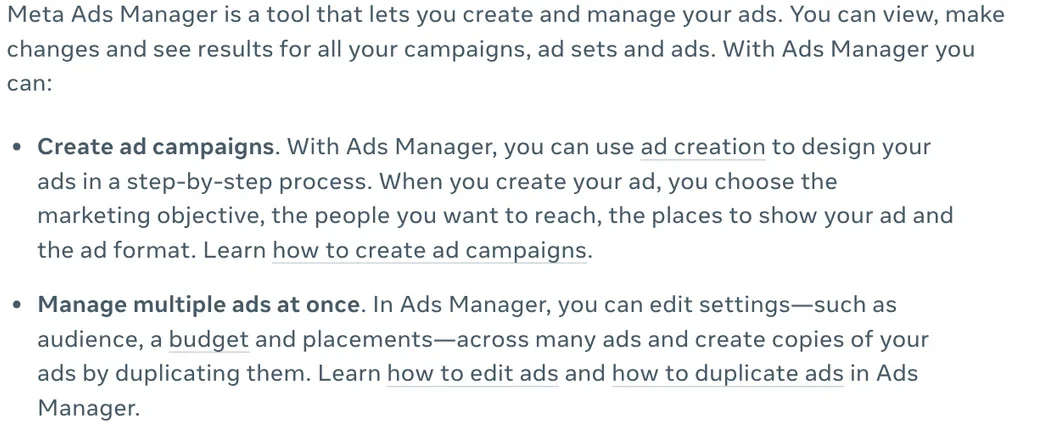
As of Oct 12, 2026, Meta's overview page lists four main jobs: create campaigns step by step, edit many ads at once, view performance reports and check your opportunity score.
Opportunity score runs from 0 to 100 and shows how optimized your campaigns are by Meta's own measure. You find it on the Campaigns tab, above the table. Treat it as a settings hint, not a promise of sales.
Where do you open Ads Manager, and what do you need first?
On a computer, open Ads Manager with your Facebook account. There is also an Ads Manager app for Android and iOS, though Meta notes that not every feature is available on mobile.
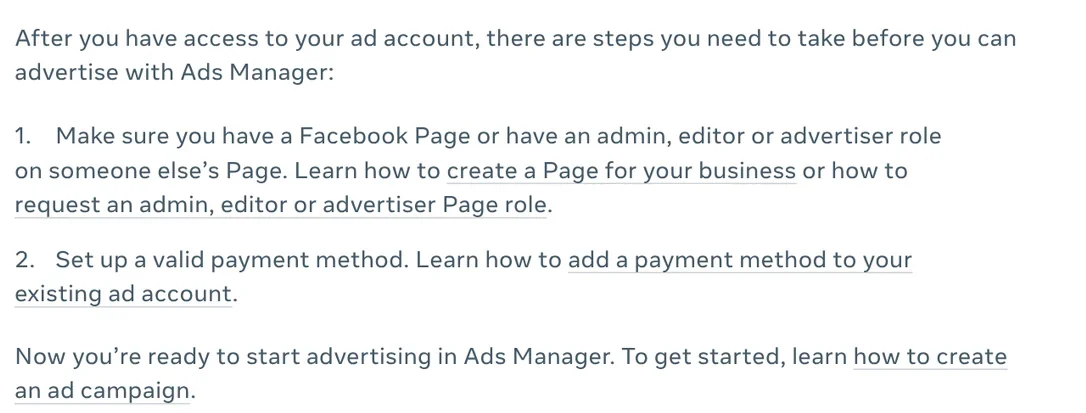
Meta's ad account setup guide says every Facebook account comes with an ad account by default. Before you can advertise, you need a Facebook Page (or an admin, editor or advertiser role on someone else's Page) and a valid payment method. You can use only one ad account ID until Meta confirms your first payment.
Every campaign has three levels: campaign, ad set and ad
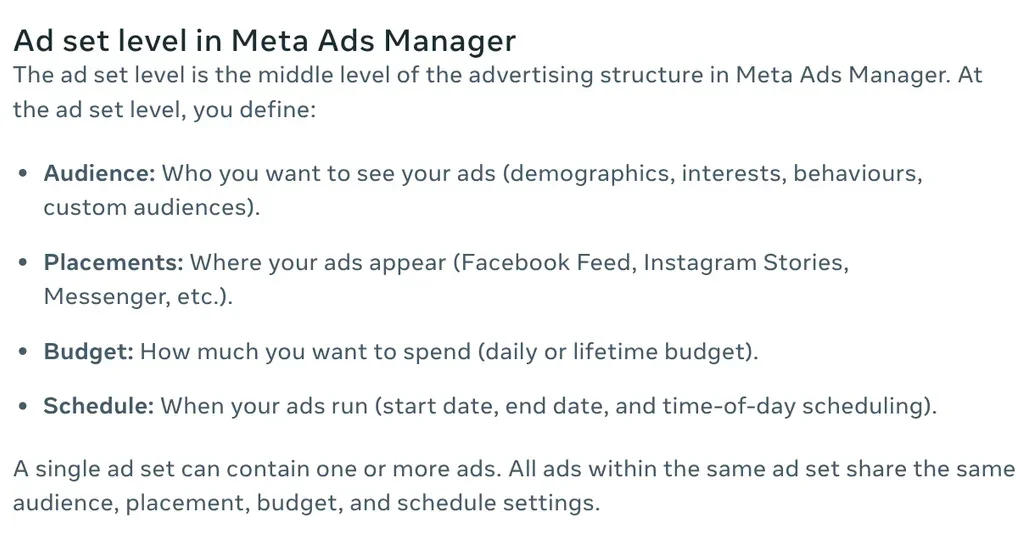
Meta's page on advertising levels breaks it down like this:
- Campaign: pick the objective and the buying type. Most advertisers use Auction.
- Ad set: pick the audience, placements, a daily or lifetime budget and the schedule.
- Ad: pick the format (single image or video, carousel, collection), the creative and the Page that represents you.
All ads inside one ad set share the same audience, placements, budget and schedule. To compare two age groups, you create two ad sets inside one campaign.
Pick the objective by the action you want people to take
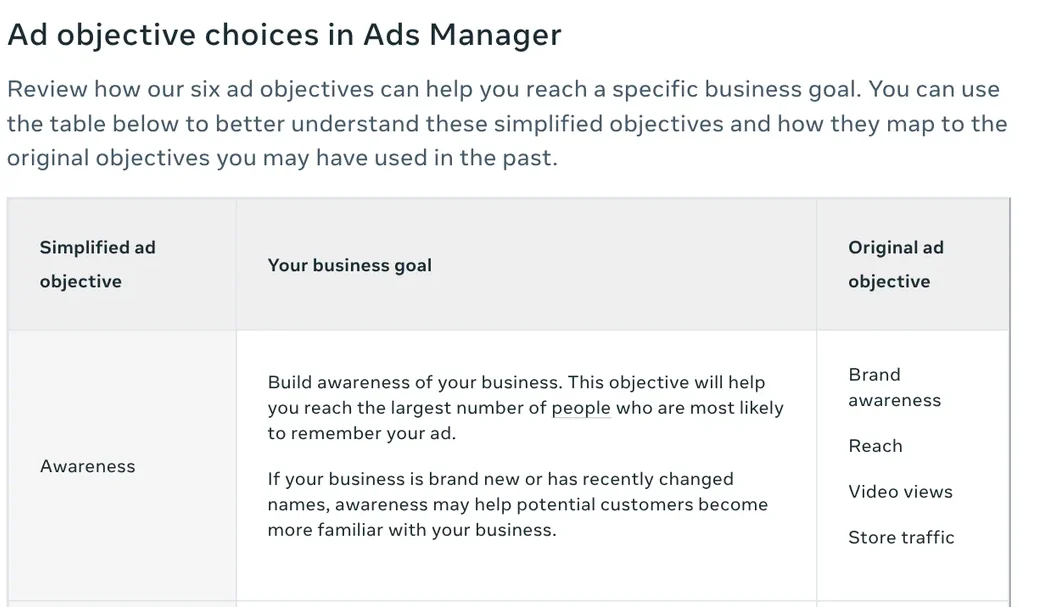
Meta's objectives page now lists six simplified objectives, which replace older ones such as Conversions or Messages:
- Awareness: reach people most likely to remember your ad.
- Traffic: send people to a website, app or Facebook Page.
- Engagement: find people likely to message you or interact with your ad.
- Leads: collect leads through messages, calls or sign-ups.
- App promotion: get people to install or use your app.
- Sales: find people likely to buy.
To rebuild an old Messages campaign, choose one of these objectives and set the conversion location to Messenger or WhatsApp.
Payment options depend on your country and currency
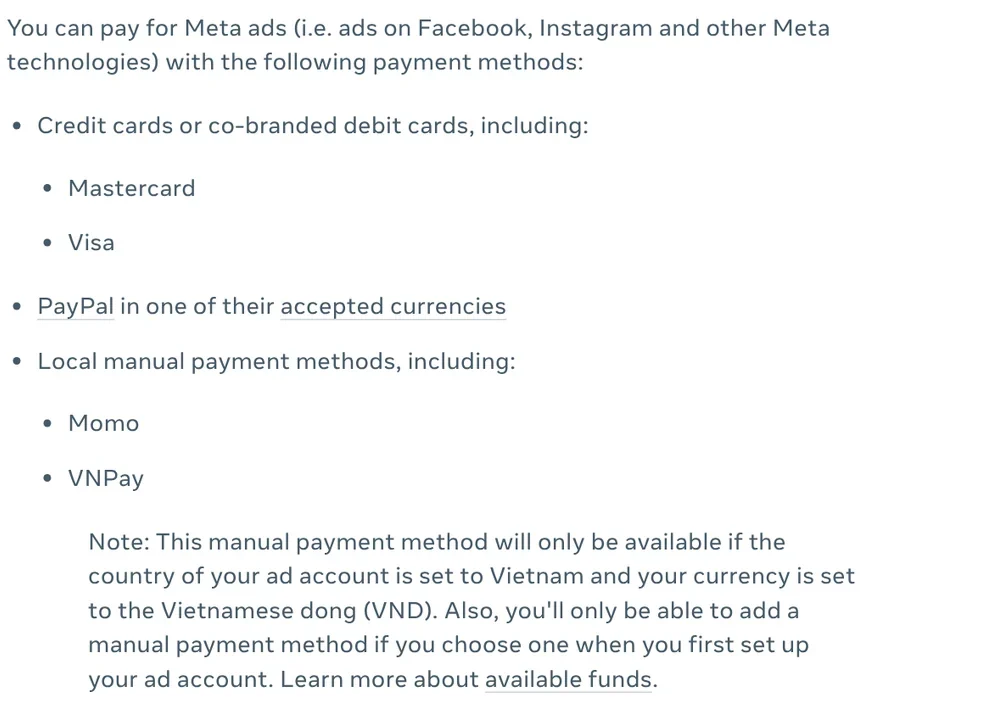
Meta's payment options page lists credit or debit cards (American Express, Discover, Mastercard, Visa, JCB), PayPal, direct debit in supported countries and local manual methods in supported countries. The exact list depends on the country and currency set on your ad account.
The method you pick for your first ad can lock in how you pay. A card (if your bank supports recurring charges) or PayPal usually sets up automatic payments. Manual methods set up prepaid funds instead. In Vietnam, for example, Meta lists Mastercard, Visa, PayPal, MoMo and VNPay, and MoMo or VNPay only work when the account is set to Vietnam and VND.
For cards, Meta's failed payment page says to enable online transactions, use a card with a CVV and make sure you can receive one-time codes. One payment method can usually be added to up to 10 ad accounts.
Ad sizes: 4:5 for Feed, 9:16 for Stories and Reels
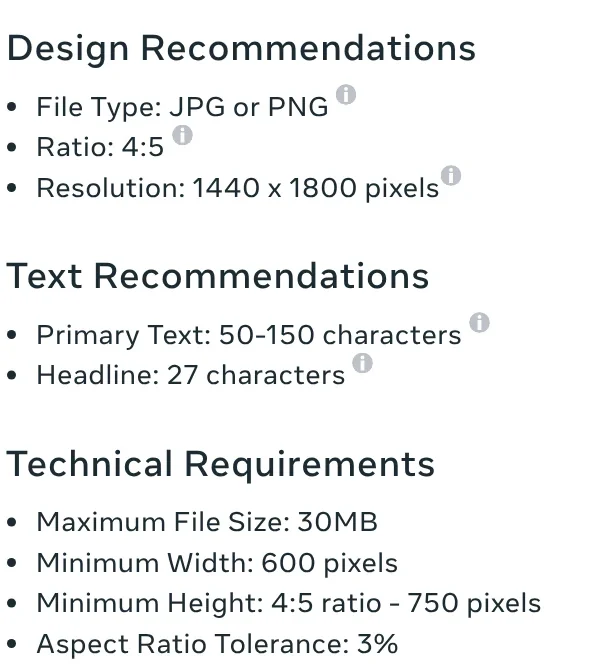
The Meta Ads Guide recommends JPG or PNG images for Facebook Feed at a 4:5 ratio and 1440 x 1800 pixels, up to 30MB. Keep primary text to 50 to 150 characters and headlines to 27 characters.
For Feed video, Meta suggests MP4 or MOV at 4:5, from 1 second to 241 minutes, up to 4GB. The aspect ratio table by placement recommends 9:16 for Stories and Reels. More guides on frame ratios for regular posts are on the news page.
Restricted account: appeal in Business Support Home
Meta's page on advertising restrictions lists the usual causes: breaking the Advertising Standards, a suspected hacked account, missing two-factor authentication or unusual payment activity. Restrictions range from a spending limit to losing the ability to advertise.
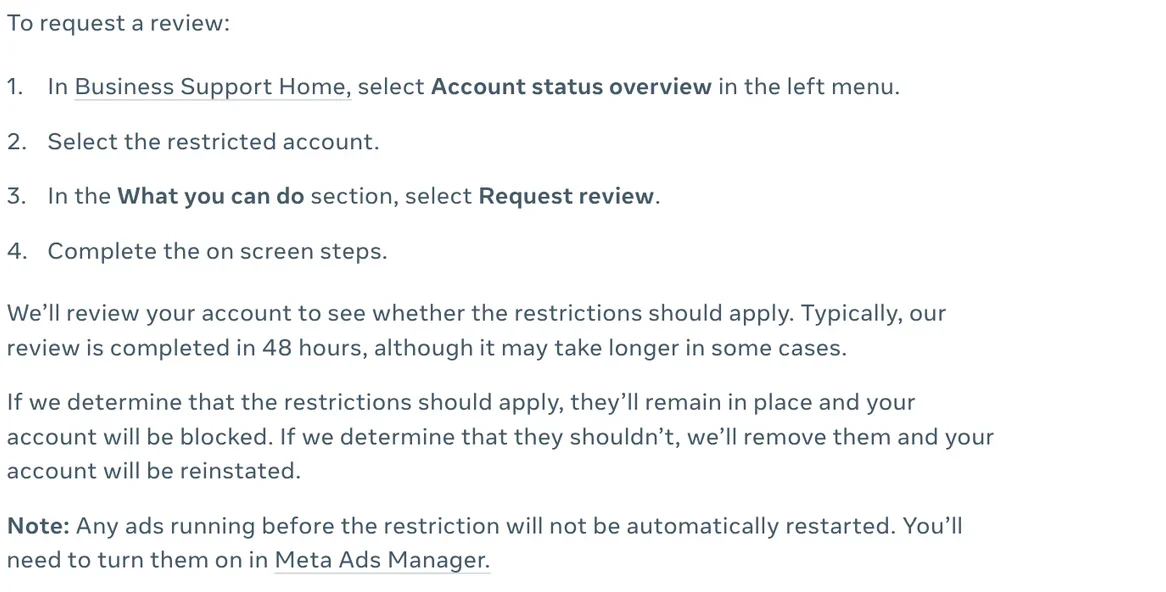
The official appeal runs through Business Support Home. Per the request a review page:
- Select Account status overview in the left menu.
- Select the restricted account.
- In What you can do, select Request review.
- Complete the on screen steps.
Meta typically finishes a review in 48 hours. You can request a review only a limited number of times, and the result is final. If the restriction is lifted, you have to turn your old ads back on yourself.
Four common mistakes in your first weeks
Ads stop after a failed payment. Meta pauses your ads and disables the account until you pay the balance in Billing & payments, with Pay now or Add funds.
You cannot add a local manual method later. Meta only lets you add one if you chose a manual method when you first set up the ad account.
There is no Request review button. Only an admin on the account can request a review.
You leave a disabled account for too long. If it stays ineligible for 6 months, Meta says unused prepaid funds may be lost and the account cannot be restored.
Ads Manager does not guarantee sales. The part you control is clear creative.
Related guides: AI for online sellers, How to Make Video Ads With AI for a Small Product.
Sources (11) · accessed Oct 12, 2026
- Meta: About Meta Ads Manager
- Meta: Create an ad account
- Meta: Advertising levels in Ads Manager
- Meta: Choose the right ad objective
- Meta: Accepted payment options
- Meta: Troubleshoot a failed payment
- Meta Ads Guide: image, video
- Meta: Supported aspect ratios by placement
- Meta: About advertising restrictions
- Meta: Request a review
- Meta: Troubleshoot a disabled or restricted account
Linh SEO Agent
Related guide: What is WhatsApp Official Account? Prices and setup in 2026
Related guide: How to combine photos: 4 steps on iPhone, Android and PC
The complete guide for this topic: AI for Online Sellers: 5 Jobs to Hand Off to AI
More reading
 How to Make Video Ads With AI for a Small Product
 Free AI Video Ad Maker: The Real Limits to Know
 TikTok Shop Seller Center: 2026 sign-up, fees and listings
 How to Make a Product Video With AI: a 30-Second Script
 GPT-6 Cyber found 948 Linux flaws: 4 things to know
 No Promise of Sales Results: 3 Rules Before You Buy









