
Upscale photos without losing sharpness
Upscale small or noisy photos into large sharp files, ready to print.
What can you use this for?
Practical UseReal run video
- 4x Upscaling with Zero Pixelation (2160×2700 px): Transforms compressed smartphone photos into massive high-res files, ready for large-format print and 4K displays.
- Compression Artifact Removal & Edge Recovery: Eliminates JPEG blocking and ringing artifacts around text, logos, and textiles using advanced image reconstruction.
- Optimized Local Execution with Zero Cloud Fees: Runs 100% locally on CPU/GPU (supports Windows & Apple Silicon) with total privacy and zero monthly API costs.
Original vs Actual Result (Before / After)
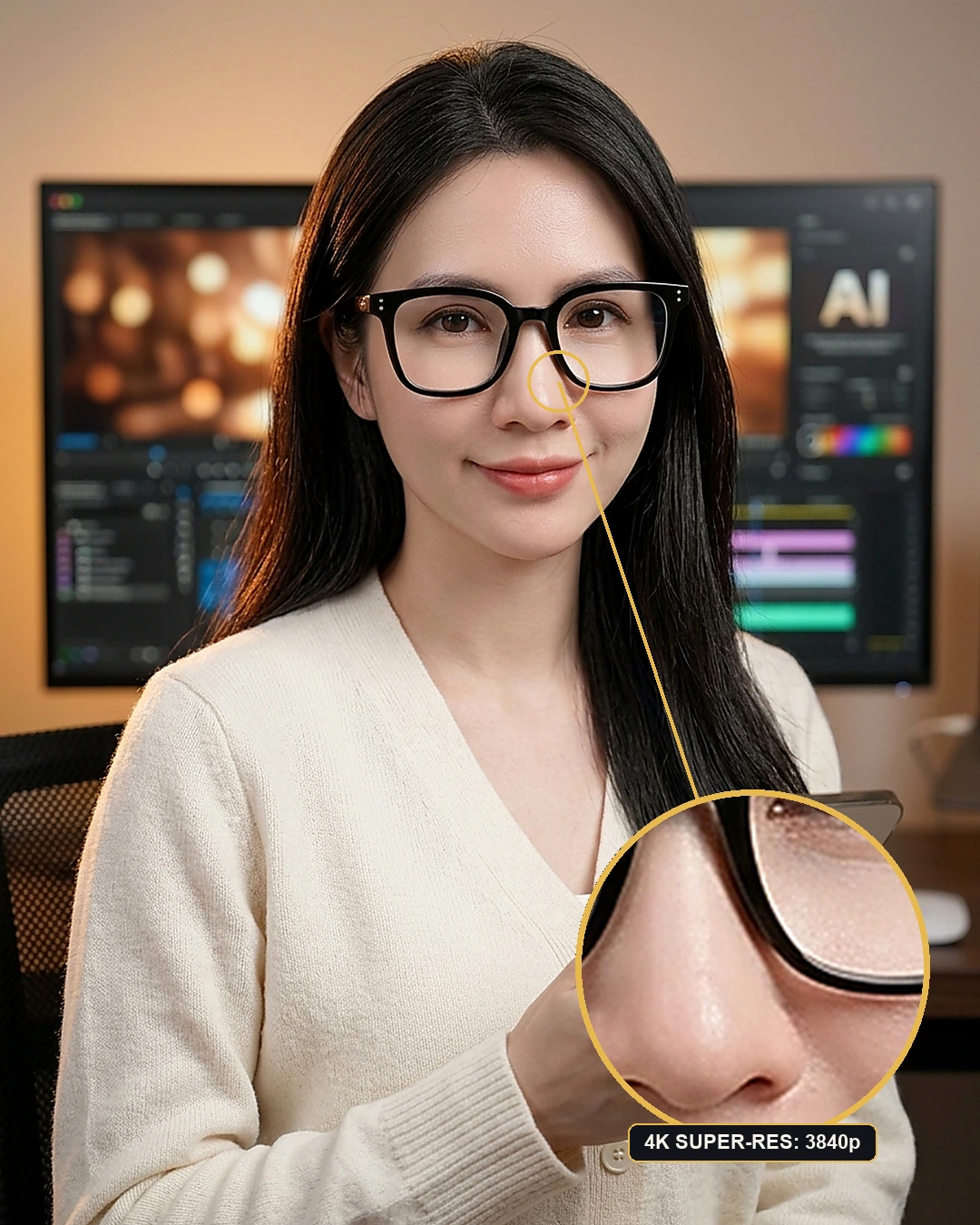
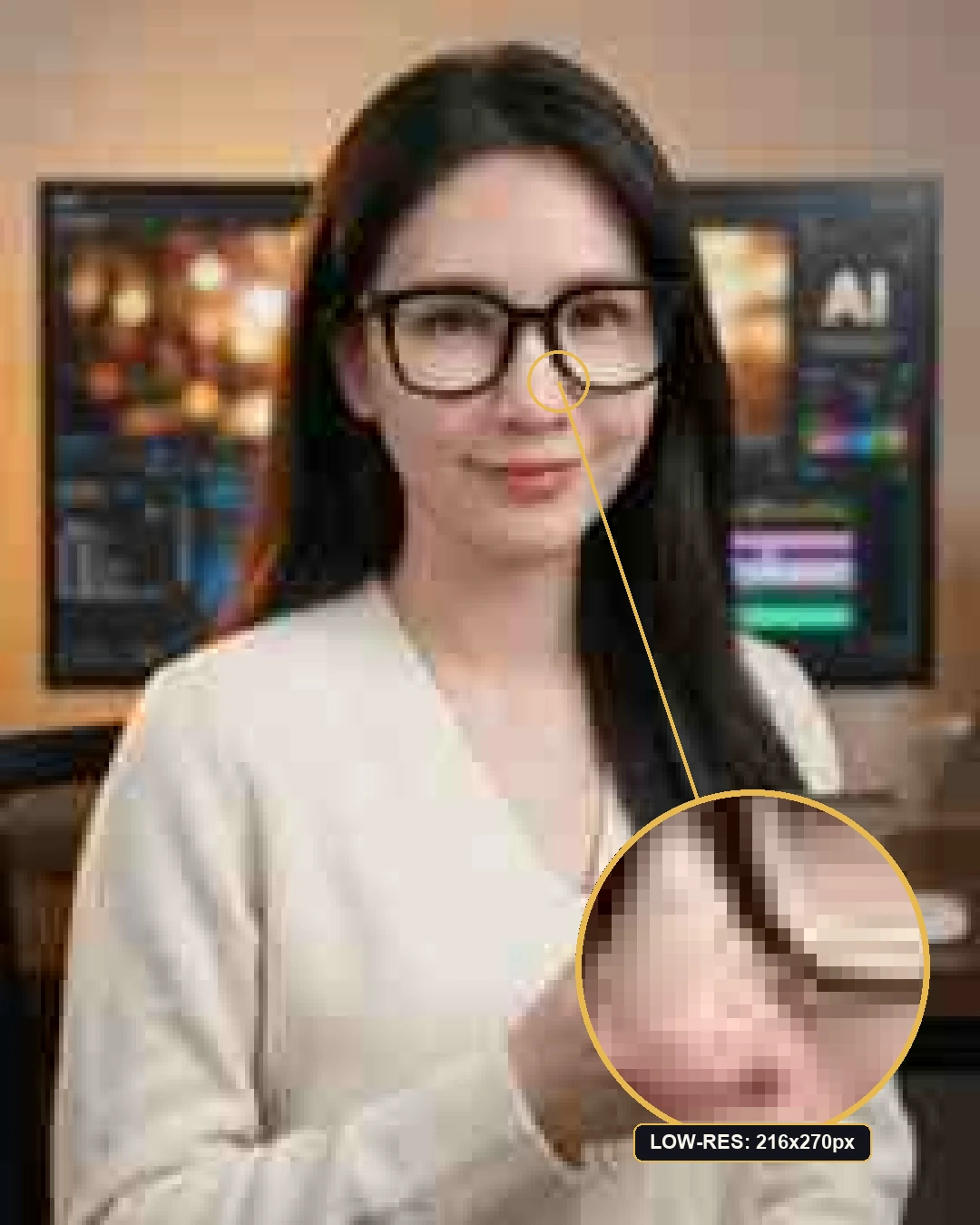
Drag the slider left and right to inspect details: left is the 540×675 low-res blurry original, right is the actual output from scripts/upscale_image.py with 4x Super-Resolution to 2160×2700, crisp edge recovery, and sharp details.
↔ Slider at 50% · Drag left or right to inspect every pixel.
4x Super-Resolution — recovering crisp details for 300 DPI printing
- 01 · 4x Upscaling with Zero Pixelation (2160×2700 px)Transforms compressed smartphone photos into massive high-res files, ready for large-format print and 4K displays.
- 02 · Compression Artifact Removal & Edge RecoveryEliminates JPEG blocking and ringing artifacts around text, logos, and textiles using advanced image reconstruction.
- 03 · Optimized Local Execution with Zero Cloud FeesRuns 100% locally on CPU/GPU (supports Windows & Apple Silicon) with total privacy and zero monthly API costs.
What it does & Key differentiators
Upscale small or noisy photos into large sharp files, ready to print.
7-Day Buyer Protection & Refund Guarantee
Automated delivery with transparent refund protection and direct technical support:
- Refund requests within 7 days of purchase, when meeting the following conditions:
- File not delivered yet: 100% refund.
- File does not run: 100% refund or hands-on help to make it run.
- File delivered and running correctly: no refund.
- Refund approved: the money is back in your account within 15 days.
- ✓Runs through the AI agent on your computer; input and output files stay on your machine.
- ✓Unlimited image/video processing, zero monthly subscription fees.
- ✓Direct 1-on-1 technical support via WhatsApp until fully working.
What you get when you buy
The AI working prompt
Paste it into ChatGPT or Gemini with your photo: it works right away, no prompt writing needed.
Runs on your own machine
Requires a discrete GPU (NVIDIA or AMD) or Apple Silicon: that is Upscayl's own requirement, stated up front so you do not buy the wrong thing.
The fixes for common errors
The errors that actually came up while doing this, and how to fix them, the part free guides almost never include.
A local install for heavier work
The app ships a Batch Upscayl mode for processing many images.
What is in the package
- SKILL.mdAI Agent skill file: analyzes scaling factor, coordinates Multistage Lanczos and 4K edge reconstruction pipeline.
- scripts/upscale_image.pyOffline Super-Resolution Python engine running on CPU, supports custom scale (--scale) or target width 3840px (--target-width).
- HUONG-DAN.md & huong-dan-khach-hang.htmlBilingual visual guide explaining --scale, --target-width, --sharpness parameters, and batch folder workflows.
- anh-truoc-sau/Sample before & after reference photos to verify detail recovery and edge sharpness immediately after unzipping.
Inside the method file
- Upscale images by 2x, 4x, or to 4K UHD standard (3840px) ready for large poster printing, ad banners, and e-commerce.
- Multistage Lanczos pipeline with multistage denoising eliminates pixelation and blocky noise artifacts.
- Adaptive Unsharp Masking dynamically calculates sharpening radius based on target resolution for crisp facial and fabric details.
- Batch folder processing (--input-dir, --output-dir) with reliable memory management and zero out-of-memory crashes.
Included Guide & Support
Step-by-step guide with ready-to-use prompts for your AI Agent or local CLI. Included as HUONG-DAN.md and visual HTML guide inside the .zip package.

Direct technical support · WhatsApp 84813967222
Or tap here to open WhatsApp→✓ After buying you are invited to the shared support group for Q&A and updates.
Practical Comparison
| By hand | Standard resizing introduces pixelation, jagged edges, and severe blur |
| Outsourcing | Costly professional studio reshoots just for higher-resolution assets |
| Dùng Skill AI | 4x AI super-resolution restores fine edge details and achieves 300 DPI print-ready quality locally |
Which open-source software it builds on
- Upscayl49,254 GitHub stars · licence AGPL-3.0
We do not sell free open-source software. What you pay for is the engineered AI workflow, templates, and guide. See open-source credits.
Ready to automate image workflows on your machine?
100% face lock, unlimited repeats, produce hundreds of images daily.