

🛡️ 7-Day Refund GuaranteeInstant delivery after payment
Automated Zoom Meeting & Video Editor
Clean up raw Zoom recordings, remove silences, and generate executive highlight summaries.
⚡ ONE-TIME PURCHASE · INSTANT ZIP DOWNLOAD
$5.00
01Enter name & phone
02Scan pre-filled QR
03Instant .zip + Email copy
What can you use this for?
Practical Use✂️ Audio Denoise & Dead-Air Removal (>2s)Automatically purges technical hiccups, 'can you hear me' checks, and dead silences >2s.
📚 Multi-Part Course Series StructuringSegments long webinars into structured 16:9 modular lessons with smooth flashback bridge sequences.
📝 Auto-Generated Titles, Outlines & ChaptersExtracts lesson titles, comprehensive markdown summaries, and YouTube-ready timestamps from transcripts.
❤️ Preserves Genuine Authentic MomentsSmart 4-category classification preserves laughter, genuine empathy, and relatable student interactions.
Real run video
▶ REAL SCREEN RECORDINGReal run: Automated Zoom Video Editor — Glitch Purge, Modular Structuring & Chaptering⏱ 0:12 long (1280×720 · 24fps), with English UI & step-by-step walkthrough subtitles.
Live walkthrough of executing edit-video-zoom: run the automated pipeline on raw source input, compare Before / After with the interactive split-screen slider, and verify details at 200% optical zoom.
Three steps to run it like in the video:
- Surgical Removal of Dead Air & Technical Hiccups: Eliminates audio check delays, screen-sharing pauses, and repetitive stumbles for rapid lecture delivery.
- Semantic Boundary Course Segmentation: Divides long sessions along natural semantic boundaries, linking lessons with native footage flashback teasers.
- Comprehensive Markdown Outlines & Timestamps: Outputs ready-to-paste markdown overviews and YouTube-compatible chapter timestamps per episode.
How to install into AI Agent / PC: download the .zip, extract it, open the guide inside, or attach the .zip in your AI chat (Codex, Claude, Cursor, ChatGPT...) and ask “check and install this skill for me”, or run directly via command line on your machine. (See HUONG-DAN.md or HTML guide included in .zip)
Download the ZIP package and test-run now:
Original vs Actual Result (Before / After)
Transforms multi-hour Zoom recordings into modular course series: AI parses full transcripts, purges silences and tech glitches, preserves authentic emotional anecdotes, splits into cohesive 16:9 modules, and auto-generates chapter bookmarks.
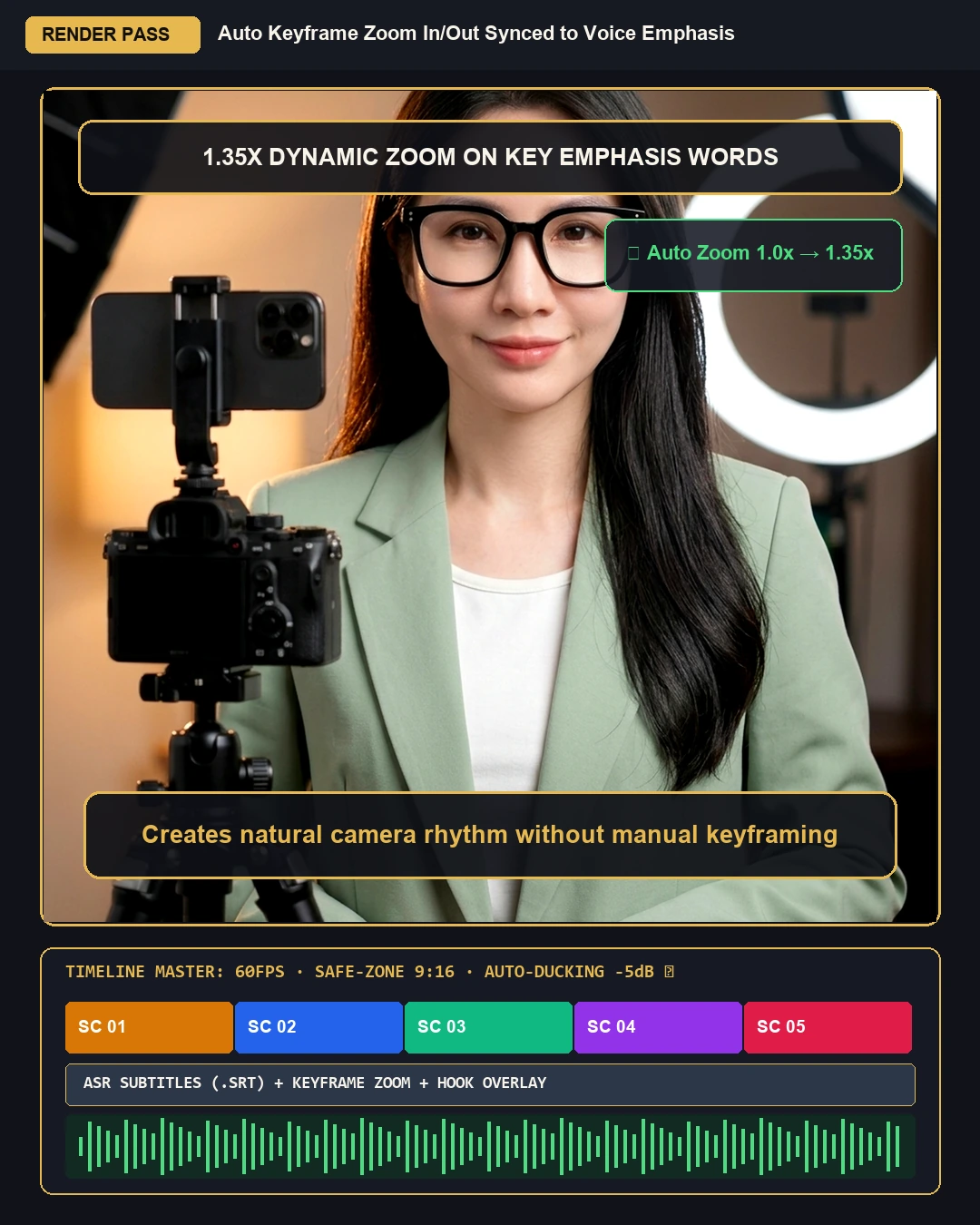
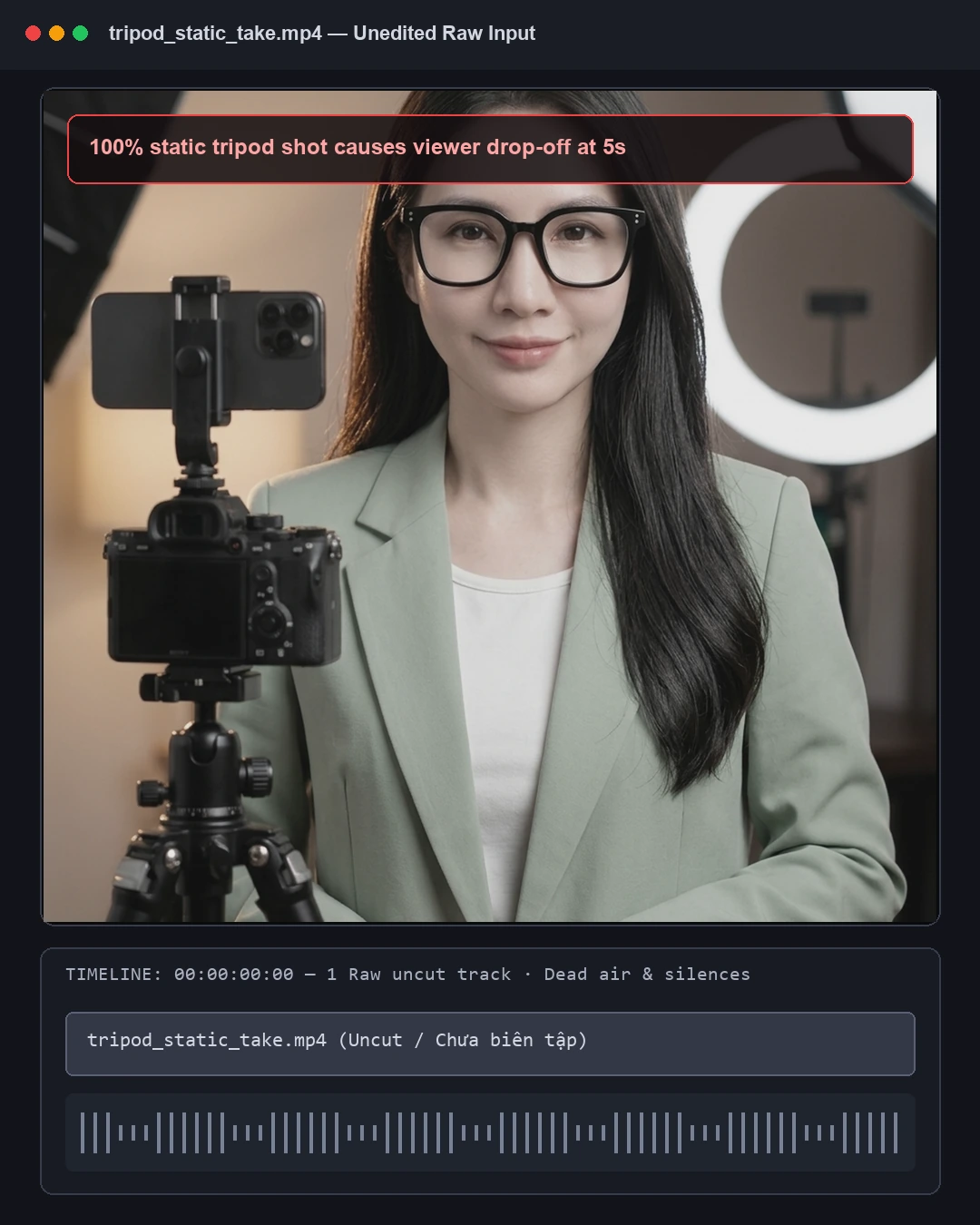
↔
Before (Original)After (Processed)↔ Slider at 50% · Drag left or right to inspect every pixel.
BEFORE & AFTER BREAKDOWN
Automated Zoom Video Editor — Glitch Purge, Modular Structuring & Chaptering
- 01 · Surgical Removal of Dead Air & Technical HiccupsEliminates audio check delays, screen-sharing pauses, and repetitive stumbles for rapid lecture delivery.
- 02 · Semantic Boundary Course SegmentationDivides long sessions along natural semantic boundaries, linking lessons with native footage flashback teasers.
- 03 · Comprehensive Markdown Outlines & TimestampsOutputs ready-to-paste markdown overviews and YouTube-compatible chapter timestamps per episode.
Guaranteed 100% crisp results on your machine:
⚡
What it does & Key differentiators
Clean up raw Zoom recordings, remove silences, and generate executive highlight summaries.
✓ Runs 100% locally on your machine•✓ Unlimited batch processing•✓ Total privacy & offline
🛡️
7-Day Buyer Protection & Refund Guarantee
Automated delivery with transparent refund protection and direct technical support:
- Refund requests within 7 days of purchase, when meeting the following conditions:
- File not delivered yet: 100% refund.
- File does not run: 100% refund or hands-on help to make it run.
- File delivered and running correctly: no refund.
- Refund approved: the money is back in your account within 15 days.
Technical & Operating Standards
- ✓Runs through the AI agent on your computer; input and output files stay on your machine.
- ✓Unlimited image/video processing, zero monthly subscription fees.
- ✓Direct 1-on-1 technical support via WhatsApp until fully working.
Risk-free · 100% refund if not working:
Practical Comparison
| By hand | Listening through 2-3 hours of Zoom recordings, manual silence trimming, and typing timestamps takes days |
| Outsourcing | Course editors charge $100–$250 per session and frequently cut out nuanced real-world examples |
| Dùng Skill AI | AI scans transcripts, segments 5 modules, cleans technical bloat, and outputs course series in 20-40 mins |
⚡ MAXIMUM ROI · 100% PROTECTED
Ready to automate image workflows on your machine?
100% face lock, unlimited repeats, produce hundreds of images daily.